
Pricing Details
Free Tier: Get started with Vidext using the free trial available for 30 days. Pro Tier: The Pro Tier starts at $15.99 per month. Disclaimer: Please note that pricing information may not be up to date. For the most accurate and current pricing details, refer to the official Vidext website.
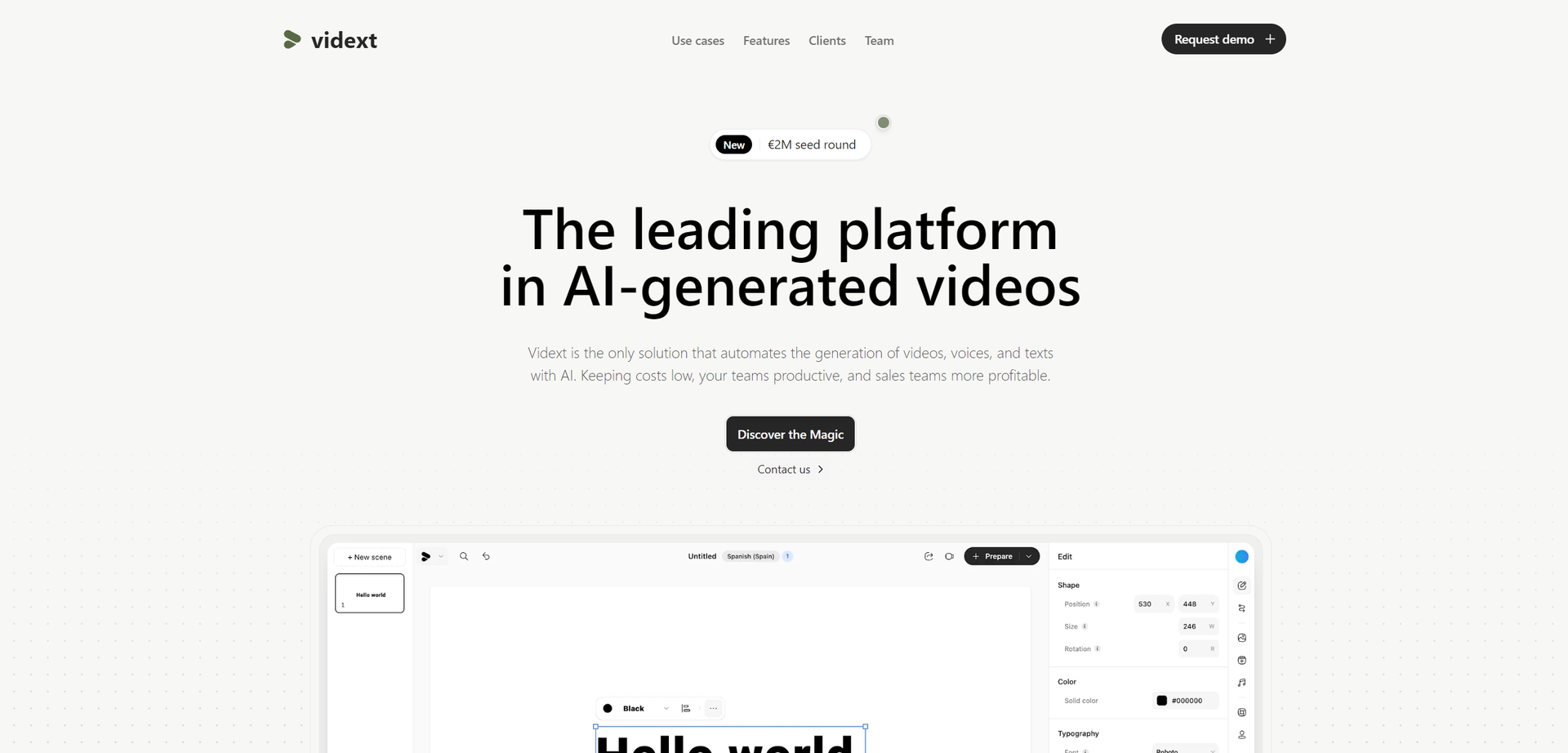
Product Visuals (1 images)
Strengths
- Time Efficiency: Reduces video editing time by up to 70%, allowing creators to focus more on content creation.
- Cost-Effective: Eliminates the need for expensive professional editing services.
- High-Quality Output: Ensures high-resolution videos with enhanced audio and visuals, thanks to its AI-driven enhancements.
- User-Friendly Interface: Designed with a straightforward interface that is easy to navigate for beginners and professionals alike.
Limitations
- Internet Dependency: Requires a stable internet connection for optimal functionality.
- Learning Curve: New users may need some time to fully utilize all advanced features.
- Limited Customization in Free Version: Advanced customization options are mostly available in paid plans.
What You Get
Key Features
- Automated Video Editing: Vidext uses AI to automate cutting, transitions, and effects, significantly speeding up the editing process.
- Collaborative Workspace: Enables multiple users to work on the same project in real-time, enhancing teamwork and productivity.
- AI-Enhanced Graphics: Integrates advanced AI algorithms to improve video quality and add creative graphics automatically.
- Customizable Templates: Offers a wide range of templates that can be customized to fit brand identity and message.
- ProsTime Efficiency: Reduces video editing time by up to 70%, allowing creators to focus more on content creation.Cost-Effective: Eliminates the need for expensive professional editing services.High-Quality Output: Ensures high-resolution videos with enhanced audio and visuals, thanks to its AI-driven enhancements.User-Friendly Interface: Designed with a straightforward interface that is easy to navigate for beginners and professionals alike.ConsInternet Dependency: Requires a stable internet connection for optimal functionality.Learning Curve: New users may need some time to fully utilize all advanced features.Limited Customization in Free Version: Advanced customization options are mostly available in paid plans.
Best For
- Content Creators: Utilizing the tool to quickly produce and publish engaging video content.
- Marketing Agencies: Employing Vidext to create promotional videos that capture audience attention.
- Educational Institutions: Leveraging the tool for creating educational and instructional videos.
- Event Organizers: Using Vidext to produce recap and promotional videos for events.
- Uncommon Use Cases: Adopted by real estate agents to create virtual tours; Used by HR teams for creating compelling recruitment videos.
Integrations
Cloud Storage Services: Easily integrates with popular cloud storage platforms like Google Drive and Dropbox for seamless workflow. Social Media Platforms: Direct integration with platforms such as YouTube, Facebook, and Instagram for easy publishing. Video Conferencing Tools: Compatible with Zoom and Microsoft Teams to directly import recorded meetings for editing. API Access: Offers API for developers to create custom integrations and enhancements.
Similar Tools



Weekly Issue
⚡
Video Editing tools · weekly digest
The AI Weekly — free in your inbox
New AI tools, pricing changes, expert picks, and hidden gems — curated by Mr. Spark every week. Join 5,000+ readers who stay ahead of the AI curve.
No spam, ever
Unsubscribe anytime
100% free