
Pricing Details
Free Tier: Experience Viggle AI with a free trial period, allowing users to explore basic features without commitment. Disclaimer: Please note that pricing information may not be up to date. For the most accurate and current pricing details, refer to the official Viggle AI website.
Product Visuals (1 images)
Strengths
- User-Friendly Interface: Viggle AI’s intuitive commands make it accessible to both beginners and experienced animators, reducing the learning curve.
- Versatile Applications: The tool is highly adaptable, catering to a wide range of use cases, from casual meme creation to professional video editing.
- Creative Community: The large user base provides inspiration and support, enhancing the creative experience with shared ideas and feedback.
- Innovative Technology: Viggle AI’s use of the JST-1 foundation model enables realistic and physics-based animations, setting it apart from simpler AI tools.
Limitations
- Limited Integration Options: Currently, Viggle AI supports only a few third-party platforms, which may limit its utility for users requiring broader integration capabilities.
- Performance on Low-End Devices: The advanced features of Viggle AI can be resource-intensive, potentially causing slower performance on older or less powerful devices.
Building your AI toolkit?
Save Viggle AI and 1,000+ tools — free with Google, no spam
What You Get
Key Features
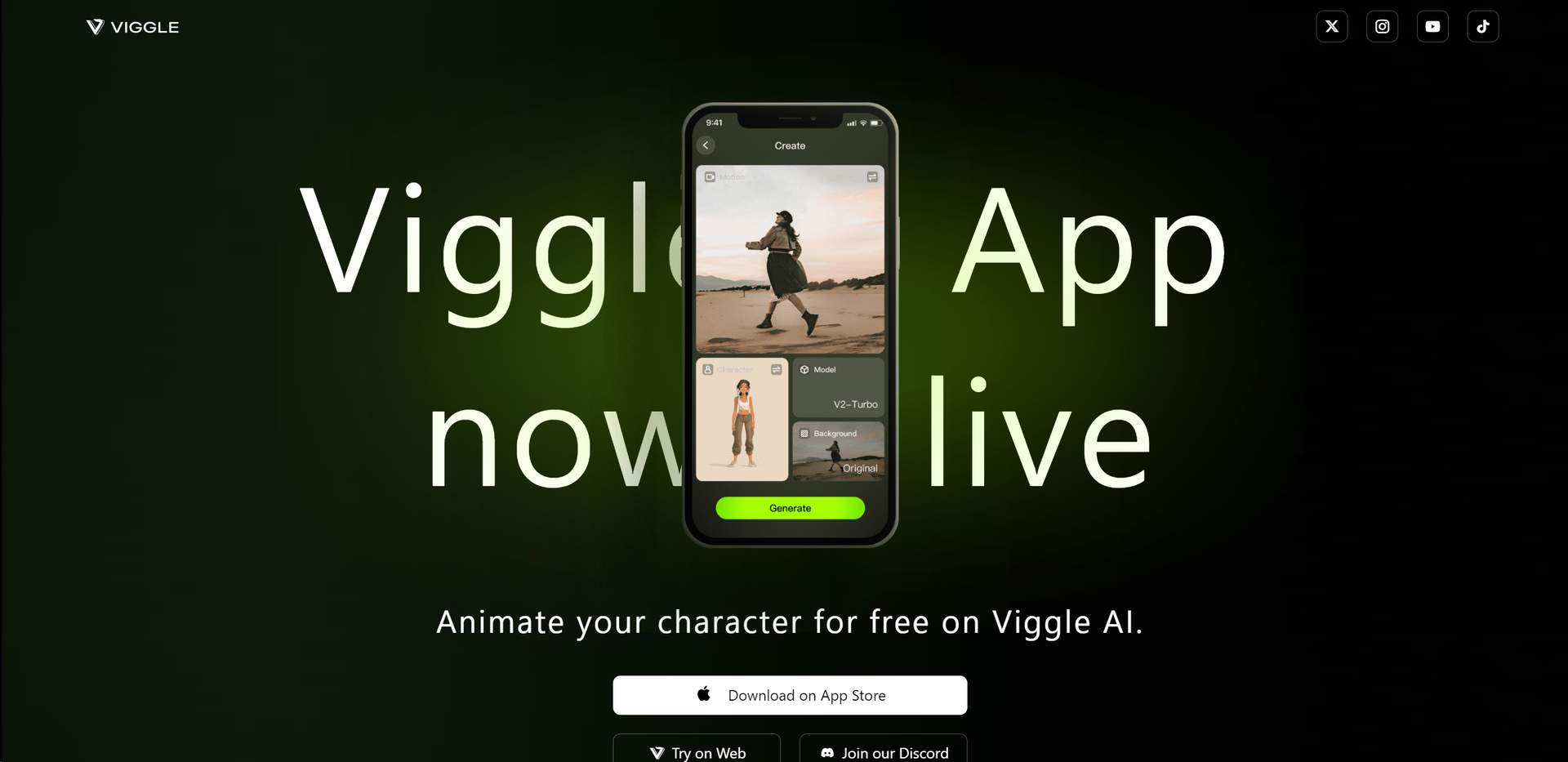
- Controllable Video Generation: Viggle AI allows users to create videos with precise motion control, enabling highly customized animations and movements for any character or image.
- Text Motion Prompts: Users can animate static characters by simply inputting a text prompt, which Viggle AI translates into fluid and realistic motion.
- Image-to-Video Conversion: With the /mix command, users can effortlessly transform a static image into a fully animated video, blending creativity with ease of use.
- Community Integration: Viggle AI fosters a creative environment with millions of members, offering a platform for sharing, learning, and collaborating on animation projects.
- ProsUser-Friendly Interface: Viggle AI’s intuitive commands make it accessible to both beginners and experienced animators, reducing the learning curve.Versatile Applications: The tool is highly adaptable, catering to a wide range of use cases, from casual meme creation to professional video editing.Creative Community: The large user base provides inspiration and support, enhancing the creative experience with shared ideas and feedback.Innovative Technology: Viggle AI’s use of the JST-1 foundation model enables realistic and physics-based animations, setting it apart from simpler AI tools.ConsLimited Integration Options: Currently, Viggle AI supports only a few third-party platforms, which may limit its utility for users requiring broader integration capabilities.Performance on Low-End Devices: The advanced features of Viggle AI can be resource-intensive, potentially causing slower performance on older or less powerful devices.
Best For
- Content Creators: Leveraging Viggle AI to create engaging video content for social media platforms and personal projects.
- Digital Artists: Using the tool to animate static illustrations and bring digital artwork to life.
- E-commerce Marketers: Enhancing product imagery with motion to attract more attention in online stores.
- Educators: Utilizing Viggle AI for interactive teaching materials, particularly in art and digital media courses.
- Uncommon Use Cases: Adopted by freelance photographers for creating animated portfolios; Employed by game developers to prototype character animations.
Similar Tools



Weekly Issue
⚡
Video Editing tools · weekly digest
The AI Weekly — free in your inbox
New AI tools, pricing changes, expert picks, and hidden gems — curated by Mr. Spark every week. Join 5,000+ readers who stay ahead of the AI curve.
No spam, ever
Unsubscribe anytime
100% free