
Pricing Details
Free Plan: Access basic Vimeo features at no cost. Pro and Business Plans: Unlock advanced features and increased storage at varying prices. Disclaimer: For the most accurate and current pricing details, please refer to the official Vimeo AI website.
Product Visuals (1 images)
Strengths
- Efficient Production: Accelerates video creation from scripting to editing phases.
- Ease of Use: Simplifies video creation for users of all skill levels through intuitive AI tools.
- High-Quality Output: Delivers professional-grade videos capable of engaging and captivating audiences.
- Convenience: Enables work from anywhere with its mobile app capabilities.
Limitations
- Learning Curve: New users may require some time to acclimate to the AI features.
- Internet Dependency: Reliance on a stable internet connection for uninterrupted use due to its online nature.
- Feature Limitations: Advanced creators might find editing features less comprehensive compared to dedicated video editing software.
What You Get
Key Features
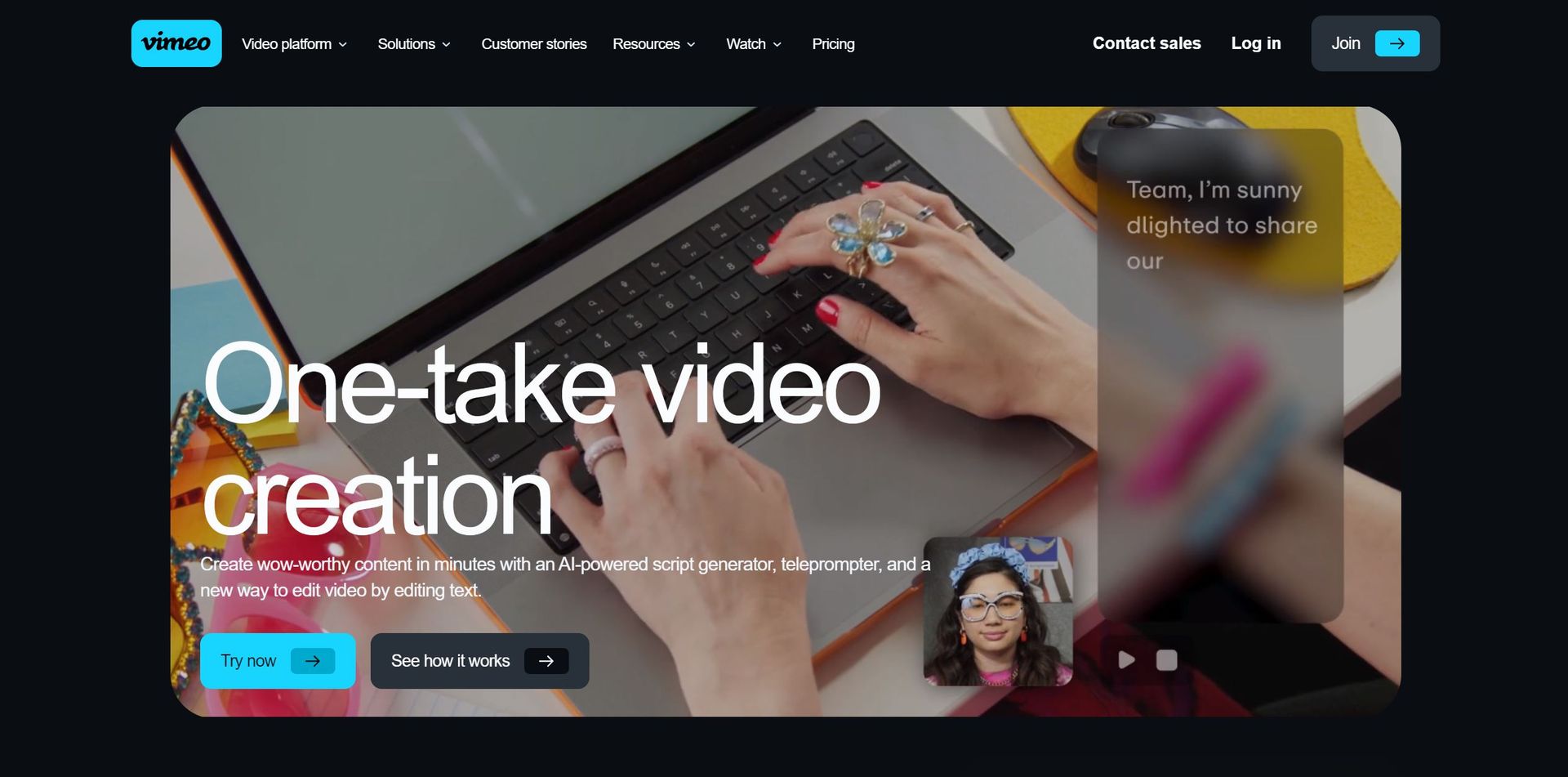
- AI Script Generator: Quickly generates video scripts based on a brief description, enhancing efficiency and creativity.
- Online Teleprompter: Provides guidance during recording, ensuring smooth delivery without the need for memorization.
- AI-Powered Editing: Identifies and facilitates the removal of filler words and pauses, alongside text-based video editing.
- Mobile App Support: Seamlessly capture and edit videos on the go using the comprehensive Vimeo mobile app.
- ProsEfficient Production: Accelerates video creation from scripting to editing phases.Ease of Use: Simplifies video creation for users of all skill levels through intuitive AI tools.High-Quality Output: Delivers professional-grade videos capable of engaging and captivating audiences.Convenience: Enables work from anywhere with its mobile app capabilities.ConsLearning Curve: New users may require some time to acclimate to the AI features.Internet Dependency: Reliance on a stable internet connection for uninterrupted use due to its online nature.Feature Limitations: Advanced creators might find editing features less comprehensive compared to dedicated video editing software.
Best For
- Content Creators: Producing high-quality videos with streamlined workflows.
- Marketing Professionals: Crafting compelling video content for campaigns and social media.
- Educators and Trainers: Enhancing online learning materials with professional videos.
- Businesses: Leveraging the tool for internal communications and promotional content.
- Uncommon Use Cases: Independent filmmakers drafting video concepts using the script generator; Non-profits creating impactful storytelling content for advocacy.
Integrations
Mobile Integration: Seamless video creation and editing across various devices via the Vimeo mobile app. Social Media Platforms: Direct sharing of videos to social media channels. Cloud Storage Services: Integration with cloud services for convenient access and storage of video content. API Access: Developers can utilize Vimeo AI's API for custom applications and workflows.
Similar Tools



Weekly Issue
⚡
Video Editing tools · weekly digest
The AI Weekly — free in your inbox
New AI tools, pricing changes, expert picks, and hidden gems — curated by Mr. Spark every week. Join 5,000+ readers who stay ahead of the AI curve.
No spam, ever
Unsubscribe anytime
100% free