
Pricing Details
Free Tier: Offers a free plan with essential features to get started on WebWave. Premium Plan: Starting at approximately $3.5 per month, providing access to advanced features and custom domain hosting. Business Plan: Available for around $5 per month, catering to users with more extensive website needs. Disclaimer: Please note that pricing information may not be up to date. For the most accurate and current pricing details, refer to the official WebWave website.
Product Visuals (1 images)
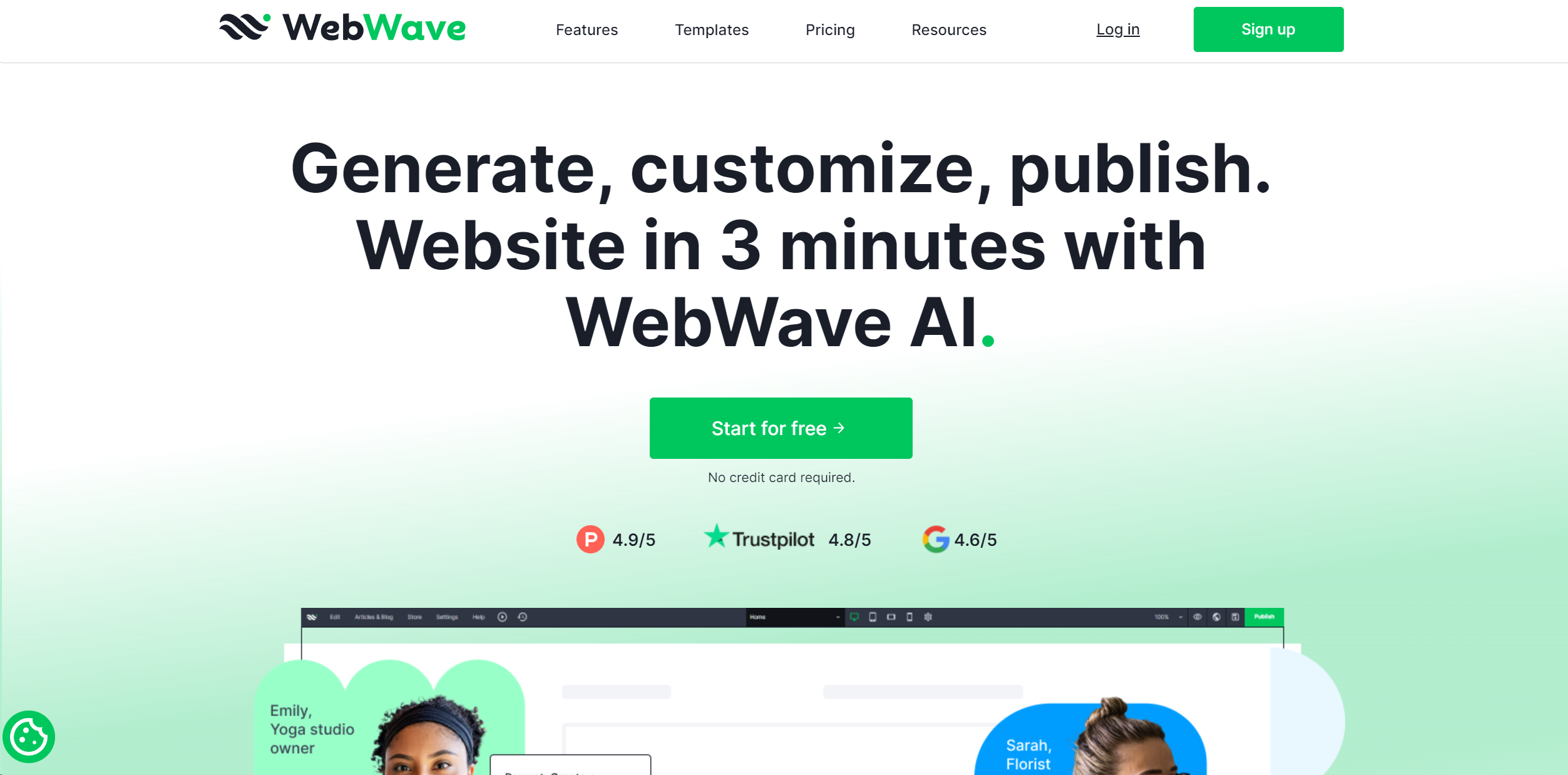
Strengths
- Unmatched Design Flexibility: Users have complete control over their website's look and feel, enabling highly personalized designs.
- Streamlined Workflow: The combination of AI and intuitive design tools significantly accelerates the website creation process.
- Comprehensive Support: Offers extensive resources and customer support to assist users at every stage of their website-building journey.
- Cost-Effective Solutions: Provides competitive pricing plans that cater to a wide range of budgets, making professional web design accessible to all.
Limitations
- Learning Curve for Beginners: While the tool is user-friendly, newcomers to web design may initially find the array of options overwhelming.
- Limited Third-Party Integrations: Currently, the platform supports a smaller selection of plugins and integrations compared to some competitors.
What You Get
Key Features
- Drag-and-Drop Editor: WebWave's intuitive interface allows users to effortlessly design websites using its drag-and-drop functionality, providing creative freedom without the complexity of coding.
- AI Design Suggestions: The tool leverages artificial intelligence to provide design suggestions and improvements, ensuring that each website is visually appealing and user-friendly.
- Responsive Design: Automatically adjusts website layouts for optimal viewing across different devices, enhancing user experience on mobile, tablet, and desktop.
- SEO Optimization Tools: Built-in SEO features help improve website visibility on search engines, driving more organic traffic to users' sites.
- ProsUnmatched Design Flexibility: Users have complete control over their website's look and feel, enabling highly personalized designs.Streamlined Workflow: The combination of AI and intuitive design tools significantly accelerates the website creation process.Comprehensive Support: Offers extensive resources and customer support to assist users at every stage of their website-building journey.Cost-Effective Solutions: Provides competitive pricing plans that cater to a wide range of budgets, making professional web design accessible to all.ConsLearning Curve for Beginners: While the tool is user-friendly, newcomers to web design may initially find the array of options overwhelming.Limited Third-Party Integrations: Currently, the platform supports a smaller selection of plugins and integrations compared to some competitors.
Best For
- Freelance Designers: Utilizing WebWave to create custom websites for clients with diverse needs.
- Small Business Owners: Employing the tool to establish and manage their online presence with ease.
- Marketing Professionals: Leveraging WebWave's SEO features to enhance digital marketing campaigns.
- Educators and Trainers: Using the platform to build educational websites and online courses.
- Uncommon Use Cases:
- Adopted by non-profit organizations to develop donation and awareness sites.
- Utilized by hobbyists to create personal project portfolios.
Similar Tools
Weekly Issue
⚡
Website Builders tools · weekly digest
The AI Weekly — free in your inbox
New AI tools, pricing changes, expert picks, and hidden gems — curated by Mr. Spark every week. Join 5,000+ readers who stay ahead of the AI curve.
No spam, ever
Unsubscribe anytime
100% free