
Pricing Details
Free Tier: Experience Wellpin with no cost, as it is freely available to all users. Disclaimer: Please note that pricing information may not be up to date. For the most accurate and current pricing details, refer to the official Wellpin website.
Product Visuals (1 images)
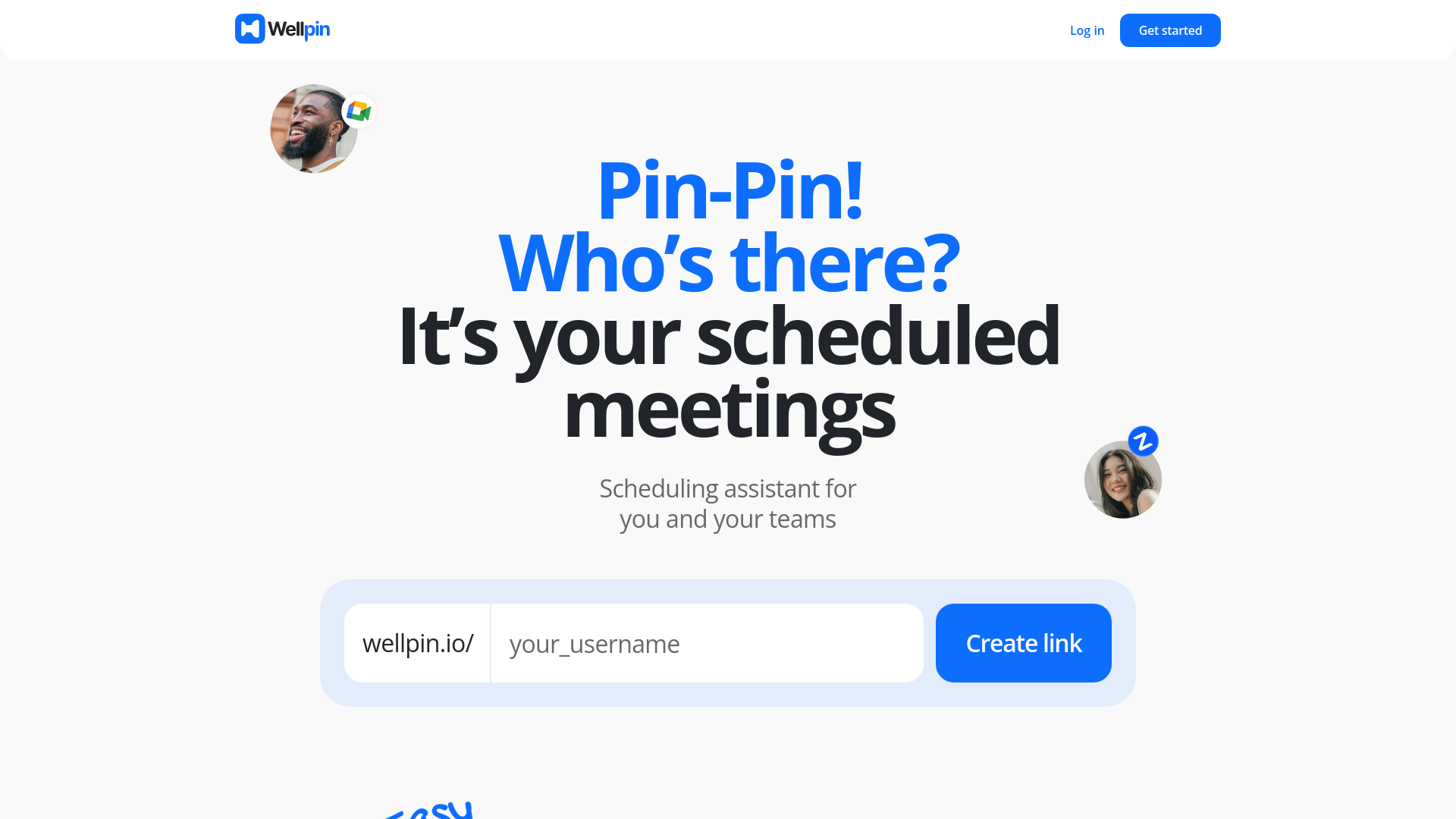
Strengths
- Time Efficiency: Significantly reduces the time spent on scheduling meetings, allowing users to focus on more critical tasks.
- Cost-Effective: Completely free to use, with no hidden fees or locked features.
- Enhanced Productivity: Facilitates better planning and coordination, leading to increased productivity for individuals and teams.
- Versatile Use Cases: Suitable for a wide range of professionals, including managers, IT specialists, educators, recruiters, and consultants.
Limitations
- Limited Customization: While functional, some users may find the customization options limited compared to premium scheduling tools.
- Initial Setup: Requires initial setup and integration with calendars, which may be cumbersome for some users.
What You Get
Key Features
- Advanced Scheduling Assistant: Utilizes AI-driven algorithms to streamline scheduling, reducing the need for back-and-forth communication.
- Calendar Integration: Syncs effortlessly with popular calendar apps like Google Calendar and video conferencing tools such as Zoom.
- User-Friendly Interface: Intuitive design allows users to set up their scheduling preferences and share meeting availability within minutes.
- Customizable Meeting Links: Create and share personalized meeting links that reflect your availability and preferred meeting durations.
- ProsTime Efficiency: Significantly reduces the time spent on scheduling meetings, allowing users to focus on more critical tasks.Cost-Effective: Completely free to use, with no hidden fees or locked features.Enhanced Productivity: Facilitates better planning and coordination, leading to increased productivity for individuals and teams.Versatile Use Cases: Suitable for a wide range of professionals, including managers, IT specialists, educators, recruiters, and consultants.ConsLimited Customization: While functional, some users may find the customization options limited compared to premium scheduling tools.Initial Setup: Requires initial setup and integration with calendars, which may be cumbersome for some users.
Best For
- Managers: Simplifying planning and accomplishing more with efficient scheduling.
- IT Specialists: Coordinating effectively with teams and managing project timelines.
- Educators: Allowing students to book lessons seamlessly.
- Recruiters: Scheduling interviews with candidates efficiently, enhancing the hiring process.
- Consultants: Streamlining scheduling to focus on delivering expert solutions.
- Uncommon Use Cases: Utilized by freelancers to manage client meetings; adopted by healthcare professionals for scheduling patient appointments.
Integrations
Google Calendar Integration: Sync Wellpin with Google Calendar for real-time availability updates. Zoom Integration: Schedule and manage Zoom meetings directly through Wellpin. Video Apps Compatibility: Connect with various video conferencing apps to streamline virtual meetings. Multi-Calendar Support: Manage multiple calendars within Wellpin for comprehensive scheduling.
Similar Tools



Weekly Issue
⚡
Personal Assistant tools · weekly digest
The AI Weekly — free in your inbox
New AI tools, pricing changes, expert picks, and hidden gems — curated by Mr. Spark every week. Join 5,000+ readers who stay ahead of the AI curve.
No spam, ever
Unsubscribe anytime
100% free