
Pricing Details
Flow Basic: $0 per month. Includes 2,000 words per week, lightning-fast voice typing, and support for 100+ languages. Flow Pro: $15 per month. Offers unlimited words, command mode for editing, and personalized writing style learning. Flow Enterprise: $24 per user per month. Features team-wide shared context, SSO/SAML support, and VIP support. Disclaimer: Please note that pricing information may not be up to date. For the most accurate and current pricing details, refer to the official Wispr Flow website.
Product Visuals (1 images)
Strengths
- Time Efficiency: Allows users to dictate and edit documents significantly faster than traditional typing, saving valuable time.
- Enhanced Accuracy: Offers high precision in voice recognition, minimizing errors and reducing the need for manual corrections.
- User-Friendly Interface: The intuitive design ensures a smooth user experience, even for those new to voice dictation.
- Versatile Usage: Compatible with various applications, making it a flexible tool for different professional and personal needs.
Limitations
- Initial Learning Curve: New users may require some time to fully adapt to the advanced features and voice commands.
- Limited Free Usage: The free tier restricts users to 2,000 words per week, which might not suffice for heavy users.
Building your AI toolkit?
Save Wispr Flow and 1,000+ tools — free with Google, no spam
What You Get
Key Features
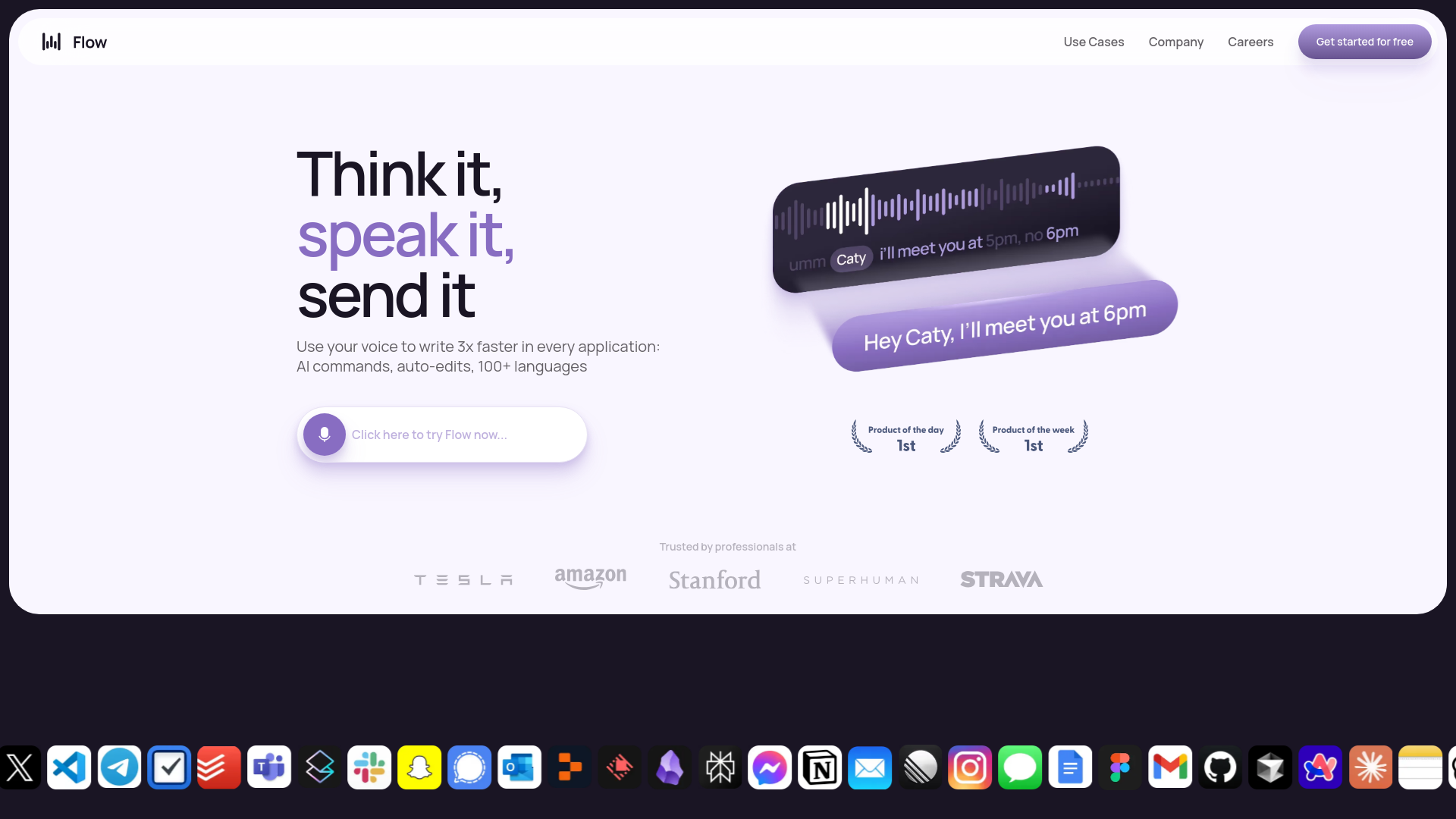
- AI Commands and Auto-Edits: Wispr Flow incorporates advanced AI-driven commands to facilitate seamless document management and auto-editing, ensuring your voice inputs are accurate and polished.
- Multi-Language Support: With support for over 100 languages, Wispr Flow caters to a global audience, making it a versatile tool for multilingual users.
- Context-Aware Voice Typing: The tool adapts to different contexts, whether you're drafting an email or coding, ensuring appropriate tone and syntax.
- Tone Match: Wispr Flow personalizes the dictation experience by adjusting to your unique voice and style, enhancing communication consistency across different platforms.
- ProsTime Efficiency: Allows users to dictate and edit documents significantly faster than traditional typing, saving valuable time.Enhanced Accuracy: Offers high precision in voice recognition, minimizing errors and reducing the need for manual corrections.User-Friendly Interface: The intuitive design ensures a smooth user experience, even for those new to voice dictation.Versatile Usage: Compatible with various applications, making it a flexible tool for different professional and personal needs.ConsInitial Learning Curve: New users may require some time to fully adapt to the advanced features and voice commands.Limited Free Usage: The free tier restricts users to 2,000 words per week, which might not suffice for heavy users.
Best For
- Writers and Authors: Utilizing Wispr Flow for drafting manuscripts and editing content more efficiently.
- Business Professionals: Employing the tool for drafting emails, reports, and presentations with ease.
- Students: Leveraging Wispr Flow to take notes and write essays quickly.
- Software Developers: Using Wispr Flow for coding and documentation purposes.
- Uncommon Use Cases: Adopted by individuals with mobility impairments for easier computer interaction; Used by language learners to practice and enhance their speaking skills.
Similar Tools



Personal Assistant tools · weekly digest
The AI Weekly — free in your inbox
New AI tools, pricing changes, expert picks, and hidden gems — curated by Mr. Spark every week. Join 5,000+ readers who stay ahead of the AI curve.