
Pricing Details
Included with Paid Plans: Zoom AI Companion is available at no additional cost for users with a paid Zoom license. Disclaimer: For the most accurate and current pricing details, refer to the official Zoom website.
Product Visuals (1 images)
Strengths
- Enhanced Productivity: AI-generated summaries save valuable time and ensure everyone stays informed, even if they couldn't attend the meeting.
- Improved Communication: AI feedback on presentation skills helps refine user engagement during meetings.
- Seamless Integration: Functions as an integrated part of the Zoom platform, offering a unified user experience.
- Cost-Effective: Included at no additional cost with paid Zoom plans, providing advanced features without extra expenses.
Limitations
- Adoption Curve: Users may need time to adapt to AI features and integrate them effectively into their workflows.
- Language Limitations: While multilingual, there may be nuances and dialects that the AI does not fully comprehend.
- AI Reliability: As with any AI tool, there's a dependency on the technology's accuracy, which may occasionally falter.
Building your AI toolkit?
Save Zoom AI Companion and 1,000+ tools — free with Google, no spam
What You Get
Key Features
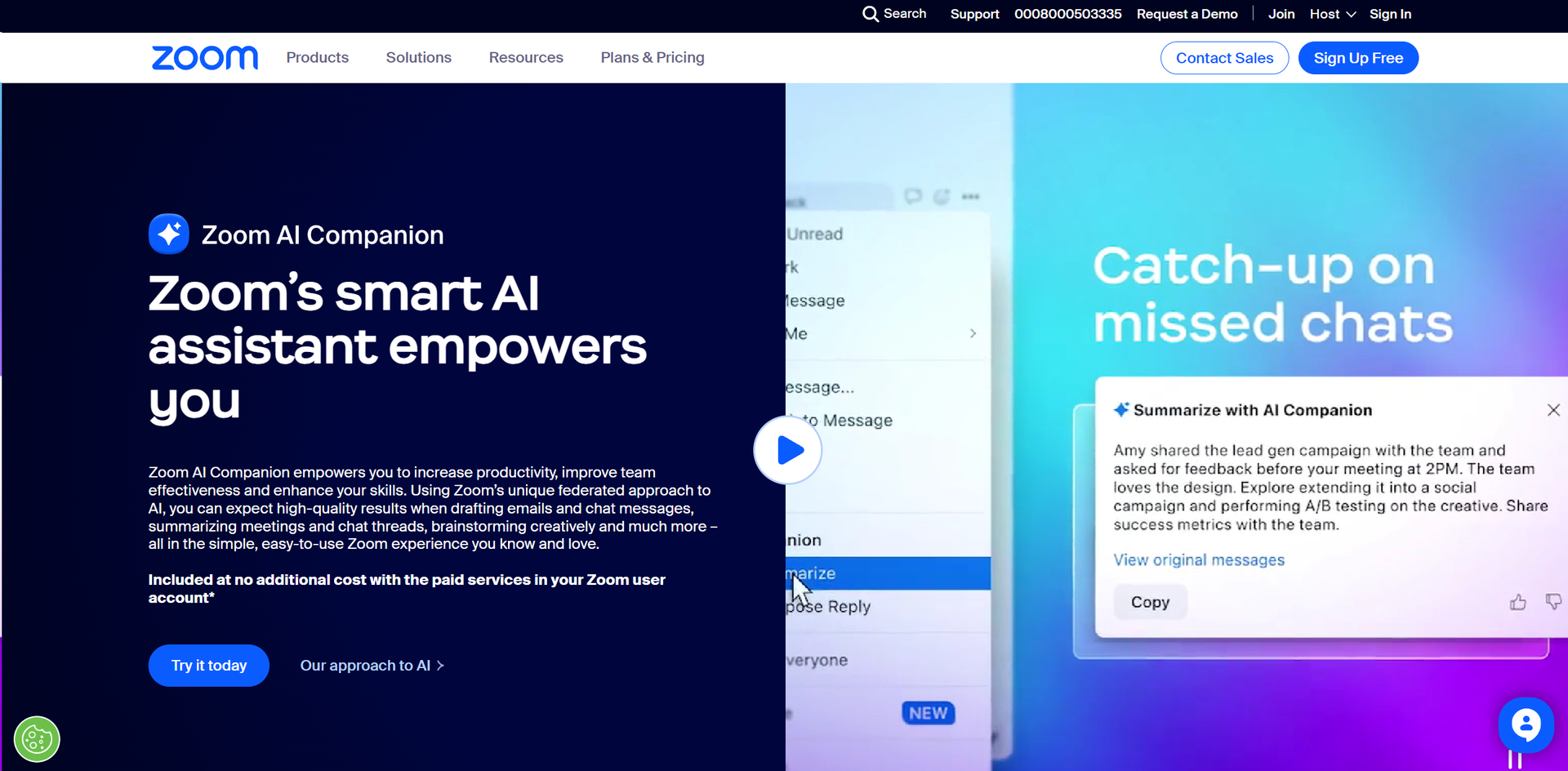
- Meeting Summaries and Smart Recordings: Zoom AI Companion can intelligently process meeting recordings, providing highlights, smart chapters, and actionable summaries.
- Conversational AI for Team Chat: Draft responses and summarize long chat threads with AI that understands conversational context.
- Whiteboard Idea Generation: Enhance brainstorming sessions with AI-generated content for whiteboards, including stickies and mind maps.
- Multilingual Support: Ask questions and get meeting summaries in multiple languages, broadening accessibility for global teams.
- AI-Powered Email and Event Assistance: Craft emails and compose event content with AI guidance, streamlining communication for Zoom Events.
- ProsEnhanced Productivity: AI-generated summaries save valuable time and ensure everyone stays informed, even if they couldn't attend the meeting.Improved Communication: AI feedback on presentation skills helps refine user engagement during meetings.Seamless Integration: Functions as an integrated part of the Zoom platform, offering a unified user experience.Cost-Effective: Included at no additional cost with paid Zoom plans, providing advanced features without extra expenses.ConsAdoption Curve: Users may need time to adapt to AI features and integrate them effectively into their workflows.Language Limitations: While multilingual, there may be nuances and dialects that the AI does not fully comprehend.AI Reliability: As with any AI tool, there's a dependency on the technology's accuracy, which may occasionally falter.
Best For
- Corporate Teams: For efficient meeting management and follow-up task distribution.
- Educators: To summarize lectures and enhance student engagement with innovative teaching methods.
- Healthcare Professionals: Utilizing AI summaries to keep medical teams aligned on patient care discussions.
- Event Organizers: For composing event content and engaging with attendees through AI-assisted communication.
- Uncommon Use Cases: Non-profit organizations employing AI to streamline their communication for better outreach, and legal firms using AI for summarizing depositions and meetings.
Integrations
Zoom Ecosystem: Fully integrated with Zoom Meetings, Team Chat, and Zoom Events. API Access: Developers can extend functionalities with Zoom's API for custom integrations. Multilingual Capabilities: Supports summaries and questions in over 30 languages. Email Composition: AI assistance for drafting emails directly within the Zoom platform.
Similar Tools



Weekly Issue
⚡
Personal Assistant tools · weekly digest
The AI Weekly — free in your inbox
New AI tools, pricing changes, expert picks, and hidden gems — curated by Mr. Spark every week. Join 5,000+ readers who stay ahead of the AI curve.
No spam, ever
Unsubscribe anytime
100% free