
Pricing Details
Free Trial: Experience Assemblio with a full-featured demo upon request. Subscription Plans: Custom pricing based on the scale of usage and specific business needs. Disclaimer: Please note that pricing information may not be up to date. For the most accurate and current pricing details, refer to the official Assemblio website.
Product Visuals (1 images)
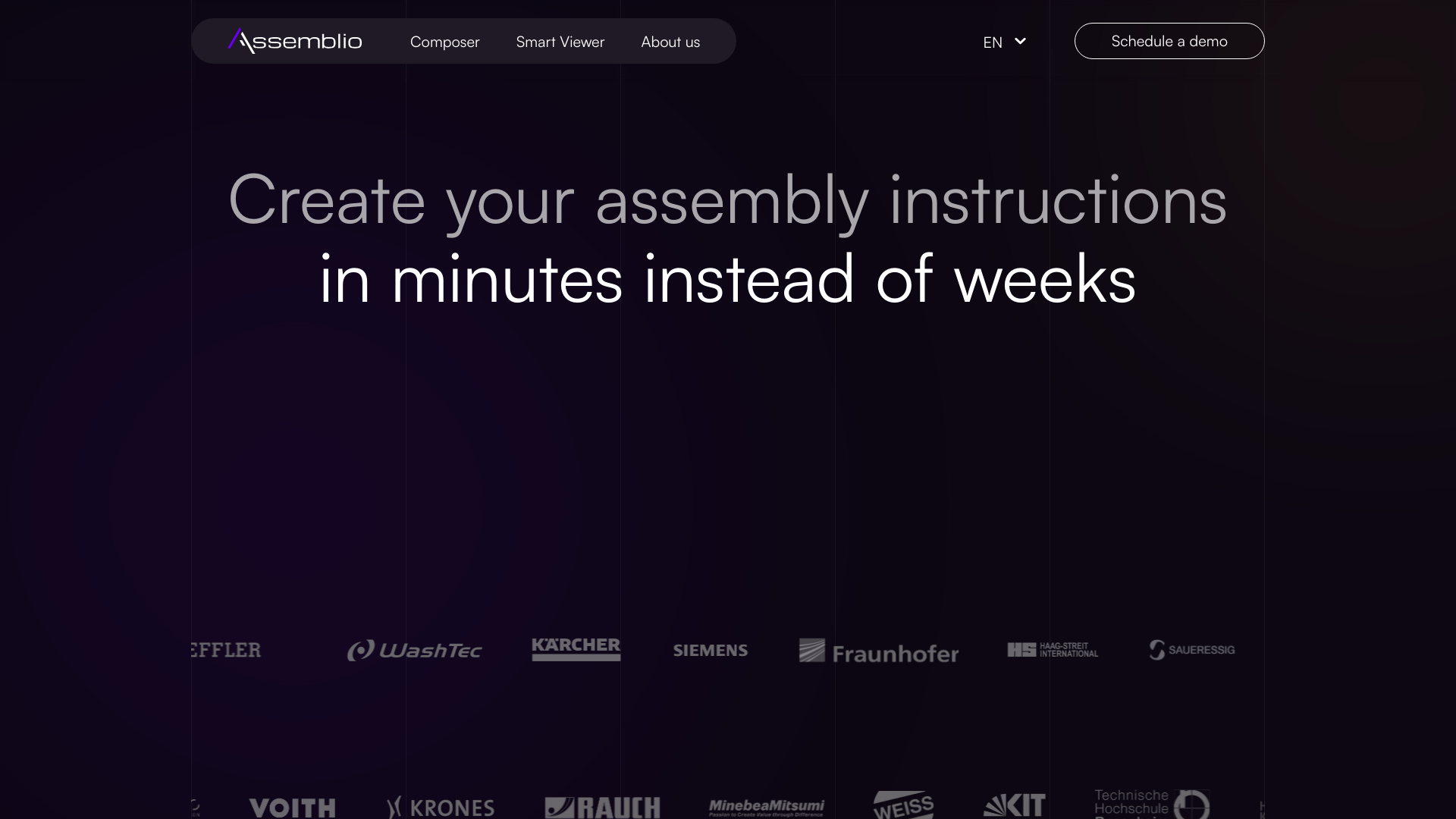
Strengths
- Increased Efficiency: Reduces the time required to create assembly instructions by up to 92%.
- User Accessibility: Designed for both technical and non-technical users, facilitating quick adaptation with minimal training.
- Error Reduction: Utilizes reverse engineering to minimize errors and ensure accuracy in the assembly process.
- Continuous Updates: Automatically adjusts instructions when changes are made to the assembly files.
Limitations
- Initial Setup Requirement: Requires initial setup and familiarization with CAD models.
- Dependency on CAD Data Quality: The effectiveness of the tool is contingent on the quality and detail of the input CAD models.
- Limited Offline Functionality: Most features require an active internet connection to function optimally.
Building your AI toolkit?
Save Assemblio and 1,000+ tools — free with Google, no spam
What You Get
Key Features
- CAD Integration: Directly converts CAD models into step-by-step assembly instructions.
- Real-Time Adjustments: Enables the modification of assembly sequences and directions with simple drag-and-drop actions.
- Multimedia Export Options: Offers the flexibility to export instructions as PDFs, videos, or interactive digital formats.
- 3D Visualization: Enhances clarity with interactive 3D views, reducing complexities in understanding assembly steps.
- ProsIncreased Efficiency: Reduces the time required to create assembly instructions by up to 92%.User Accessibility: Designed for both technical and non-technical users, facilitating quick adaptation with minimal training.Error Reduction: Utilizes reverse engineering to minimize errors and ensure accuracy in the assembly process.Continuous Updates: Automatically adjusts instructions when changes are made to the assembly files.ConsInitial Setup Requirement: Requires initial setup and familiarization with CAD models.Dependency on CAD Data Quality: The effectiveness of the tool is contingent on the quality and detail of the input CAD models.Limited Offline Functionality: Most features require an active internet connection to function optimally.
Best For
- Manufacturing Companies: Streamline the creation of assembly instructions for complex machinery.
- Engineering Firms: Enhance the accuracy and efficiency of prototype assembly.
- Production Lines: Reduce downtime by providing clear, interactive instructions to floor workers.
- Educational Institutions: Utilize in technical courses to teach students about assembly processes.
- Uncommon Use Cases: Used by hobbyists for assembling DIY projects; assists artists in creating large-scale installations.
Integrations
CAD Software Compatibility: Seamlessly works with various CAD platforms to import models. Cloud-Based Integration: Ensures that all data is synced across platforms for real-time updates. API Access: Allows for custom integrations to enhance functionality within existing systems. Mobile and Desktop Compatibility: Accessible on multiple devices, ensuring flexibility in usage.
Similar Tools



Weekly Issue
⚡
3D tools · weekly digest
The AI Weekly — free in your inbox
New AI tools, pricing changes, expert picks, and hidden gems — curated by Mr. Spark every week. Join 5,000+ readers who stay ahead of the AI curve.
No spam, ever
Unsubscribe anytime
100% free