
Pricing Details
Free Trial: Start with Atlas Design by exploring its capabilities during a free trial period. Subscription Plans: Detailed pricing is available on the Atlas Design website, offering various tiers based on usage and feature needs. Disclaimer: For the most accurate and current pricing details, please refer to the official Atlas Design website.
Product Visuals (1 images)
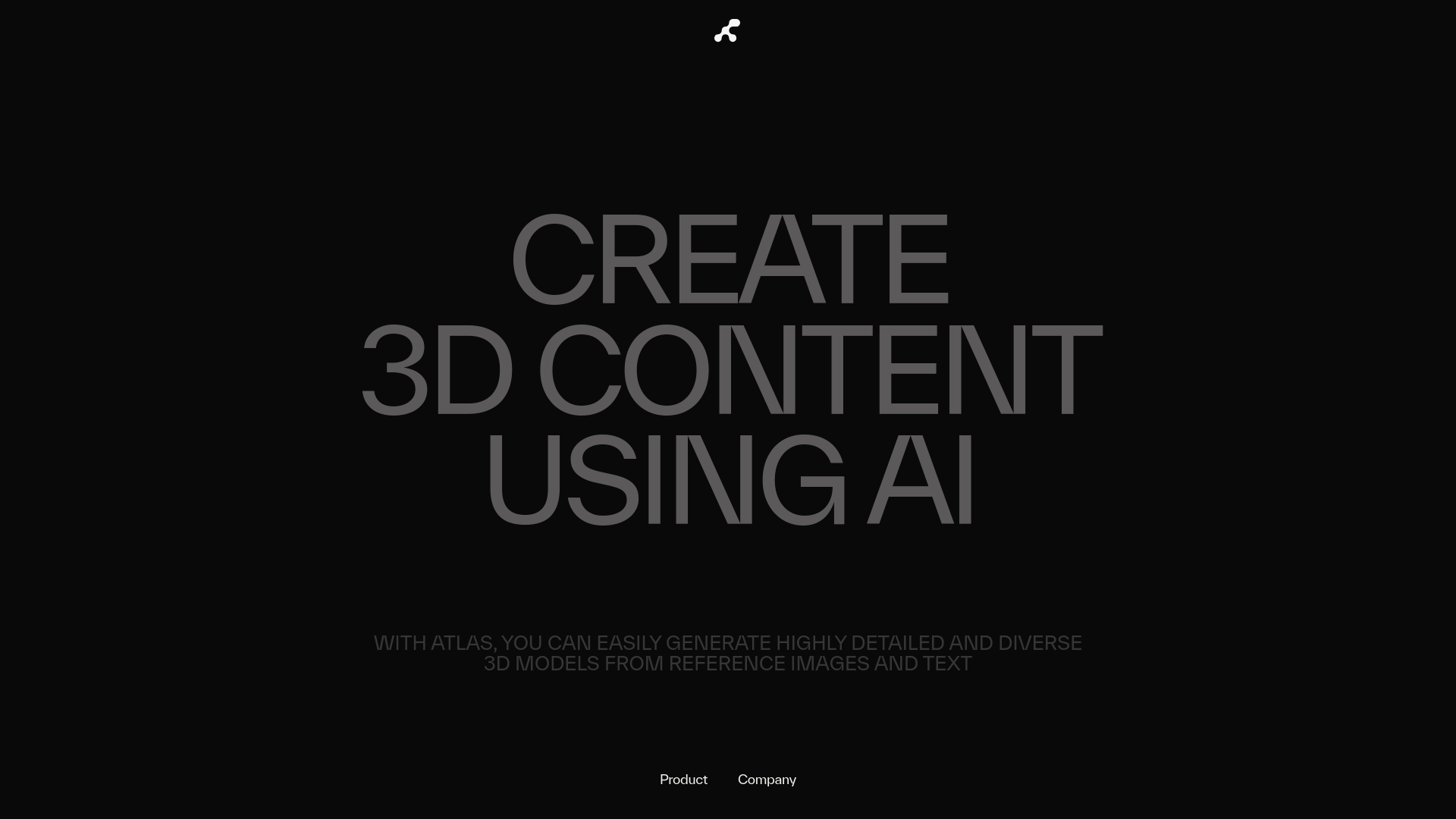
Strengths
- Enhanced Efficiency: Users report up to 200x efficiency gains in their projects, enabling faster turnaround times.
- Cost-Effective: Reduces the financial strain typically associated with high-quality 3D model production.
- User-Friendly: Despite its advanced capabilities, Atlas Design offers an intuitive interface that eases the learning curve for new users.
- Diverse Application: Ideal for various industries including gaming, architecture, and virtual reality, enhancing its utility across different sectors.
Limitations
- Hardware Requirements: High-quality 3D modeling and rendering may require robust hardware, which could be a barrier for some users.
- Complex Feature Depth: While user-friendly, the depth of features might require time to master fully.
- Limited Third-Party Integrations: As of now, while Atlas Design integrates well with major 3D engines, its compatibility with other third-party software could be expanded.
Building your AI toolkit?
Save Atlas Design and 1,000+ tools — free with Google, no spam
What You Get
Key Features
- Speedy Asset Generation: Atlas Design can produce 3D models in seconds, promoting a focus on creativity and design rather than tedious modeling tasks.
- High-Quality Outputs: The tool ensures that each model is not only visually appealing but also comes with clean geometric details, semantic segmentations, and UV mappings.
- Scalable Workflow Integration: Atlas Design supports an end-to-end workflow that is essential for large-scale projects requiring consistent and continuous 3D content production.
- Customizable AI: Tailor Atlas Design’s AI to recognize and replicate specific styles based on provided references, such as mood boards, ensuring that each asset is unique and fits the project's aesthetic.
- ProsEnhanced Efficiency: Users report up to 200x efficiency gains in their projects, enabling faster turnaround times.Cost-Effective: Reduces the financial strain typically associated with high-quality 3D model production.User-Friendly: Despite its advanced capabilities, Atlas Design offers an intuitive interface that eases the learning curve for new users.Diverse Application: Ideal for various industries including gaming, architecture, and virtual reality, enhancing its utility across different sectors.ConsHardware Requirements: High-quality 3D modeling and rendering may require robust hardware, which could be a barrier for some users.Complex Feature Depth: While user-friendly, the depth of features might require time to master fully.Limited Third-Party Integrations: As of now, while Atlas Design integrates well with major 3D engines, its compatibility with other third-party software could be expanded.
Best For
- Game Developers: Employing Atlas Design to rapidly produce and iterate game assets and environments.
- Architects: Utilizing the tool for creating detailed 3D models and visualizations of architectural projects.
- VR & AR Developers: Leveraging Atlas Design for creating immersive and interactive virtual and augmented reality content.
- Educational Institutions: Incorporating Atlas Design into curricula to teach students advanced 3D modeling techniques.
- Uncommon Use Cases: Atlas Design is also used by filmmakers for pre-visualization and by interior designers for space planning and visualization.
Integrations
Major Gaming and 3D Engines: Atlas Design seamlessly integrates with leading gaming and 3D rendering engines, facilitating a smooth workflow. API Access: Developers can utilize Atlas Design’s API for customized integrations, enhancing flexibility in its application. Cloud-Based Options: Atlas Design offers cloud-based services, ensuring accessibility and scalability.
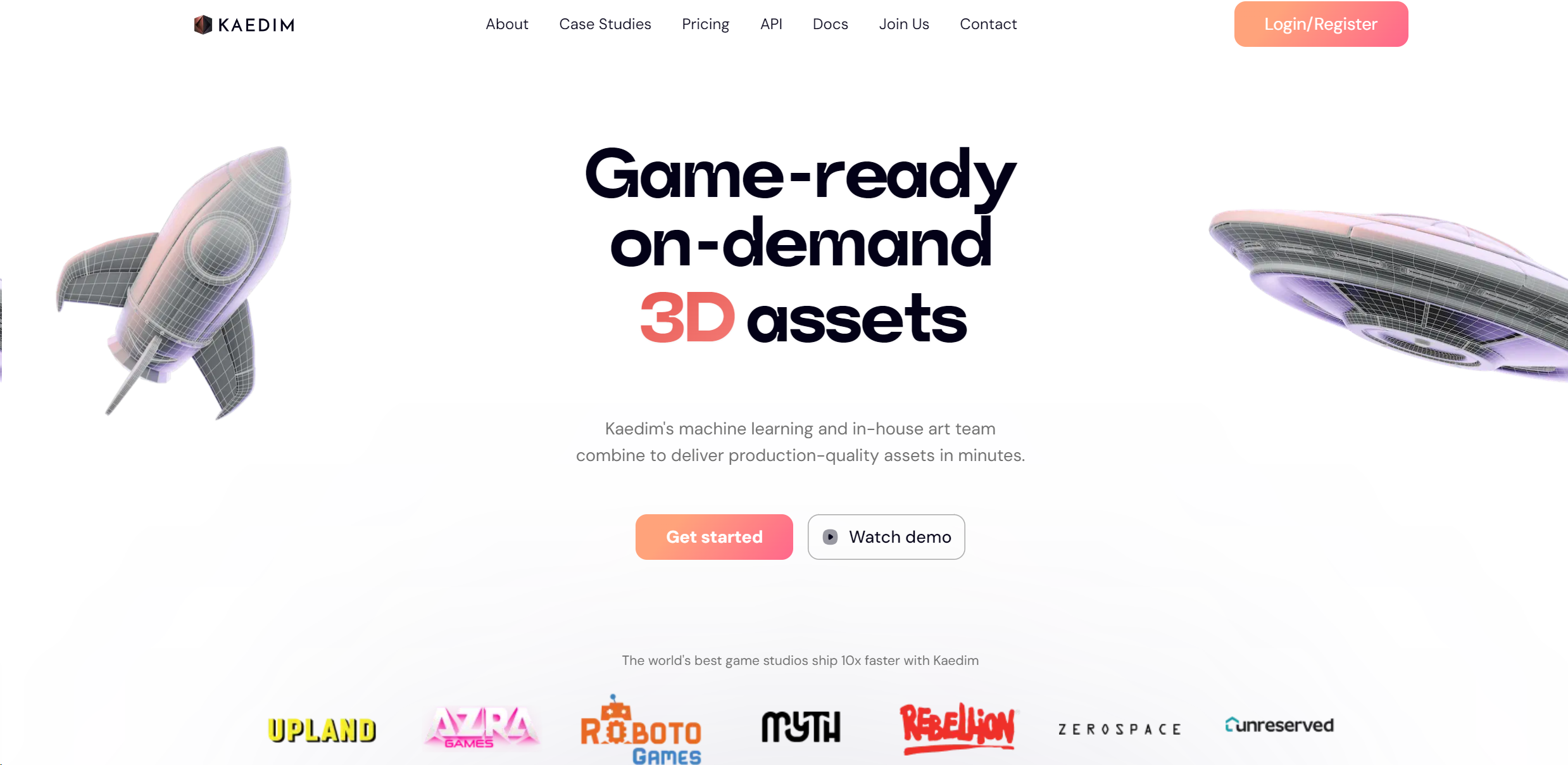
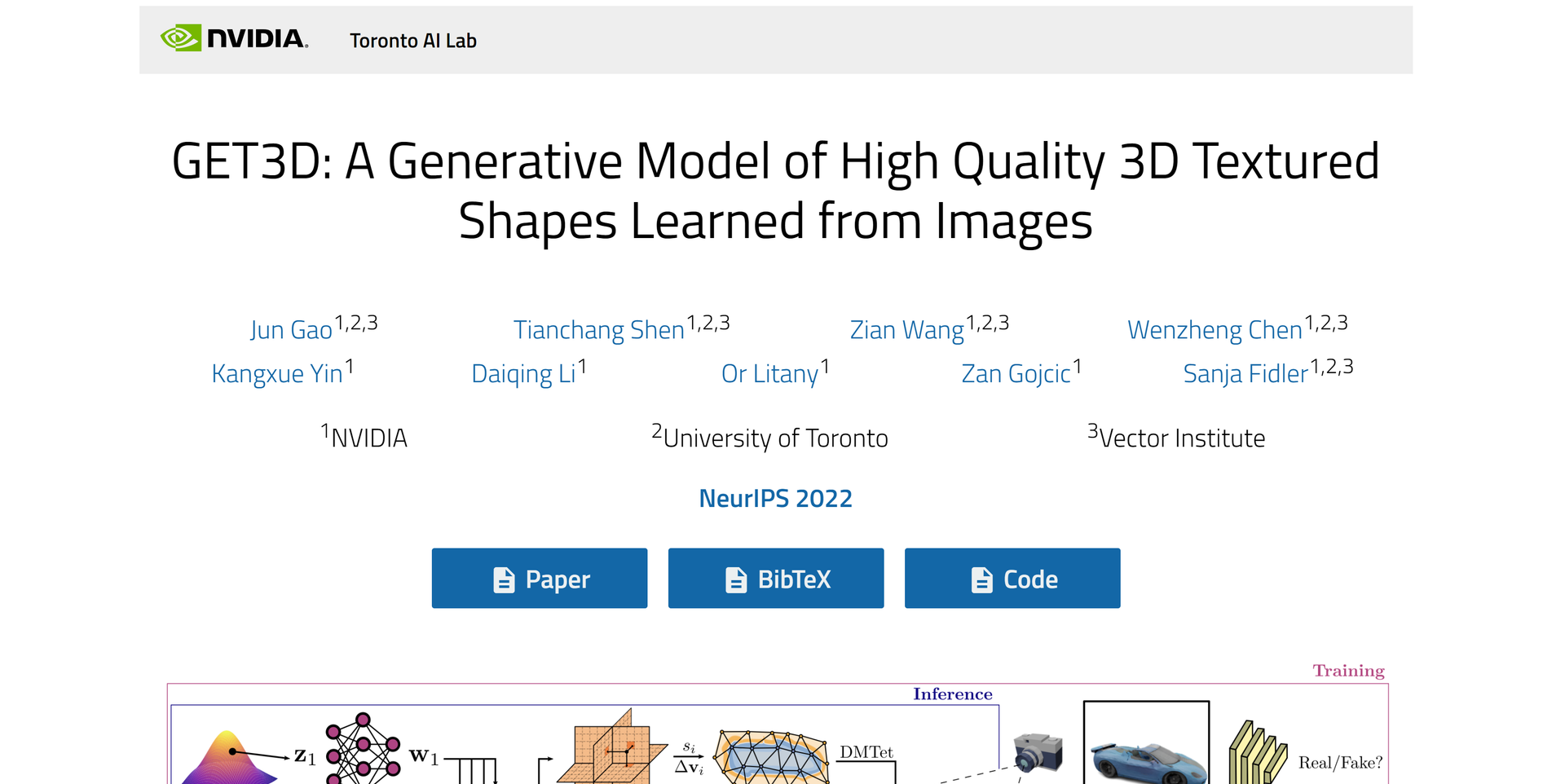
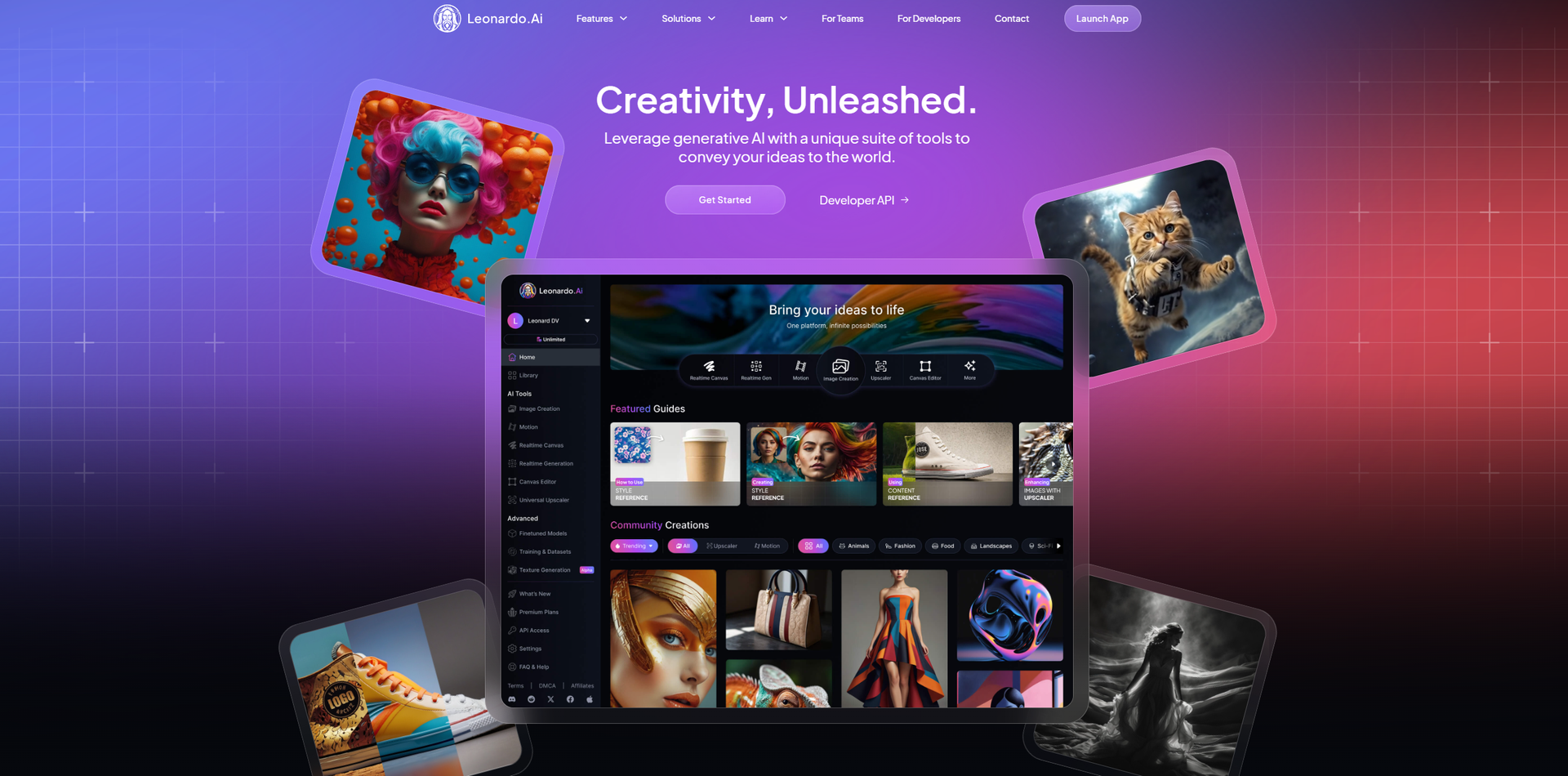
Similar Tools
Weekly Issue
⚡
3D tools · weekly digest
The AI Weekly — free in your inbox
New AI tools, pricing changes, expert picks, and hidden gems — curated by Mr. Spark every week. Join 5,000+ readers who stay ahead of the AI curve.
No spam, ever
Unsubscribe anytime
100% free