
Pricing Details
Enterprise Plan: Custom pricing based on the organization's size and specific requirements. Standard Plan: Core features available starting at a competitive rate (specific rates are available upon request). Disclaimer: Pricing details may vary. For the most accurate and current pricing information, visit the official Azara website.
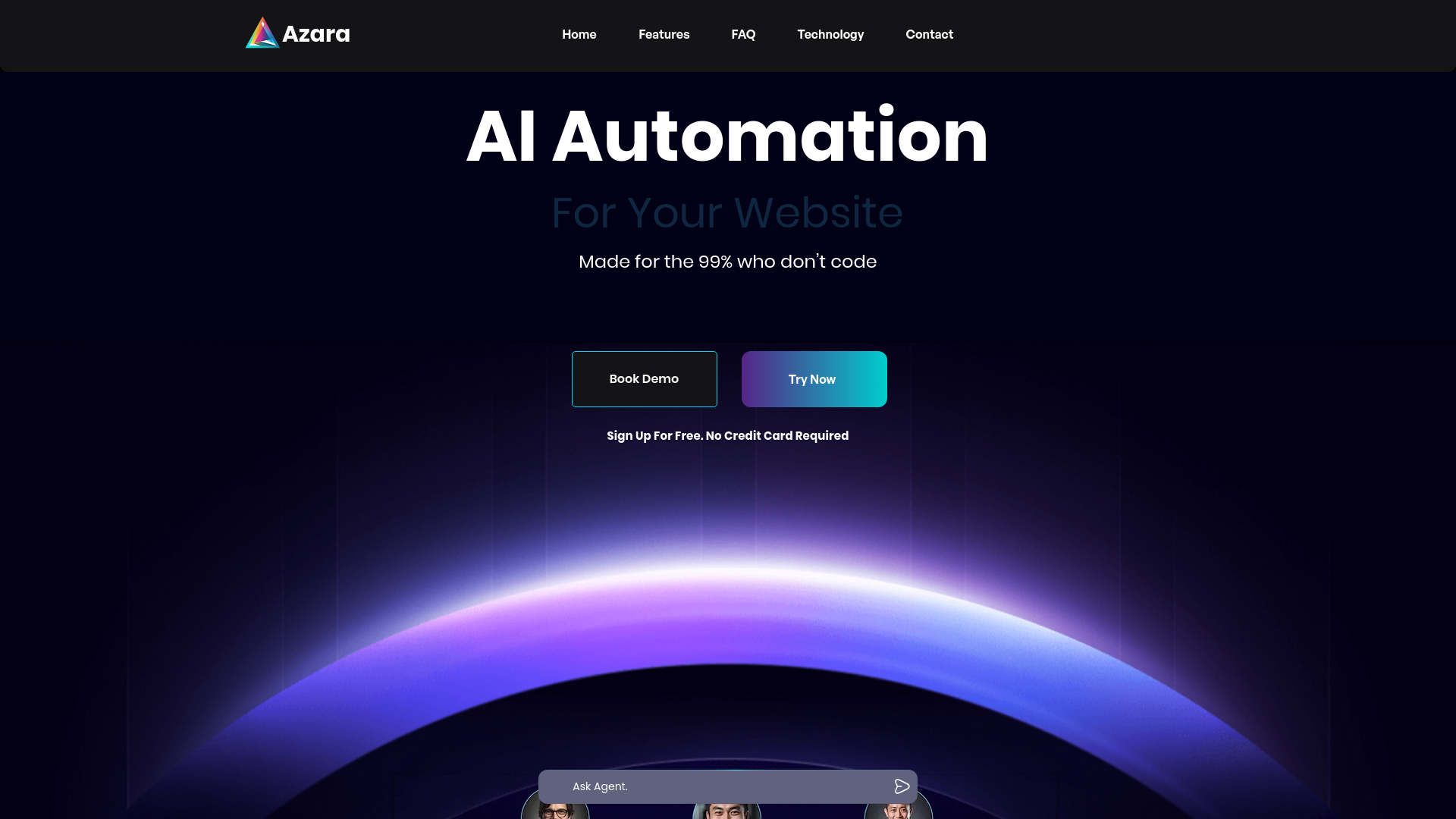
Product Visuals (1 images)
Strengths
- Cost Efficiency: Performs tasks for as low as $2/hr, significantly reducing operational costs.
- Advanced Automation: Outperforms traditional chatbots by managing multi-step tasks across various applications.
- Rapid Deployment: Allows businesses to start using the tool in under 5 minutes, quickly enhancing support operations and documentation searches.
- Scalable Solutions: Designed to scale with enterprise needs, adapting to growing demands seamlessly.
Limitations
- Complexity for Beginners: The broad capabilities might initially overwhelm new users, despite the no-tech requirement.
- Dependency on Integration: Optimal functionality relies on successful integration with existing systems.
- Limited Offline Functionality: Most features need an internet connection to operate effectively.
What You Get
Key Features
- Generative Workflows: Azara’s AI agents handle complex tasks without requiring technical expertise from the user.
- Complete Control: Offers enterprise-ready permissions for robust control over AI systems.
- Multi-Agent Decision Making: AI agents execute tasks, write code, and dynamically adjust their actions.
- Extensive Integration: Connects with websites, WhatsApp, emails, Slack, and more, providing versatile deployment options.
- ProsCost Efficiency: Performs tasks for as low as $2/hr, significantly reducing operational costs.Advanced Automation: Outperforms traditional chatbots by managing multi-step tasks across various applications.Rapid Deployment: Allows businesses to start using the tool in under 5 minutes, quickly enhancing support operations and documentation searches.Scalable Solutions: Designed to scale with enterprise needs, adapting to growing demands seamlessly.ConsComplexity for Beginners: The broad capabilities might initially overwhelm new users, despite the no-tech requirement.Dependency on Integration: Optimal functionality relies on successful integration with existing systems.Limited Offline Functionality: Most features need an internet connection to operate effectively.
Best For
- Large Enterprises: Utilize Azara for comprehensive workflow automation across various departments.
- Tech Companies: Leverage AI agents for managing code generation and application interfacing.
- HR Departments: Automate processes like employee onboarding, form integration, and scheduling.
- Customer Support Centers: Enhance customer interactions with AI-driven responses and knowledge bases.
- Uncommon Use Cases: Non-profits use Azara for managing donor communications and fundraising; educational institutions integrate it for automating administrative tasks.
Integrations
Website Integration: Embed Azara AI agents into your company website. Email Compatibility: Automate tasks and responses through email integration. Slack Integration: Enhance team communication and manage workflows via Slack. Adaptability to Multiple Platforms: Connects with a wide range of platforms, including WhatsApp and traditional emails.
Similar Tools
Weekly Issue
⚡
Workflows tools · weekly digest
The AI Weekly — free in your inbox
New AI tools, pricing changes, expert picks, and hidden gems — curated by Mr. Spark every week. Join 5,000+ readers who stay ahead of the AI curve.
No spam, ever
Unsubscribe anytime
100% free