
Pricing Details
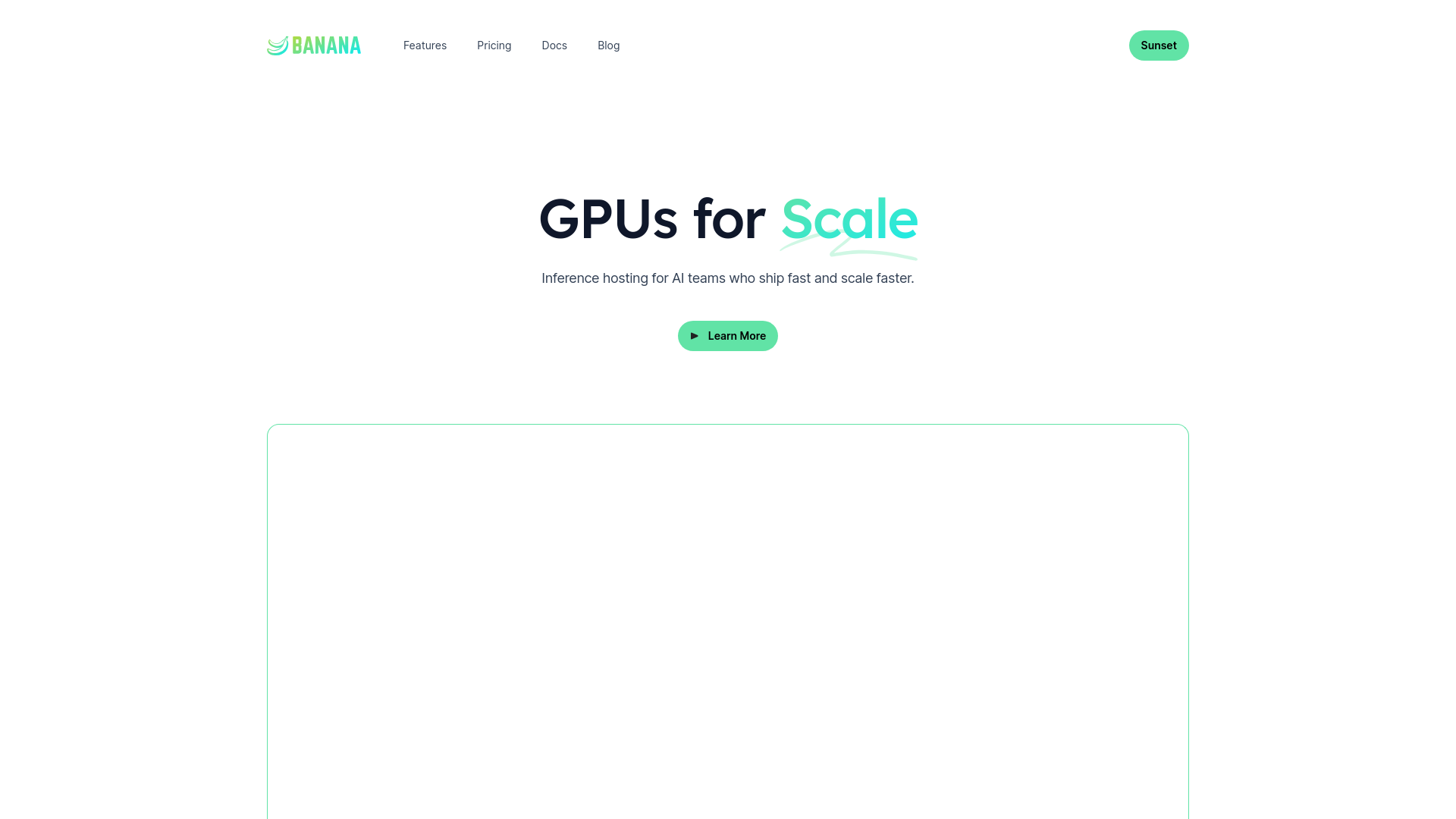
Team Plan: Starts at $1200 per month with at-cost compute, supporting up to 10 team members and 50 max parallel GPUs. Enterprise Plan: Custom pricing for advanced needs including higher parallel GPUs and dedicated support. Banana Delivery (SF Only): Unique offering where the CEO personally delivers bananas, priced at $20. Disclaimer: Pricing details are subject to change. For the most accurate and current information, please refer to Banana's official website.
Product Visuals (1 images)
Strengths
- Cost Efficiency: Transparent and competitive pricing structure makes it accessible for startups and enterprises alike.
- Ease of Use: User-friendly interface coupled with extensive documentation and tutorials simplifies the setup and deployment process.
- Scalability: Handles high-throughput demands with ease, automatically adjusting GPU resources as needed.
- Integration Capabilities: Robust integration options with popular DevOps tools and platforms enhance workflow automation.
Limitations
- Geographic Availability: Limited to certain regions, which might affect teams outside those areas.
- Complex Features: Some features may require a steep learning curve for teams unfamiliar with advanced DevOps practices.
- Limited Third-Party Integrations: While it supports many popular tools, some users might find the integration options insufficient for their specific needs.
What You Get
Key Features
- Autoscaling GPUs: Banana dynamically scales GPU resources to meet demand, ensuring optimal performance and cost-efficiency.
- Pass-through Pricing: Unlike many serverless providers, Banana offers transparent pricing without hefty margins on GPU time.
- Full Platform Experience: Comprehensive DevOps tools including GitHub integration, CI/CD, CLI, rolling deploys, tracing, and logs.
- Built-in Observability: Real-time monitoring of request traffic, latency, and errors allows for immediate debugging and performance tuning.
- Automation API: Extend the functionality of Banana with an open API, SDKs, and a CLI for seamless automation and integration.
- ProsCost Efficiency: Transparent and competitive pricing structure makes it accessible for startups and enterprises alike.Ease of Use: User-friendly interface coupled with extensive documentation and tutorials simplifies the setup and deployment process.Scalability: Handles high-throughput demands with ease, automatically adjusting GPU resources as needed.Integration Capabilities: Robust integration options with popular DevOps tools and platforms enhance workflow automation.ConsGeographic Availability: Limited to certain regions, which might affect teams outside those areas.Complex Features: Some features may require a steep learning curve for teams unfamiliar with advanced DevOps practices.Limited Third-Party Integrations: While it supports many popular tools, some users might find the integration options insufficient for their specific needs.
Best For
- Banana is utilized by a diverse range of users from various sectors, demonstrating its versatility and broad appeal:
- AI Research Teams: Leveraging the tool for complex AI model training and inference tasks.
- Tech Startups: Utilizing Banana for rapid deployment and scaling of AI applications.
- Enterprise IT Departments: Adopting Banana to enhance their existing infrastructure and reduce operational costs.
- Educational Institutions: Using the tool for research and educational purposes in AI and machine learning courses.
- Uncommon Use Cases: Non-profits using Banana for data analysis in social projects; indie game developers for real-time AI interactions in games.
Integrations
GitHub Integration: Streamlines code deployment directly from repositories. CI/CD Tools: Supports popular continuous integration/continuous deployment tools for automated workflows. Custom API Access: Offers extensive API capabilities for custom integrations. CLI and SDKs: Provides tools for developers to interact with the platform programmatically.
Similar Tools
Weekly Issue
⚡
Workflows tools · weekly digest
The AI Weekly — free in your inbox
New AI tools, pricing changes, expert picks, and hidden gems — curated by Mr. Spark every week. Join 5,000+ readers who stay ahead of the AI curve.
No spam, ever
Unsubscribe anytime
100% free