
Pricing Details
Developer: $0 for the first 200 minutes. Pay-as-you-go at $0.02 per minute after that. Includes 200 free execution minutes, no monthly commitment, and community support via Discord—ideal for individuals testing and iterating quickly. Teams: Custom pricing. Designed for businesses needing tailored execution volume, premium support, and advanced integration. Includes Slack support, custom onboarding, flexible billing, and execution minute bundles. Disclaimer: Please note that pricing information may not be up to date. For the most accurate and current pricing details, refer to the official Bugster website.
Product Visuals (1 images)
Strengths
- Time Efficiency: Reduces the time spent on test maintenance by automatically adapting to UI changes.
- Increased Test Coverage: Enhances test coverage by identifying and creating tests for critical user journeys.
- User-Friendly: Allows developers to describe test flows in natural language, simplifying the test creation process.
- Scalability: As the application grows, Bugster scales with it, maintaining the test suite without additional developer intervention.
Limitations
- Initial Setup Requirements: Although Bugster simplifies testing, setting up initial configurations and understanding the full range of features may require some time.
- Limited to UI Testing: Primarily focuses on UI testing, which might not cover backend or API testing needs.
What You Get
Key Features
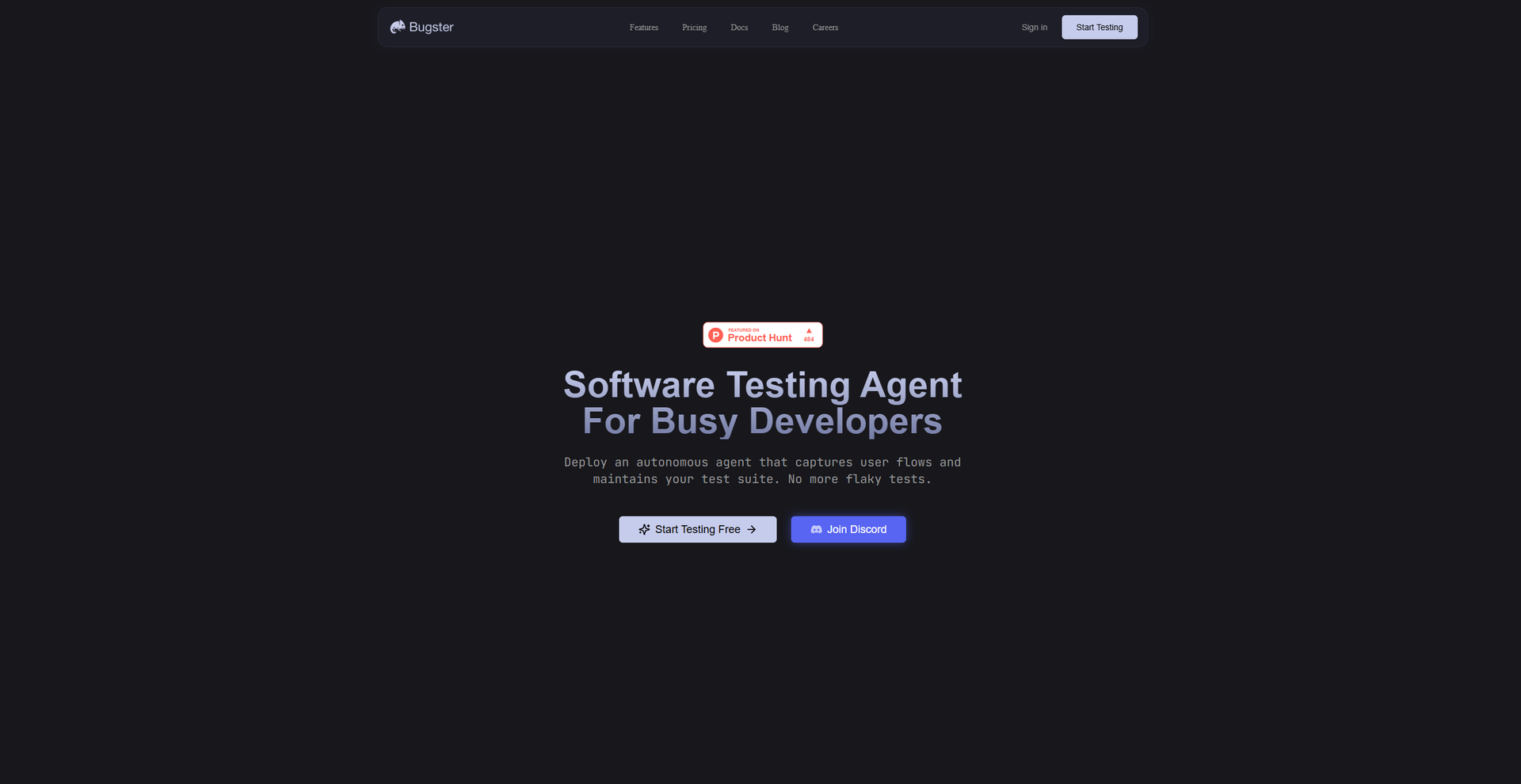
- Flow-Based Test Agent: Bugster captures real user flows and generates reliable tests automatically, saving developers from writing complex test scripts.
- Advanced Debugging: Provides full visibility of network requests and console logs, making it easier to debug tests and identify issues.
- Adaptive Tests: Tests automatically adapt when UI changes occur, eliminating the need for constant maintenance and reducing the time spent on fixing flaky tests.
- GitHub Integration: Seamlessly integrates with GitHub, allowing tests to run within CI/CD pipelines and ensuring continuous testing.
- ProsTime Efficiency: Reduces the time spent on test maintenance by automatically adapting to UI changes.Increased Test Coverage: Enhances test coverage by identifying and creating tests for critical user journeys.User-Friendly: Allows developers to describe test flows in natural language, simplifying the test creation process.Scalability: As the application grows, Bugster scales with it, maintaining the test suite without additional developer intervention.ConsInitial Setup Requirements: Although Bugster simplifies testing, setting up initial configurations and understanding the full range of features may require some time.Limited to UI Testing: Primarily focuses on UI testing, which might not cover backend or API testing needs.
Best For
- E-commerce Businesses: Utilizing Bugster to ensure seamless checkout processes and improve customer experience.
- SaaS Companies: Employing the tool to maintain robust application functionality despite frequent updates.
- Agile Development Teams: Leveraging Bugster for continuous integration and delivery, reducing regression testing times.
- Startups: Using Bugster to quickly scale their testing efforts without needing a dedicated QA team.
- Uncommon Use Cases: Adopted by educational platforms for teaching software testing concepts; utilized by freelance developers for maintaining client applications efficiently.
Similar Tools
Code Assistant tools · weekly digest
The AI Weekly — free in your inbox
New AI tools, pricing changes, expert picks, and hidden gems — curated by Mr. Spark every week. Join 5,000+ readers who stay ahead of the AI curve.