
Pricing Details
Free Tier: Experience Civils.ai with a limited free trial. Pro Tier: The Pro Tier starts at $250 for a one-time payment. Disclaimer: Please note that pricing information may not be up to date. For the most accurate and current pricing details, refer to the official Civils.ai website.
Product Visuals (1 images)
Strengths
- Time Efficiency: Civils.ai drastically reduces the time required to search through project documents and extract relevant data.
- Error Reduction: Automated checks and data extraction minimize human errors, leading to more accurate project outcomes.
- Cost Savings: By automating repetitive tasks, Civils.ai helps cut down on labor costs and improves overall project cost-efficiency.
- Enhanced Collaboration: The tool’s collaborative features make it easier for teams to work together, share insights, and ensure everyone is on the same page.
Limitations
- Initial Learning Curve: Users may need some time to familiarize themselves with the advanced features and customization options.
- Limited Numerical Reasoning: The tool currently does not support numerical reasoning and calculations, which may limit its use in certain scenarios.
- File Format Limitations: While Civils.ai supports PDFs, its effectiveness with older documents or non-standard formats may vary.
Building your AI toolkit?
Save Civils.ai and 1,000+ tools — free with Google, no spam
What You Get
Key Features
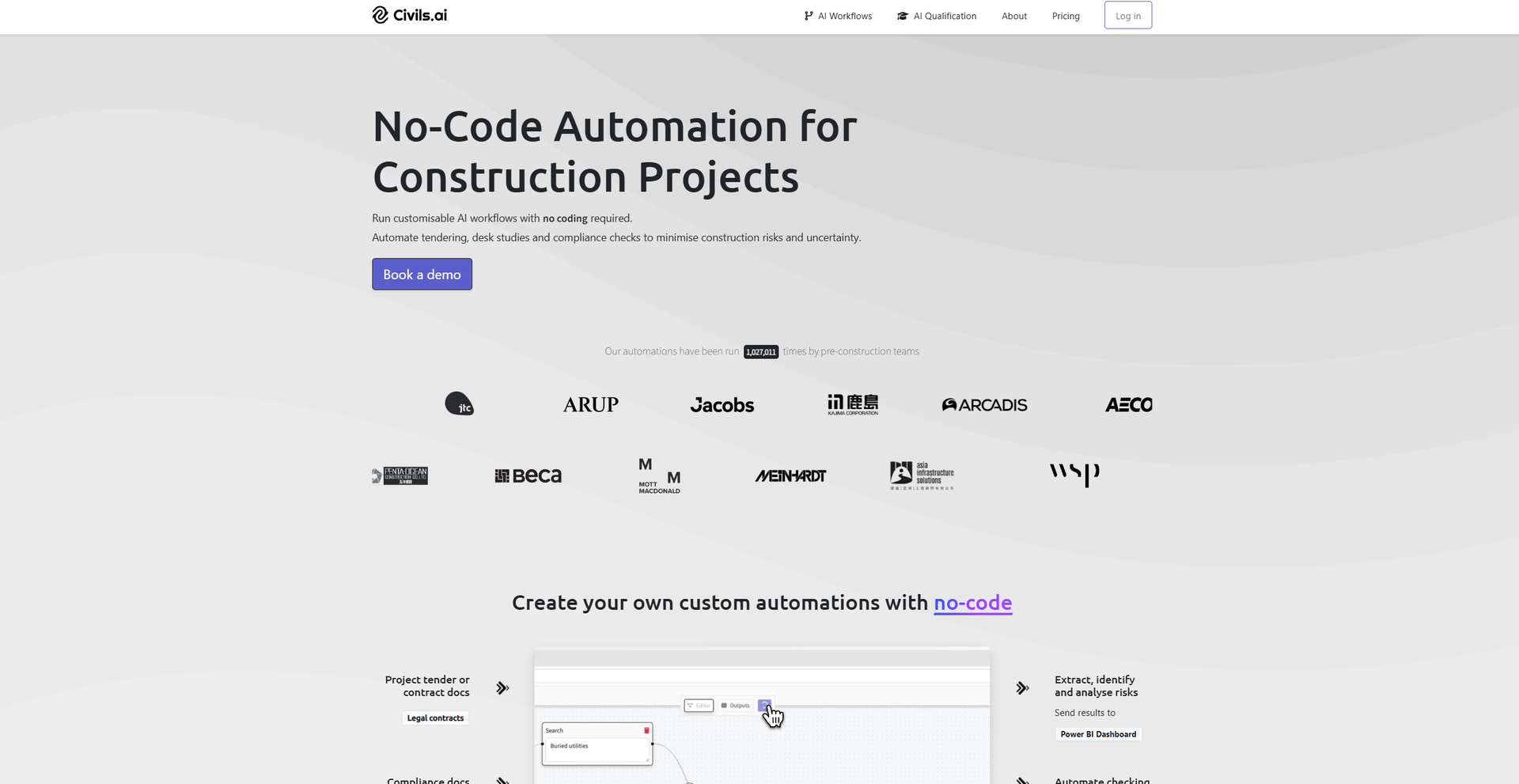
- Automated Data Extraction: Civils.ai can extract insights and answers from unstructured PDF reports and CAD documents, significantly reducing the time spent on manual data searches.
- Compliance Checking: The tool can automatically find non-compliances in project documents against building codes, providing clickable references that link specifications and plans.
- Customizable AI Bots: Users can create their own AI bots tailored to their specific project needs, ensuring that the tool adapts to various requirements and scenarios.
- Collaborative Workflows: Civils.ai allows for easy sharing of access and collaboration with team members, enhancing project communication and coordination.
- ProsTime Efficiency: Civils.ai drastically reduces the time required to search through project documents and extract relevant data.Error Reduction: Automated checks and data extraction minimize human errors, leading to more accurate project outcomes.Cost Savings: By automating repetitive tasks, Civils.ai helps cut down on labor costs and improves overall project cost-efficiency.Enhanced Collaboration: The tool’s collaborative features make it easier for teams to work together, share insights, and ensure everyone is on the same page.ConsInitial Learning Curve: Users may need some time to familiarize themselves with the advanced features and customization options.Limited Numerical Reasoning: The tool currently does not support numerical reasoning and calculations, which may limit its use in certain scenarios.File Format Limitations: While Civils.ai supports PDFs, its effectiveness with older documents or non-standard formats may vary.
Best For
- Construction Companies: Utilizing the tool for automating compliance checks and extracting data from project documents.
- Civil Engineers: Employing Civils.ai for efficient data management and reporting in large-scale infrastructure projects.
- Project Managers: Leveraging the tool to streamline workflows and improve project oversight.
- Consulting Firms: Using Civils.ai to enhance the quality and speed of tender evaluations and submissions.
- Uncommon Use Cases: Educational institutions using the tool to teach AI applications in construction; freelance engineers employing Civils.ai for small-scale project management.
Similar Tools



Weekly Issue
⚡
Project Management tools · weekly digest
The AI Weekly — free in your inbox
New AI tools, pricing changes, expert picks, and hidden gems — curated by Mr. Spark every week. Join 5,000+ readers who stay ahead of the AI curve.
No spam, ever
Unsubscribe anytime
100% free