
Pricing Details
Free Tier: Experience Arcwise AI with a limited free trial to explore basic features. Pro Tier: The Pro Tier starts at $29.99 per month, offering advanced features and capabilities. Disclaimer: Please note that pricing information may not be up to date. For the most accurate and current pricing details, refer to the official Arcwise AI website.
Product Visuals (1 images)

Strengths
- Time Efficiency: Significantly reduces the time spent on routine data tasks, allowing users to allocate more time to analysis and strategy.
- User-Friendly Interface: Designed with an intuitive interface that minimizes the learning curve, making it accessible to users with varying levels of expertise.
- Enhanced Accuracy: Improves data accuracy by minimizing human error through automated processes.
- Scalability: Suitable for businesses of all sizes, from small startups to large enterprises, thanks to its scalable features.
Limitations
- Initial Learning Curve: While user-friendly, some advanced features may require time to master.
- Limited Offline Functionality: Full capabilities are best utilized with an internet connection.
- Integration Limitations: Currently supports a limited range of third-party applications beyond the major spreadsheet platforms.
What You Get
Key Features
- AI-Powered Insights: Arcwise AI utilizes machine learning algorithms to provide actionable insights, helping users understand and interpret data more effectively.
- Seamless Integration: Easily integrates with popular spreadsheet applications like Microsoft Excel and Google Sheets, enhancing existing workflows without disruption.
- Automated Data Processing: Automates repetitive tasks such as data cleaning and formatting, allowing users to focus on more strategic activities.
- Collaborative Tools: Offers features that facilitate team collaboration, ensuring that everyone is on the same page and can contribute to data-driven decision-making.
- ProsTime Efficiency: Significantly reduces the time spent on routine data tasks, allowing users to allocate more time to analysis and strategy.User-Friendly Interface: Designed with an intuitive interface that minimizes the learning curve, making it accessible to users with varying levels of expertise.Enhanced Accuracy: Improves data accuracy by minimizing human error through automated processes.Scalability: Suitable for businesses of all sizes, from small startups to large enterprises, thanks to its scalable features.ConsInitial Learning Curve: While user-friendly, some advanced features may require time to master.Limited Offline Functionality: Full capabilities are best utilized with an internet connection.Integration Limitations: Currently supports a limited range of third-party applications beyond the major spreadsheet platforms.
Best For
- Financial Analysts: Utilizing the tool for detailed financial modeling and analysis.
- Business Consultants: Employing the tool to streamline data reporting and client presentations.
- Project Managers: Leveraging the tool to track project metrics and performance indicators effectively.
- Data Scientists: Using the tool for pre-processing and cleaning data before deeper analysis.
- Uncommon Use Cases: Adopted by academic researchers for managing large datasets; utilized by non-profit organizations for impact analysis and reporting.
Similar Tools
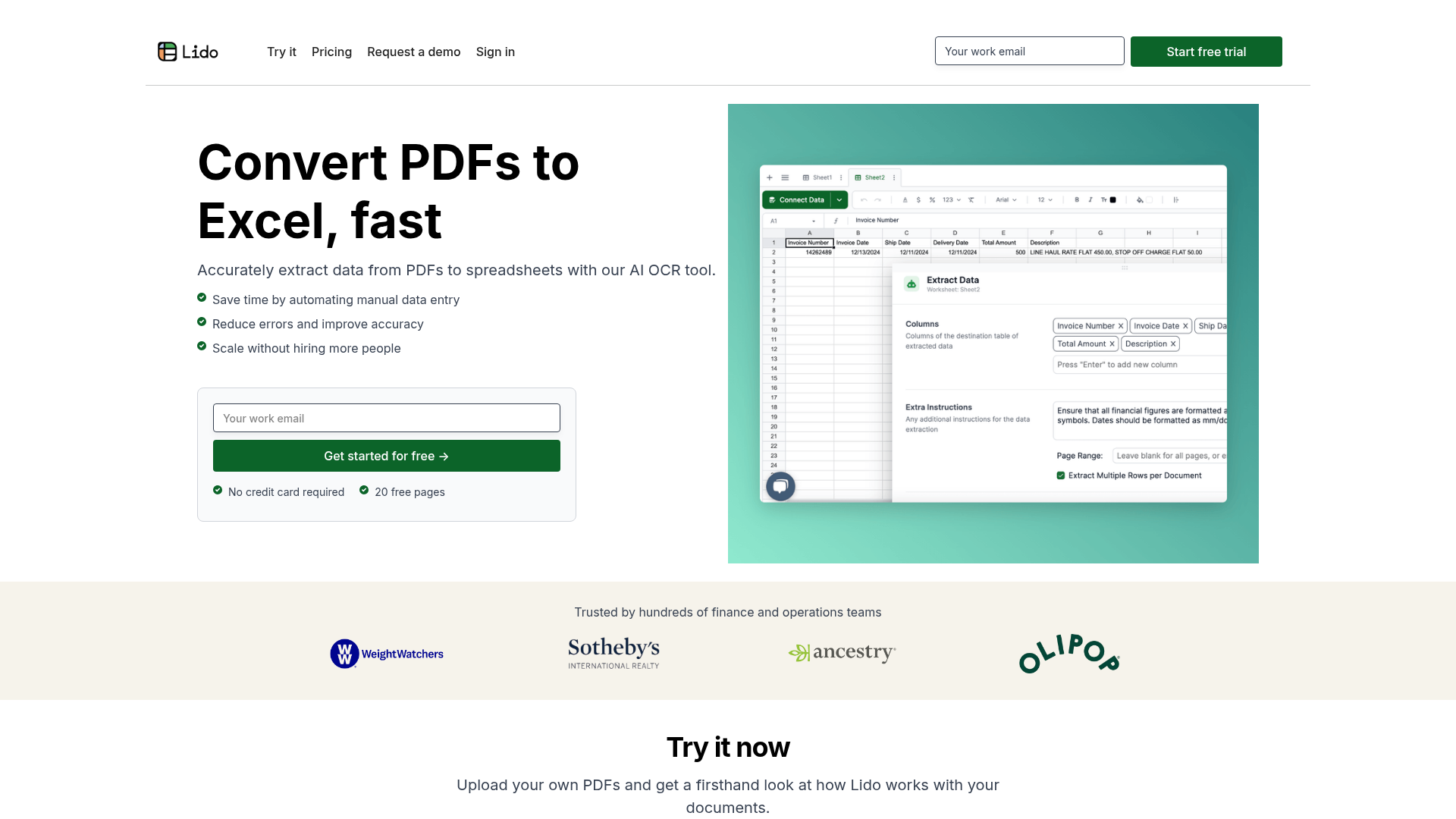
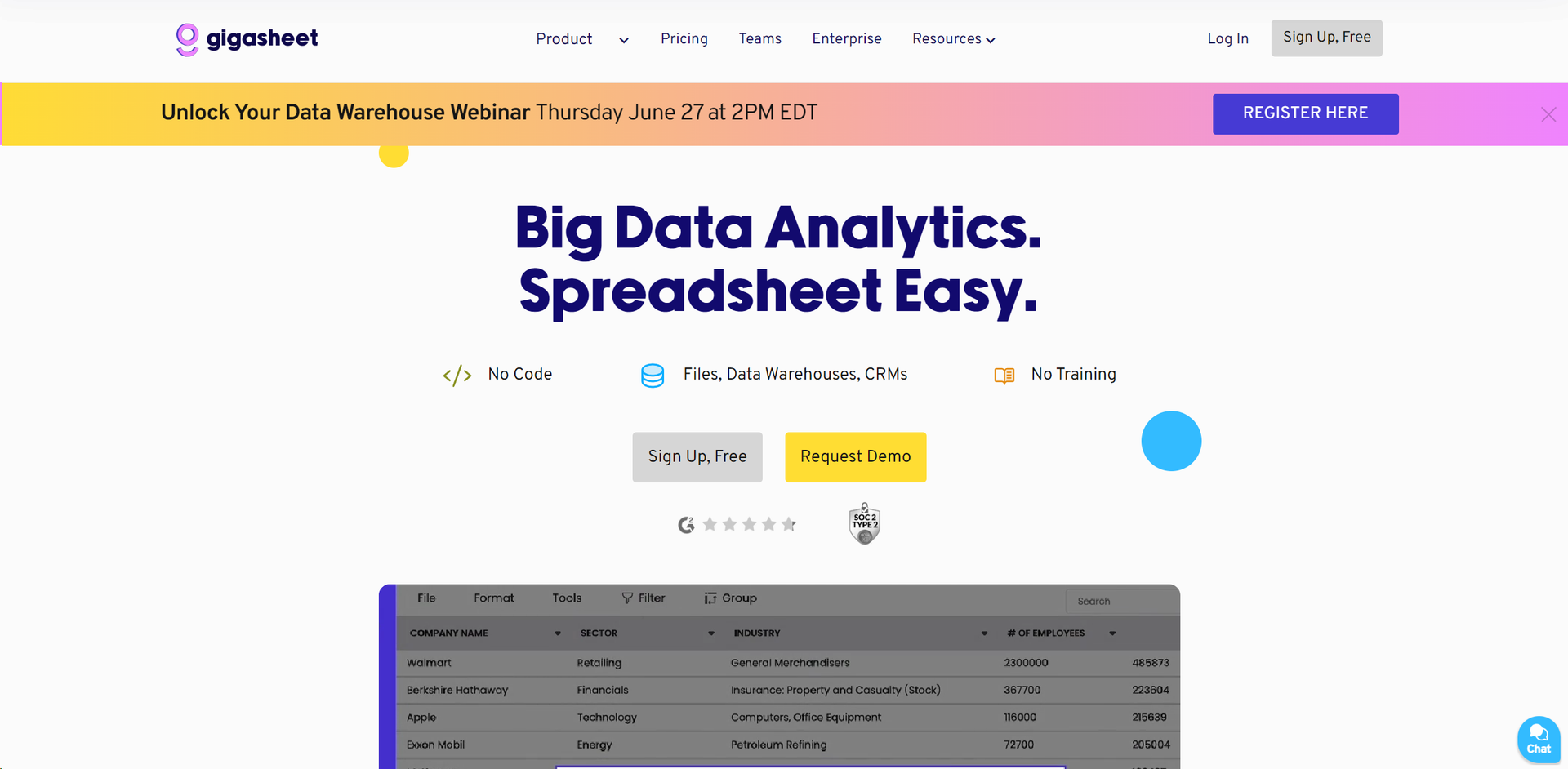
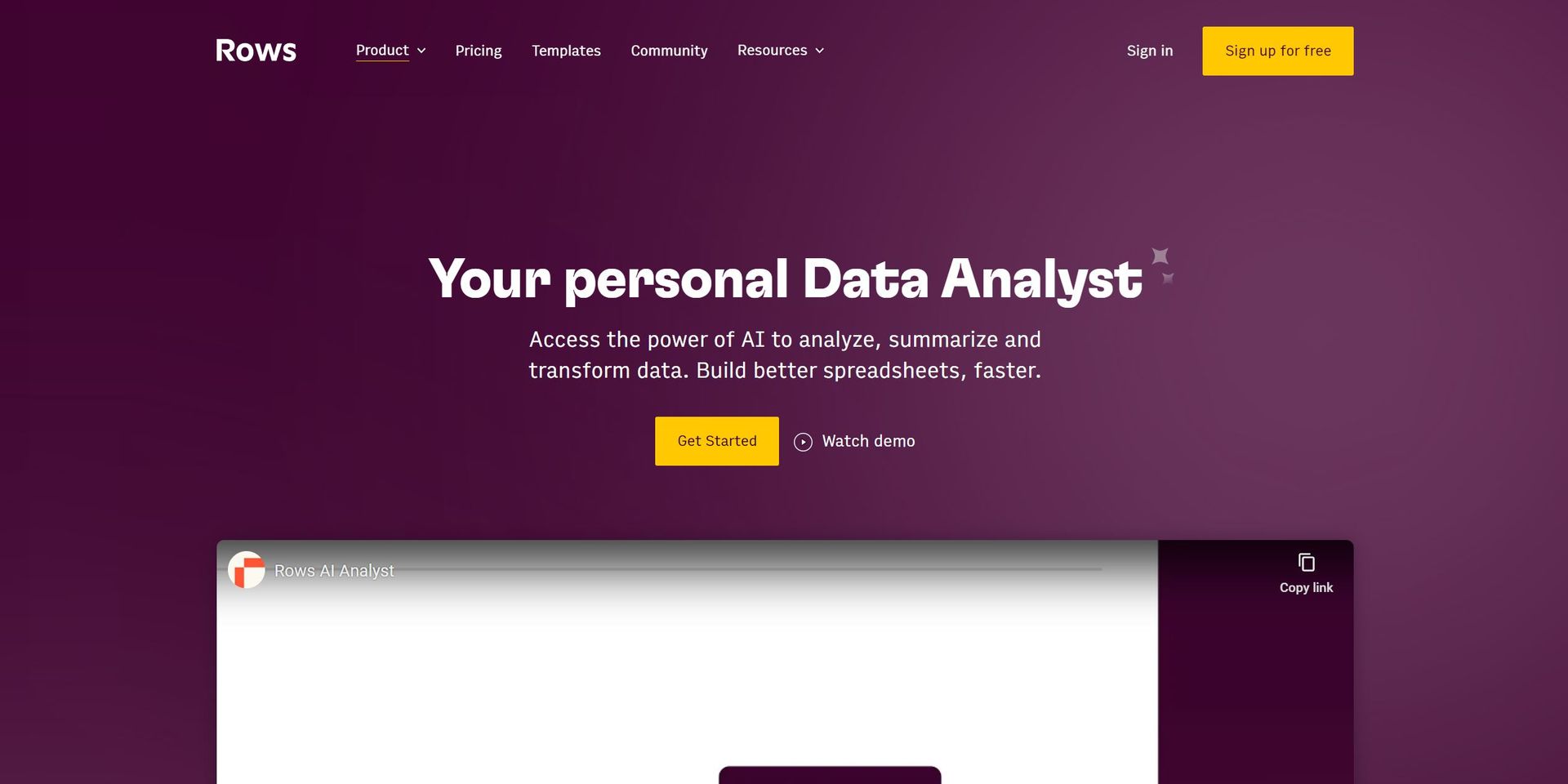
Weekly Issue
⚡
Spreadsheets tools · weekly digest
The AI Weekly — free in your inbox
New AI tools, pricing changes, expert picks, and hidden gems — curated by Mr. Spark every week. Join 5,000+ readers who stay ahead of the AI curve.
No spam, ever
Unsubscribe anytime
100% free