
Pricing Details
Starter: $24 per month, suitable for individuals and small teams with up to 100 pages per month. Professional: $95 per month, designed for small finance teams handling up to 500 pages per month. Business: $150 per month, ideal for growing businesses needing up to 1,000 pages per month. Enterprise: Custom pricing, tailored for large teams with specific integration and page limit needs. Disclaimer: Please note that pricing information may not be up to date. For the most accurate and current pricing details, refer to the official Lido website.
Product Visuals (1 images)
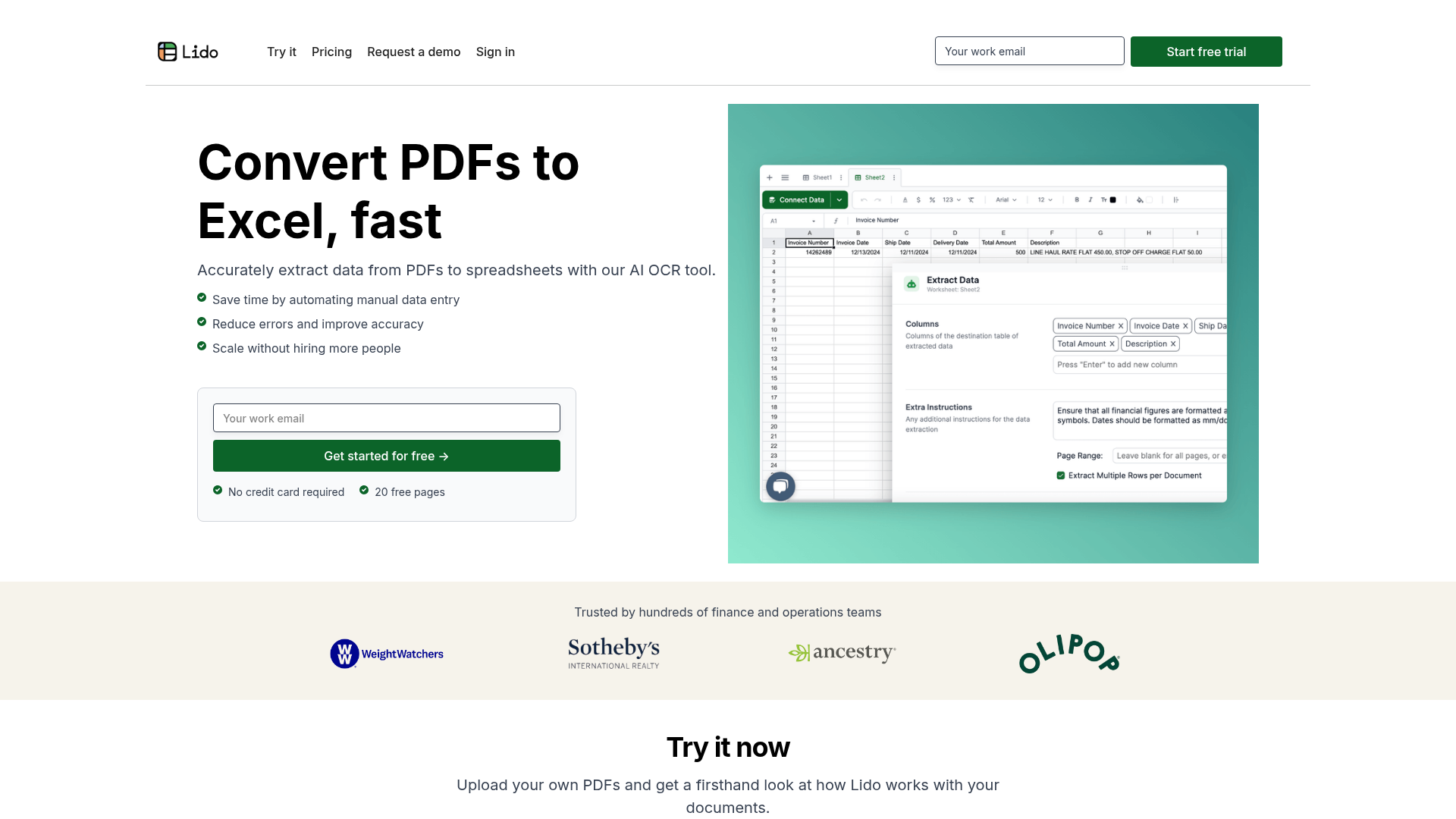
Strengths
- Time Efficiency: Lido significantly reduces the time required for manual data entry, enabling users to process documents in minutes rather than hours.
- High Accuracy: The tool boasts near-perfect accuracy in data extraction, minimizing errors and enhancing data reliability.
- Scalability: It allows businesses to scale their operations without the need for additional personnel, making it cost-effective for growing companies.
- User-Friendly Interface: The intuitive design ensures that users of all technical levels can easily navigate and utilize the tool.
Limitations
- Initial Learning Curve: While user-friendly, some advanced features may require initial familiarization.
- Mobile Limitations: Currently, Lido does not support mobile usage, which may limit accessibility for some users.
- Integration Restrictions: The tool's integration capabilities are somewhat limited, requiring manual processes for certain tasks.
What You Get
Key Features
- AI-Driven Data Extraction: Lido leverages advanced AI OCR technology to accurately extract data from both scanned and digital PDFs, ensuring high precision in data conversion.
- Customizable Data Rules: Users can set specific rules for data extraction, such as converting vendor names to specific formats, enhancing the tool's flexibility to meet diverse needs.
- Table Extraction Capabilities: The tool can extract tabular data by allowing users to define the data area on a PDF page, which is then converted into a structured spreadsheet format.
- Automated Data Cleaning: Lido offers AI-driven data cleaning features, such as standardizing number formats and categorizing expenses, which helps maintain organized and error-free data.
- ProsTime Efficiency: Lido significantly reduces the time required for manual data entry, enabling users to process documents in minutes rather than hours.High Accuracy: The tool boasts near-perfect accuracy in data extraction, minimizing errors and enhancing data reliability.Scalability: It allows businesses to scale their operations without the need for additional personnel, making it cost-effective for growing companies.User-Friendly Interface: The intuitive design ensures that users of all technical levels can easily navigate and utilize the tool.ConsInitial Learning Curve: While user-friendly, some advanced features may require initial familiarization.Mobile Limitations: Currently, Lido does not support mobile usage, which may limit accessibility for some users.Integration Restrictions: The tool's integration capabilities are somewhat limited, requiring manual processes for certain tasks.
Best For
- Finance Teams: Utilizing Lido for efficient processing of invoices, bank statements, and credit card statements.
- Accounting Departments: Employing the tool to streamline data entry and reporting tasks.
- Small Business Owners: Leveraging Lido to reduce the workload on accounts payable teams and improve operational efficiency.
- Operations Managers: Using the tool to automate document workflows and enhance productivity.
- Uncommon Use Cases: Adopted by legal firms for contract abstraction; Utilized by educational institutions for teaching data management.
Similar Tools
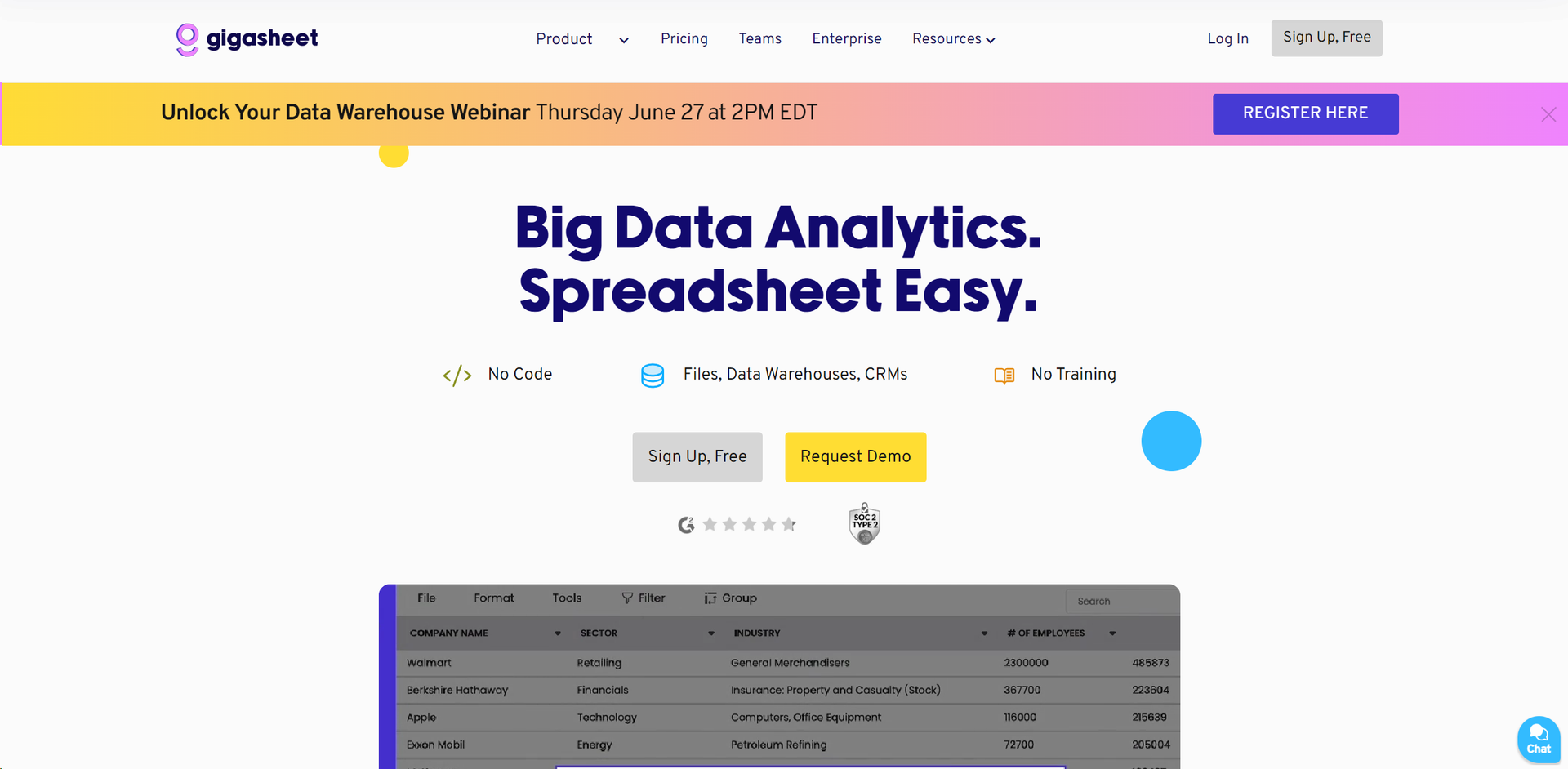
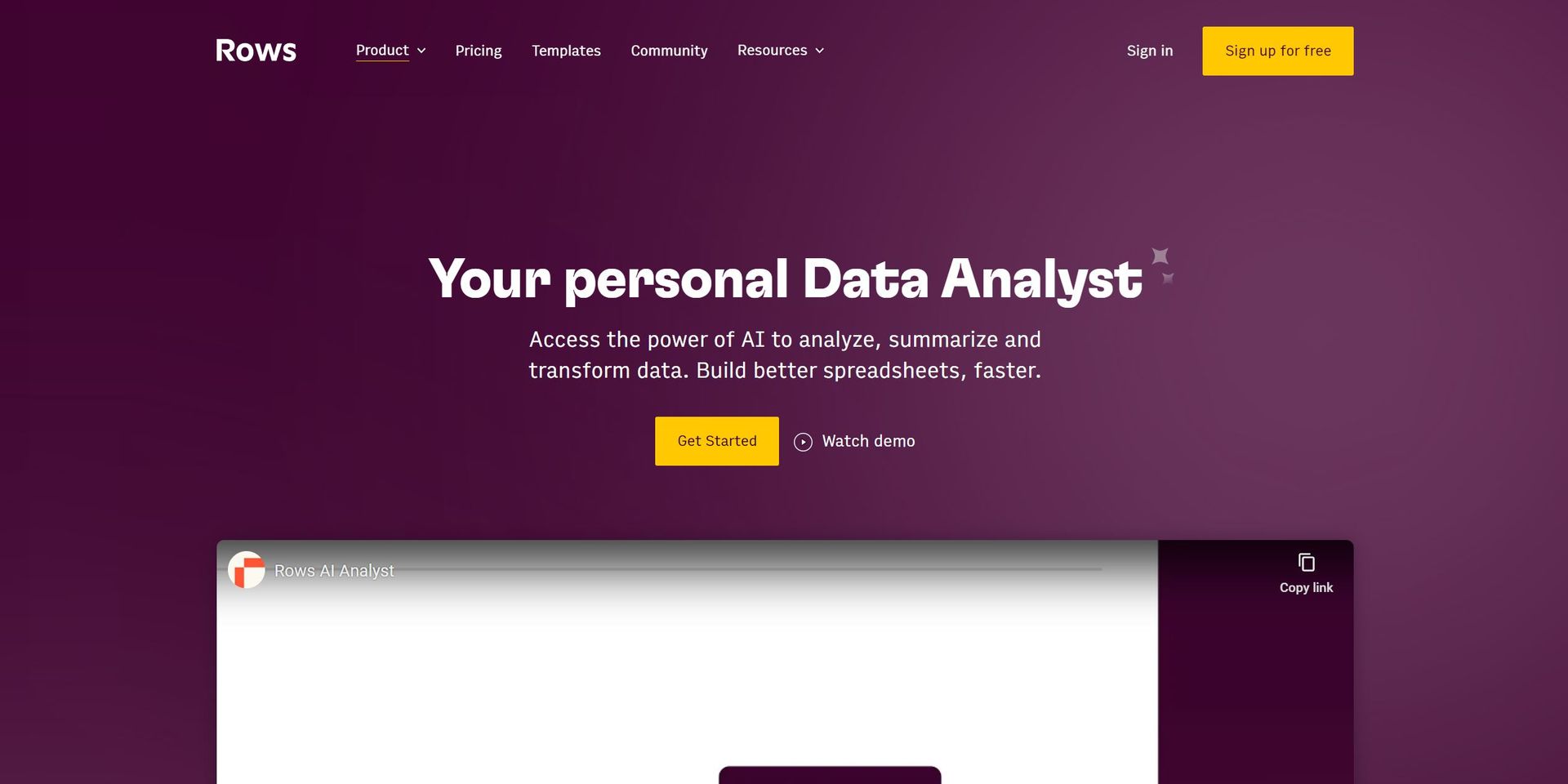
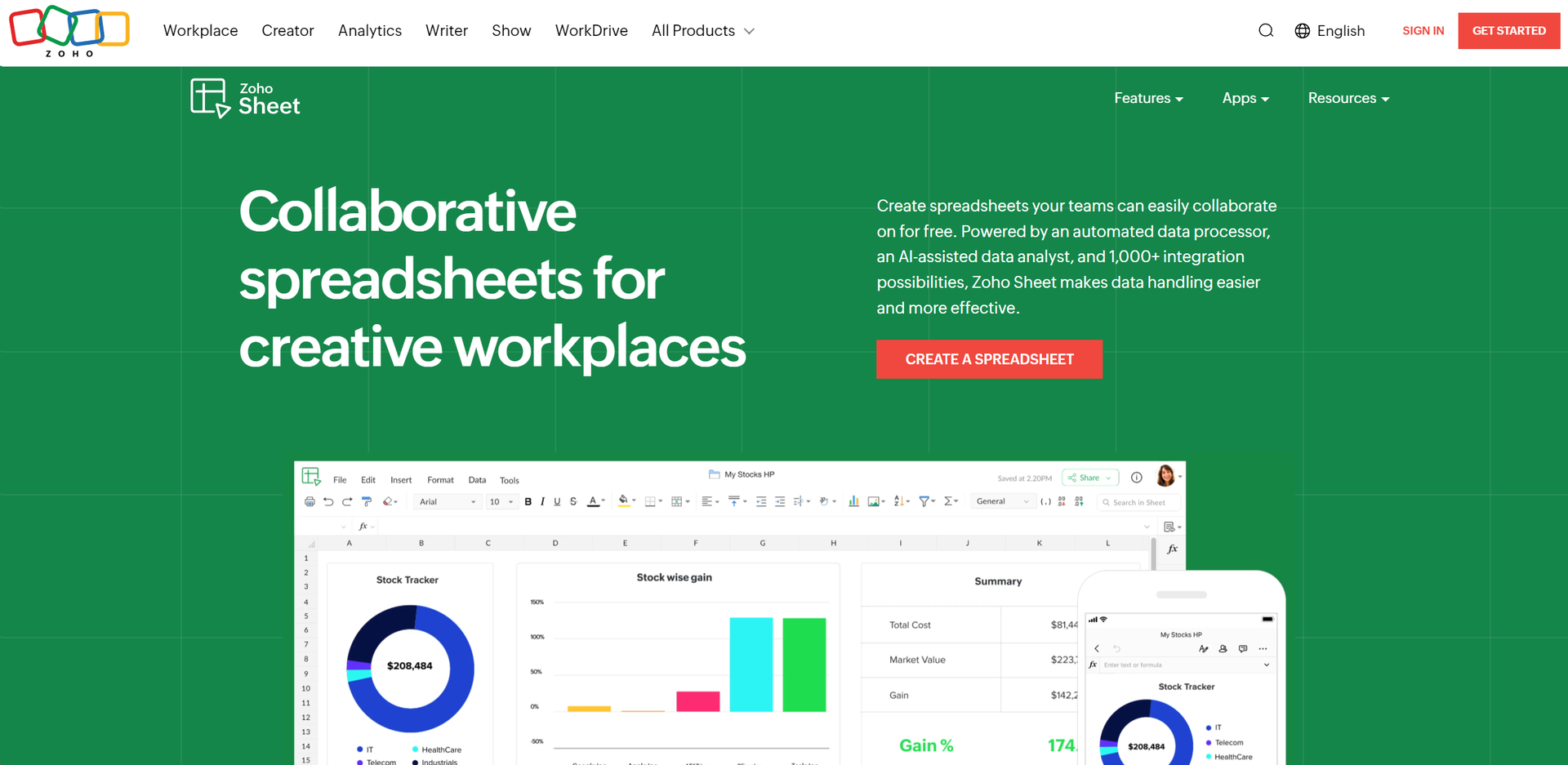
Weekly Issue
⚡
Spreadsheets tools · weekly digest
The AI Weekly — free in your inbox
New AI tools, pricing changes, expert picks, and hidden gems — curated by Mr. Spark every week. Join 5,000+ readers who stay ahead of the AI curve.
No spam, ever
Unsubscribe anytime
100% free