
Pricing Details
Free Tier: Get started with Rows AI with access to basic features and a limited number of AI tasks. Plus and Pro Subscriptions: Advanced features, including unlimited AI tasks, start with the Plus plan. Disclaimer: For the most accurate and current pricing details, please refer to the Rows AI official website.
Product Visuals (1 images)
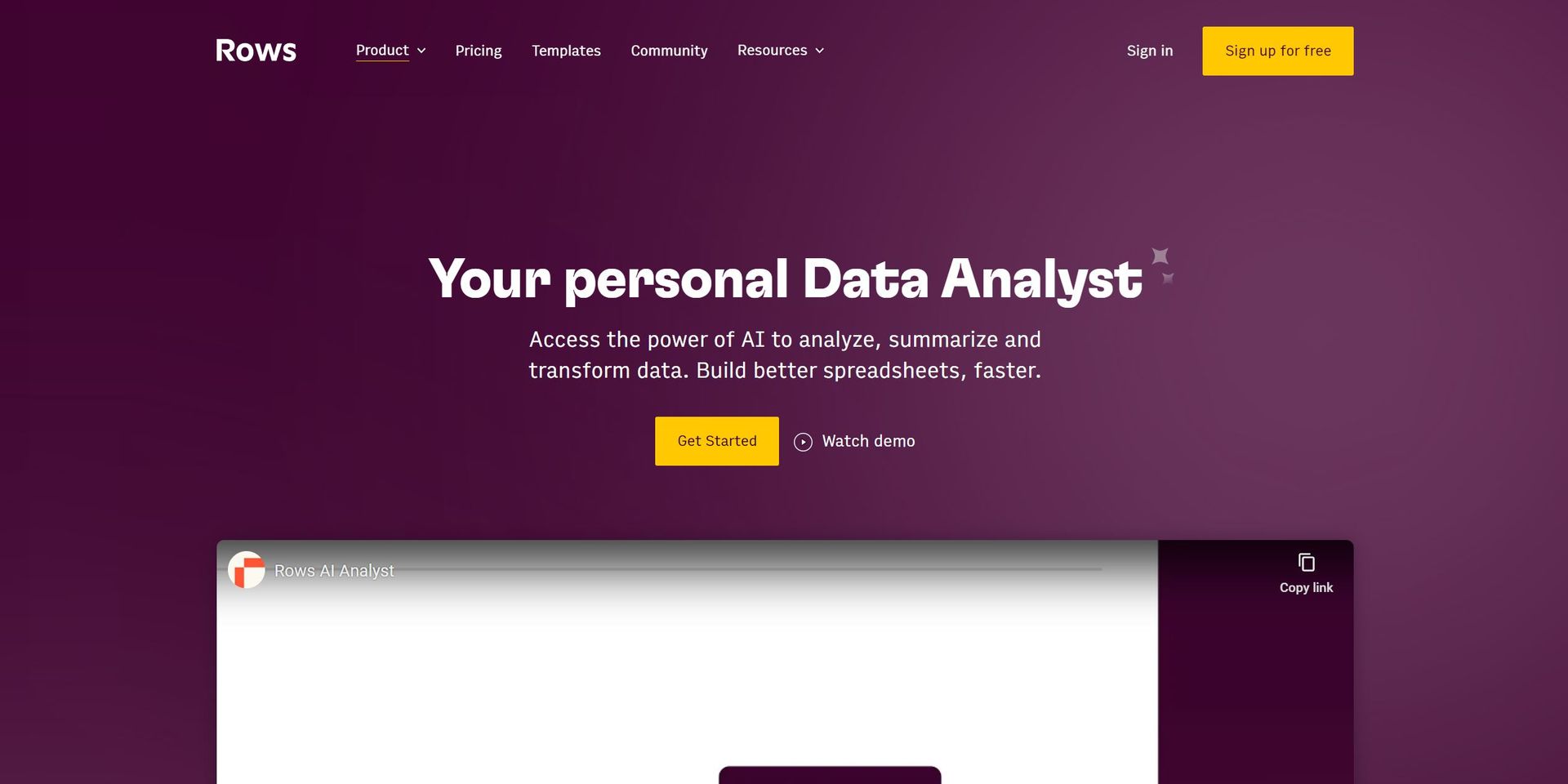
Strengths
- Enhanced Productivity: Dramatically reduces the time spent on data analysis and report generation.
- User-Friendly Interface: Designed for ease of use, making advanced data analysis accessible to all proficiency levels.
- Seamless Integrations: Offers seamless connections to various tools, enhancing workflow and data synchronization.
- Cost-Effective: With a free tier available, it provides powerful AI analysis tools without a hefty price tag.
Limitations
- Learning Curve: New users may need time to fully grasp the integration of AI capabilities with spreadsheet functionalities.
- Limited Free Tier: Some advanced features and integrations are reserved for premium subscriptions.
What You Get
Key Features
- Quick Insights: Instantly summarize key takeaways from your datasets, skipping over the complicated formulas directly to the insights.
- Deep Dives: Uncover trends and patterns with the ability to ask questions and receive answers directly within your spreadsheet.
- ChatGPT Integration: Leverage the power of ChatGPT to classify text, generate content ideas, and even write drafts for marketing campaigns.
- Dynamic AI Interactions: Use AI to drag automations across cell ranges, combine actions with spreadsheet formulas, and create dynamic experiences using cell references.
- ASK_OPENAI Formula: A unique formula that allows sending custom prompts and using specific AI models from OpenAI within your spreadsheets.
- ProsEnhanced Productivity: Dramatically reduces the time spent on data analysis and report generation.User-Friendly Interface: Designed for ease of use, making advanced data analysis accessible to all proficiency levels.Seamless Integrations: Offers seamless connections to various tools, enhancing workflow and data synchronization.Cost-Effective: With a free tier available, it provides powerful AI analysis tools without a hefty price tag.ConsLearning Curve: New users may need time to fully grasp the integration of AI capabilities with spreadsheet functionalities.Limited Free Tier: Some advanced features and integrations are reserved for premium subscriptions.
Best For
- Business Analysts: For generating insights and reports from complex datasets.
- Marketing Teams: To execute and plan marketing campaigns with AI-generated content.
- Sales Professionals: Utilizing AI to clean lead lists and automate data entry tasks.
- Data Scientists: Leveraging the tool for advanced data analysis and modeling.
- Uncommon Use Cases: Educational institutions incorporate Rows AI for teaching data analysis; Non-profits use it for donor data management and campaign planning.
Integrations
OpenAI: Direct integration provides users with the ability to leverage AI models for data analysis and content generation. Third-Party Tools: Seamless connections to a variety of tools enhance data import/export and workflow automation. Dynamic Formulas: Incorporate any formula within AI prompts for customized data interactions. ASK_OPENAI Functionality: Unique formula that enhances the spreadsheet's capabilities through AI.
Similar Tools
Weekly Issue
⚡
Spreadsheets tools · weekly digest
The AI Weekly — free in your inbox
New AI tools, pricing changes, expert picks, and hidden gems — curated by Mr. Spark every week. Join 5,000+ readers who stay ahead of the AI curve.
No spam, ever
Unsubscribe anytime
100% free