
Pricing Details
Free Tier: Start with Gigasheet at no cost to experience its core functionalities. Enterprise Solutions: Tailored pricing available for larger teams and complex needs. Disclaimer: For current pricing details, refer to the official Gigasheet website.
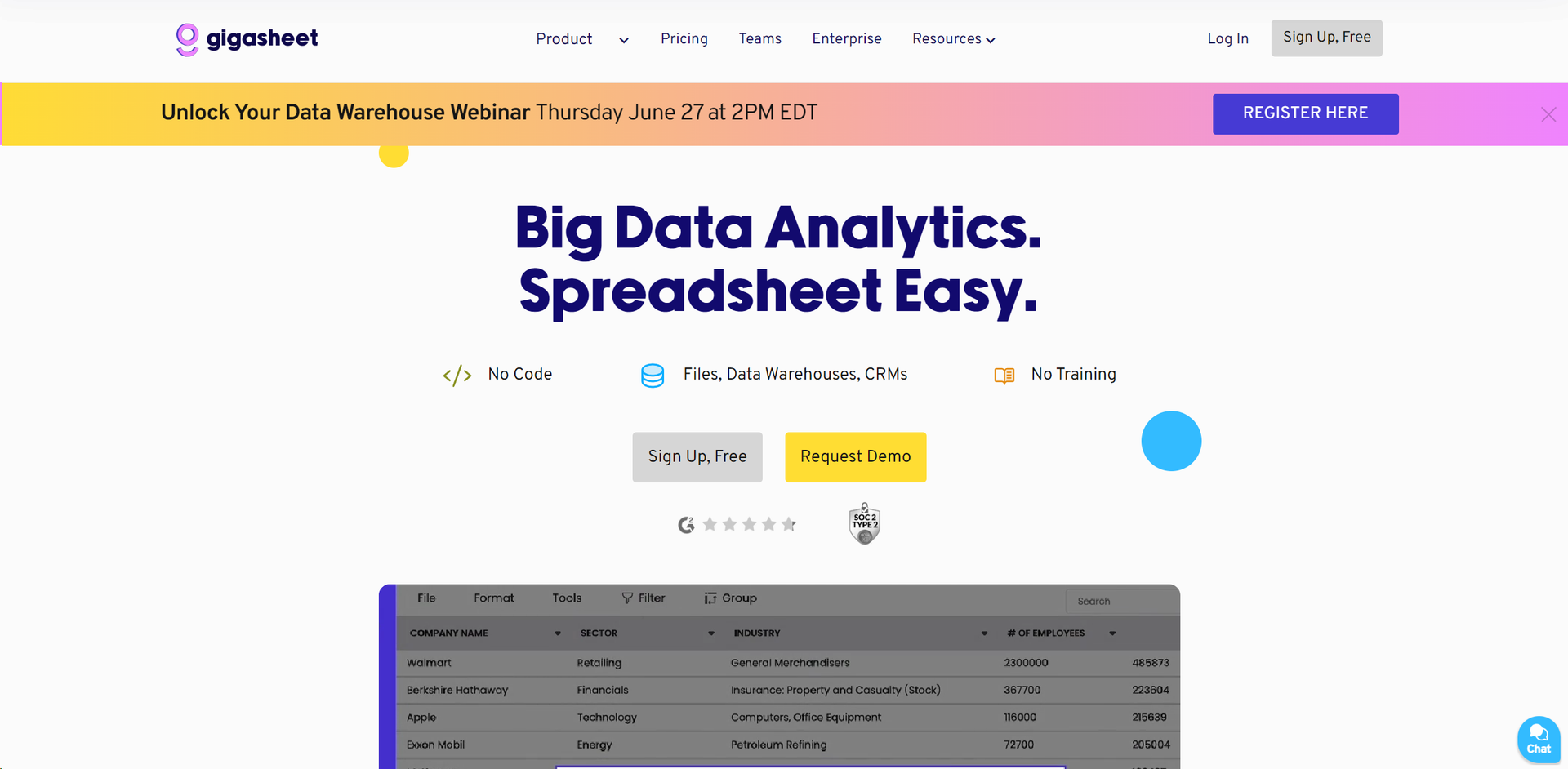
Product Visuals (1 images)
Strengths
- Ease of Use: Familiar spreadsheet interface makes it accessible to non-technical users.
- Scalability: Efficiently manages enormous datasets suitable for enterprise-level data needs.
- Time-Saving: Automates data tasks, reducing manual effort in data preparation.
- Cost-Effective: Minimizes the need for expensive data teams or additional software.
Limitations
- Learning Curve: New users may require time to fully utilize advanced features.
- Integration Limitations: Specific applications may not yet be supported.
- Resource Intensive: Handling large datasets may require robust hardware or cloud infrastructure.
Building your AI toolkit?
Save Gigasheet and 1,000+ tools — free with Google, no spam
What You Get
Key Features
- Big Data Compatibility: Handles billions of cells per spreadsheet for seamless management of large datasets.
- No-Code Analysis: Powerful data analysis tools accessible without coding knowledge.
- Automated Workflows: Streamlines repetitive tasks to focus on data analysis.
- Collaboration Tools: Facilitates easy sharing and collaborative analysis after data upload.
- Integrations: Connects with popular cloud applications and data warehouses for smooth workflow integration.
- Spreadsheet A.I.: Uses AI for instant insights and data enrichment within the spreadsheet interface.
- ProsEase of Use: Familiar spreadsheet interface makes it accessible to non-technical users.Scalability: Efficiently manages enormous datasets suitable for enterprise-level data needs.Time-Saving: Automates data tasks, reducing manual effort in data preparation.Cost-Effective: Minimizes the need for expensive data teams or additional software.ConsLearning Curve: New users may require time to fully utilize advanced features.Integration Limitations: Specific applications may not yet be supported.Resource Intensive: Handling large datasets may require robust hardware or cloud infrastructure.
Best For
- Sales Teams: Analyze customer data to identify new sales opportunities.
- Marketing Professionals: Segment and enrich datasets quickly for targeted campaigns.
- Healthcare Providers: Analyze large patient datasets efficiently.
- Cyber Security Experts: Analyze data for threat detection and response.
- Uncommon Use Cases: Educational institutions and NGOs for research and survey data management.
Integrations
Cloud Services: Integrates seamlessly with major cloud platforms for enhanced data handling. CRM Compatibility: Works well with popular CRM tools for customer data analysis. API Access: Provides APIs for custom integrations tailored to specific business needs. Spreadsheet Tools: Supports various functions and formulas familiar to Excel users.
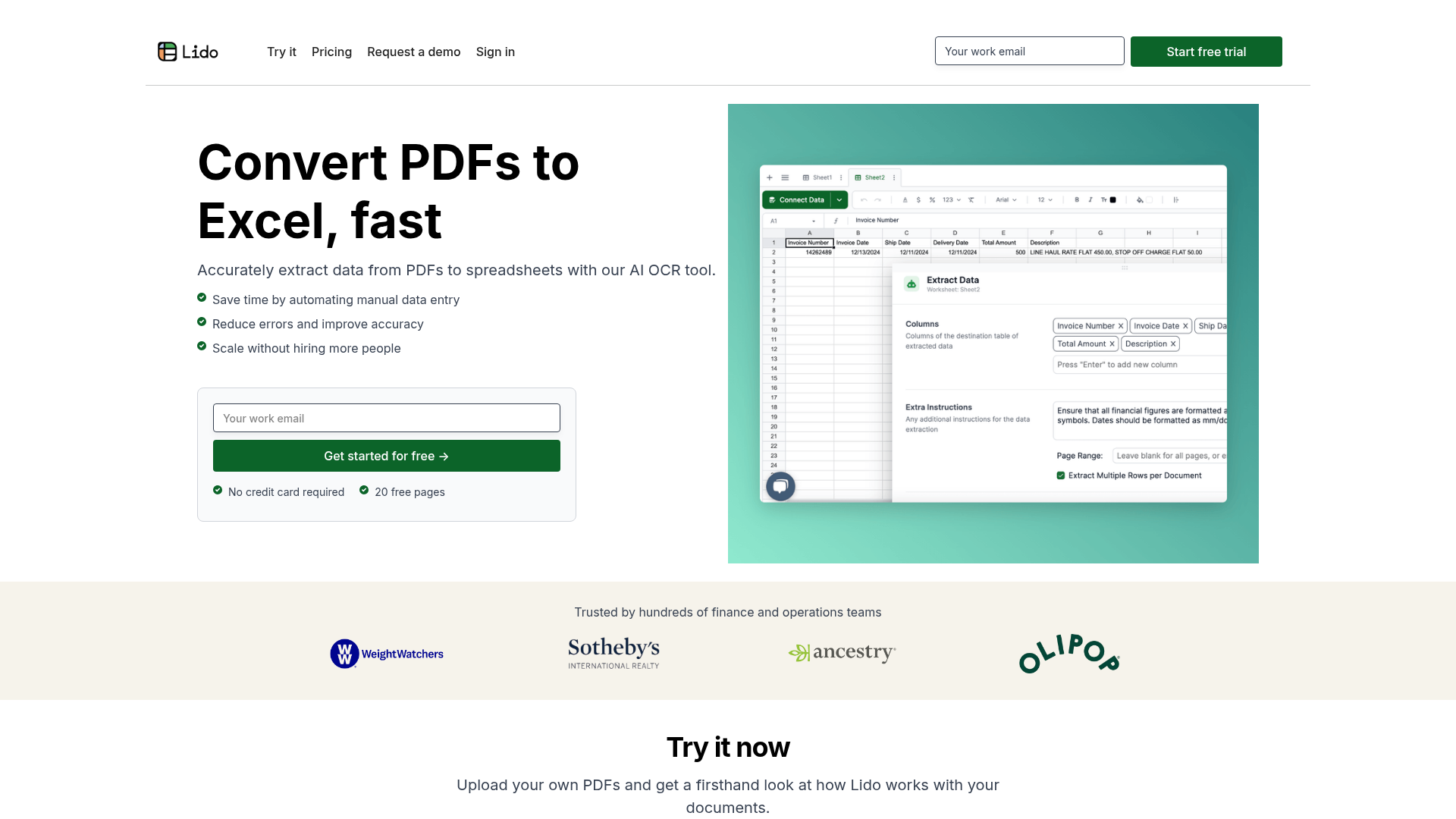
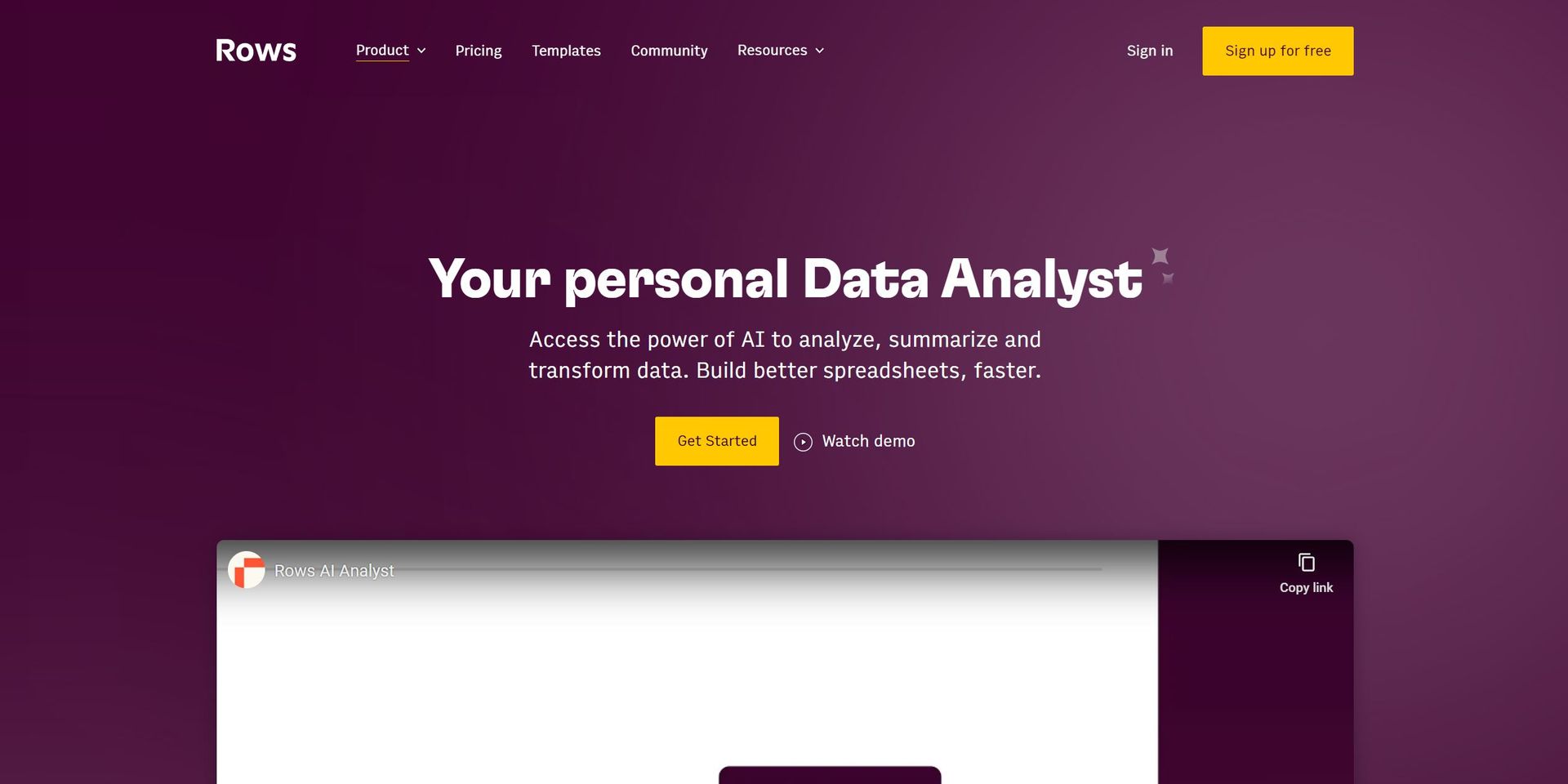
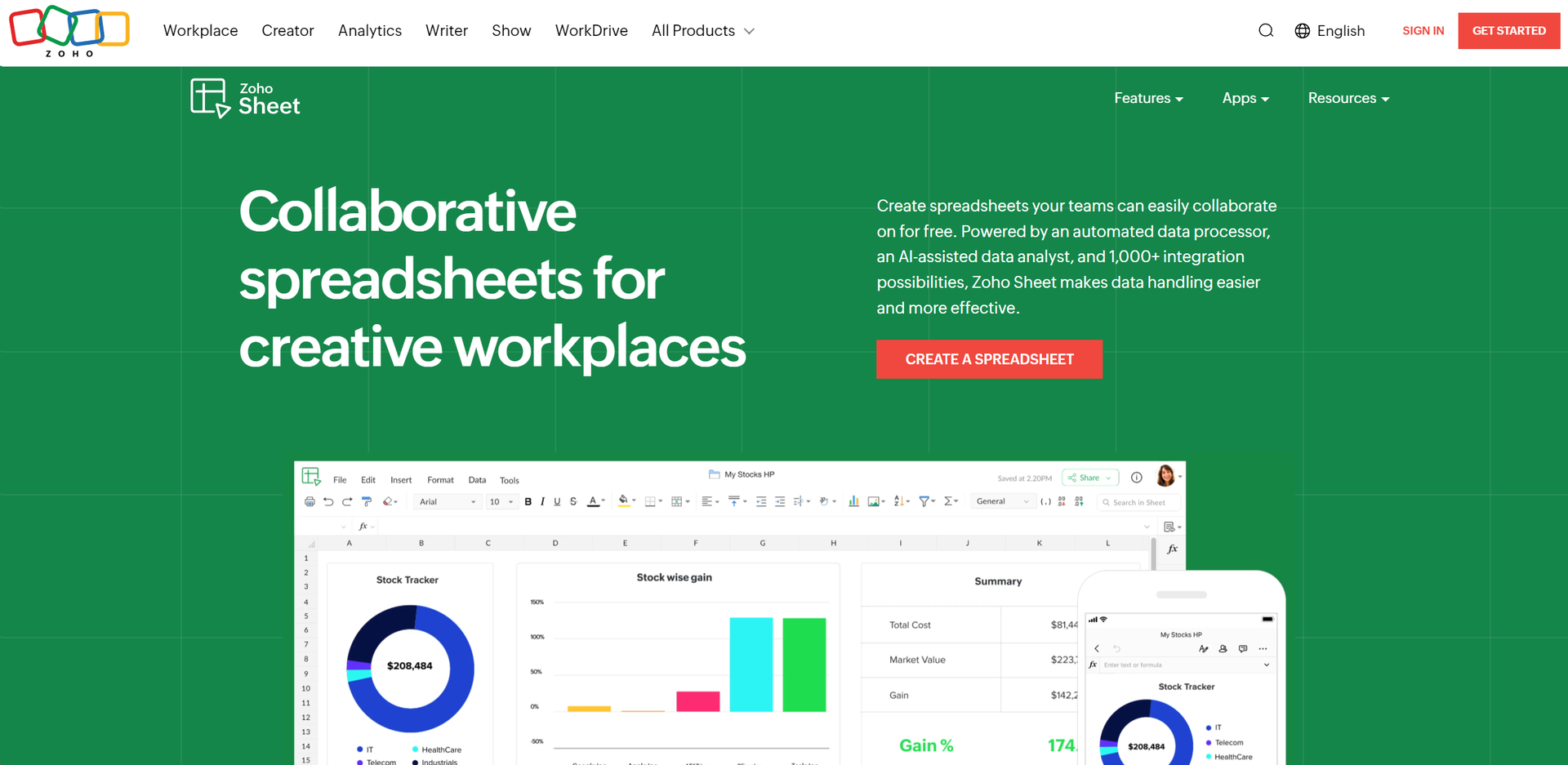
Similar Tools
Weekly Issue
⚡
Spreadsheets tools · weekly digest
The AI Weekly — free in your inbox
New AI tools, pricing changes, expert picks, and hidden gems — curated by Mr. Spark every week. Join 5,000+ readers who stay ahead of the AI curve.
No spam, ever
Unsubscribe anytime
100% free