
Pricing Details
Starter: $0 per month, includes smart suggestions, Code Genius Chat, basic support, and the ability to copy code snippets. Premium: $8 per month, includes all Starter features plus test generation, code improvements, docs generation, and 24/7 premium support. Enterprise: Custom pricing per month, includes all Premium features plus unlimited token usage, 24/7 chat assistant, code idea management, and enterprise support. Disclaimer: Please note that pricing information may not be up to date. For the most accurate and current pricing details, refer to the official Code Genius website.
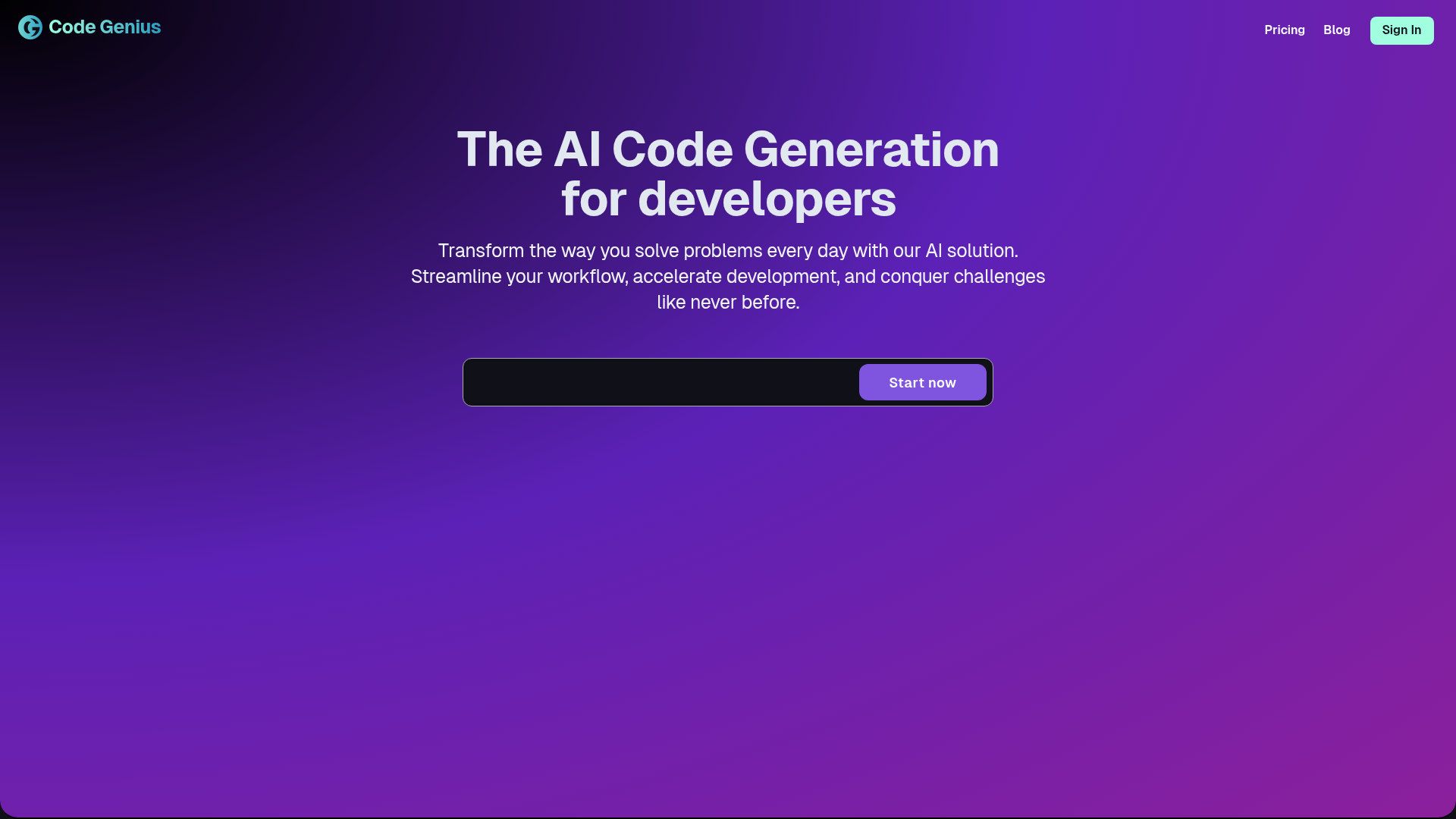
Product Visuals (1 images)
Strengths
- Time Efficiency: Users report saving up to 35% of development time daily, significantly boosting productivity.
- Cost-Effective: Reduces the need for additional resources by automating complex coding tasks.
- Enhanced Code Quality: Provides intelligent, real-time suggestions that lead to cleaner, more efficient code.
- User-Friendly Interface: Designed with developers in mind, offering an intuitive and seamless user experience.
Limitations
- Initial Learning Curve: Some users may require time to fully leverage all advanced features.
- Limited Language Support: Currently focused on React, Vue JS, and Tailwind CSS, which may limit its adoption for projects outside these frameworks.
Building your AI toolkit?
Save Code Genius and 1,000+ tools — free with Google, no spam
What You Get
Key Features
- AI-Powered Code Suggestions: Offers smart, real-time suggestions to optimize and improve your code, enhancing efficiency and reducing errors.
- Automated Unit Test Generation: Instantly generates unit tests, covering a wide range of scenarios, to ensure your code is robust and reliable.
- Conversational AI Buddy: Engage with an AI programming assistant that provides seamless conversational support and coding help around the clock.
- Workflow Synchronization: Ensures smooth integration with existing workflows, allowing for effortless collaboration and enhanced productivity.
- ProsTime Efficiency: Users report saving up to 35% of development time daily, significantly boosting productivity.Cost-Effective: Reduces the need for additional resources by automating complex coding tasks.Enhanced Code Quality: Provides intelligent, real-time suggestions that lead to cleaner, more efficient code.User-Friendly Interface: Designed with developers in mind, offering an intuitive and seamless user experience.ConsInitial Learning Curve: Some users may require time to fully leverage all advanced features.Limited Language Support: Currently focused on React, Vue JS, and Tailwind CSS, which may limit its adoption for projects outside these frameworks.
Best For
- Frontend Developers: Utilizing the tool for efficient and error-free coding in React and Vue JS.
- Software Development Teams: Employing the tool for collaborative coding and streamlined workflows.
- Tech Startups: Leveraging the AI capabilities to accelerate development cycles and minimize resource expenditure.
- Freelance Developers: Using the tool to enhance productivity and code quality for client projects.
- Uncommon Use Cases: Adopted by educational institutions for coding bootcamps; utilized by hobbyist developers for personal projects and learning.
Similar Tools
Code Assistant tools · weekly digest
The AI Weekly — free in your inbox
New AI tools, pricing changes, expert picks, and hidden gems — curated by Mr. Spark every week. Join 5,000+ readers who stay ahead of the AI curve.