
Pricing Details
Free Tier: Explore the basic features of Codegen with limited token access. Pro Tier: For professional teams, pricing starts at $50 per month, offering full platform access and priority support. Disclaimer: Please note that pricing information may not be up to date. For the most accurate and current pricing details, refer to the official Codegen website.
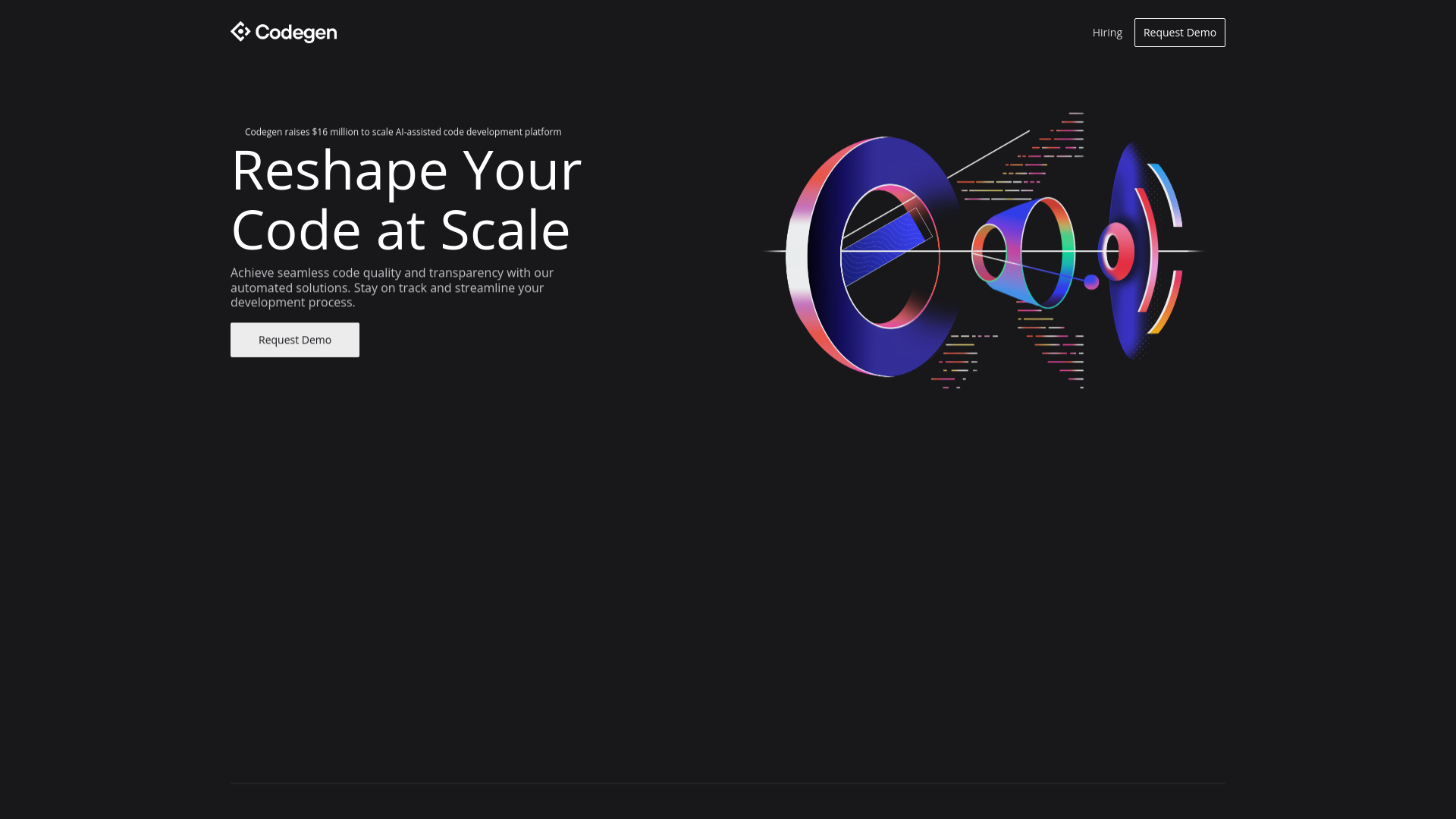
Product Visuals (1 images)
Strengths
- Increased Efficiency: Dramatically speeds up the development process by automating code generation and ticket resolution.
- Enhanced Accuracy: Minimizes human error with automated code reviews and advanced analysis.
- Seamless Integration: Easily integrates into existing workflows, thereby reducing the learning curve and adoption time.
- Scalability: Suitable for enterprise codebases, offering scalability and robustness for large-scale projects.
Limitations
- Dependency on AI: Reliance on AI might limit control over nuanced coding preferences and styles.
- Initial Setup Complexity: While integration is straightforward, initial setup and configuration might require a technical understanding.
- Token Limitations: Occasionally, operations may be restricted due to token constraints from OpenAI, potentially affecting scalability.
What You Get
Key Features
- AI-Powered Code Generation: Utilizes GPT-4 to automatically generate pull requests from tickets, reducing manual coding requirements.
- Integration Capabilities: Fully compatible with GitHub, Jira, and Linear, facilitating a smooth workflow within existing ecosystems.
- Advanced Code Analysis: Ensures high-quality code by performing rigorous analysis and review to catch errors and optimize performance.
- Cross-Platform Collaboration: Enables team collaboration across platforms like GitHub, Slack, and Linear, enhancing communication and efficiency.
- Rapid Iteration and Feedback: Streamlines the development cycle with quick iterations and real-time feedback mechanisms.
- ProsIncreased Efficiency: Dramatically speeds up the development process by automating code generation and ticket resolution.Enhanced Accuracy: Minimizes human error with automated code reviews and advanced analysis.Seamless Integration: Easily integrates into existing workflows, thereby reducing the learning curve and adoption time.Scalability: Suitable for enterprise codebases, offering scalability and robustness for large-scale projects.ConsDependency on AI: Reliance on AI might limit control over nuanced coding preferences and styles.Initial Setup Complexity: While integration is straightforward, initial setup and configuration might require a technical understanding.Token Limitations: Occasionally, operations may be restricted due to token constraints from OpenAI, potentially affecting scalability.
Best For
- Software Development Teams: Utilizing the tool to automate coding tasks and streamline project workflows.
- Tech Startups: Employing advanced AI to enhance development speed and reduce time-to-market.
- Enterprise IT Departments: Leveraging AI to manage large codebases and improve maintenance efficiency.
- Project Managers: Using AI insights to better manage team workflows and project timelines.
- Uncommon Use Cases: Academia for research in automated software engineering; Non-profits optimizing limited developer resources.
Integrations
GitHub Integration: Direct integration facilitates automated PR creation and issue tracking. Jira and Linear Compatibility: Enhances project management capabilities by syncing directly with these tools. Slack Integration: Keeps teams connected and informed without leaving the communication platform. API Access: Offers developers the flexibility to create custom integrations and extend functionality.
Similar Tools



Weekly Issue
⚡
Project Management tools · weekly digest
The AI Weekly — free in your inbox
New AI tools, pricing changes, expert picks, and hidden gems — curated by Mr. Spark every week. Join 5,000+ readers who stay ahead of the AI curve.
No spam, ever
Unsubscribe anytime
100% free