
Pricing Details
Free Version: Explore Cursor’s basic features at no cost. Pro Version: Access advanced features and enhanced support with the Pro version. Contact Cursor for detailed pricing information. Disclaimer: For the most accurate and current pricing details, please refer to the official Cursor website.
Product Visuals (1 images)
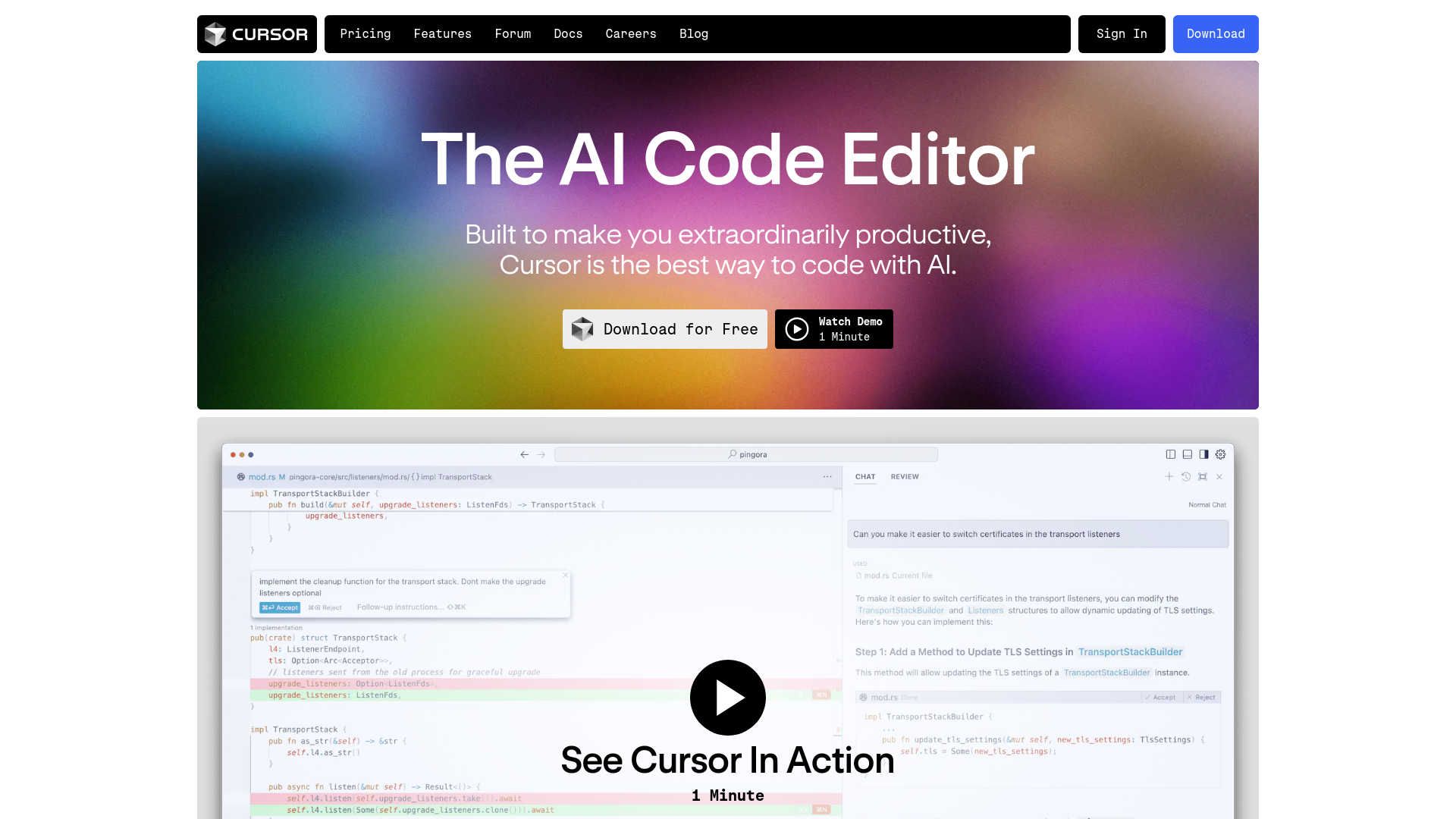
Strengths
- Enhanced Productivity: Developers experience reduced coding time and increased efficiency.
- User-Friendly Interface: Intuitive design minimizes the learning curve and helps developers get started quickly.
- Advanced Security Features: SOC 2 certification and privacy mode ensure robust security and privacy.
- High Customizability: Adapts to personal coding preferences by allowing the importation of existing tools and settings.
Limitations
- Dependency on Internet: Requires an internet connection to fully utilize AI features.
- Platform Compatibility: Limited to its own editor, which might require transitioning from other popular code editors like VSCode.
- Learning Curve for Advanced Features: While basic features are user-friendly, mastering advanced functionalities may take time.
What You Get
Key Features
- AI-Powered Code Completion: Cursor’s Copilot++ predicts your next code edit, facilitating smooth and uninterrupted coding.
- Natural Language Coding: Update entire classes or functions using simple prompts with Cursor’s Cmd-K feature, simplifying complex coding tasks.
- Privacy and Security: Ensures your code remains confidential with SOC 2 certification and a privacy mode that prevents code from being stored on servers.
- Customization: Import your preferred extensions, themes, and keybindings, providing a familiar yet innovative coding environment.
- Integration with Existing Tools: Supports integration with your own API key and various tools, enhancing your coding workflow.
- ProsEnhanced Productivity: Developers experience reduced coding time and increased efficiency.User-Friendly Interface: Intuitive design minimizes the learning curve and helps developers get started quickly.Advanced Security Features: SOC 2 certification and privacy mode ensure robust security and privacy.High Customizability: Adapts to personal coding preferences by allowing the importation of existing tools and settings.ConsDependency on Internet: Requires an internet connection to fully utilize AI features.Platform Compatibility: Limited to its own editor, which might require transitioning from other popular code editors like VSCode.Learning Curve for Advanced Features: While basic features are user-friendly, mastering advanced functionalities may take time.
Best For
- Software Development Companies: Leveraging AI-powered tools to enhance the development process.
- Freelance Developers: Seeking efficient solutions for managing multiple projects.
- Educational Institutions: Teaching advanced coding techniques using state-of-the-art AI technology.
- Tech Startups: Utilizing innovative tools to accelerate development and reduce time to market.
- Uncommon Use Cases: Non-profit organizations using Cursor to develop and maintain software with limited resources.
Integrations
API Access: Enables integration with custom systems, expanding functionality and workflow options. Extensive Plugin Ecosystem: Users can enhance their experience by adding plugins that extend Cursor’s capabilities. Privacy Mode: Ensures code privacy, a crucial feature for developers concerned with data security.
Similar Tools
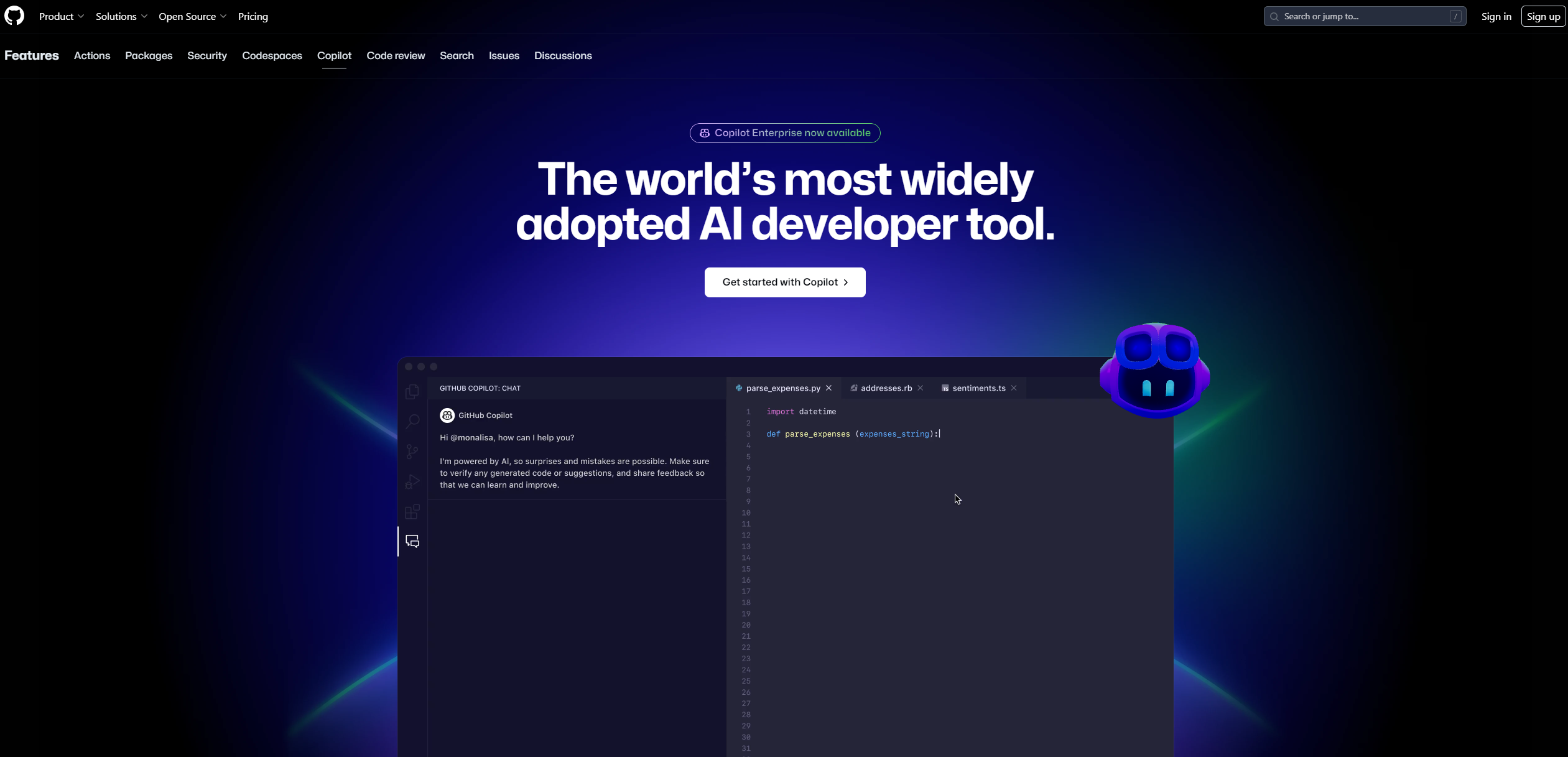
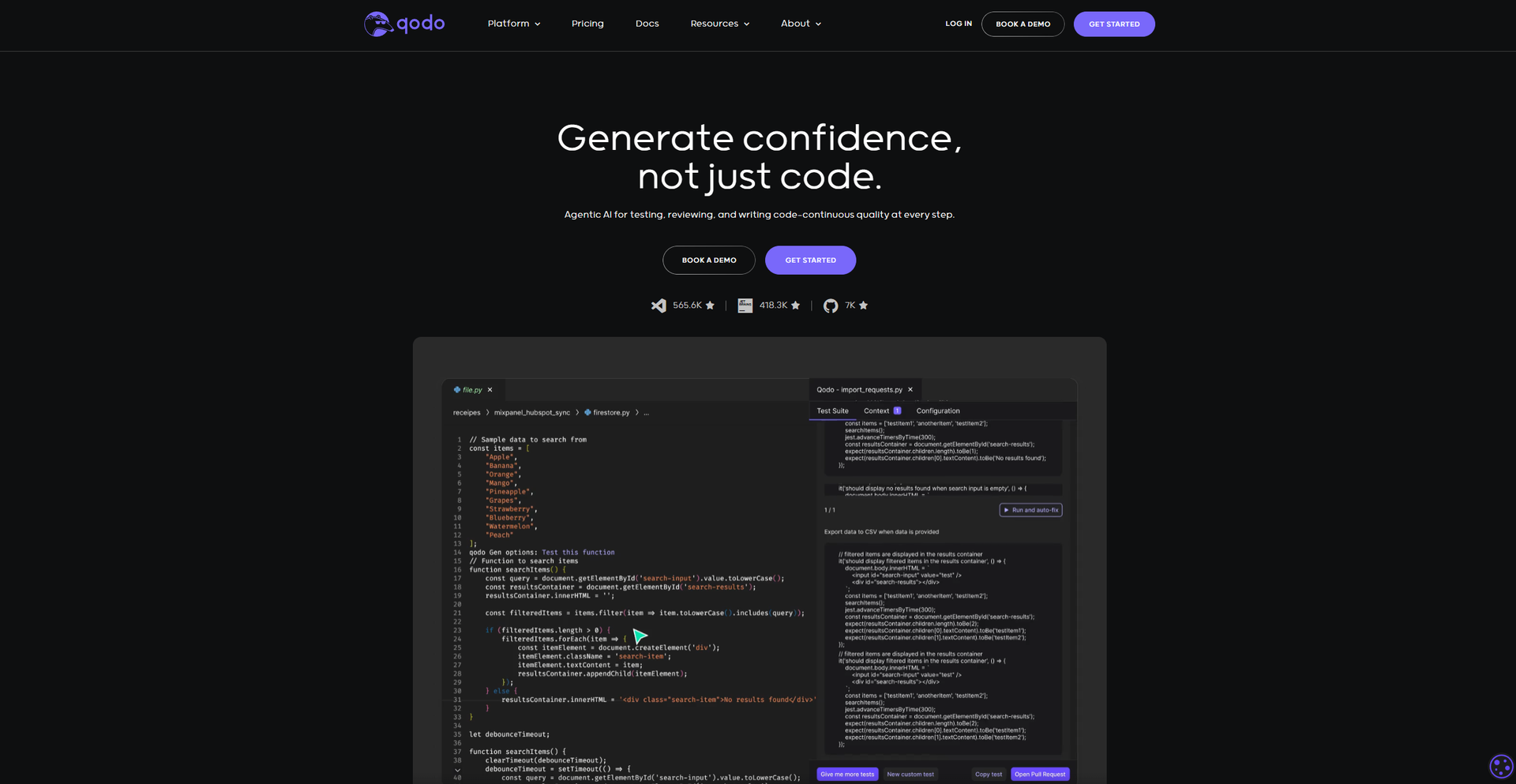
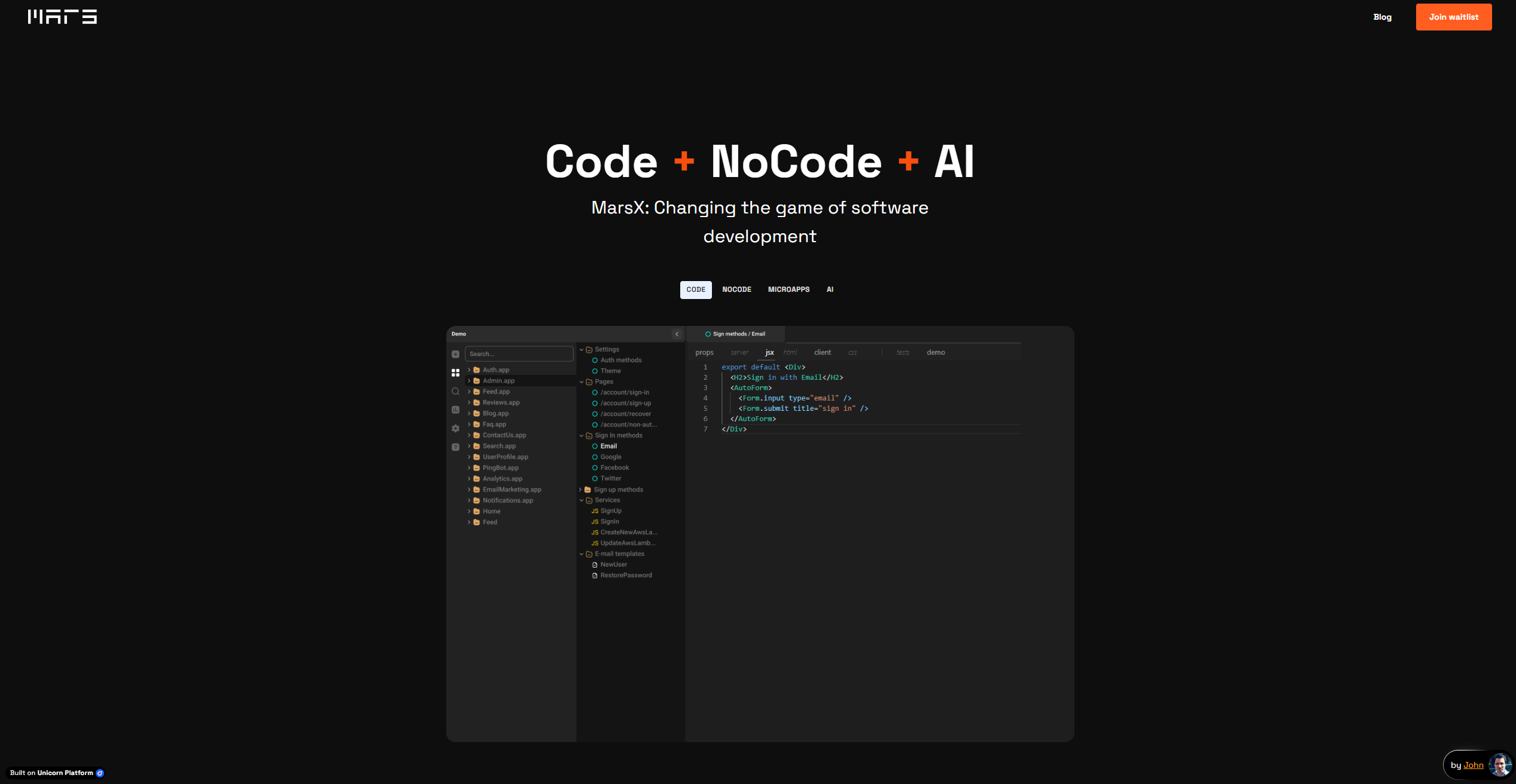
Weekly Issue
⚡
Code Assistant tools · weekly digest
The AI Weekly — free in your inbox
New AI tools, pricing changes, expert picks, and hidden gems — curated by Mr. Spark every week. Join 5,000+ readers who stay ahead of the AI curve.
No spam, ever
Unsubscribe anytime
100% free