
Pricing Details
Free Trial: Comprehensive free trial period available. Subscription Plans: Tailored subscription options; details available on the Document Crunch website. Disclaimer: Pricing information may change; refer to the official Document Crunch website for the most current details.
Product Visuals (1 images)
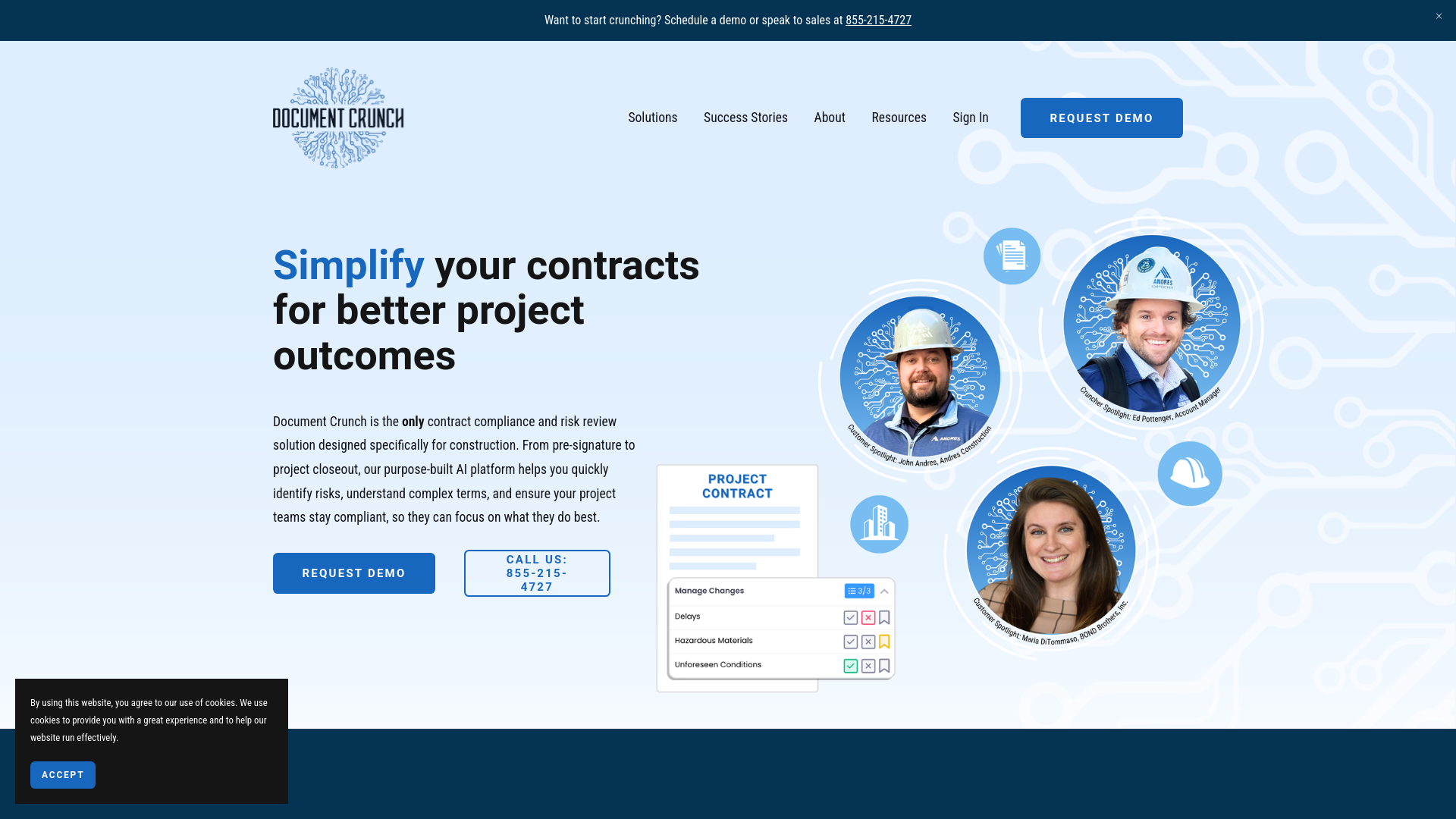
Strengths
- Time Efficiency: Reduces contract review time from days to minutes.
- Enhanced Understanding: Translates legal jargon into plain English for better team comprehension.
- Risk Mitigation: Identifies potential contract risks early to avoid disputes.
- Integration Capability: Seamlessly integrates with Microsoft Word and Procore for smooth workflows.
Limitations
- Specialized Focus: Primarily tailored for the construction industry, limiting its use for other sectors.
- Learning Curve: Users may need time to adapt to the AI features and playbook format.
- Document Format Dependency: Requires specific document formats for optimal functionality.
Building your AI toolkit?
Save Document Crunch and 1,000+ tools — free with Google, no spam
What You Get
Key Features
- Risk Review: AI-driven identification of critical provisions and risks in contracts.
- Project Playbook: Provides a clear, condensed playbook to simplify legal terms for team members.
- Standardized Review Process: Offers a consistent approach to contract reviews for increased reliability.
- Document Crunch for Word: Integrates directly with Microsoft Word for easy use within a familiar environment.
- Procore Integration: Connects with Procore for enhanced project management and compliance.
- ProsTime Efficiency: Reduces contract review time from days to minutes.Enhanced Understanding: Translates legal jargon into plain English for better team comprehension.Risk Mitigation: Identifies potential contract risks early to avoid disputes.Integration Capability: Seamlessly integrates with Microsoft Word and Procore for smooth workflows.ConsSpecialized Focus: Primarily tailored for the construction industry, limiting its use for other sectors.Learning Curve: Users may need time to adapt to the AI features and playbook format.Document Format Dependency: Requires specific document formats for optimal functionality.
Best For
- Construction Managers: Streamlining contract reviews to focus on project execution.
- Risk Management Professionals: Efficiently identifying and managing contract risks.
- Legal Teams in Construction Firms: Automating initial contract review processes.
- Project Teams: Using the playbook for consistent understanding of contract terms.
- Uncommon Use Cases: Educational institutions use it for construction management courses; independent contractors manage project contracts.
Integrations
Microsoft Word Integration: Works within MS Word for familiar editing. Procore Integration: Enhances project management by linking with Procore. API Access: Enables custom integrations for developers. Flexible Document Handling: Supports various document formats for versatility.
Similar Tools



Weekly Issue
⚡
Project Management tools · weekly digest
The AI Weekly — free in your inbox
New AI tools, pricing changes, expert picks, and hidden gems — curated by Mr. Spark every week. Join 5,000+ readers who stay ahead of the AI curve.
No spam, ever
Unsubscribe anytime
100% free