
Pricing Details
Free Trial: Get started with Dosu with an initial free trial period. Subscription Plans: Detailed pricing plans are available on the Dosu website. Disclaimer: For the most accurate and current pricing details, refer to the official Dosu website at https://dosu.dev/.
Product Visuals (1 images)
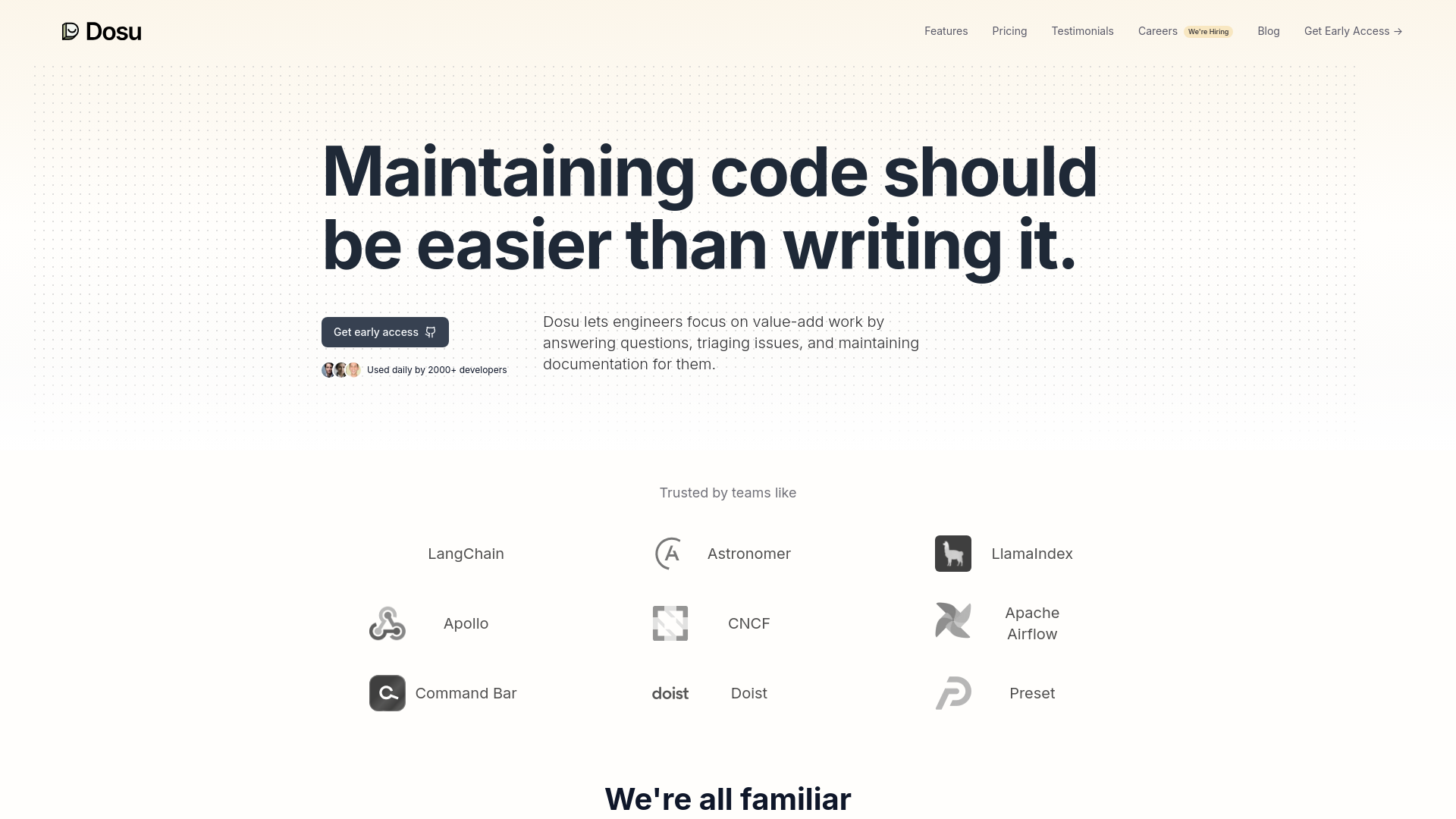
Strengths
- Enhanced Productivity: Automates routine tasks, allowing developers to focus on more complex problems.
- 24/7 Availability: Operates round the clock, addressing issues and queries at any time, which is crucial for global teams.
- Language Versatility: Communicates in multiple languages, making it a versatile tool for international teams.
- User-Friendly: Easy to integrate and use within existing GitHub environments, requiring minimal setup.
Limitations
- Platform Dependency: Currently limited to GitHub, which might not cater to teams using other version control systems.
- Learning Curve: New users need to familiarize themselves with its features and integration points.
- Pending Integrations: Full potential not yet realized without integrations with other commonly used tools like Slack and Jira.
What You Get
Key Features
- AI-Driven Issue Response: Dosu provides automated responses to GitHub issues, offering solutions in real-time and often resolving queries before developers need to intervene.
- Bug Triage: It efficiently categorizes and prioritizes bugs, helping teams to address them systematically.
- Dynamic Documentation: Dosu assists in creating and updating documentation, ensuring that project guidelines and references are up-to-date.
- Multi-Language Support: This tool is not limited to English; it understands and responds in over 14 languages, making it accessible to a global developer community.
- Integration Capabilities: While currently optimized for GitHub, Dosu is set to integrate with other platforms like Slack, Jira, and Zendesk soon.
- ProsEnhanced Productivity: Automates routine tasks, allowing developers to focus on more complex problems.24/7 Availability: Operates round the clock, addressing issues and queries at any time, which is crucial for global teams.Language Versatility: Communicates in multiple languages, making it a versatile tool for international teams.User-Friendly: Easy to integrate and use within existing GitHub environments, requiring minimal setup.ConsPlatform Dependency: Currently limited to GitHub, which might not cater to teams using other version control systems.Learning Curve: New users need to familiarize themselves with its features and integration points.Pending Integrations: Full potential not yet realized without integrations with other commonly used tools like Slack and Jira.
Best For
- Dosu is rapidly becoming a staple for various professionals and organizations aiming to streamline their development processes:
- Software Development Teams: Enhancing efficiency in issue management and code maintenance.
- Project Managers: Overseeing project progress and documentation without manual monitoring.
- Quality Assurance Professionals: Assisting in bug triage and maintaining high standards of code quality.
- Tech Startups: Providing scalable solutions for managing growing codebases.
- Uncommon Use Cases: Educational institutions utilize it for teaching coding and version control practices; non-profit organizations use it to manage community-driven projects efficiently.
Integrations
GitHub Integration: Fully integrated with GitHub, providing seamless functionality. Future Integrations: Plans to support Slack, Linear, Jira, and Zendesk.
Similar Tools



Weekly Issue
⚡
Project Management tools · weekly digest
The AI Weekly — free in your inbox
New AI tools, pricing changes, expert picks, and hidden gems — curated by Mr. Spark every week. Join 5,000+ readers who stay ahead of the AI curve.
No spam, ever
Unsubscribe anytime
100% free