
Pricing Details
Free Trial: Experience dotBRAND with a free trial, allowing users to explore its features without commitment. Disclaimer: Please note that pricing information may not be up to date. For the most accurate and current pricing details, refer to the official dotBRAND website.
Product Visuals (1 images)
Strengths
- Time Efficiency: Reduces the time spent on administrative tasks by automating proposal generation and client communication.
- Enhanced Client Satisfaction: Aligns design styles from the outset, ensuring projects meet client expectations and reducing revision cycles.
- Increased Proposal Success Rates: AI-generated reports and proposals help win client trust more effectively.
- Professional Presentation: Delivers clear, professional proposals that showcase design expertise.
Limitations
- Initial Learning Curve: Some users may need time to adapt to the AI-driven approach and integrate it into existing workflows.
- Dependence on Automation: Over-reliance on automation might reduce personal touches in client interactions for some users.
What You Get
Key Features
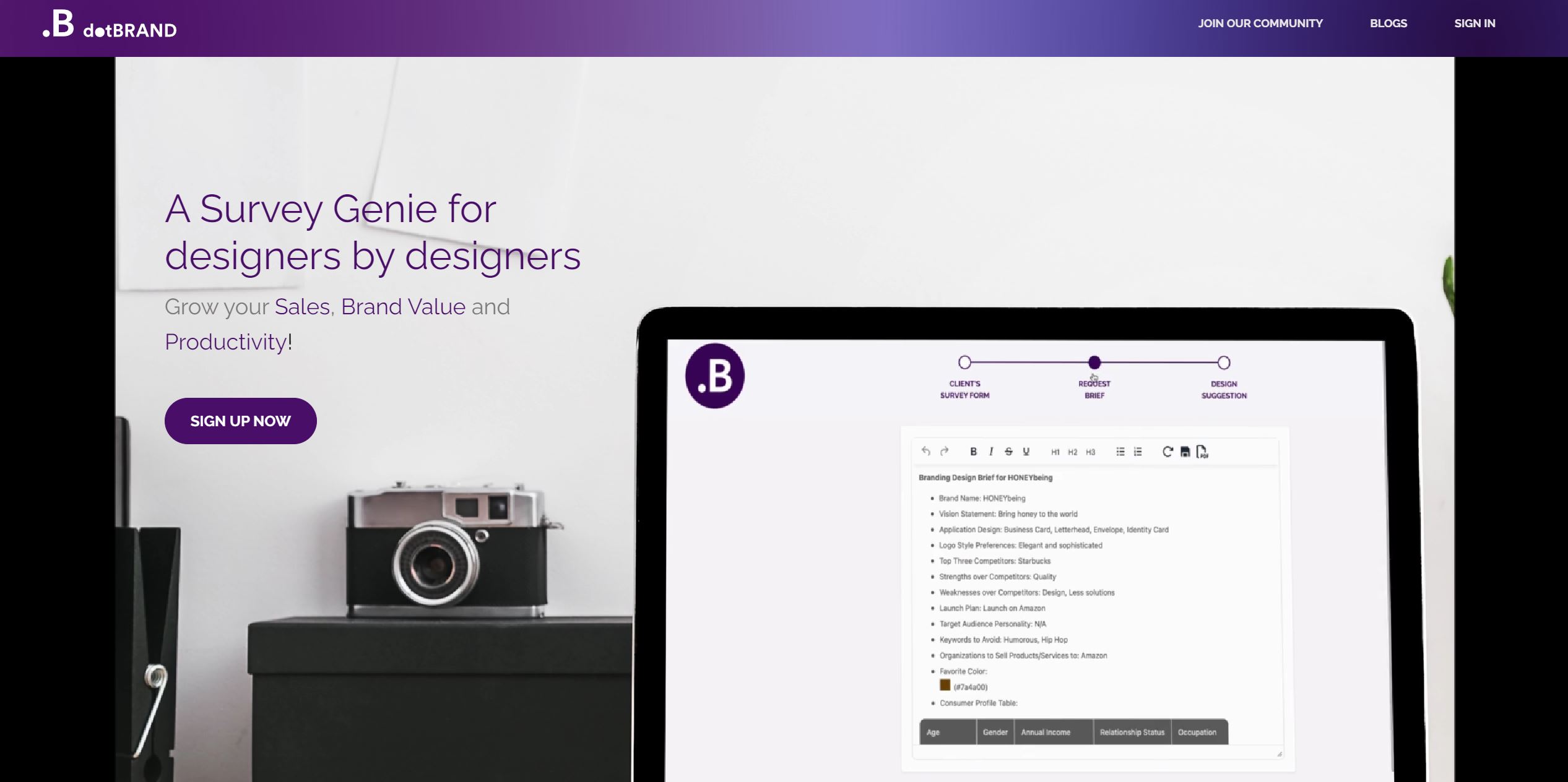
- AI-Powered Sales Agent: dotBRAND acts as an AI sales agent, reaching out to leads within an hour to increase conversion rates.
- Automated Project Planning: Instantly generate project plans that capture client needs, helping design firms present professional solutions swiftly.
- Design Style Alignment: Provides tailored visual references and suggestions to ensure clients' expectations are met from the start, minimizing revisions.
- Streamlined Consultations: Automates the collection of detailed client information, allowing teams to concentrate on creative endeavors rather than back-and-forth communication.
- ProsTime Efficiency: Reduces the time spent on administrative tasks by automating proposal generation and client communication.Enhanced Client Satisfaction: Aligns design styles from the outset, ensuring projects meet client expectations and reducing revision cycles.Increased Proposal Success Rates: AI-generated reports and proposals help win client trust more effectively.Professional Presentation: Delivers clear, professional proposals that showcase design expertise.ConsInitial Learning Curve: Some users may need time to adapt to the AI-driven approach and integrate it into existing workflows.Dependence on Automation: Over-reliance on automation might reduce personal touches in client interactions for some users.
Best For
- Interior Designers: Leveraging dotBRAND for precise project alignment and minimizing revisions.
- Graphic Designers: Utilizing the tool to streamline project planning and enhance client communication.
- Web Designers: Employing dotBRAND to gather client requirements efficiently and focus on design creativity.
- Brand Consultants: Using the tool to deliver professional proposals and build lasting client relationships.
- Uncommon Use Cases: Adopted by event planners for visual theme alignment; Used by architecture firms for initial project scoping.
Similar Tools



Weekly Issue
⚡
Project Management tools · weekly digest
The AI Weekly — free in your inbox
New AI tools, pricing changes, expert picks, and hidden gems — curated by Mr. Spark every week. Join 5,000+ readers who stay ahead of the AI curve.
No spam, ever
Unsubscribe anytime
100% free