
Pricing Details
Free Tier: Experience Figma AI with a free plan offering basic features. Pro Tier: The Pro Tier starts at $12 per month for advanced features and team collaboration. Disclaimer: Please note that pricing information may not be up to date. For the most accurate and current pricing details, refer to the official Figma AI website.
Product Visuals (1 images)
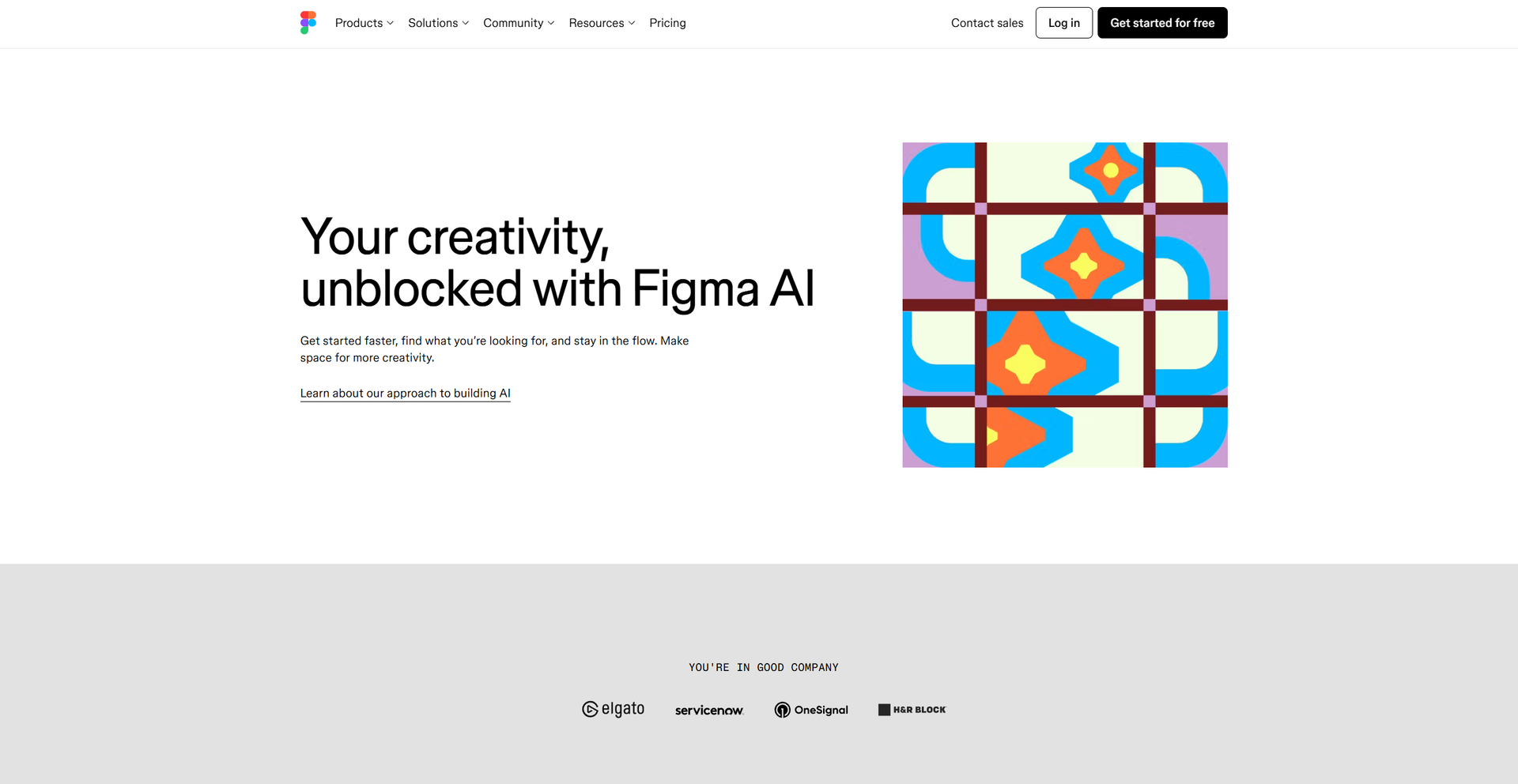
Strengths
- Creative Freedom: Figma AI eliminates workflow bottlenecks, allowing designers to focus on creative details.
- Efficiency Boost: Rapid prototyping and content generation significantly speed up the design process.
- Collaborative Power: Visual search and automatic layer management enhance team collaboration.
- User-Friendly: The intuitive interface ensures even complex features are accessible to all users.
Limitations
- Initial Learning Curve: New users may require time to fully leverage the advanced AI features.
- Limited Integration: Currently, integration capabilities with third-party platforms are somewhat limited.
What You Get
Key Features
- AI-Enhanced Prototyping: Instantly turn static designs into interactive prototypes with a single click, reducing the need for manual connections.
- Smart Content Generation: Automatically generate and replace text content in design mocks, moving beyond placeholder text to more realistic designs.
- Visual Search: Upload an image to find similar designs or exact matches created by teammates, facilitating inspiration and collaboration.
- Layer Management: Automatically rename and organize layers contextually, streamlining project organization and enhancing teamwork.
- ProsCreative Freedom: Figma AI eliminates workflow bottlenecks, allowing designers to focus on creative details.Efficiency Boost: Rapid prototyping and content generation significantly speed up the design process.Collaborative Power: Visual search and automatic layer management enhance team collaboration.User-Friendly: The intuitive interface ensures even complex features are accessible to all users.ConsInitial Learning Curve: New users may require time to fully leverage the advanced AI features.Limited Integration: Currently, integration capabilities with third-party platforms are somewhat limited.
Best For
- Design Teams: Utilizing AI features for improved design workflows and faster prototype development.
- Product Managers: Employing the tool to streamline the design handoff process and ensure project timelines are met.
- UX Designers: Leveraging AI to enhance user experience design with realistic content and rapid iteration.
- Educational Institutions: Using Figma AI for teaching modern design practices and tools.
- Uncommon Use Cases: Adopted by marketing teams for quick mockup creation; Used by non-profit organizations to design impactful campaigns efficiently.
Similar Tools



Weekly Issue
⚡
Project Management tools · weekly digest
The AI Weekly — free in your inbox
New AI tools, pricing changes, expert picks, and hidden gems — curated by Mr. Spark every week. Join 5,000+ readers who stay ahead of the AI curve.
No spam, ever
Unsubscribe anytime
100% free