
Pricing Details
Free Tier: Experience Folderr with a basic feature set at no cost. Professional Tier: Starts at $25 per month for additional features and capabilities. Enterprise Solutions: Custom pricing available for larger organizations needing tailored solutions. Disclaimer: Please note that pricing information may not be up to date. For the most accurate and current pricing details, refer to the official Folderr website.
Product Visuals (1 images)
Strengths
- Increased Productivity: Automates mundane tasks, allowing users to focus on more strategic activities.
- User-Friendly Interface: Features an intuitive design that is easy to navigate for users of all skill levels.
- Scalability: Easily adapts to the growing needs of a business, from small teams to large enterprises.
- Support for Multiple File Types: Handles a variety of file formats, ensuring versatility in asset management.
Limitations
- Initial Learning Curve: New users may need some time to fully exploit all the features available.
- Dependency on Internet Connection: Requires a stable internet connection for optimal functionality.
- Premium Cost for Advanced Features: Some of the more sophisticated features come only with the higher-priced plans.
What You Get
Key Features
- Automated File Management: Folderr uses AI to categorize, tag, and organize files automatically, saving hours of manual labor.
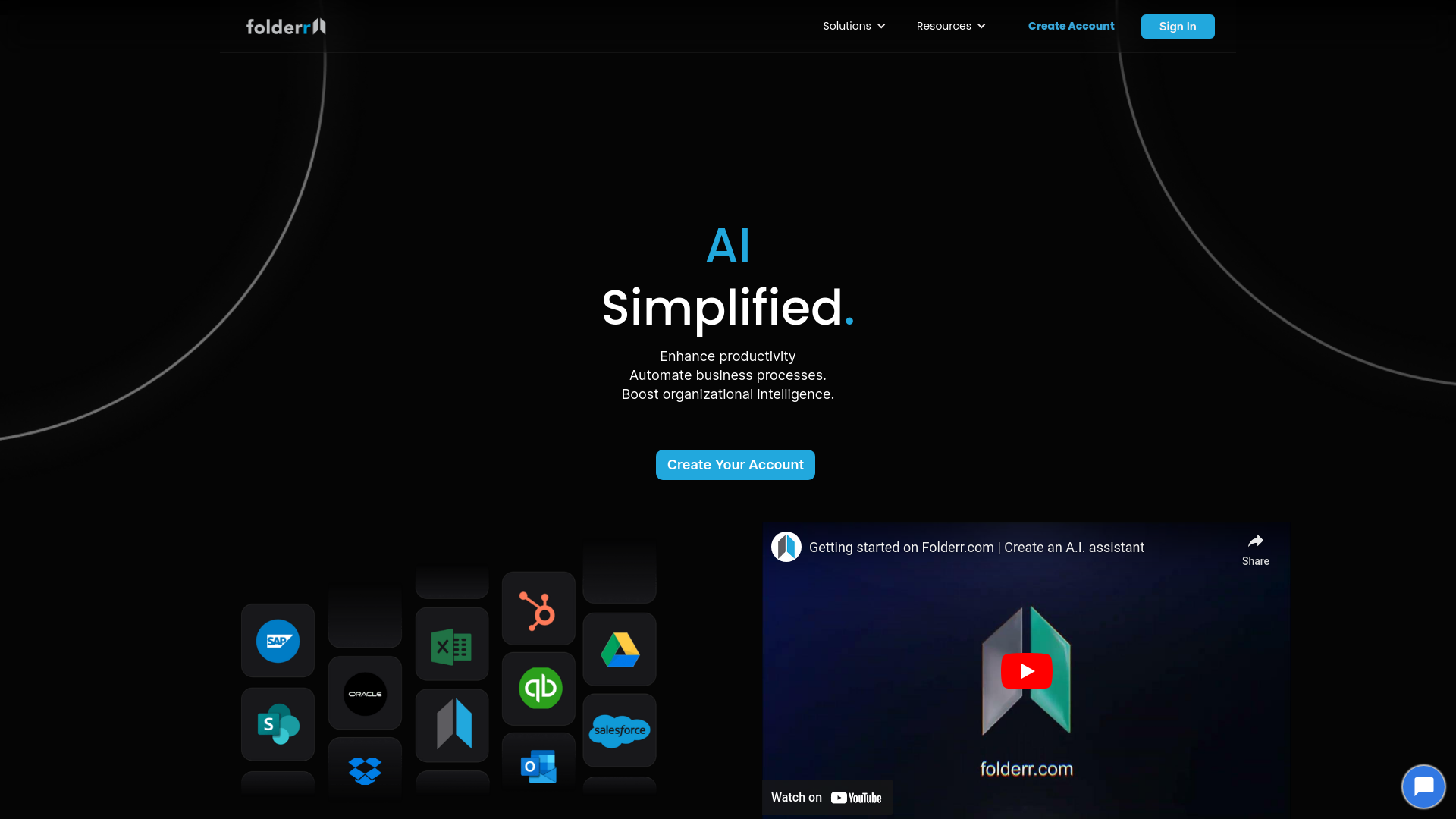
- Seamless Integration: Integrates flawlessly with popular platforms like Dropbox, Google Drive, and Microsoft OneDrive.
- Real-Time Collaboration Tools: Facilitates team projects with tools that allow simultaneous file access and editing.
- Enhanced Security Protocols: Employs robust encryption and security measures to protect sensitive information.
- ProsIncreased Productivity: Automates mundane tasks, allowing users to focus on more strategic activities.User-Friendly Interface: Features an intuitive design that is easy to navigate for users of all skill levels.Scalability: Easily adapts to the growing needs of a business, from small teams to large enterprises.Support for Multiple File Types: Handles a variety of file formats, ensuring versatility in asset management.ConsInitial Learning Curve: New users may need some time to fully exploit all the features available.Dependency on Internet Connection: Requires a stable internet connection for optimal functionality.Premium Cost for Advanced Features: Some of the more sophisticated features come only with the higher-priced plans.
Best For
- Small to Medium Enterprises: Utilizing the tool to manage extensive digital assets efficiently.
- Freelancers: Employing Folderr to handle project files and collaborate with clients seamlessly.
- Academic Researchers: Leveraging the tool to organize and share research materials.
- Non-Profit Organizations: Using Folderr for cost-effective document management and team collaboration.
- Uncommon Use Cases: Utilized by real estate agencies to maintain property listings; Adopted by photographers for photo storage and quick access.
Integrations
Cloud Storage Services: Integrates with major cloud services like Google Drive, Dropbox, and OneDrive. Email Platforms: Compatible with email services such as Gmail and Outlook for easy file sharing. Project Management Tools: Works with platforms like Trello and Asana to enhance project tracking. API Access: Offers developers the ability to integrate Folderr’s functionalities into custom applications.
Similar Tools



Weekly Issue
⚡
Project Management tools · weekly digest
The AI Weekly — free in your inbox
New AI tools, pricing changes, expert picks, and hidden gems — curated by Mr. Spark every week. Join 5,000+ readers who stay ahead of the AI curve.
No spam, ever
Unsubscribe anytime
100% free