
Pricing Details
Free Tier: Immediate access to GPTChat for Slack upon registration, using the same email as the Slack organization. Pro Tier: For detailed pricing information, users are encouraged to reach out to the developer directly. Disclaimer: Specific pricing details were not available at the time of this review. For the most accurate and current pricing information, users should refer to the GPTChat for Slack website.
Product Visuals (1 images)
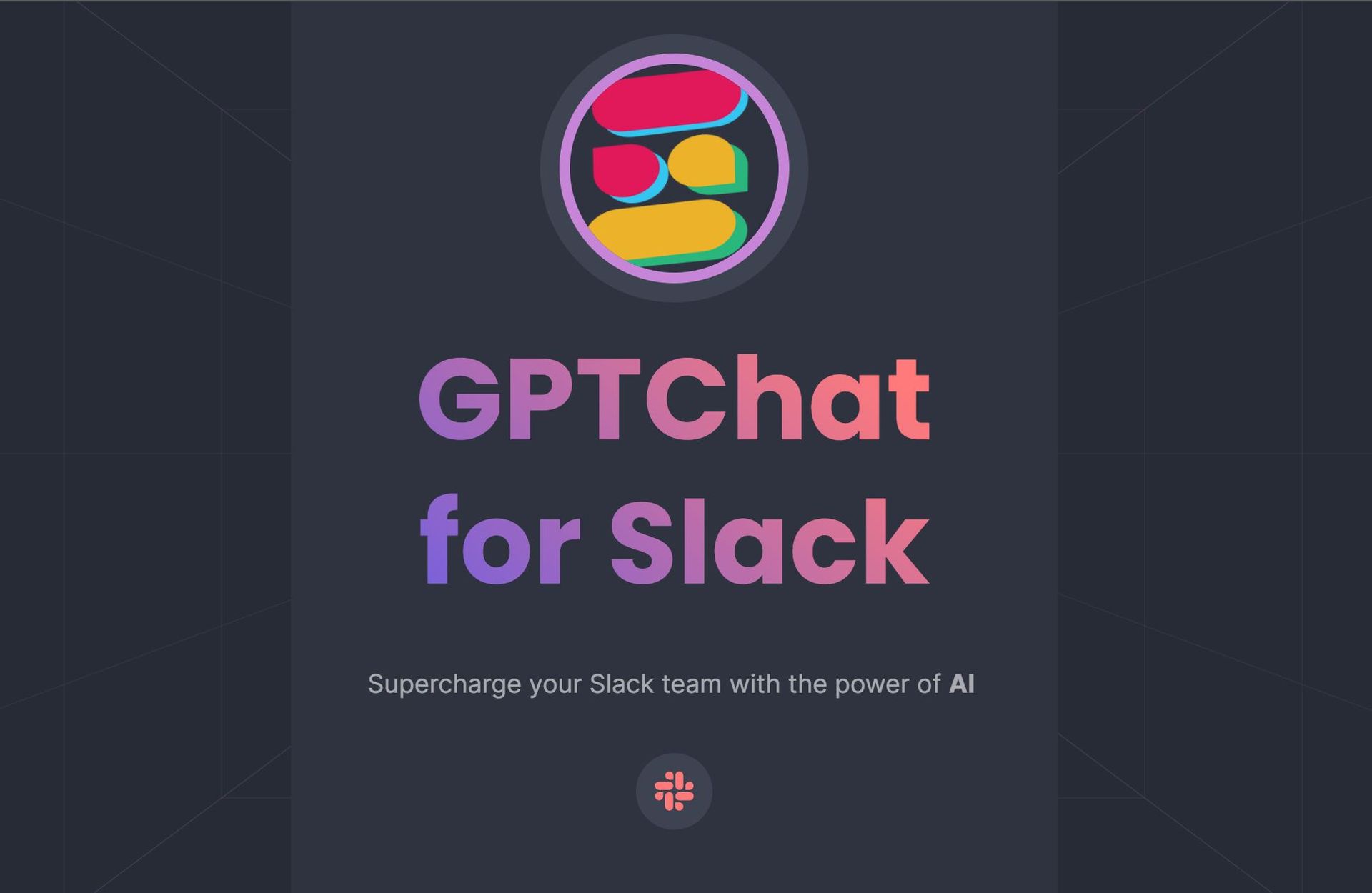
Strengths
- Enhanced Productivity: Automates content creation and information retrieval tasks, saving time for teams.
- Easy Integration: Effortlessly integrates with Slack, enabling teams to leverage AI features without complex setup processes.
- Developer Friendly: Provides support for coding tasks, making it appealing to developer teams seeking efficiency gains.
- Data Privacy and Security: Demonstrates a commitment to safeguarding user privacy through secure handling of API keys and conversation logs.
Limitations
- Learning Curve: New users may require time to acquaint themselves with the range of features and functionalities.
- Dependency on API Keys: Requires access to Slack and OpenAI API keys, which may pose challenges for some organizations.
- Limited to Slack: Functionality is confined within the Slack platform, potentially limiting accessibility for certain users.
Building your AI toolkit?
Save GPTChat for Slack and 1,000+ tools — free with Google, no spam
What You Get
Key Features
- Real-Time Communication and Collaboration: Seamlessly integrates into Slack, delivering AI assistance within the platform.
- Content Generation: Capable of generating emails, articles, and more to facilitate effective team communication.
- Coding Assistance: Supports developers with coding tasks, contributing to efficiency in daily workflows.
- Dynamic List Creation: Generates and locates lists of best practices, simplifying access to valuable information.
- Privacy-Focused: Adheres to stringent privacy policies to ensure the secure handling of user data and conversation logs.
- ProsEnhanced Productivity: Automates content creation and information retrieval tasks, saving time for teams.Easy Integration: Effortlessly integrates with Slack, enabling teams to leverage AI features without complex setup processes.Developer Friendly: Provides support for coding tasks, making it appealing to developer teams seeking efficiency gains.Data Privacy and Security: Demonstrates a commitment to safeguarding user privacy through secure handling of API keys and conversation logs.ConsLearning Curve: New users may require time to acquaint themselves with the range of features and functionalities.Dependency on API Keys: Requires access to Slack and OpenAI API keys, which may pose challenges for some organizations.Limited to Slack: Functionality is confined within the Slack platform, potentially limiting accessibility for certain users.
Best For
- Tech Startups: Leveraging AI to enhance team collaboration and expedite development tasks.
- Content Creators: Utilizing the tool for efficient generation of articles and emails.
- Software Developers: Employing coding assistance for faster problem-solving.
- Project Managers: Utilizing AI to organize information and streamline communication within teams.
- Uncommon Use Cases: Adopted by educational institutions for facilitating remote learning; Utilized by non-profits for organizing volunteer efforts efficiently.
Integrations
Slack Integration: Designed to operate seamlessly within the Slack environment. OpenAI Platform Communication: Utilizes OpenAI API keys to power AI functionalities. Privacy Protection: Adheres to strict privacy policies to ensure the security of user data.
Similar Tools
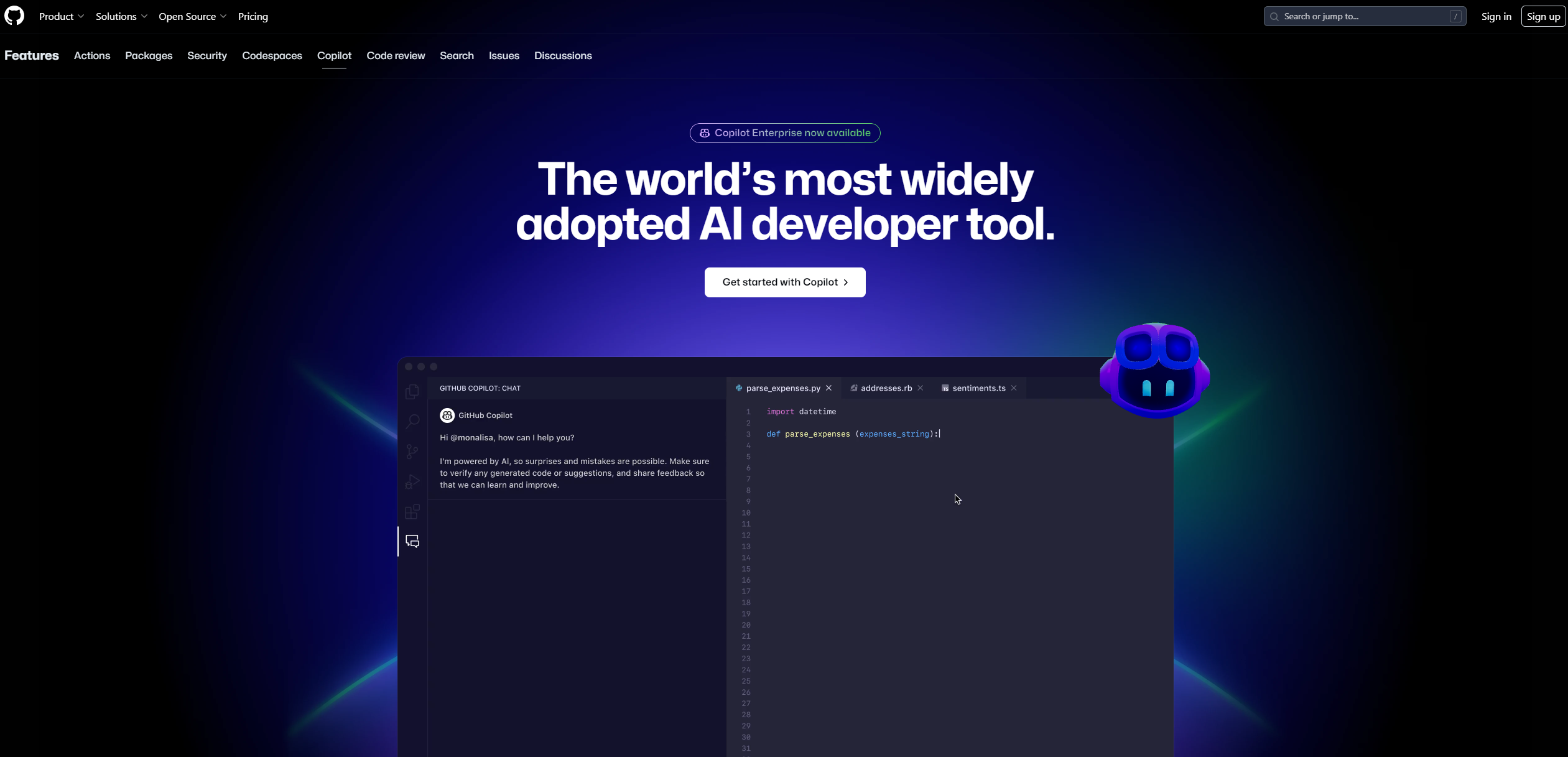
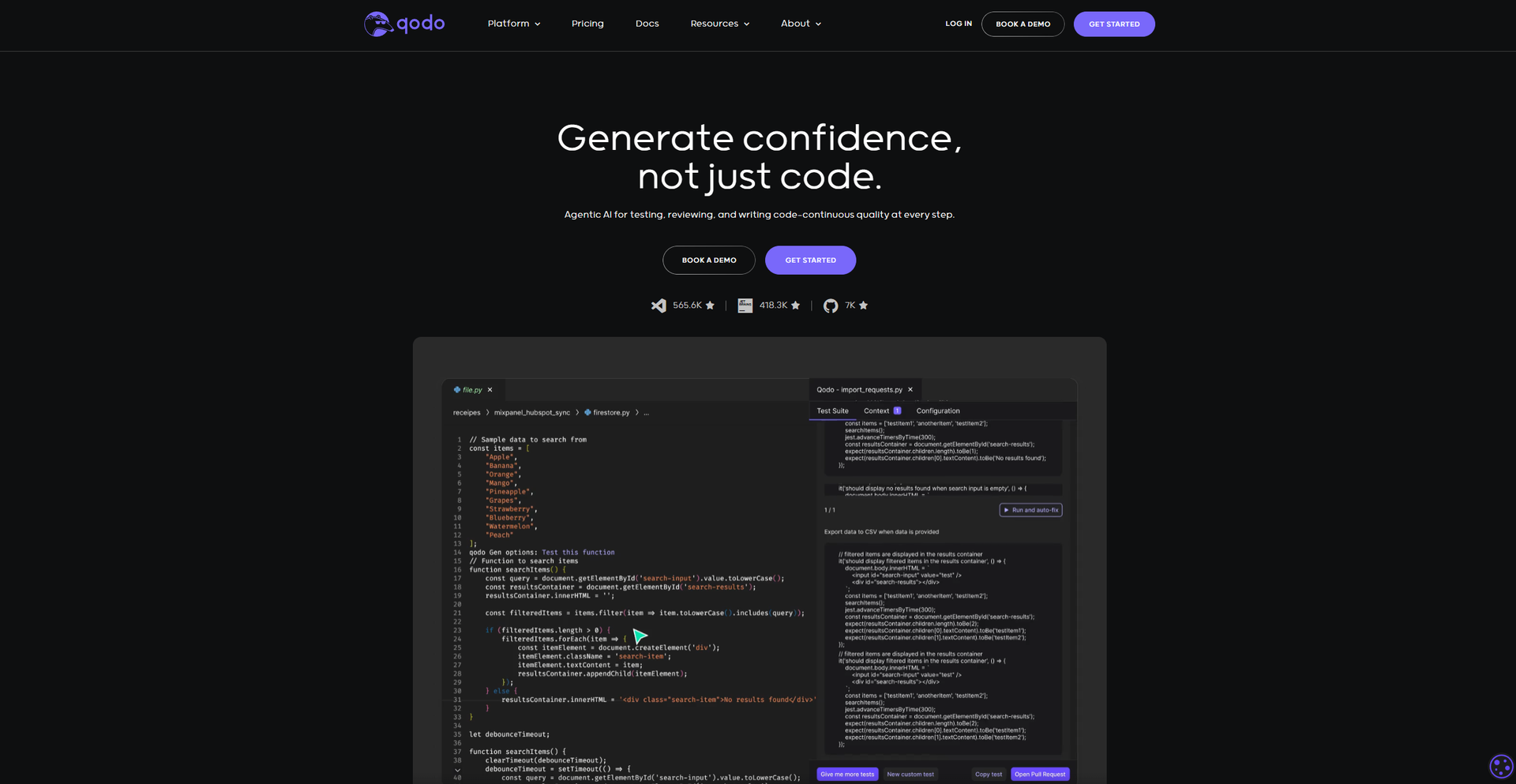
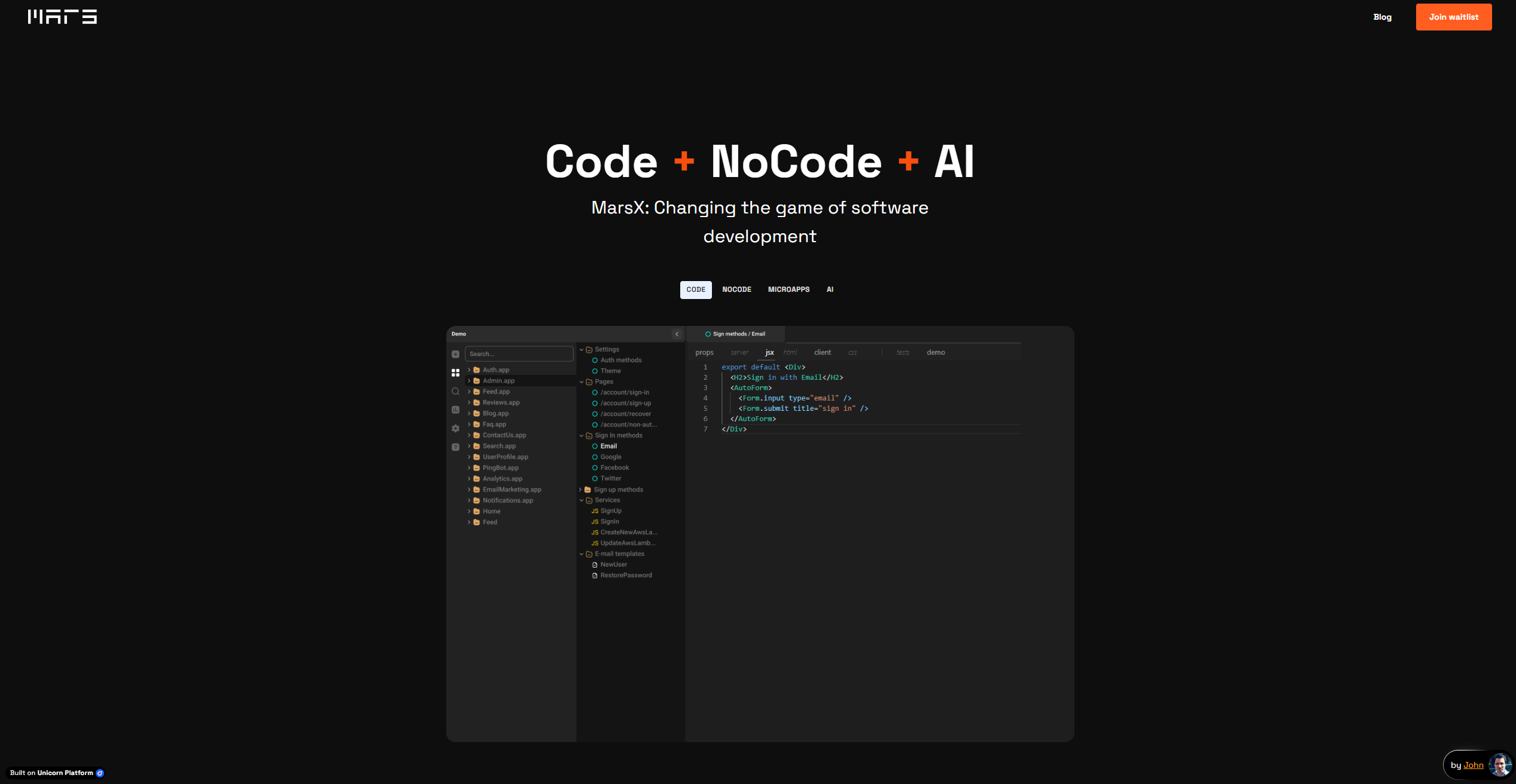
Weekly Issue
⚡
Code Assistant tools · weekly digest
The AI Weekly — free in your inbox
New AI tools, pricing changes, expert picks, and hidden gems — curated by Mr. Spark every week. Join 5,000+ readers who stay ahead of the AI curve.
No spam, ever
Unsubscribe anytime
100% free