
Pricing Details
Free Beta: Free during beta. Full access to all features at no cost while the tool is in beta. Disclaimer: Specific pricing details aren’t fully public yet; for current info, visit the Hatch website.
Product Visuals (1 images)
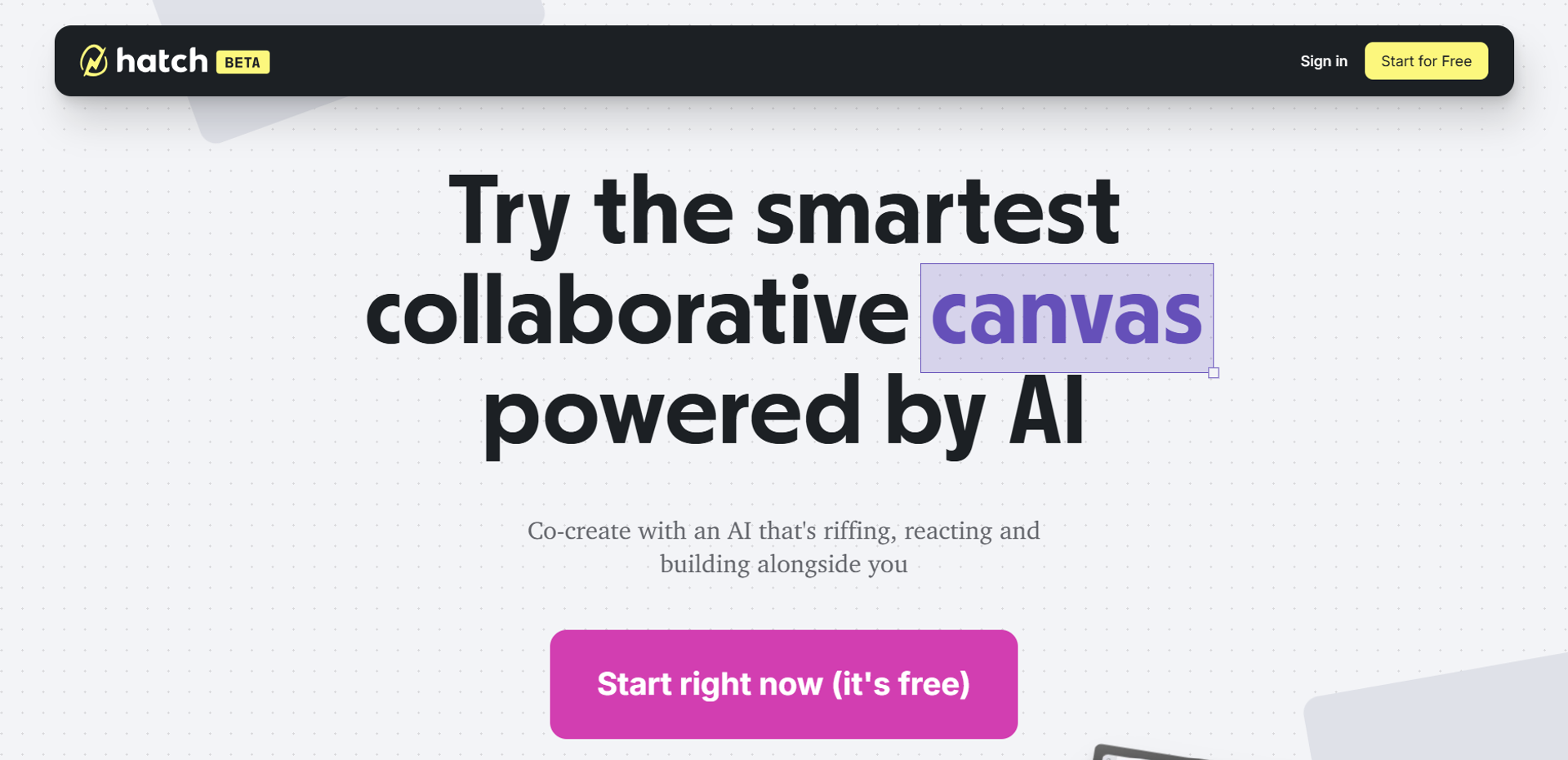
Strengths
- Spatial AI collaboration: AI agents can visually organize and enhance ideas in a dynamic workspace.
- All-in-one environment: Chat, visuals, and prototyping tools live together, reducing friction.
- Accessible and intuitive: Web-based with a gentle learning curve and free entry point.
- Generative versatility: Supports creation of text, images, and structured layouts.
Limitations
- Early-stage UI development: As a beta tool, the interface may sometimes feel rough around the edges.
- Limited integrations: Fewer third-party connectors compared to larger platforms like Miro.
- Advanced needs may exceed scope: Power users wanting full coding or backend control may outgrow it.
What You Get
Key Features
- AI-Powered Canvas: Infinite workspace where the AI reads, understands, and builds upon visual and textual inputs.
- Chat + Canvas Integration: Seamlessly transition from chat prompts to visual ideation without context switching.
- Support for Multiple AI Models: Integrates models like ChatGPT and Claude for generative text and image creation.
- Interactive Prototyping: Quickly create simple apps, interactive tools, or web pages directly on the canvas.
- ProsSpatial AI collaboration: AI agents can visually organize and enhance ideas in a dynamic workspace.All-in-one environment: Chat, visuals, and prototyping tools live together, reducing friction.Accessible and intuitive: Web-based with a gentle learning curve and free entry point.Generative versatility: Supports creation of text, images, and structured layouts.ConsEarly-stage UI development: As a beta tool, the interface may sometimes feel rough around the edges.Limited integrations: Fewer third-party connectors compared to larger platforms like Miro.Advanced needs may exceed scope: Power users wanting full coding or backend control may outgrow it.
Best For
- Creators: Using Hatch to prototype visual storytelling, posters, and concept art.
- Thinkers: Brainstorming strategies, concepts, and outlines in a free‑form space.
- Planners: Designing project layouts, workflows, and interactive prototypes.
- Problem Solvers: Structuring complex ideas and mapping solutions collaboratively.
- Uncommon Use Cases: University professors using it for real‑time class brainstorming; freelance game developers creating interactive storyboard prototypes.
Similar Tools



Weekly Issue
⚡
Project Management tools · weekly digest
The AI Weekly — free in your inbox
New AI tools, pricing changes, expert picks, and hidden gems — curated by Mr. Spark every week. Join 5,000+ readers who stay ahead of the AI curve.
No spam, ever
Unsubscribe anytime
100% free