
Pricing Details
Free Trial: Experience Infield with a 1-month free trial to explore its features without commitment. Subscription Plans: Offers tiered pricing based on usage, details available upon request. Disclaimer: Please note that pricing information may not be up to date. For the most accurate and current pricing details, refer to the official Infield website.
Product Visuals (1 images)
Strengths
- Time Efficiency: Significantly reduces the time spent on managing and planning upgrades.
- Reduced Risk: Minimizes the risk of introducing bugs or vulnerabilities through outdated dependencies.
- Cost-Effective: Lowers the cost of maintenance by automating routine tasks and utilizing expert intervention only when necessary.
- Enhanced Security: Keeps your software secure by ensuring dependencies are up-to-date, protecting against vulnerabilities.
Limitations
- Learning Curve: Requires initial setup and familiarization with the tool's features and integration capabilities.
- Limited Language Support: Currently supports Ruby, JavaScript, and Python, with plans to include Java soon.
- Dependency on External Services: Relies on continuous integration with GitHub, which might be a limitation for teams using other version control systems.
What You Get
Key Features
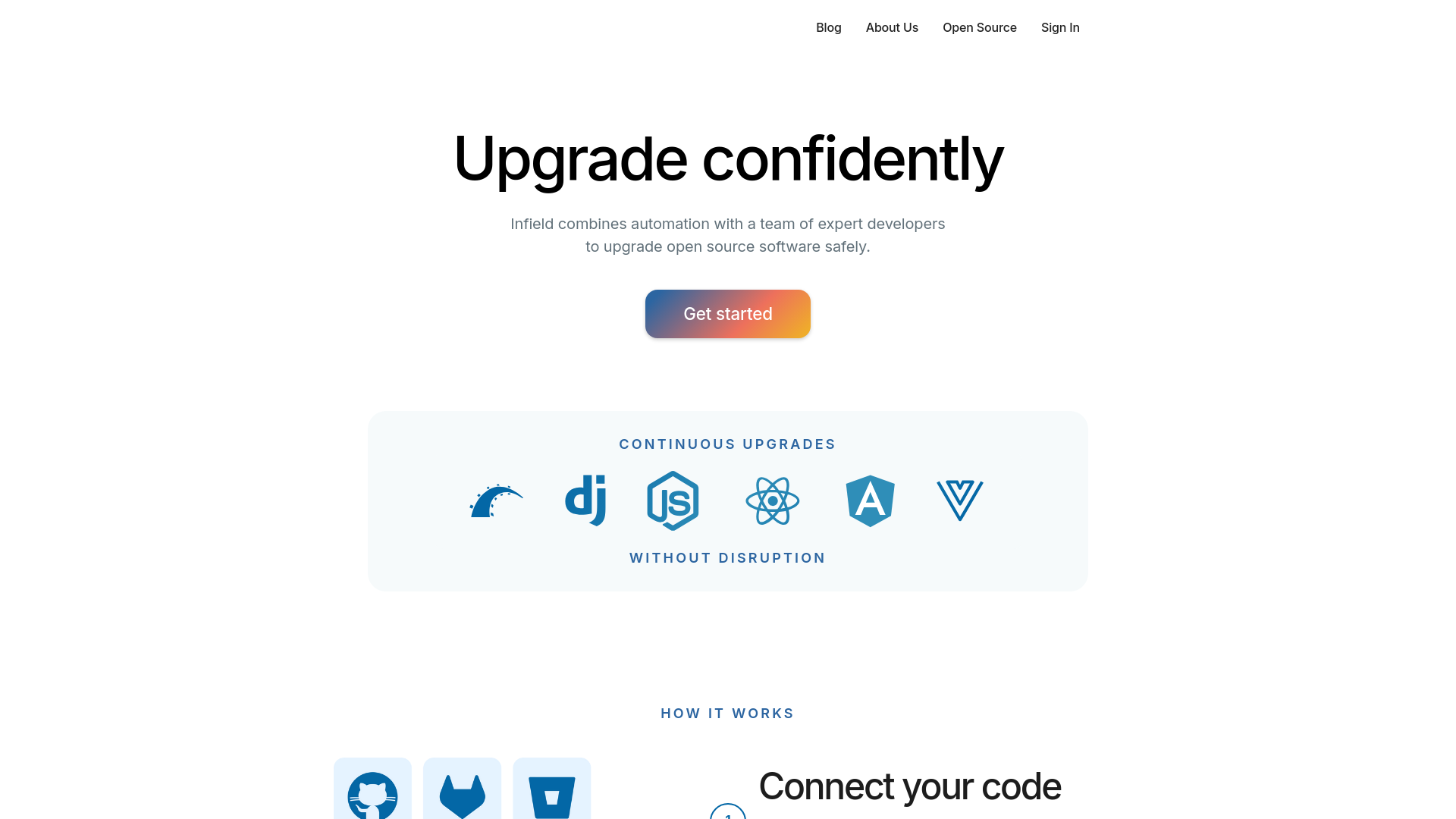
- Automated Dependency Management: Infield automates the tedious task of dependency updates, ensuring your software stays current without manual oversight.
- Expert Developer Support: Access to a team of experienced developers who provide a white-glove service to handle complex upgrades.
- Continuous Integration Tools: Seamlessly integrates with CI pipelines and GitHub, making it easy to sync and manage your projects.
- Risk Assessment Engine: Utilizes an advanced algorithm to assess the risk and effort involved in each upgrade, helping prioritize actions.
- Live Upgrade Plan: Offers a dynamic upgrade plan that adapts to the project's needs, considering both direct and indirect dependencies.
- ProsTime Efficiency: Significantly reduces the time spent on managing and planning upgrades.Reduced Risk: Minimizes the risk of introducing bugs or vulnerabilities through outdated dependencies.Cost-Effective: Lowers the cost of maintenance by automating routine tasks and utilizing expert intervention only when necessary.Enhanced Security: Keeps your software secure by ensuring dependencies are up-to-date, protecting against vulnerabilities.ConsLearning Curve: Requires initial setup and familiarization with the tool's features and integration capabilities.Limited Language Support: Currently supports Ruby, JavaScript, and Python, with plans to include Java soon.Dependency on External Services: Relies on continuous integration with GitHub, which might be a limitation for teams using other version control systems.
Best For
- Software Development Companies: Utilizing Infield to manage large codebases efficiently.
- Tech Startups: Leveraging the tool to maintain lean operational processes while scaling.
- Educational Institutions: Adopting Infield in teaching environments to demonstrate best practices in software maintenance.
- Open Source Projects: Using Infield to handle frequent updates and community contributions.
- Uncommon Use Cases: Non-profit organizations use Infield to ensure their limited development resources are focused on new features rather than maintenance.
Integrations
GitHub Integration: Direct integration with GitHub for seamless project management. CI Pipeline Compatibility: Works with various continuous integration tools to maintain a smooth workflow. API Access: Offers API options for custom integrations tailored to specific needs. Flexible Dashboard: Provides a user-friendly dashboard to track progress and manage upgrades.
Similar Tools



Weekly Issue
⚡
Project Management tools · weekly digest
The AI Weekly — free in your inbox
New AI tools, pricing changes, expert picks, and hidden gems — curated by Mr. Spark every week. Join 5,000+ readers who stay ahead of the AI curve.
No spam, ever
Unsubscribe anytime
100% free