
Pricing Details
Free Version: Get started with Jam without any cost. Pro Version: Offers advanced features and support, pricing details available upon request. Disclaimer: For the most accurate and current pricing details, refer to the official Jam website.
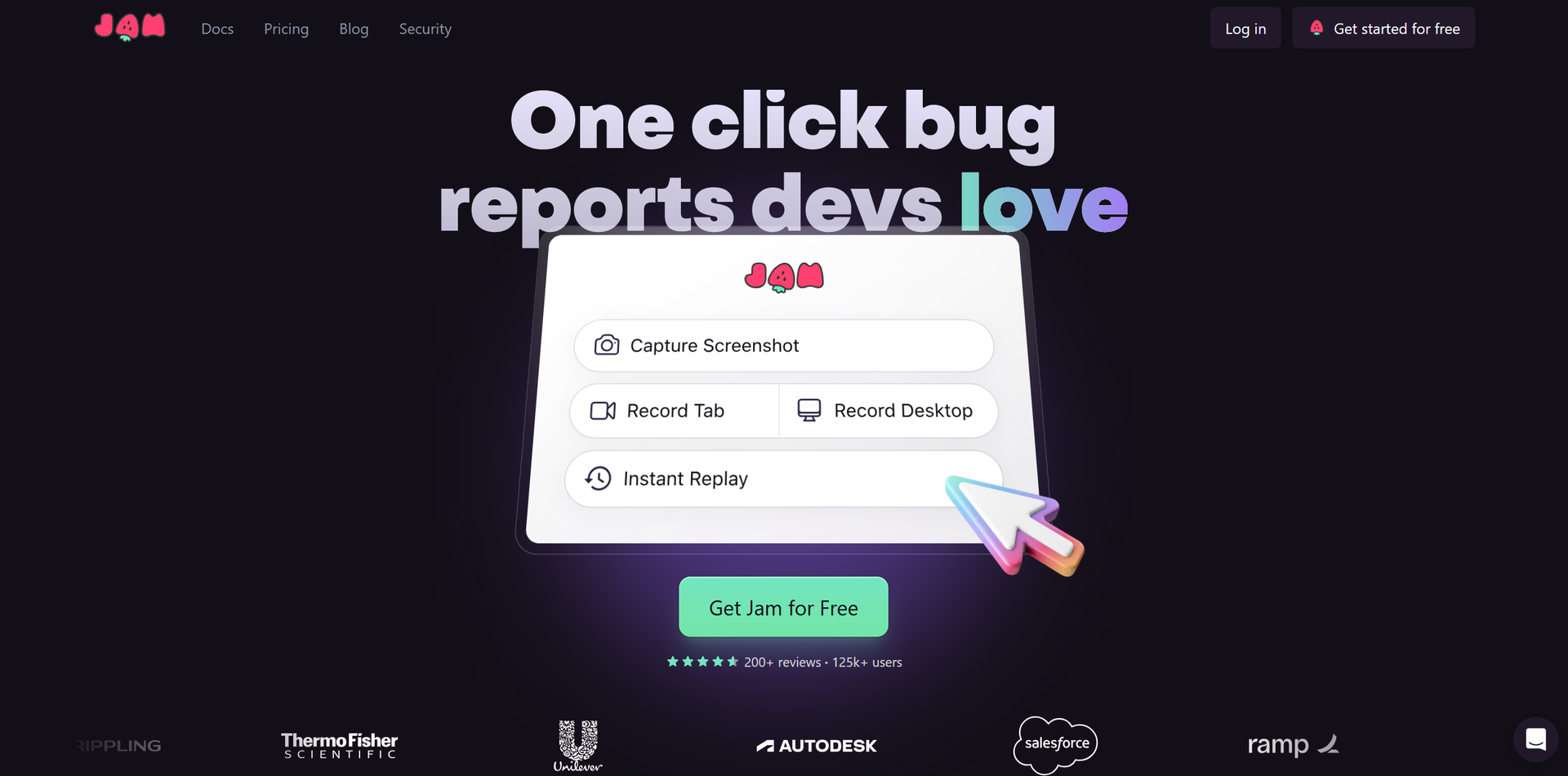
Product Visuals (1 images)
Strengths
- Enhanced Communication: Reduces miscommunication between QA engineers and developers by providing detailed, automatically captured bug reports.
- Time Savings: Significantly cuts down the time spent on reproducing and reporting bugs, saving minutes to hours per ticket.
- Ease of Use: Designed with user-friendliness in mind, it can be used effectively by team members without technical expertise.
- Integrative Capability: Seamlessly integrates with popular project management and development tools, enhancing workflow efficiency.
Limitations
- Learning Curve: New users may require some time to familiarize themselves with all features.
- Browser Dependency: Primarily a browser extension, which might limit use in non-web applications.
- Feature Overload: The extensive features might be overwhelming for smaller teams or simpler projects.
What You Get
Key Features
- One-Click Bug Reporting: Simplifies the bug reporting process, making it as easy as taking a screenshot.
- Automatic Reproduction Steps: Automatically captures and documents the steps needed to reproduce a bug, eliminating the need for manual documentation.
- Integrated Debugging Tools: Includes features like backend tracing and an AI-powered debugger to provide comprehensive debugging data.
- Cross-Platform Compatibility: Works across various platforms and integrates with tools like Notion, GitHub, Jira, and Slack, ensuring flexibility in diverse development environments.
- ProsEnhanced Communication: Reduces miscommunication between QA engineers and developers by providing detailed, automatically captured bug reports.Time Savings: Significantly cuts down the time spent on reproducing and reporting bugs, saving minutes to hours per ticket.Ease of Use: Designed with user-friendliness in mind, it can be used effectively by team members without technical expertise.Integrative Capability: Seamlessly integrates with popular project management and development tools, enhancing workflow efficiency.ConsLearning Curve: New users may require some time to familiarize themselves with all features.Browser Dependency: Primarily a browser extension, which might limit use in non-web applications.Feature Overload: The extensive features might be overwhelming for smaller teams or simpler projects.
Best For
- Quality Assurance Engineers: Utilize Jam for streamlined bug tracking and reporting.
- Web Developers: Employ Jam to capture real-time bugs and issues during development phases.
- Project Managers: Use Jam to monitor and manage software quality across projects.
- Product Teams: Leverage Jam for quick feedback loops and rapid iterations.
- Uncommon Use Cases: Used by educational tech trainers to teach debugging practices; utilized in non-profit software projects for maintaining software quality with limited resources.
Integrations
Notion, GitHub, GitLab Integration: Ensures seamless workflow within these platforms. Jira and Slack Compatibility: Enhances communication and task management within teams. Browser Extension: Available for major browsers, facilitating easy access and use. API Access: Allows for custom integrations, catering to specific business needs.
Similar Tools



Weekly Issue
⚡
Project Management tools · weekly digest
The AI Weekly — free in your inbox
New AI tools, pricing changes, expert picks, and hidden gems — curated by Mr. Spark every week. Join 5,000+ readers who stay ahead of the AI curve.
No spam, ever
Unsubscribe anytime
100% free