
Pricing Details
Free Tier: Experience Kissflow Digital Workplace with a 14-day free trial. Pro Tier: The Pro Tier starts at $1500 per month. Disclaimer: Please note that pricing information may not be up to date. For the most accurate and current pricing details, refer to the official Kissflow website.
Product Visuals (1 images)
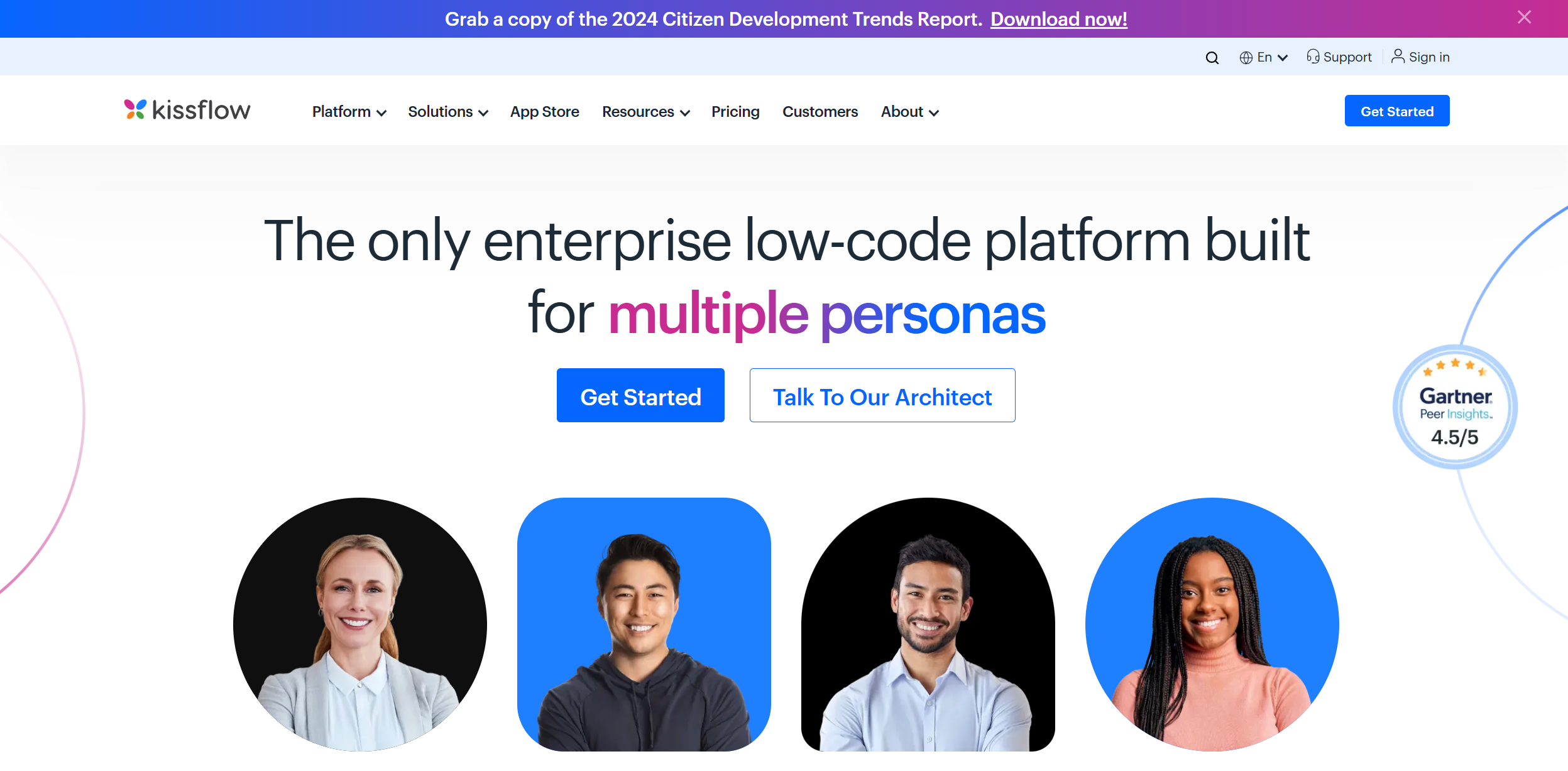
Strengths
- User-Friendly Interface: The intuitive design makes it easy for users of all skill levels to navigate and utilize the platform effectively.
- Rapid Deployment: Kissflow's low-code and no-code tools significantly reduce the time needed to develop and deploy applications.
- Scalable Solutions: The platform is built to grow with your business, accommodating increasing demands and complexity.
- Strong Customer Support: With a median chat support response time of five minutes, Kissflow ensures users receive timely assistance.
Limitations
- Initial Learning Curve: While user-friendly, new users may initially find it challenging to master all advanced features.
- Limited Third-Party Integrations: Some users might find the range of supported third-party platforms to be limited compared to other tools.
Building your AI toolkit?
Save Kissflow Digital Workplace and 1,000+ tools — free with Google, no spam
What You Get
Key Features
- AI Workflow Orchestration: Kissflow leverages AI-driven algorithms to automate and streamline workflows, ensuring efficient process management.
- Low-Code App Builder: This feature enables users to create fully functional applications with minimal coding, accelerating development cycles.
- Integration Capabilities: Kissflow provides easy no-code connectors to link essential systems, enhancing interoperability across various platforms.
- Customizable Dashboards: Users can create flexible interfaces that provide actionable insights, improving decision-making processes.
- ProsUser-Friendly Interface: The intuitive design makes it easy for users of all skill levels to navigate and utilize the platform effectively.Rapid Deployment: Kissflow's low-code and no-code tools significantly reduce the time needed to develop and deploy applications.Scalable Solutions: The platform is built to grow with your business, accommodating increasing demands and complexity.Strong Customer Support: With a median chat support response time of five minutes, Kissflow ensures users receive timely assistance.ConsInitial Learning Curve: While user-friendly, new users may initially find it challenging to master all advanced features.Limited Third-Party Integrations: Some users might find the range of supported third-party platforms to be limited compared to other tools.
Best For
- IT Leaders: Utilizing the platform for digital transformation and process automation.
- Developers: Employing Kissflow to accelerate application development with low-code solutions.
- Business Process Owners: Leveraging the tool to manage and optimize workflows efficiently.
- Healthcare Providers: Using the platform for patient management and administrative workflows.
Similar Tools
Weekly Issue
⚡
Workflows tools · weekly digest
The AI Weekly — free in your inbox
New AI tools, pricing changes, expert picks, and hidden gems — curated by Mr. Spark every week. Join 5,000+ readers who stay ahead of the AI curve.
No spam, ever
Unsubscribe anytime
100% free