
Pricing Details
Free Tier: Experience Lightrun with a basic feature set at no cost. Pro Tier: The Pro Tier starts at $50 per month, offering advanced features and capabilities. Disclaimer: Please note that pricing information may not be up to date. For the most accurate and current pricing details, refer to the official Lightrun website.
Product Visuals (1 images)
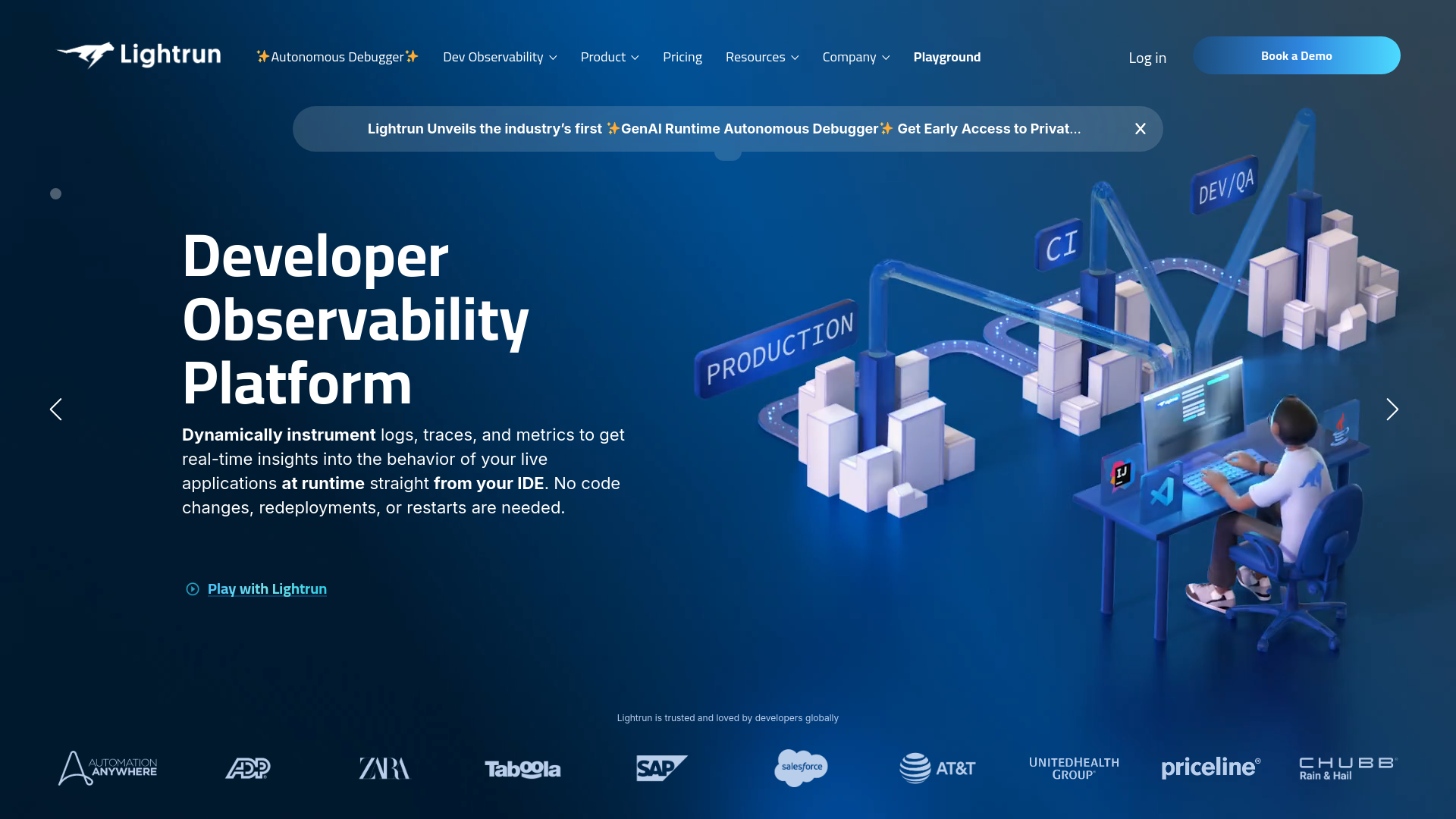
What You Get
Key Features
- Real-time Debugging: Insert logs, metrics, and traces on the fly into live applications.
- Seamless Integration: Works effortlessly with popular IDEs like IntelliJ IDEA, VS Code, and Eclipse.
- Security First: Built with enterprise-grade security measures to ensure data integrity and privacy.
- Developer-Centric: Offers a user-friendly interface that allows developers to work efficiently without disrupting application performance.
- Pros
- Enhanced Productivity: Developers can identify and resolve errors faster without halting the application, leading to a more efficient workflow.
- Cost-Effective: Reduces the need for extensive debugging sessions and downtime, which in turn saves on operational costs.
- Flexibility: Allows for troubleshooting in a variety of environments, including development, testing, and production.
- Minimal Performance Impact: Designed to have a negligible impact on the application’s performance during debugging.
- Cons
- Initial Learning Curve: New users may require some time to familiarize themselves with the tool’s functionalities.
- Integration Limitations: While it supports major IDEs, there might be limitations with less common development environments.
- Resource Utilization: In complex applications, extensive use of features might impact system resources.
Best For
- Software Development Teams: Utilizing the tool to maintain and improve application performance in real time.
- IT Operations Managers: Employing Lightrun for ongoing maintenance and immediate troubleshooting.
- Quality Assurance Professionals: Leveraging the tool to identify and document bugs during the testing phase.
- Cloud Service Providers: Using Lightrun to manage and debug large-scale cloud applications efficiently.
- Uncommon Use Cases: Utilized by educational institutions for computer science courses; adopted by startups for rapid development and deployment cycles.
Integrations
IntelliJ IDEA Compatibility: Seamlessly integrates with IntelliJ IDEA, enhancing Java and Kotlin development. VS Code Integration: Easily use Lightrun within VS Code for a smooth debugging experience. Eclipse Support: Connect Lightrun with Eclipse to streamline Java application development. API Access: Developers can utilize Lightrun's API for custom integrations and extensions.
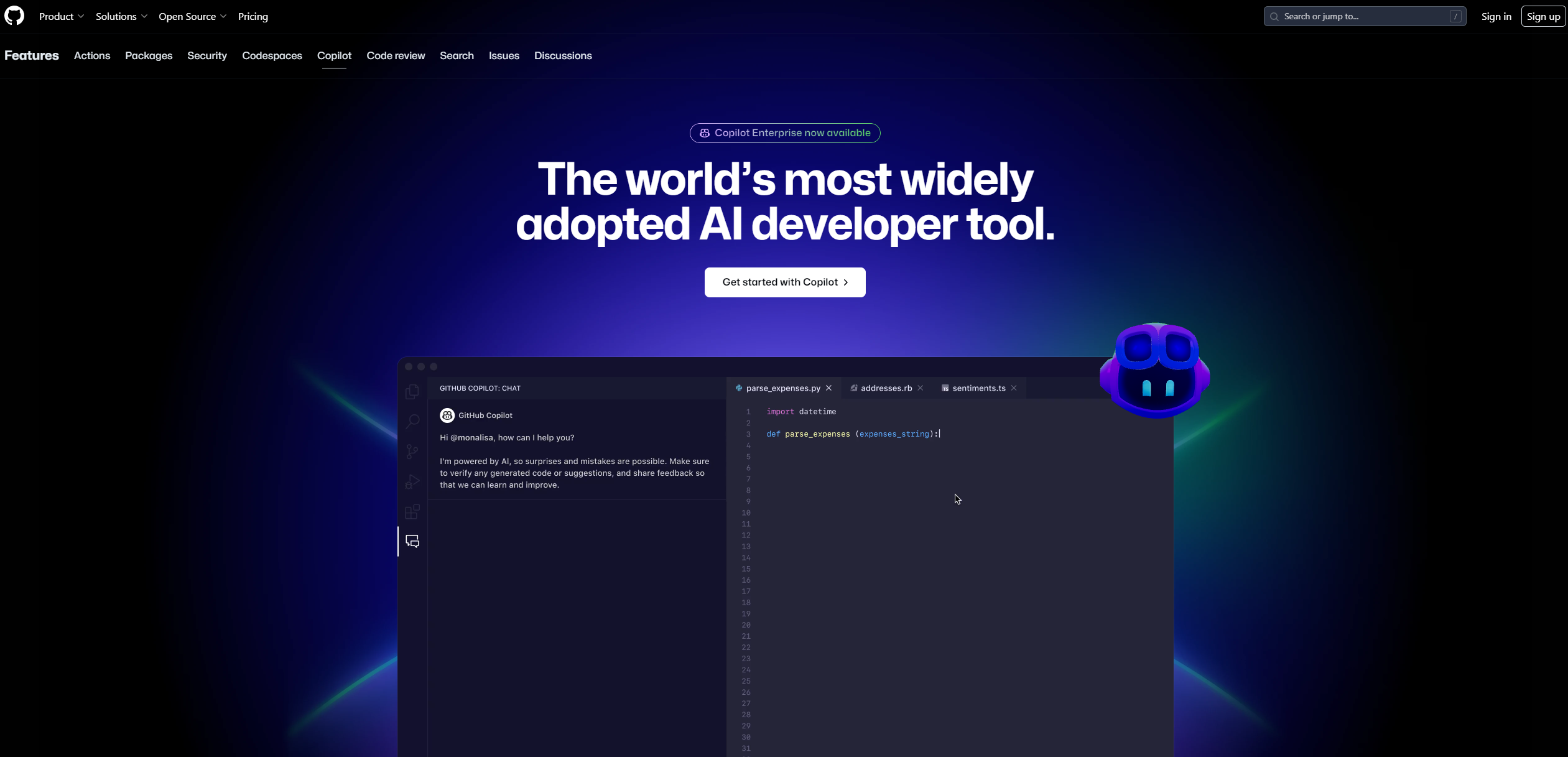
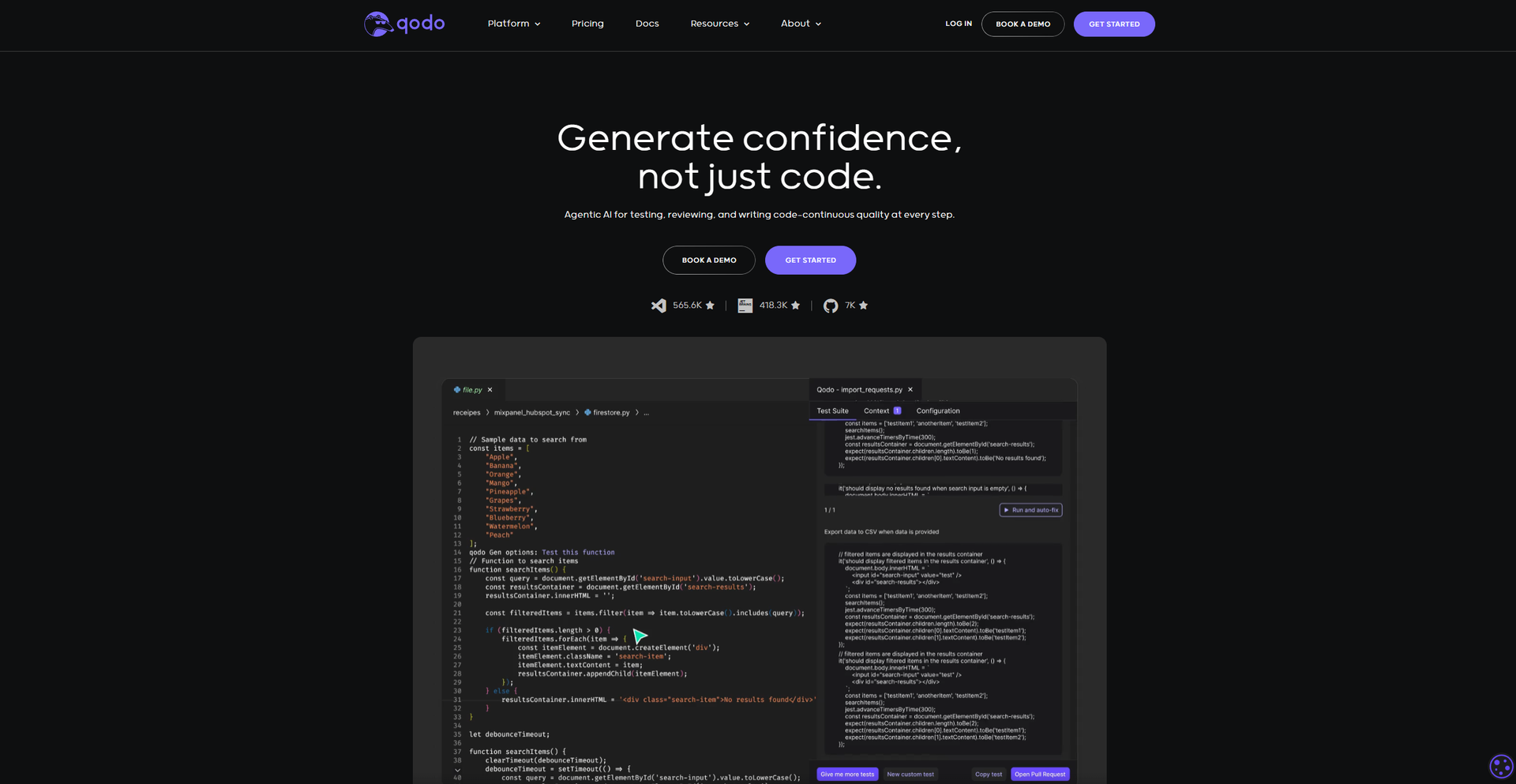
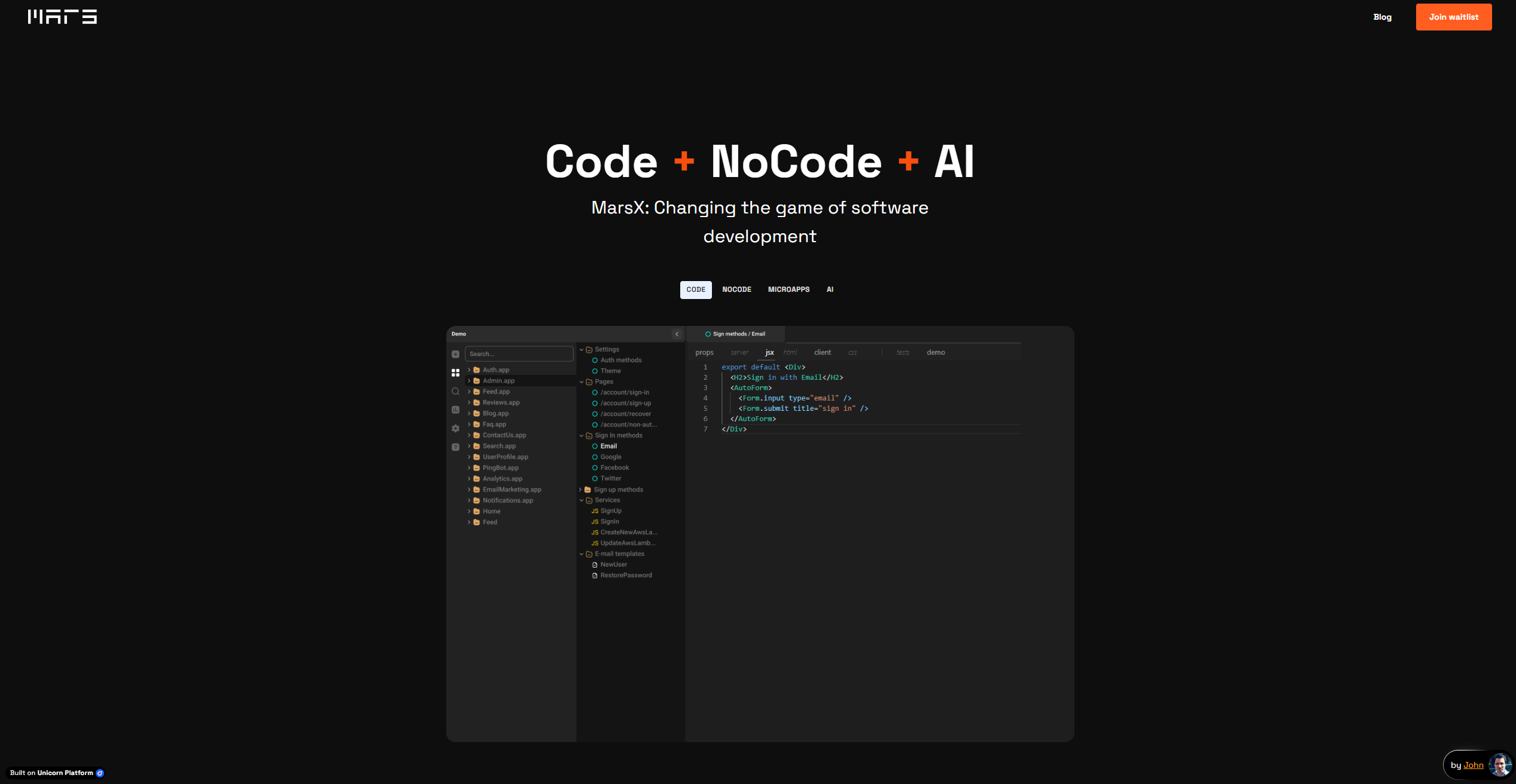
Similar Tools
Weekly Issue
⚡
Code Assistant tools · weekly digest
The AI Weekly — free in your inbox
New AI tools, pricing changes, expert picks, and hidden gems — curated by Mr. Spark every week. Join 5,000+ readers who stay ahead of the AI curve.
No spam, ever
Unsubscribe anytime
100% free