
Pricing Details
Free Account: Offers a free account option for users to get started with building AI workflows. Custom Pricing: Detailed pricing plans not listed, suggesting custom pricing based on individual use cases. Disclaimer: For accurate and current pricing details, refer to the official Magicflow website.
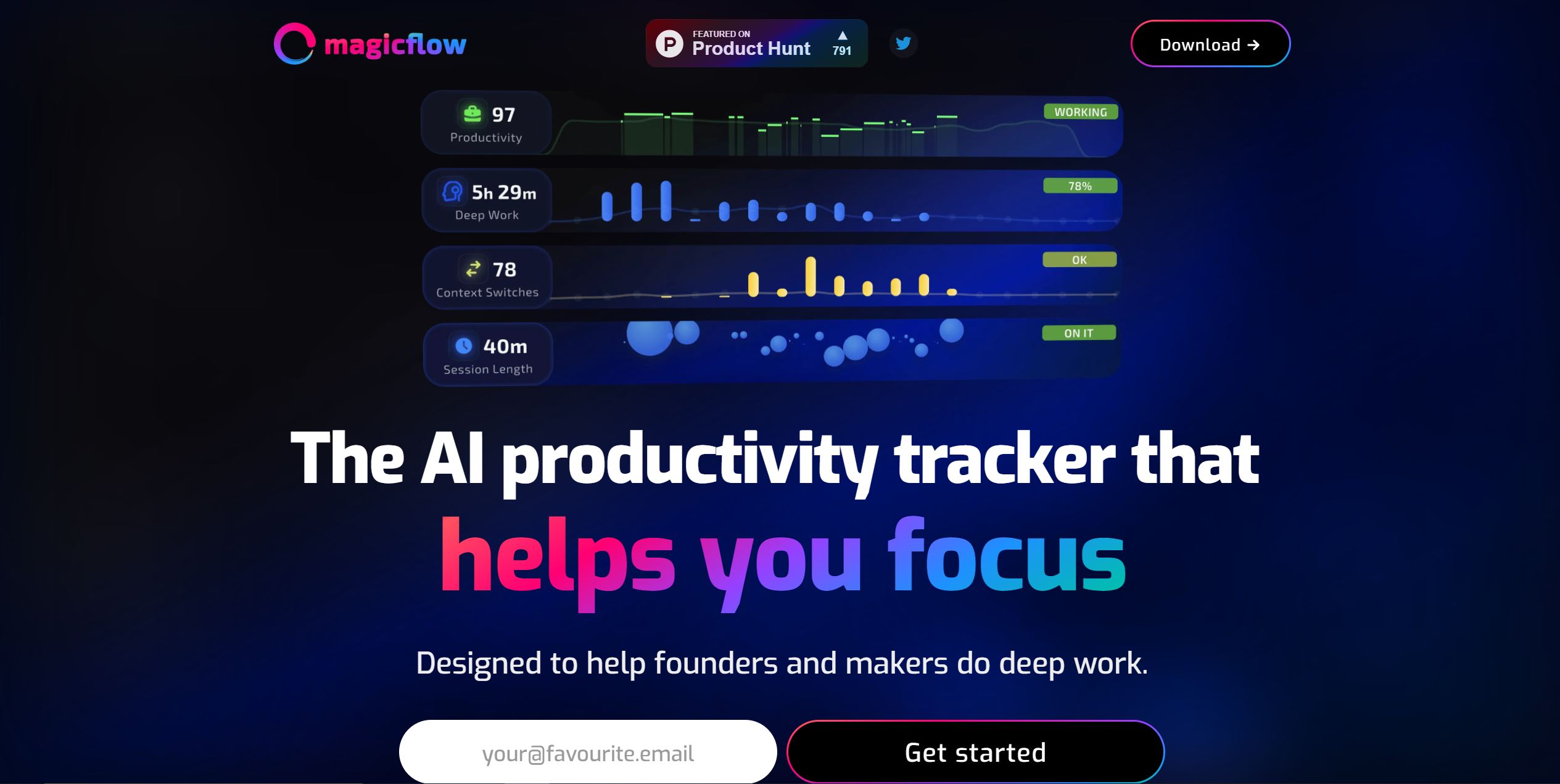
Product Visuals (1 images)
Strengths
- Rapid Development: Accelerates the process of building and testing AI workflows, reducing development time significantly.
- Cost Savings: Claims to be 30% cheaper than traditional methods, optimizing workflows for economic efficiency.
- Enhanced Speed: Improves workflow performance by up to 25%, providing faster results for users.
- User-Friendly Interface: The intuitive drag-and-drop tool makes workflow creation accessible to users with varying technical expertise.
Limitations
- Learning Curve for Non-Technical Users: Despite being a no-code solution, non-technical users may require time to fully grasp the tool's capabilities.
- Feature Limitations: Certain advanced features or use cases may not be supported by the platform.
- Dependence on Platform Stability: Users rely on Magicflow's infrastructure, making them susceptible to platform updates or issues that could affect workflow functionality.
Building your AI toolkit?
Save Magicflow and 1,000+ tools — free with Google, no spam
What You Get
Key Features
- No-Code Workflow Creation: Enables users to build AI workflows using a simple drag-and-drop interface, eliminating the need for coding expertise.
- Step-by-Step Debugging Tool: Facilitates efficient iteration and optimization of workflows with a user-friendly debugging tool.
- Performance Optimization: Optimizes model deployment, cold start times, and fixed parameters to enhance speed and cost-effectiveness.
- Simple API Integration: Allows easy integration of AI workflows into applications through straightforward API calls.
- ProsRapid Development: Accelerates the process of building and testing AI workflows, reducing development time significantly.Cost Savings: Claims to be 30% cheaper than traditional methods, optimizing workflows for economic efficiency.Enhanced Speed: Improves workflow performance by up to 25%, providing faster results for users.User-Friendly Interface: The intuitive drag-and-drop tool makes workflow creation accessible to users with varying technical expertise.ConsLearning Curve for Non-Technical Users: Despite being a no-code solution, non-technical users may require time to fully grasp the tool's capabilities.Feature Limitations: Certain advanced features or use cases may not be supported by the platform.Dependence on Platform Stability: Users rely on Magicflow's infrastructure, making them susceptible to platform updates or issues that could affect workflow functionality.
Best For
- App Developers: Integrating AI workflows into applications to enhance functionality and user experience.
- Startups: Leveraging Magicflow for rapid prototyping and deployment of AI features without extensive infrastructure investment.
- Non-Technical Entrepreneurs: Creating AI workflows for digital products without coding skills.
- Educators: Using Magicflow in teaching environments to demonstrate AI workflow development.
- Uncommon Use Cases: Hobbyists for personal AI projects; Researchers for setting up experimental AI workflows quickly.
Similar Tools
Weekly Issue
⚡
Workflows tools · weekly digest
The AI Weekly — free in your inbox
New AI tools, pricing changes, expert picks, and hidden gems — curated by Mr. Spark every week. Join 5,000+ readers who stay ahead of the AI curve.
No spam, ever
Unsubscribe anytime
100% free