
Pricing Details
Free Tier: Experience Microsoft Power Automate with a limited free version. Disclaimer: Please note that pricing information may not be up to date. For the most accurate and current pricing details, refer to the official Microsoft Power Automate website.
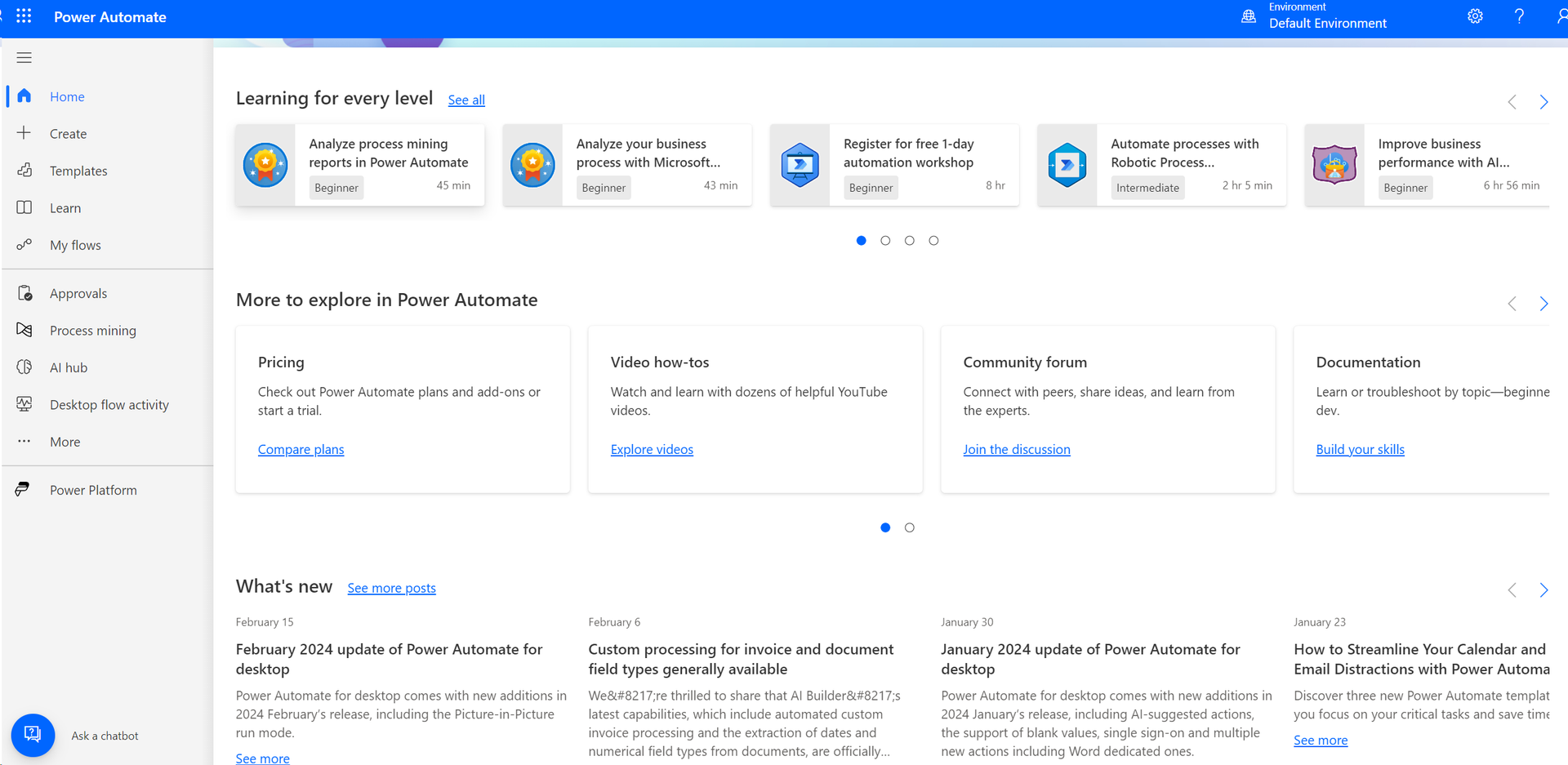
Product Visuals (1 images)
Strengths
- Time Efficiency: Significantly reduces the time spent on manual tasks, allowing users to focus on strategic initiatives.
- Cost-Effective: Minimizes operational costs by automating routine processes.
- User-Friendly Interface: Intuitive design makes it accessible to users with varying levels of technical expertise.
- Scalability: Easily scales with your business needs, supporting both small teams and large enterprises.
Limitations
- Initial Learning Curve: Users may need time to familiarize themselves with advanced features and complex workflows.
- Limited Customization: Some users find the customization options for specific workflows to be limited.
- Dependency on Internet Connectivity: Requires a stable internet connection for optimal performance.
Building your AI toolkit?
Save Microsoft Power Automate and 1,000+ tools — free with Google, no spam
What You Get
Key Features
- AI-Driven Automation: Leverage AI to automate workflows with intelligent decision-making capabilities.
- Seamless Integration: Connects effortlessly with over 300 apps and services, including Microsoft 365, Salesforce, and more.
- Pre-Built Templates: Offers a variety of templates to quickly set up automated workflows without starting from scratch.
- Advanced Analytics: Provides insights into workflow performance and efficiency with built-in analytics tools.
- ProsTime Efficiency: Significantly reduces the time spent on manual tasks, allowing users to focus on strategic initiatives.Cost-Effective: Minimizes operational costs by automating routine processes.User-Friendly Interface: Intuitive design makes it accessible to users with varying levels of technical expertise.Scalability: Easily scales with your business needs, supporting both small teams and large enterprises.ConsInitial Learning Curve: Users may need time to familiarize themselves with advanced features and complex workflows.Limited Customization: Some users find the customization options for specific workflows to be limited.Dependency on Internet Connectivity: Requires a stable internet connection for optimal performance.
Best For
- Corporate Enterprises: Streamlining complex business processes and improving efficiency across departments.
- IT Professionals: Automating IT workflows and system notifications to enhance productivity.
- HR Departments: Simplifying onboarding processes and automating routine HR tasks.
- Healthcare Providers: Automating patient data management and appointment scheduling.
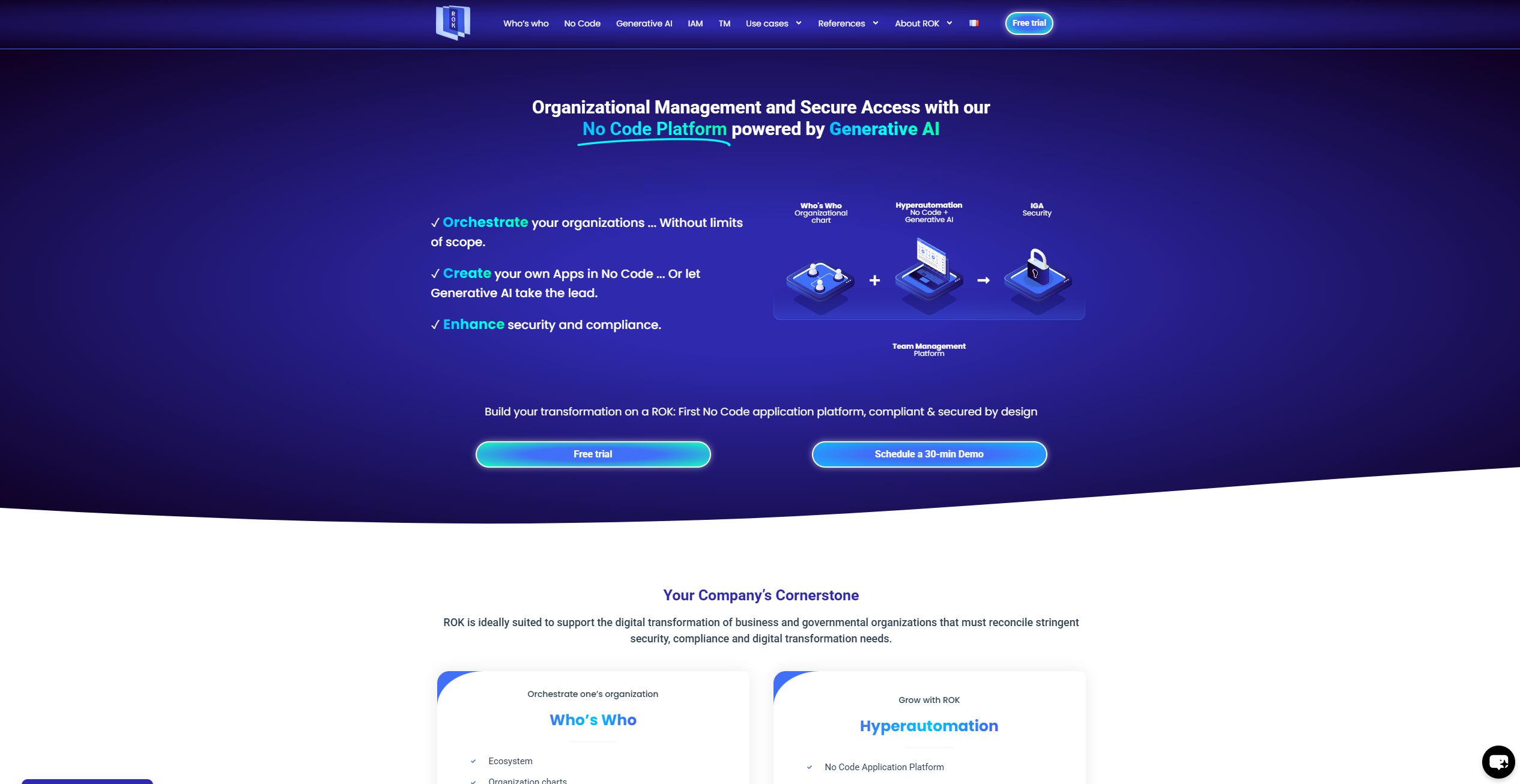
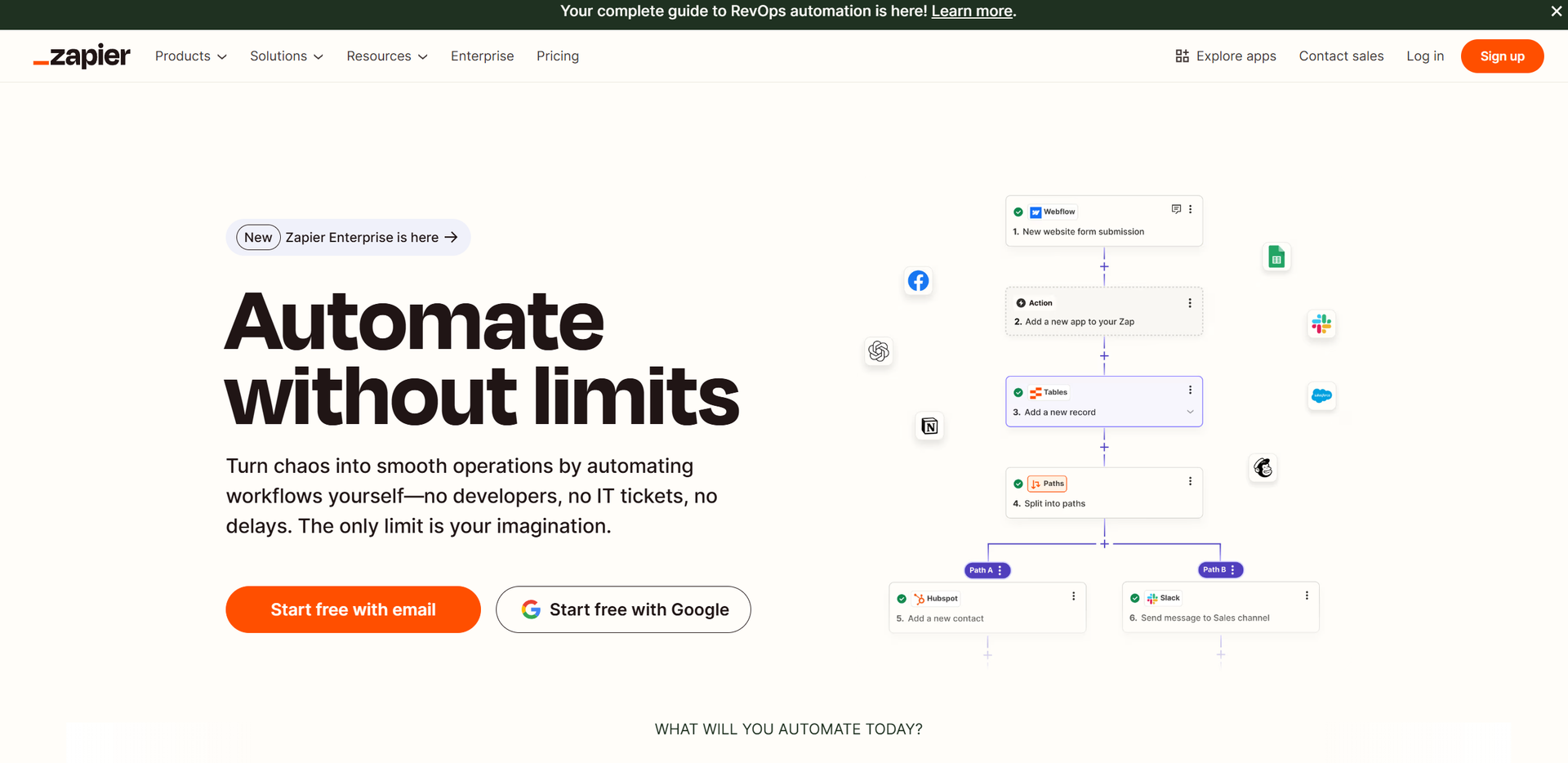
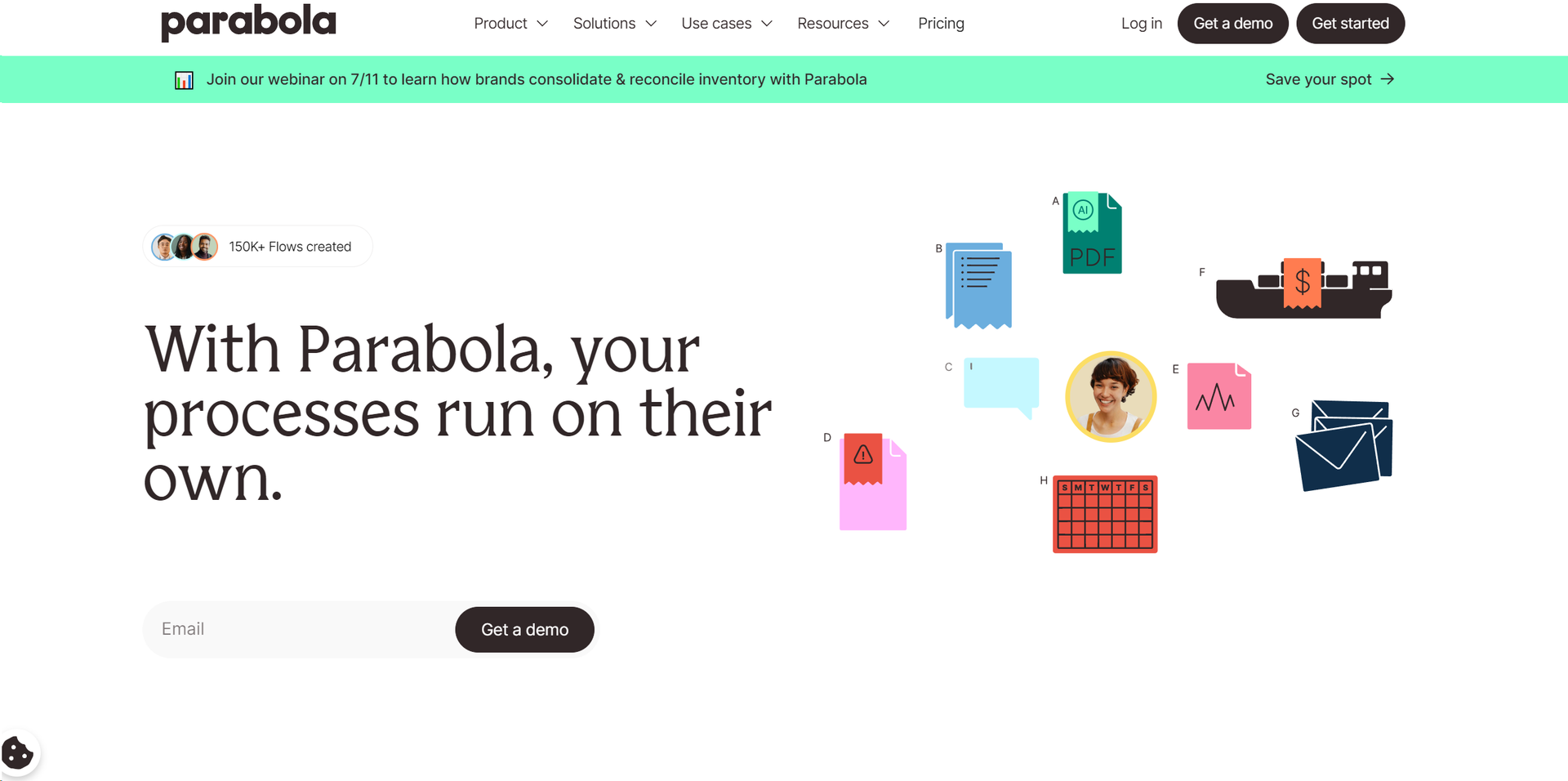
Similar Tools
Weekly Issue
⚡
Workflows tools · weekly digest
The AI Weekly — free in your inbox
New AI tools, pricing changes, expert picks, and hidden gems — curated by Mr. Spark every week. Join 5,000+ readers who stay ahead of the AI curve.
No spam, ever
Unsubscribe anytime
100% free