
Pricing Details
Free: $0 per month; includes 3 editable boards, 5,000+ templates, 160+ app integrations, 10 AI credits per team, and 5 Talktracks. Starter: $8 per member per month; includes unlimited boards, high-resolution exports, private boards, brand customization, version history, 25 AI credits per member, and unlimited Talktracks. Business: $16 per member per month; includes everything in Starter plus private workspaces, guest access, 50 AI credits per member, 3,600+ diagramming shapes, Single Sign-On (SSO), and synced copies. Enterprise: Custom pricing (from 30 members); includes all Business features plus flexible licensing, SCIM, data residency options, enterprise-grade security, 100 AI credits per member, 24/7 support, and guaranteed SLAs. Disclaimer: Please note that pricing information may not be up to date. For the most accurate and current pricing details, refer to the official Miro website.
Product Visuals (1 images)
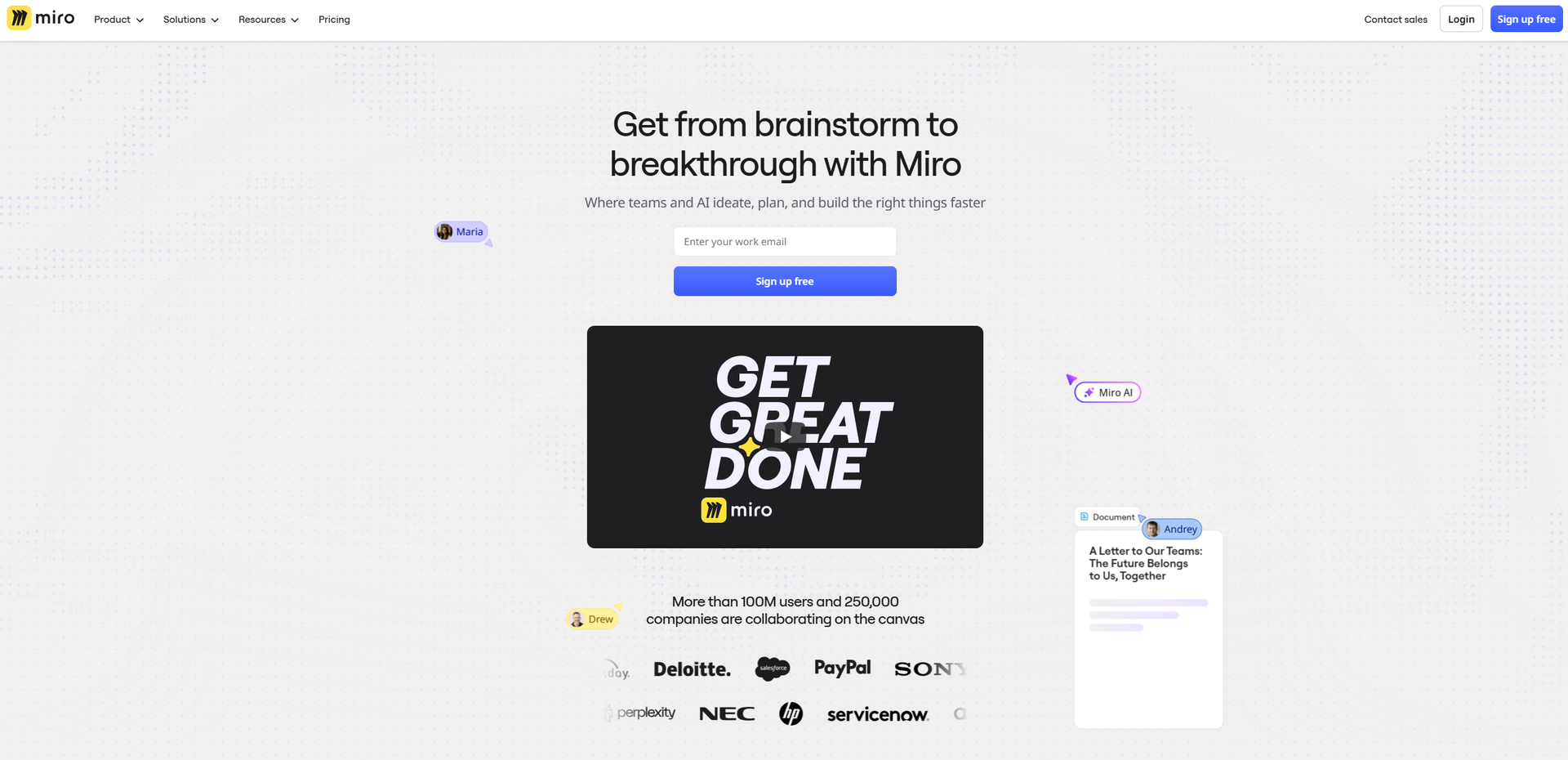
Strengths
- AI Where Teams Already Work: Sidekicks and Flows operate directly on shared boards, so AI augments existing collaboration instead of living in a separate chat window.
- From Sticky Notes To Specs: Strong support for the full arc from ideation to structured deliverables, which cuts a lot of copy-paste and reformatting time.
- Mature Collaboration Features: Voting, timers, Talktrack recordings, video chat, comments, and layers make workshops and asynchronous reviews far more interactive.
- Enterprise Ready: SSO, SCIM, data residency choices, Enterprise Guard, and admin controls fit serious compliance and scale requirements.
Limitations
- Feature Overload For New Users: The combination of infinite canvas, formats, and AI options can feel overwhelming without some onboarding or facilitation.
- Free Plan Constraints: Only three editable boards and a small pool of AI credits on Free can limit serious team usage.
- Cost At Scale: Per-seat pricing plus optional AI add-ons and product modules can add up for very large organizations or agencies.
What You Get
Key Features
- Intelligent Canvas & AI Workflows: Use any selection on the canvas as a prompt to auto-generate user journeys, PRDs, slides, tables, and more, plus AI clustering to group sticky notes by theme or sentiment in seconds.
- Sidekicks (AI Agents): Configurable AI “teammates” that live on the canvas, specializing in tasks like product discovery, competitive analysis, journey mapping, or technical architecture, and responding directly to live board content.
- Flows (Visual AI Pipelines): Drag and connect AI building blocks into multi-step workflows that turn raw workshop notes into structured outputs such as prototypes, research syntheses, or project trackers with minimal manual reformatting.
- Product Acceleration Suite: Dedicated capabilities for product teams including AI-assisted Prototypes, Insights for customer feedback analysis, Portfolios for goal alignment, and rich roadmapping tools to cover discovery through delivery.
- Enterprise Guard & Governance: Advanced data governance with automatic content classification, retention and deletion policies, eDiscovery, and customer-managed encryption keys, tailored for regulated and security-conscious organizations.
- Integrations, Templates & Formats: 250+ integrations (for tools like Jira, Azure DevOps, Slack, and Google Workspace), thousands of templates, and multiple formats (docs, slides, tables, timelines, diagrams) all available in one shared workspace.
- ProsAI Where Teams Already Work: Sidekicks and Flows operate directly on shared boards, so AI augments existing collaboration instead of living in a separate chat window.From Sticky Notes To Specs: Strong support for the full arc from ideation to structured deliverables, which cuts a lot of copy-paste and reformatting time.Mature Collaboration Features: Voting, timers, Talktrack recordings, video chat, comments, and layers make workshops and asynchronous reviews far more interactive.Enterprise Ready: SSO, SCIM, data residency choices, Enterprise Guard, and admin controls fit serious compliance and scale requirements.ConsFeature Overload For New Users: The combination of infinite canvas, formats, and AI options can feel overwhelming without some onboarding or facilitation.Free Plan Constraints: Only three editable boards and a small pool of AI credits on Free can limit serious team usage.Cost At Scale: Per-seat pricing plus optional AI add-ons and product modules can add up for very large organizations or agencies.
Best For
- Product & Engineering Teams: Using boards, Flows, and Prototypes to run discovery, define specs, prioritize backlogs, and align on release plans.
- Design & UX Teams: Running research synthesis, journey mapping, wireframing, and design workshops, often with AI clustering and Sidekicks for quick pattern-spotting.
- Marketing, Sales & GTM Teams: Building launch plans, campaign briefs, content calendars, and strategy presentations that stay tied to product work.
- Consultancies & Agencies: Facilitating client workshops, mapping processes, and delivering visual artifacts that can be iterated live with stakeholders.
- Uncommon Use Cases: Used by universities for design thinking and product management courses; adopted by manufacturing innovation labs to map plant processes and AI transformation initiatives across physical and digital workflows.
Similar Tools



Project Management tools · weekly digest
The AI Weekly — free in your inbox
New AI tools, pricing changes, expert picks, and hidden gems — curated by Mr. Spark every week. Join 5,000+ readers who stay ahead of the AI curve.