
Pricing Details
Free Trial: Move AI offers a demo version to explore its features before committing. Subscription Plans: Detailed pricing information is available on the Move AI website, catering to different needs and scales of operation. Disclaimer: For the most accurate and current pricing details, refer to the official Move AI website.
Product Visuals (1 images)
Strengths
- Accessibility: Enables high-quality motion capture in any environment, without the need for specialized equipment.
- Versatility: Suitable for a wide range of users, from individual creators to large studios.
- Ease of Use: Simplifies the motion capture process, making 3D animation more accessible to creators.
- Quality of Data: Provides high-fidelity motion data that can significantly enhance animation projects.
Limitations
- Learning Curve: New users may need time to fully grasp the tool’s capabilities and best practices for optimal results.
- Hardware Requirements: While it reduces the need for specialized equipment, high-quality captures still depend on the quality of the camera used.
- Software Compatibility: Users must ensure compatibility with their 3D animation software for smooth retargeting and integration.
What You Get
Key Features
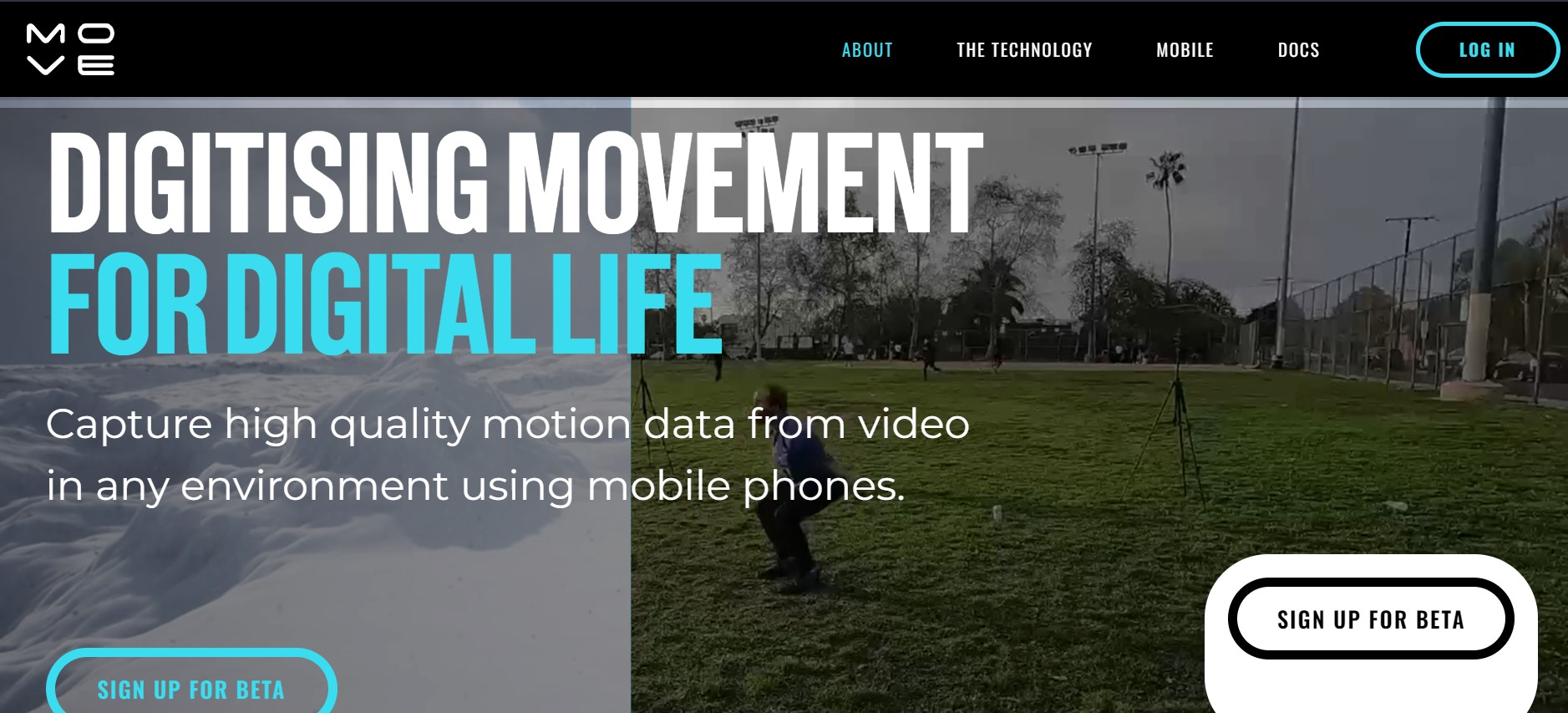
- Markerless Motion Capture: Utilizes cutting-edge technology to capture motion without the need for suits or markers, using just phones and standard cameras.
- Single and Multi-Camera Support: Offers flexibility in motion capture setups, allowing for both single and multi-camera configurations.
- Hand and Finger Tracking: Enhances the detail of motion capture with the ability to track hand and finger movements.
- Large Volume Capture: Supports capturing in large spaces, up to 20m x 20m, making it ideal for comprehensive scene captures.
- High-Quality Motion Data: Employs advanced algorithms to ensure the motion data captured is of the highest quality.
- Easy Retargeting: Facilitates the export of FBX and USD files for easy integration with preferred 3D animation software.
- ProsAccessibility: Enables high-quality motion capture in any environment, without the need for specialized equipment.Versatility: Suitable for a wide range of users, from individual creators to large studios.Ease of Use: Simplifies the motion capture process, making 3D animation more accessible to creators.Quality of Data: Provides high-fidelity motion data that can significantly enhance animation projects.ConsLearning Curve: New users may need time to fully grasp the tool’s capabilities and best practices for optimal results.Hardware Requirements: While it reduces the need for specialized equipment, high-quality captures still depend on the quality of the camera used.Software Compatibility: Users must ensure compatibility with their 3D animation software for smooth retargeting and integration.
Best For
- Move AI's versatility and ease of use make it a popular choice across various sectors:
- 3D Animators and Studios: For creating lifelike animations without the logistical challenges of traditional motion capture.
- Game Developers: Incorporating realistic human motion into video games to enhance player experience.
- Virtual Reality Creators: Crafting immersive VR experiences with realistic character movements.
- Educational Institutions: Teaching students about motion capture technology and animation.
- Uncommon Use Cases: Filmmakers using it for pre-visualization and choreographers for digitizing dance movements.
Integrations
3D Animation Software: Seamlessly exports motion data to popular 3D animation platforms. Multi-Camera Setup: Offers flexibility in capturing setups for comprehensive coverage. API Access: Provides developers with the tools to integrate Move AI's capabilities into custom applications.
Similar Tools

Weekly Issue
⚡
3D tools · weekly digest
The AI Weekly — free in your inbox
New AI tools, pricing changes, expert picks, and hidden gems — curated by Mr. Spark every week. Join 5,000+ readers who stay ahead of the AI curve.
No spam, ever
Unsubscribe anytime
100% free