
Pricing Details
Custom Pricing Model: Ocular AI offers tailored pricing depending on the deployment scale, chosen features, and integration needs. Disclaimer: For the most accurate and current pricing details, refer to the official Ocular AI website.
Product Visuals (1 images)
Strengths
- Enhanced Data Security: Users have full control over their data, whether choosing to host it locally or on a cloud, ensuring compliance with enterprise-level security standards.
- High Customizability: From AI models to the database layers, everything can be customized to fit the specific needs of a business, making Ocular AI a versatile choice for diverse enterprises.
- User Empowerment: By enabling permission-aware searches, it ensures that sensitive information remains secure while being accessible to authorized personnel only.
- Efficient Workflow Management: Integrates multiple functions like search, file management, and task automation into a single platform, streamlining operations significantly.
Limitations
- Complex Setup: The wide array of features and customization options might require a steep learning curve for new users.
- Potentially High Cost: While cost-effective in the long run, the initial investment in custom setups and integrations can be high.
- Dependency on Technical Expertise: Effective deployment and management of Ocular AI require a solid background in IT and data management.
Building your AI toolkit?
Save Ocular AI and 1,000+ tools — free with Google, no spam
What You Get
Key Features
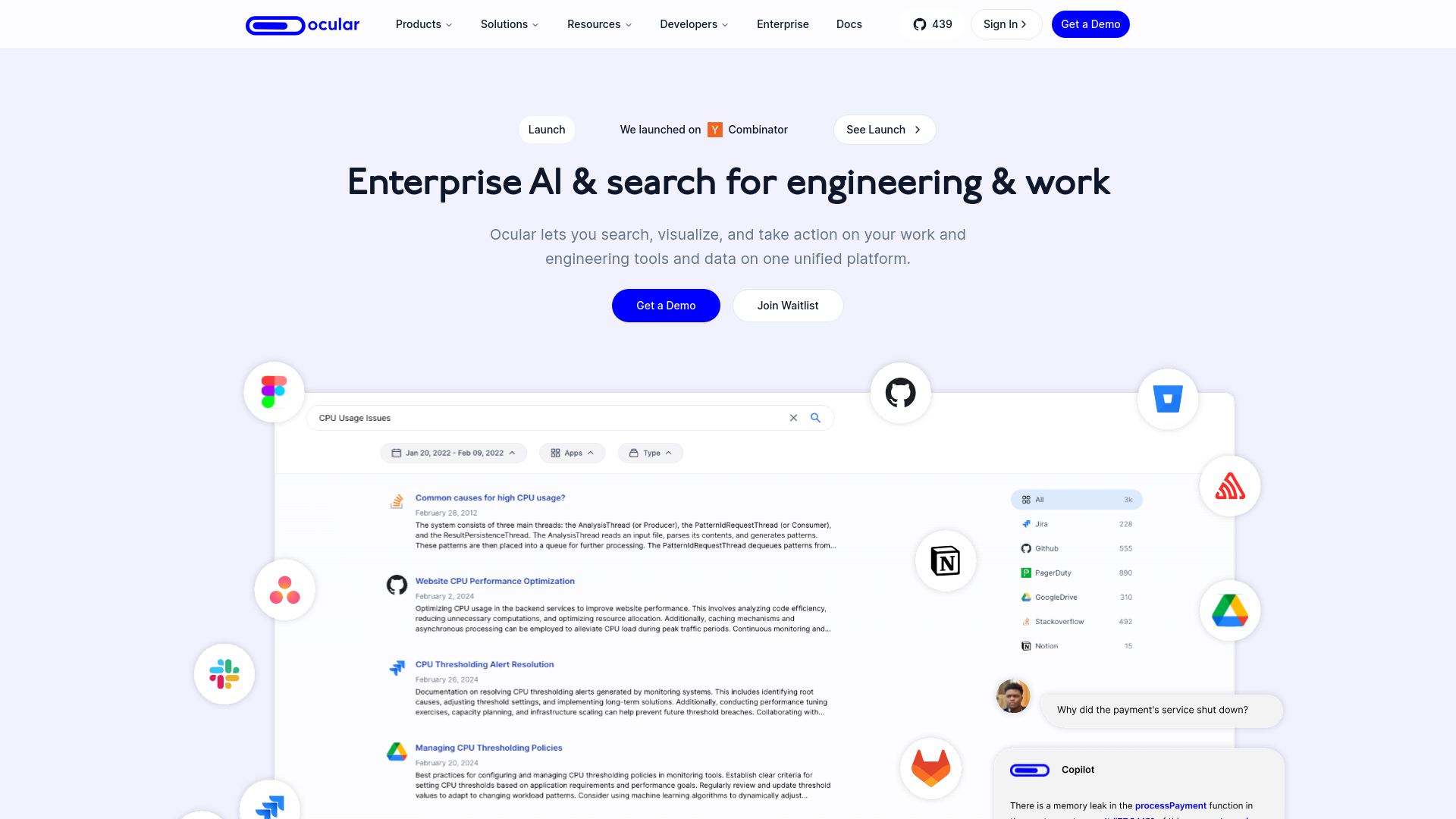
- AI-Powered Search: Ocular AI's robust search capabilities allow users to seamlessly navigate through vast amounts of data across integrated platforms, ensuring that team members access only the information they're authorized to see.
- Generative AI-Powered Copilot: This feature acts as an AI assistant, helping users manage daily tasks like creating workspaces, uploading files, and building custom assistants.
- Flexible Deployment Options: Users can host their data on-premise, on Ocular AI's cloud, or on a third-party cloud, providing flexibility and control over data management.
- Advanced Admin Console: Offers tools for managing users, permissions, and insights into app and tool usage within the team.
- Custom Integrations: Beyond standard third-party software, Ocular AI supports integration with in-house tools and software, enhancing its adaptability to specific organizational needs.
- ProsEnhanced Data Security: Users have full control over their data, whether choosing to host it locally or on a cloud, ensuring compliance with enterprise-level security standards.High Customizability: From AI models to the database layers, everything can be customized to fit the specific needs of a business, making Ocular AI a versatile choice for diverse enterprises.User Empowerment: By enabling permission-aware searches, it ensures that sensitive information remains secure while being accessible to authorized personnel only.Efficient Workflow Management: Integrates multiple functions like search, file management, and task automation into a single platform, streamlining operations significantly.ConsComplex Setup: The wide array of features and customization options might require a steep learning curve for new users.Potentially High Cost: While cost-effective in the long run, the initial investment in custom setups and integrations can be high.Dependency on Technical Expertise: Effective deployment and management of Ocular AI require a solid background in IT and data management.
Best For
- Engineering Teams: Utilize the platform for managing software development projects and maintaining large codebases.
- Project Managers: Employ Ocular AI for overseeing multiple project timelines and deliverables efficiently.
- IT Support Teams: Leverage the tool to handle IT requests and manage knowledge bases.
- Customer Support Teams: Use Ocular AI to access customer data quickly and resolve queries effectively.
- Uncommon Use Cases: Academic researchers use Ocular AI for managing large datasets and collaborations; Non-profits utilize it for donor management and campaign tracking.
Integrations
In-House Software Integration: Seamlessly connects with bespoke company tools. Major AI Models Support: Compatible with OpenAI, Hugging Face, and more. Flexible Database Integration: Supports various vector databases like Pinecone and Qdrant. Extensive API Access: Allows for the development of custom features and integrations through a comprehensive API.
Similar Tools



Weekly Issue
⚡
Project Management tools · weekly digest
The AI Weekly — free in your inbox
New AI tools, pricing changes, expert picks, and hidden gems — curated by Mr. Spark every week. Join 5,000+ readers who stay ahead of the AI curve.
No spam, ever
Unsubscribe anytime
100% free