
Pricing Details
Free Trial: opencall.ai offers a 14-day free trial, allowing users to explore its features without commitment. Premium Plan: The Premium Plan starts at $9.99 per month, providing full access to all features. Disclaimer: Please note that pricing information may not be up to date. For the most accurate and current pricing details, refer to the official opencall.ai website.
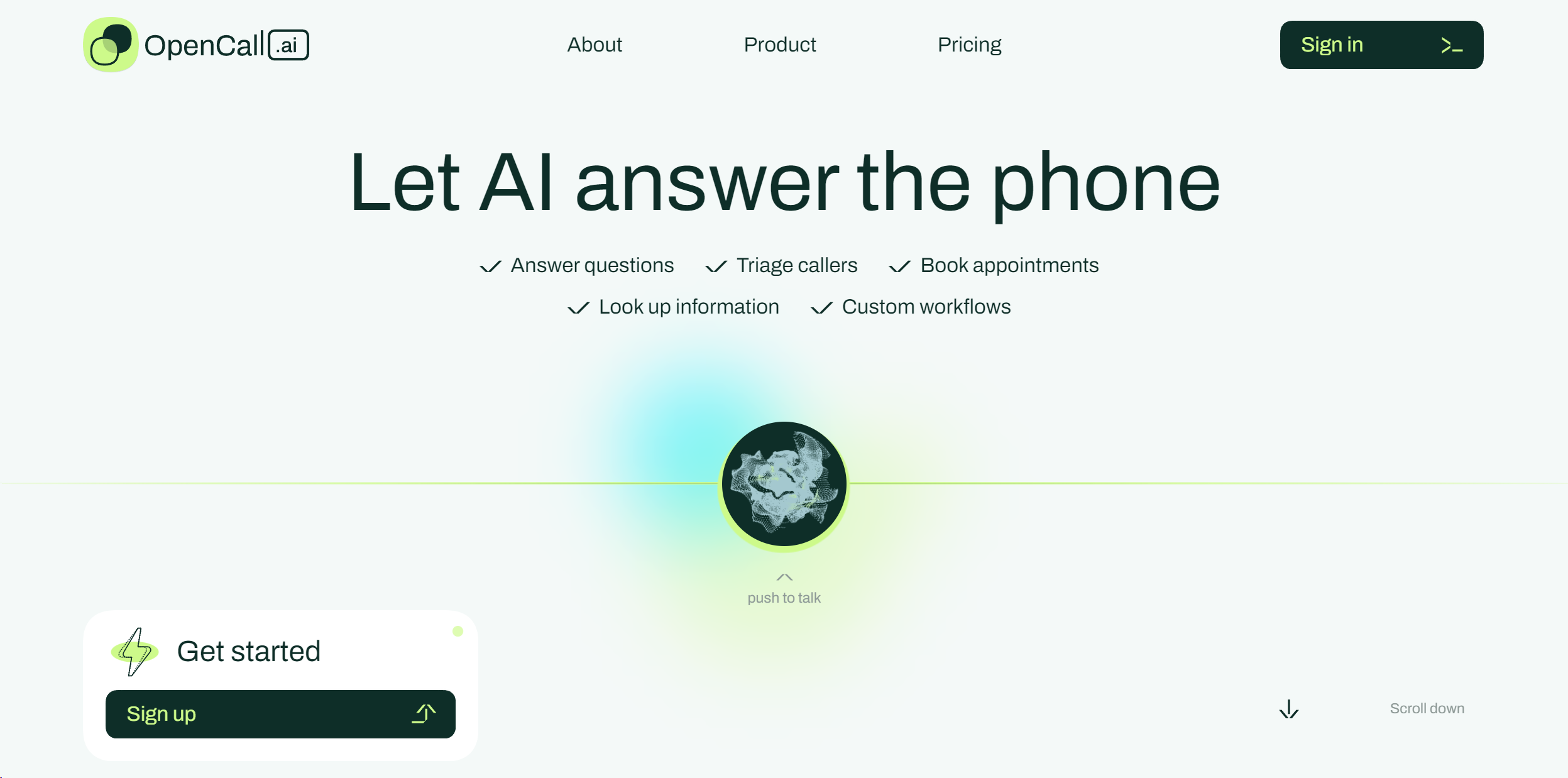
Product Visuals (1 images)
Strengths
- Enhanced Productivity: By automating meeting summaries and transcription, opencall.ai significantly reduces the time spent on post-meeting tasks.
- Improved Meeting Efficiency: The smart scheduling and action item tracking features ensure meetings are more focused and outcome-oriented.
- Accessibility: Easy access to transcriptions and summaries makes it simpler for team members to stay informed, regardless of their attendance in the meeting.
- Seamless Integration: opencall.ai easily integrates with popular platforms like Zoom and Microsoft Teams, enhancing its utility without disrupting existing workflows.
Limitations
- Learning Curve: New users may require some time to fully utilize all the features available on opencall.ai.
- Internet Dependency: Being an online tool, its performance is heavily reliant on internet connectivity.
- Feature Overload: Some users might find the wide array of features overwhelming at first glance.
Building your AI toolkit?
Save OpenCall.ai and 1,000+ tools — free with Google, no spam
What You Get
Key Features
- AI-Powered Summarization: opencall.ai uses advanced AI algorithms to provide real-time summaries of meetings, ensuring that key points are captured and easily accessible.
- Automated Transcription: The tool offers high-accuracy automated transcription of calls and meetings, making it easy to reference conversations and share them with team members.
- Smart Scheduling: opencall.ai integrates a smart scheduling feature, which simplifies the process of finding suitable meeting times for all participants.
- Action Item Tracking: It uniquely identifies and tracks action items from meetings, ensuring follow-ups are clear and accountable.
- ProsEnhanced Productivity: By automating meeting summaries and transcription, opencall.ai significantly reduces the time spent on post-meeting tasks.Improved Meeting Efficiency: The smart scheduling and action item tracking features ensure meetings are more focused and outcome-oriented.Accessibility: Easy access to transcriptions and summaries makes it simpler for team members to stay informed, regardless of their attendance in the meeting.Seamless Integration: opencall.ai easily integrates with popular platforms like Zoom and Microsoft Teams, enhancing its utility without disrupting existing workflows.ConsLearning Curve: New users may require some time to fully utilize all the features available on opencall.ai.Internet Dependency: Being an online tool, its performance is heavily reliant on internet connectivity.Feature Overload: Some users might find the wide array of features overwhelming at first glance.
Best For
- Remote Teams: Facilitating efficient communication across different time zones and locations.
- Project Managers: Employing the tool to track meeting outcomes and action items effectively.
- HR Professionals: Using it for conducting and summarizing interviews and team meetings.
- Educators: Leveraging the tool to host virtual classes and provide accessible material to students.
- Uncommon Use Cases: Non-profit organizations use it for coordinating volunteer efforts; Podcasters utilize the transcription feature for content creation.
Integrations
Zoom Integration: Enhances virtual meetings with real-time transcription and summarization. Microsoft Teams Compatibility: Allows users to leverage opencall.ai's features within the Teams environment. Google Calendar Sync: Simplifies scheduling by integrating with users' existing calendars. API Access: Offers developers the ability to create custom integrations, extending the utility of opencall.ai.
Similar Tools



Weekly Issue
⚡
Project Management tools · weekly digest
The AI Weekly — free in your inbox
New AI tools, pricing changes, expert picks, and hidden gems — curated by Mr. Spark every week. Join 5,000+ readers who stay ahead of the AI curve.
No spam, ever
Unsubscribe anytime
100% free