
Pricing Details
Free Tier: Start with a robust free plan to experience the capabilities of Parseur. Premium Plans: As your needs grow, premium plans offer expanded features and capacity. Disclaimer: For the most current and detailed pricing information, please visit the Parseur website.
Product Visuals (1 images)
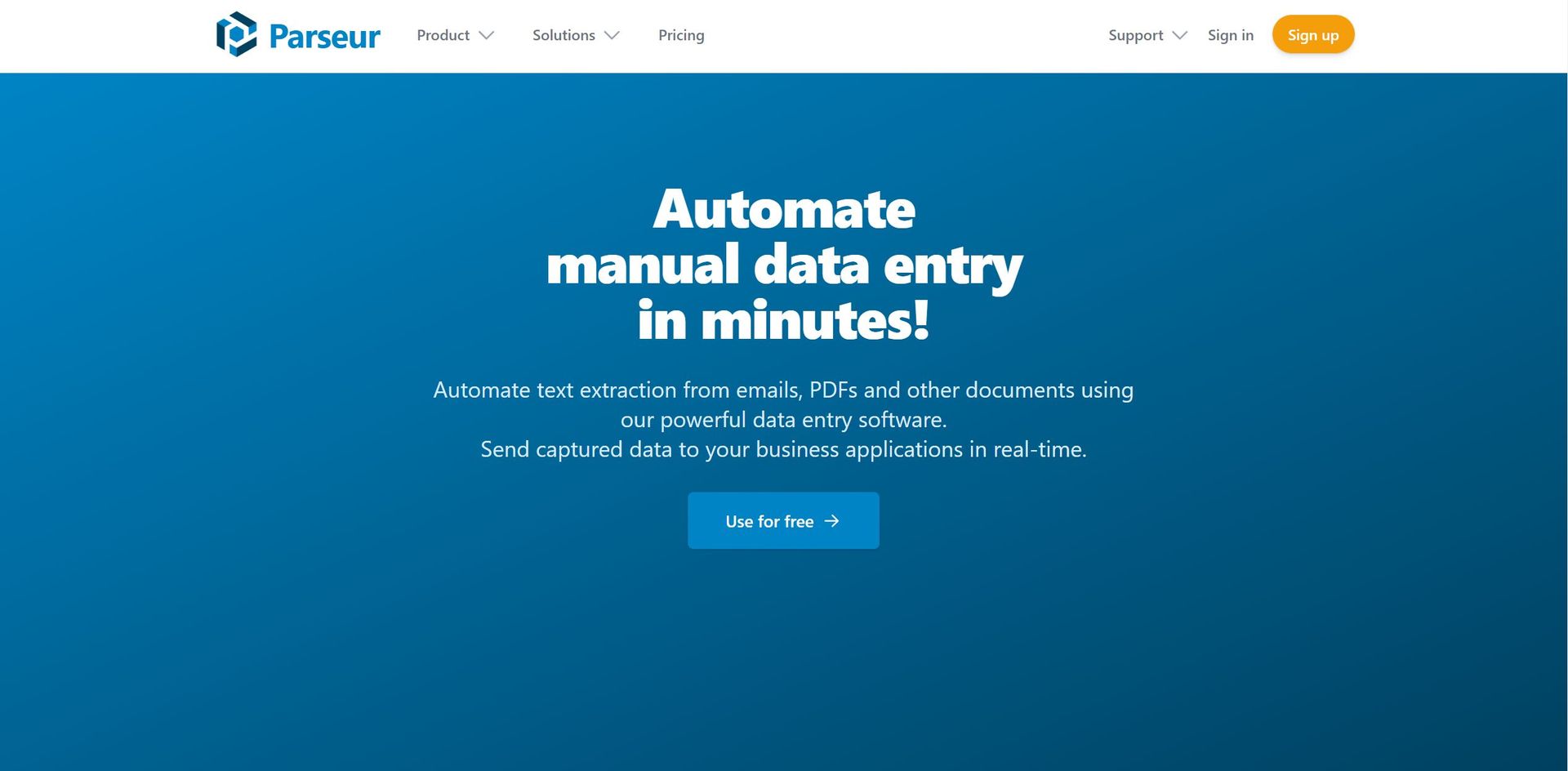
Strengths
- Time-Saving: Significantly reduces the time spent on manual data entry.
- Accuracy: AI and OCR technologies work together to provide high precision in data extraction.
- Scalability: Capable of handling a high volume of documents, scaling with business growth.
- User-Friendly: Designed to be easy to use without requiring technical skills or complex setup.
Limitations
- Learning Curve: New users may need some time to familiarize themselves with all features.
- Template Creation: While powerful, creating templates for new document types may require initial effort.
- Integration Learning: Users might need to learn how to set up integrations with other applications.
What You Get
Key Features
- AI-Based Data Extraction: Harnesses artificial intelligence to parse documents and extract data seamlessly.
- Template-Based Data Extraction: Offers the ability to create custom templates for consistent document types.
- OCR Software: Incorporates fast and accurate Optical Character Recognition for document scanning.
- Zonal OCR: Allows for easy conversion of documents into structured data by defining extraction zones.
- Dynamic OCR: Adapts to documents where text positions might change, ensuring reliable data capture.
- ProsTime-Saving: Significantly reduces the time spent on manual data entry.Accuracy: AI and OCR technologies work together to provide high precision in data extraction.Scalability: Capable of handling a high volume of documents, scaling with business growth.User-Friendly: Designed to be easy to use without requiring technical skills or complex setup.ConsLearning Curve: New users may need some time to familiarize themselves with all features.Template Creation: While powerful, creating templates for new document types may require initial effort.Integration Learning: Users might need to learn how to set up integrations with other applications.
Best For
- Financial Institutions: Automating data extraction from financial documents for analysis and reporting.
- Healthcare Providers: Streamlining patient information management by extracting data from various forms.
- Real Estate Agencies: Processing leads and inquiries from various platforms into a centralized CRM.
- Logistics Companies: Parsing shipping and delivery documents for efficient supply chain management.
- Uncommon Use Cases: Academic researchers extracting data for analysis; Non-profits managing donor information.
Similar Tools

Weekly Issue
⚡
Finance tools · weekly digest
The AI Weekly — free in your inbox
New AI tools, pricing changes, expert picks, and hidden gems — curated by Mr. Spark every week. Join 5,000+ readers who stay ahead of the AI curve.
No spam, ever
Unsubscribe anytime
100% free