
Pricing Details
Free Tier: Explore Pictory with basic features at no cost. Standard Plan: Starts at $19 per month, offering additional features and capabilities. Disclaimer: Please check the Pictory website for the most accurate and current pricing details.
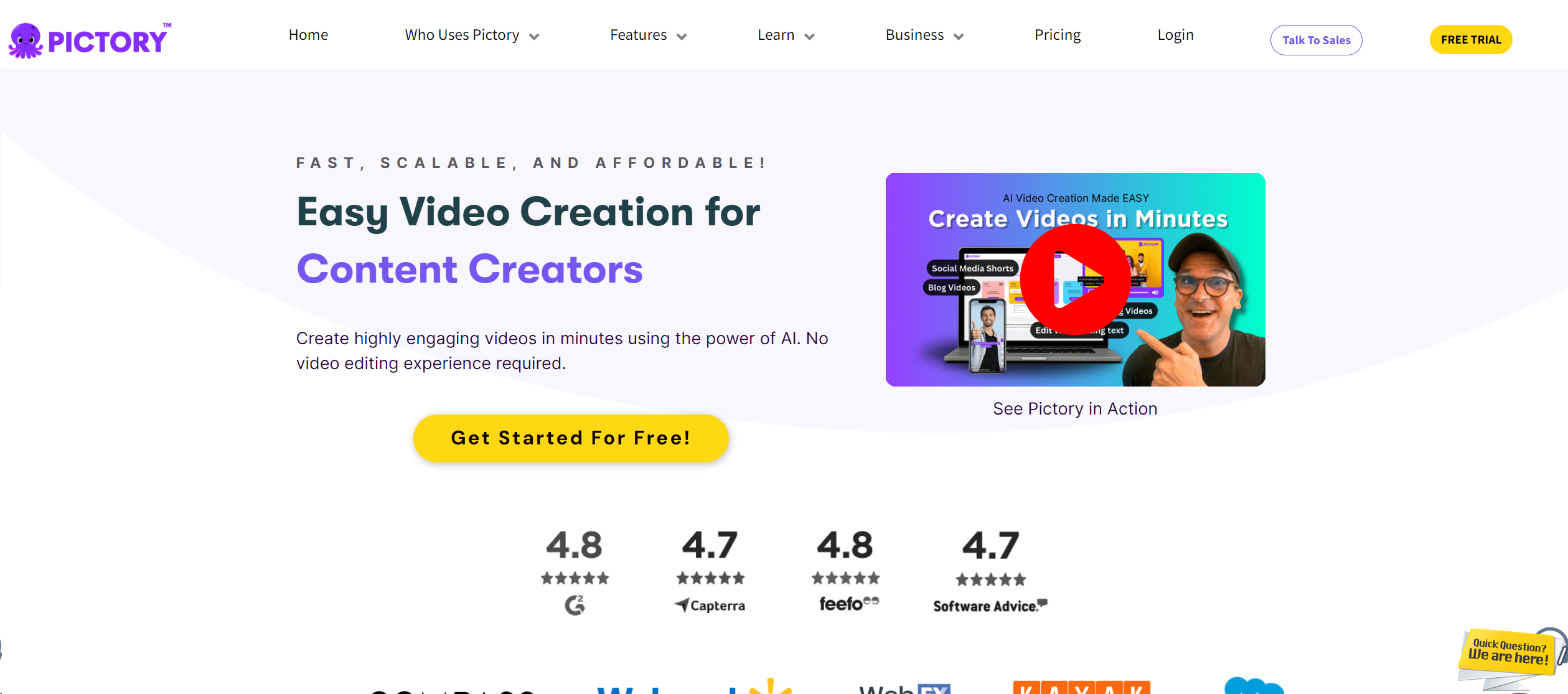
Product Visuals (1 images)
Strengths
- Efficiency in Production: Reduces video production time significantly by automating editing and formatting tasks.
- Cost-Effective: Minimizes the need for expensive video editing software or professional editing services.
- Accessibility: Simplifies video creation, making it accessible to non-professionals without a steep learning curve.
- Versatility: Suitable for various types of video content, from marketing videos to educational tutorials.
Limitations
- Dependency on Internet: Requires a stable internet connection for all functionalities.
- Limited Creative Control: While efficient, the automated nature might restrict creative flexibility compared to traditional video editing.
- Voice Over Limitations: The AI voices, though diverse, may lack the emotional depth of a human narrator.
What You Get
Key Features
- Text-to-Video Conversion: Automatically converts your written content into dynamic videos, complete with visuals and narration.
- Scripted Video Editing: Allows users to edit videos by simply modifying the text of the script, making the editing process as easy as editing a document.
- AI Voice Over: Integrates a range of AI-generated voice options to narrate videos, offering a variety of accents and languages.
- Brand Customization: Enables customization of videos to align with brand identity, including logos, color schemes, and fonts.
- ProsEfficiency in Production: Reduces video production time significantly by automating editing and formatting tasks.Cost-Effective: Minimizes the need for expensive video editing software or professional editing services.Accessibility: Simplifies video creation, making it accessible to non-professionals without a steep learning curve.Versatility: Suitable for various types of video content, from marketing videos to educational tutorials.ConsDependency on Internet: Requires a stable internet connection for all functionalities.Limited Creative Control: While efficient, the automated nature might restrict creative flexibility compared to traditional video editing.Voice Over Limitations: The AI voices, though diverse, may lack the emotional depth of a human narrator.
Best For
- Content Marketers: Utilizing the tool to quickly produce engaging promotional videos.
- Educational Institutions: Enhancing online learning materials with easily created video content.
- Social Media Influencers: Creating regular video content to engage with followers.
- Small Business Owners: Producing cost-effective video advertisements and informational content.
- Uncommon Use Cases: Used by bloggers to convert articles into video blogs; Utilized by non-profits for impactful storytelling in campaigns.
Integrations
Social Media Platforms: Directly publish videos to platforms like YouTube, Facebook, and Instagram. Cloud Storage Services: Seamlessly integrates with services like Dropbox and Google Drive for easy access and storage. Content Management Systems: Offers plugins for popular CMS platforms to streamline video content integration. API Access: Provides API for custom integrations, allowing greater flexibility for developers.
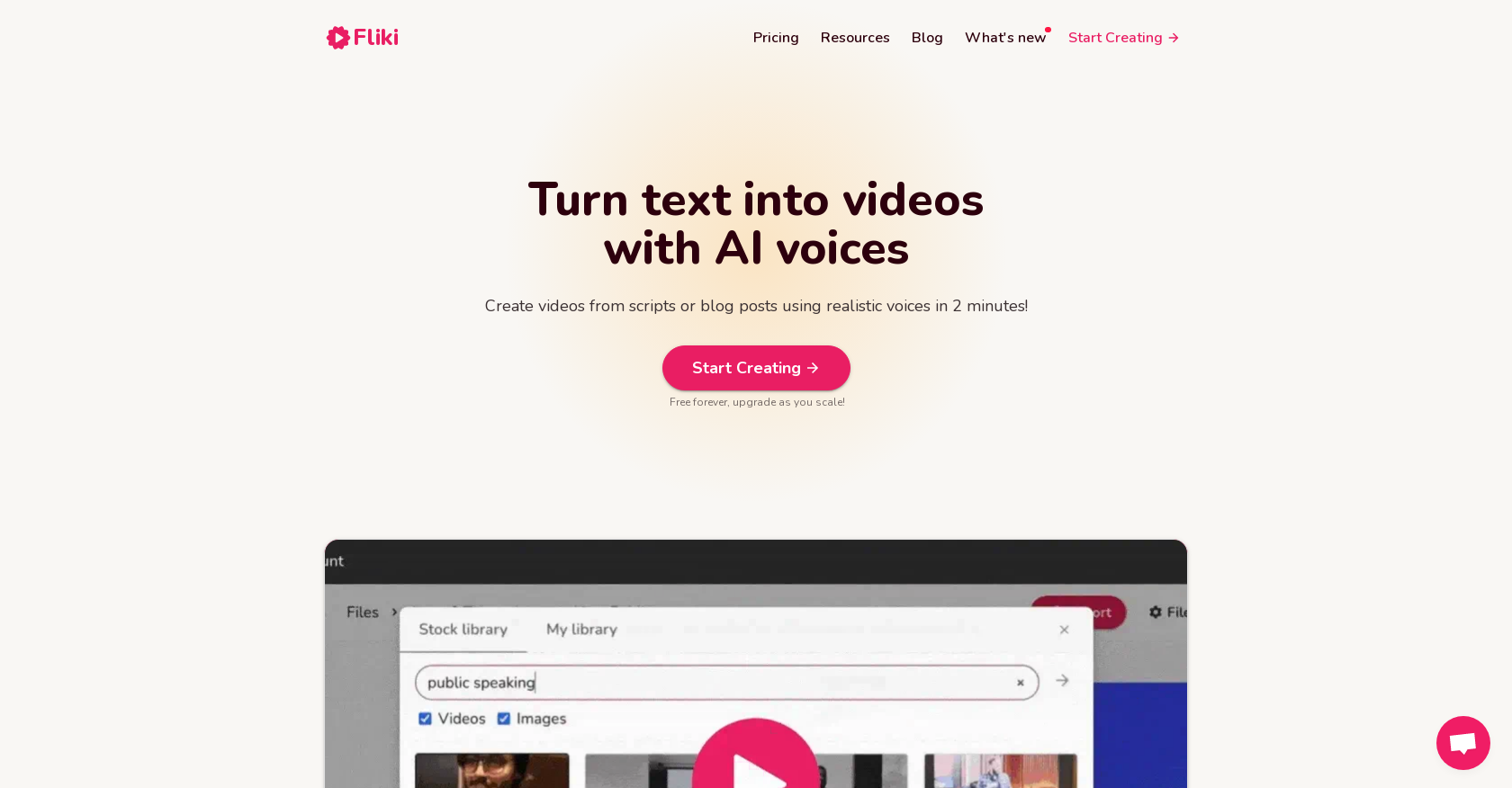
Similar Tools


Weekly Issue
⚡
Video Generators tools · weekly digest
The AI Weekly — free in your inbox
New AI tools, pricing changes, expert picks, and hidden gems — curated by Mr. Spark every week. Join 5,000+ readers who stay ahead of the AI curve.
No spam, ever
Unsubscribe anytime
100% free