
Pricing Details
Free Trial: Get started with a 7-day free trial to explore full features. Subscription Plans: Choose from various plans tailored to individual or enterprise needs. Disclaimer: For the most accurate and current pricing details, refer to the official Plus AI website.
Product Visuals (1 images)
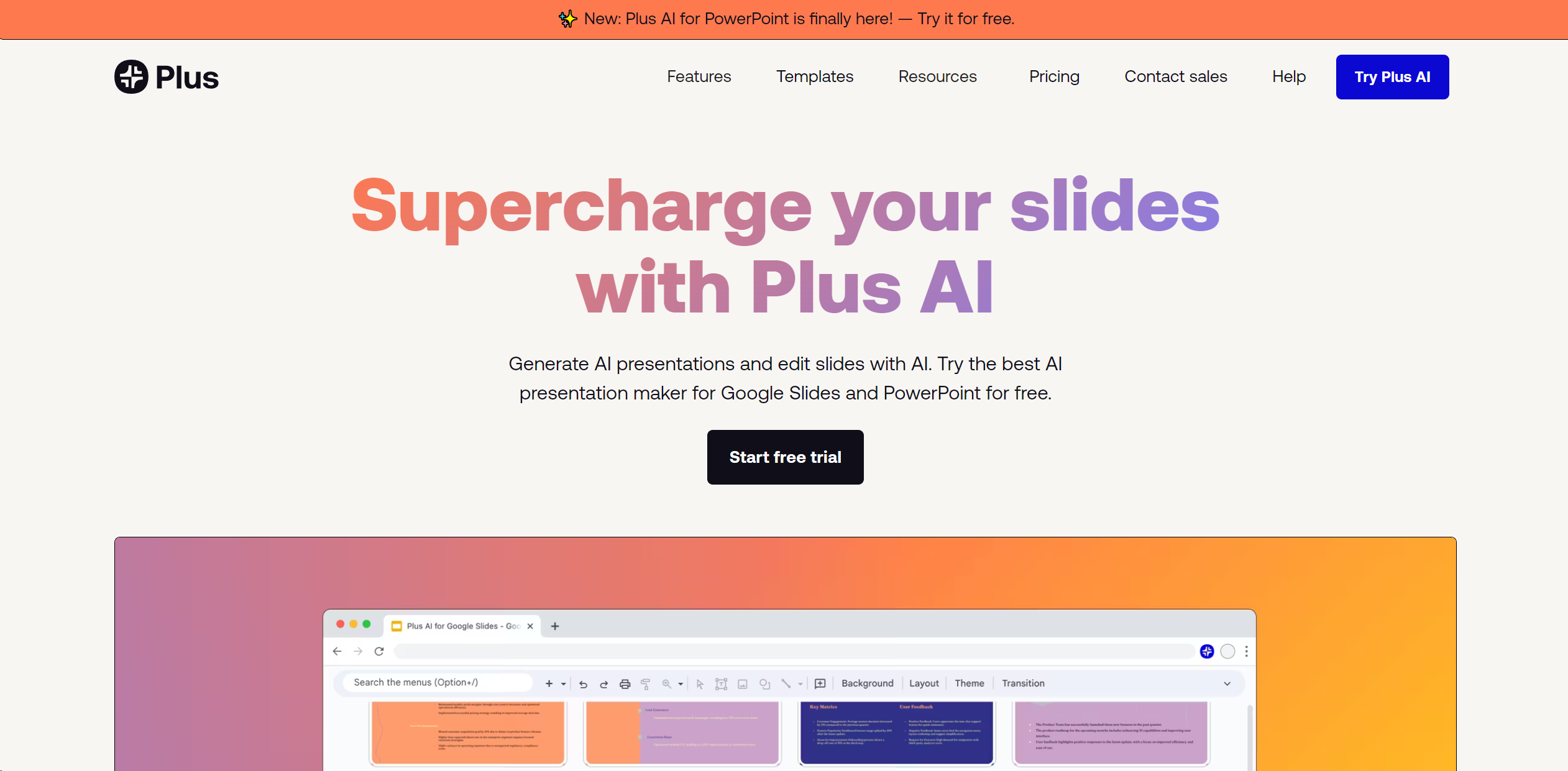
Strengths
- Efficiency: Reduces the time required to create professional presentations.
- Ease of Use: Works directly within Google Slides, eliminating the need to master new tools.
- Multilingual Support: Offers the ability to read, write, and translate in numerous languages.
- Customizability: Features like custom instructions and preset libraries allow for tailored content generation.
Limitations
- Platform Limitation: Primarily designed for Google Slides, which may not appeal to users of other presentation software.
- Learning Curve: New users may need time to familiarize themselves with AI features.
- Subscription Model: After a free trial, continued access requires a subscription.
What You Get
Key Features
- Prompt to Presentation: Start with just a description, and watch Plus AI craft a full presentation.
- Document to Presentation: Convert PDFs, Word documents, or text files directly into slides.
- AI in Any Language: Create and edit presentations in nearly any language, broadening accessibility.
- Edit Slides with AI: Refine slides with advanced editing tools like rewrite, remix, and custom instructions.
- Integration with Google Docs: Extend AI capabilities to document creation and editing within Google Workspace.
- ProsEfficiency: Reduces the time required to create professional presentations.Ease of Use: Works directly within Google Slides, eliminating the need to master new tools.Multilingual Support: Offers the ability to read, write, and translate in numerous languages.Customizability: Features like custom instructions and preset libraries allow for tailored content generation.ConsPlatform Limitation: Primarily designed for Google Slides, which may not appeal to users of other presentation software.Learning Curve: New users may need time to familiarize themselves with AI features.Subscription Model: After a free trial, continued access requires a subscription.
Best For
- Marketing Professionals: Utilizing the tool to quickly generate compelling pitch decks.
- Educators: Creating engaging educational content with minimal effort.
- Business Analysts: Leveraging AI to produce detailed reports and presentations.
- Event Planners: Crafting visually appealing presentation materials for events.
- Uncommon Use Cases: Non-profits using it to educate communities; startups using it to pitch to investors.
Integrations
Google Slides Integration: Designed as an add-on for Google Slides for seamless functionality. PowerPoint Compatibility: Presentations can be exported to PowerPoint, accommodating users familiar with Microsoft's platform. Google Workspace Integration: Fully compatible with Google Docs and other Google Workspace tools. Enterprise Customization: Offers custom templates and automation for enterprise-level users.
Similar Tools
Weekly Issue
⚡
Presentations tools · weekly digest
The AI Weekly — free in your inbox
New AI tools, pricing changes, expert picks, and hidden gems — curated by Mr. Spark every week. Join 5,000+ readers who stay ahead of the AI curve.
No spam, ever
Unsubscribe anytime
100% free