
Pricing Details
Basic: $0 per month, includes manual editing, template browsing, and unlimited sharing (AI features not included). Professional: $16 per month, includes everything in Basic plus AI generation tools, engagement analytics, and more. Enterprise: Contact sales for pricing, includes all Professional features plus custom AI output tuning and white-glove setup. Disclaimer: Please note that pricing information may not be up to date. For the most accurate and current pricing details, refer to the official Tome website.
Product Visuals (1 images)
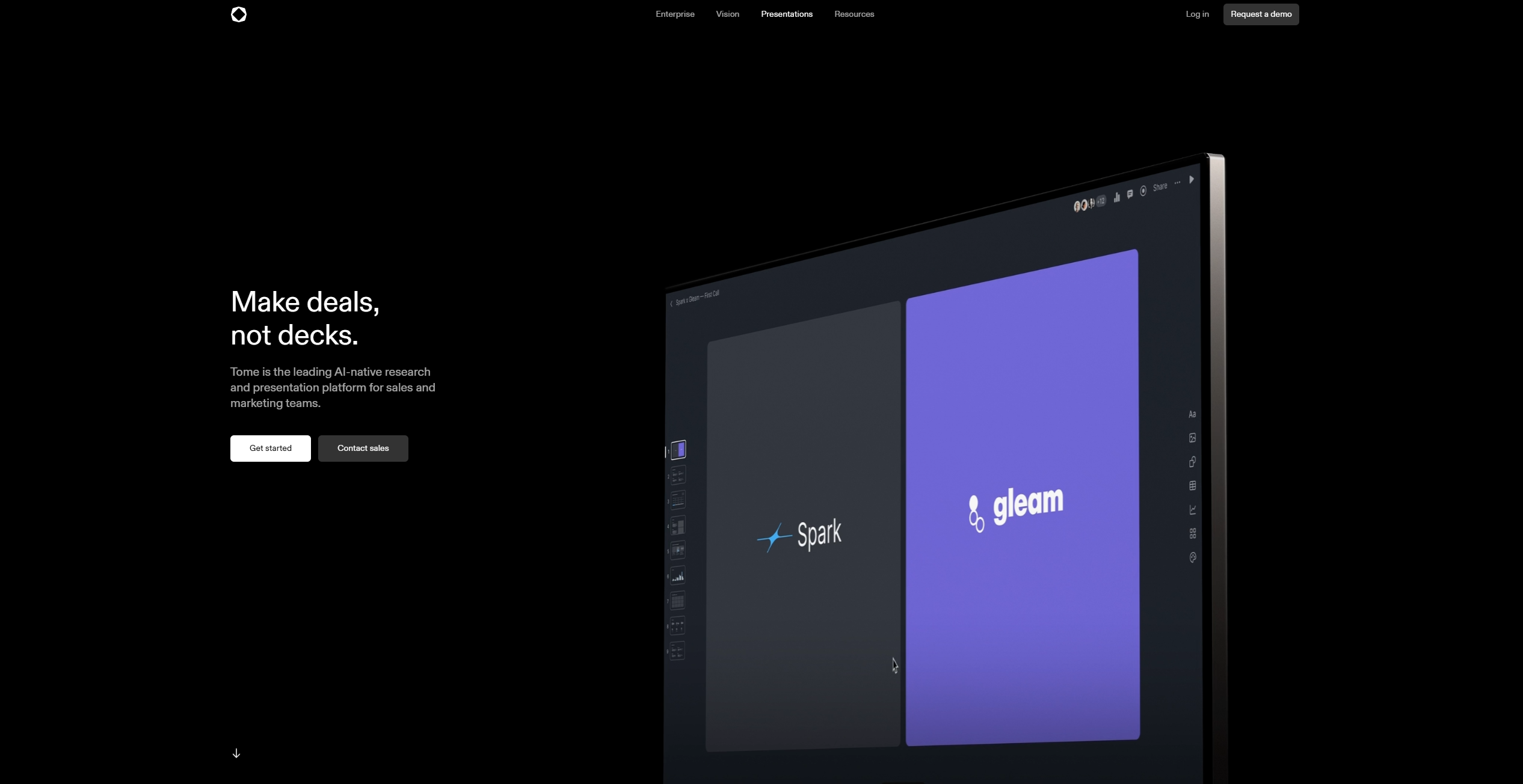
Strengths
- Time Efficiency: Automates the creation of personalized presentations, saving significant time.
- Enhanced Engagement: Viewer analytics provide valuable feedback on presentation effectiveness.
- Flexibility: Offers a mobile-responsive design, ensuring presentations are accessible and visually appealing on any device.
- Comprehensive Integration: Supports the inclusion of various media types, enhancing the depth and interactivity of presentations.
Limitations
- Enterprise Limitations: Some advanced features, like AI personalization, are only available for enterprise users.
- Learning Curve: Initial setup and understanding of AI-driven features might require some time for new users.
What You Get
Key Features
- AI Template Fill: Instantly personalize presentation decks with AI, allowing for efficient sales research and deck customization.
- Viewer Analytics: Gain insights into presentation engagement by analyzing viewer interactions, such as time spent on each page and where viewers drop off.
- Mobile-Responsive Design: Ensure your presentations look captivating on any device, with slides that adjust perfectly to screens of all sizes.
- Interactive Embeds: Incorporate elements like Figma files, YouTube videos, and live dashboards directly into presentations for a richer storytelling experience.
- ProsTime Efficiency: Automates the creation of personalized presentations, saving significant time.Enhanced Engagement: Viewer analytics provide valuable feedback on presentation effectiveness.Flexibility: Offers a mobile-responsive design, ensuring presentations are accessible and visually appealing on any device.Comprehensive Integration: Supports the inclusion of various media types, enhancing the depth and interactivity of presentations.ConsEnterprise Limitations: Some advanced features, like AI personalization, are only available for enterprise users.Learning Curve: Initial setup and understanding of AI-driven features might require some time for new users.
Best For
- Sales Teams: Utilizing Tome to streamline sales pitch creation and increase deal closure rates.
- Marketing Professionals: Employing the platform for crafting compelling marketing presentations.
- Startups: Leveraging Tome to present their business ideas effectively to potential investors.
- Customer Success Teams: Using the tool to create informative and engaging client-facing materials.
- Uncommon Use Cases: Educational institutions are adopting Tome for teaching presentation skills; Freelance consultants are using it for personalized client proposals.
Similar Tools
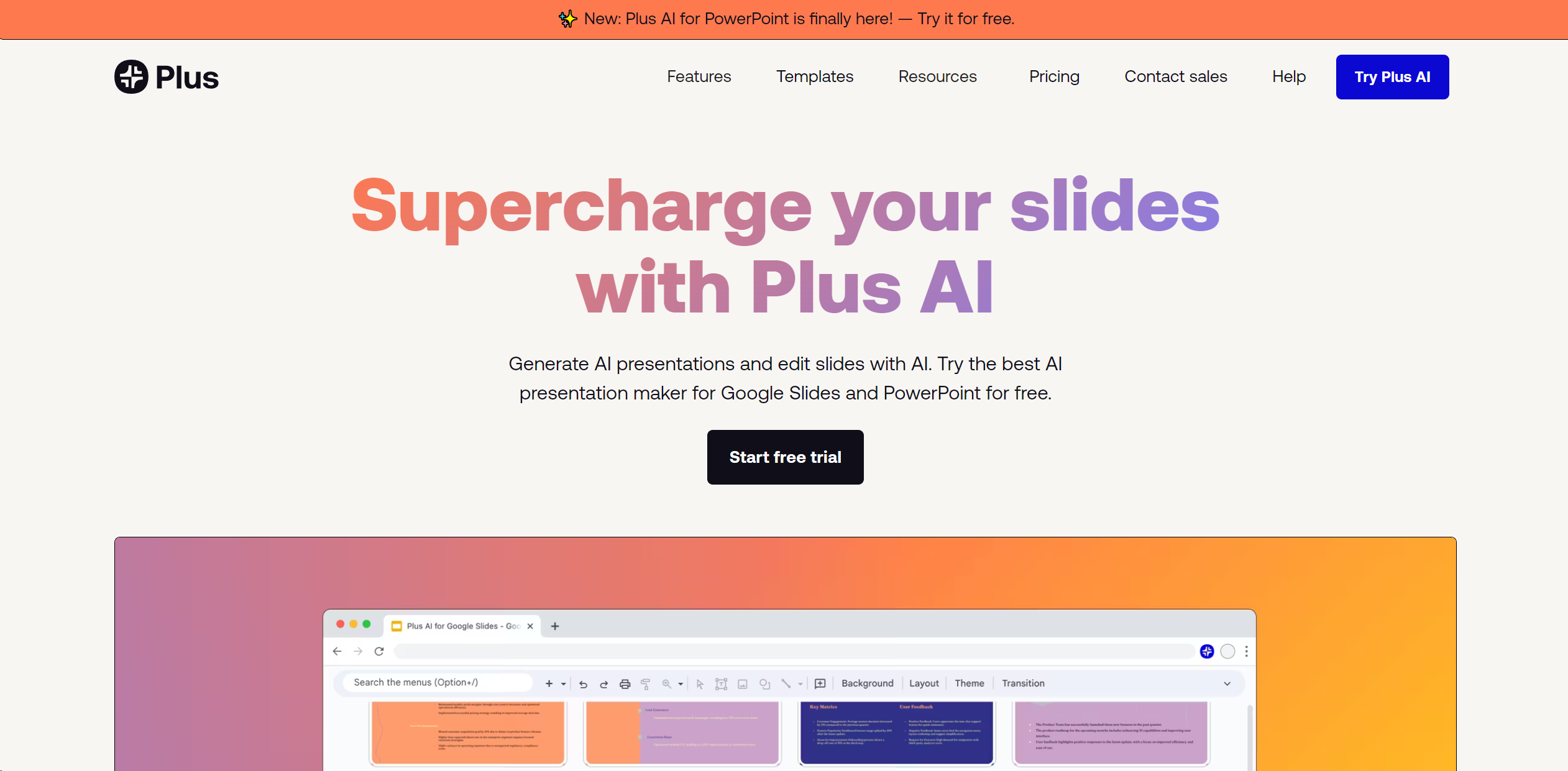
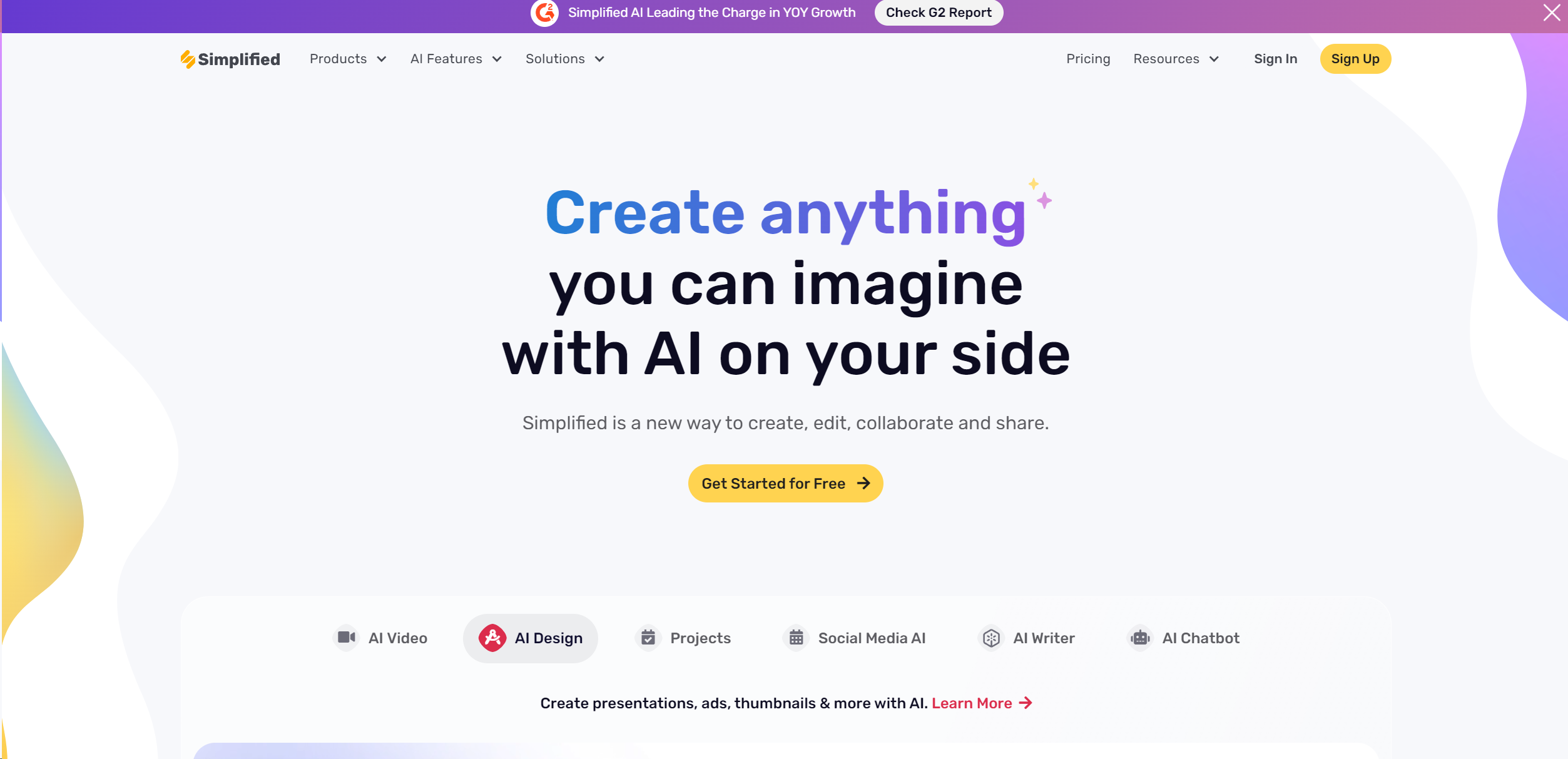
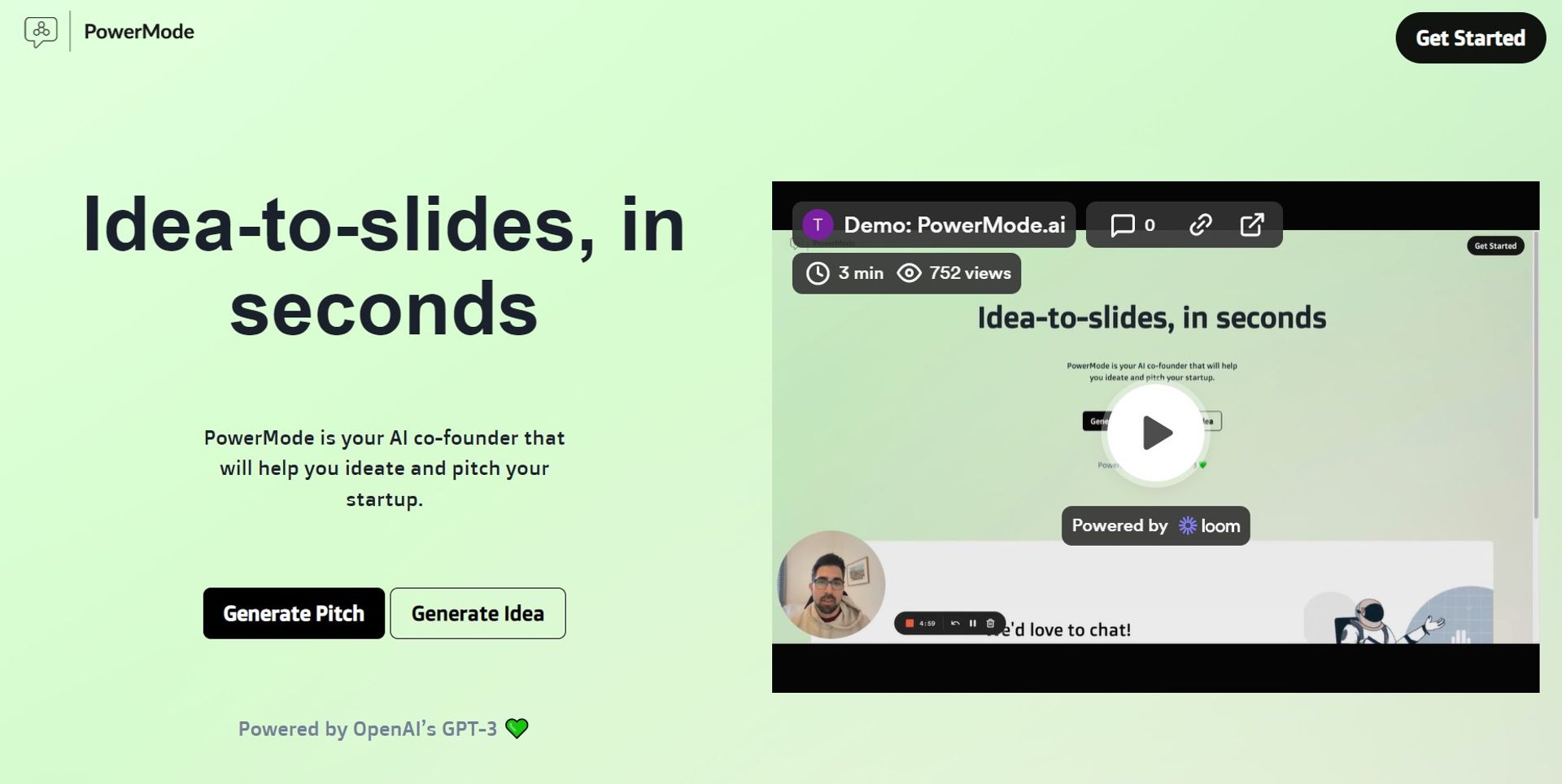
Weekly Issue
⚡
Presentations tools · weekly digest
The AI Weekly — free in your inbox
New AI tools, pricing changes, expert picks, and hidden gems — curated by Mr. Spark every week. Join 5,000+ readers who stay ahead of the AI curve.
No spam, ever
Unsubscribe anytime
100% free