
Pricing Details
Free Tier: Access to basic features at no cost. Pro Tier: Starts at $12 per month, offering advanced features like enhanced monitoring and security options. Disclaimer: For the most accurate and up-to-date pricing details, please visit the official Postman website.
Product Visuals (1 images)
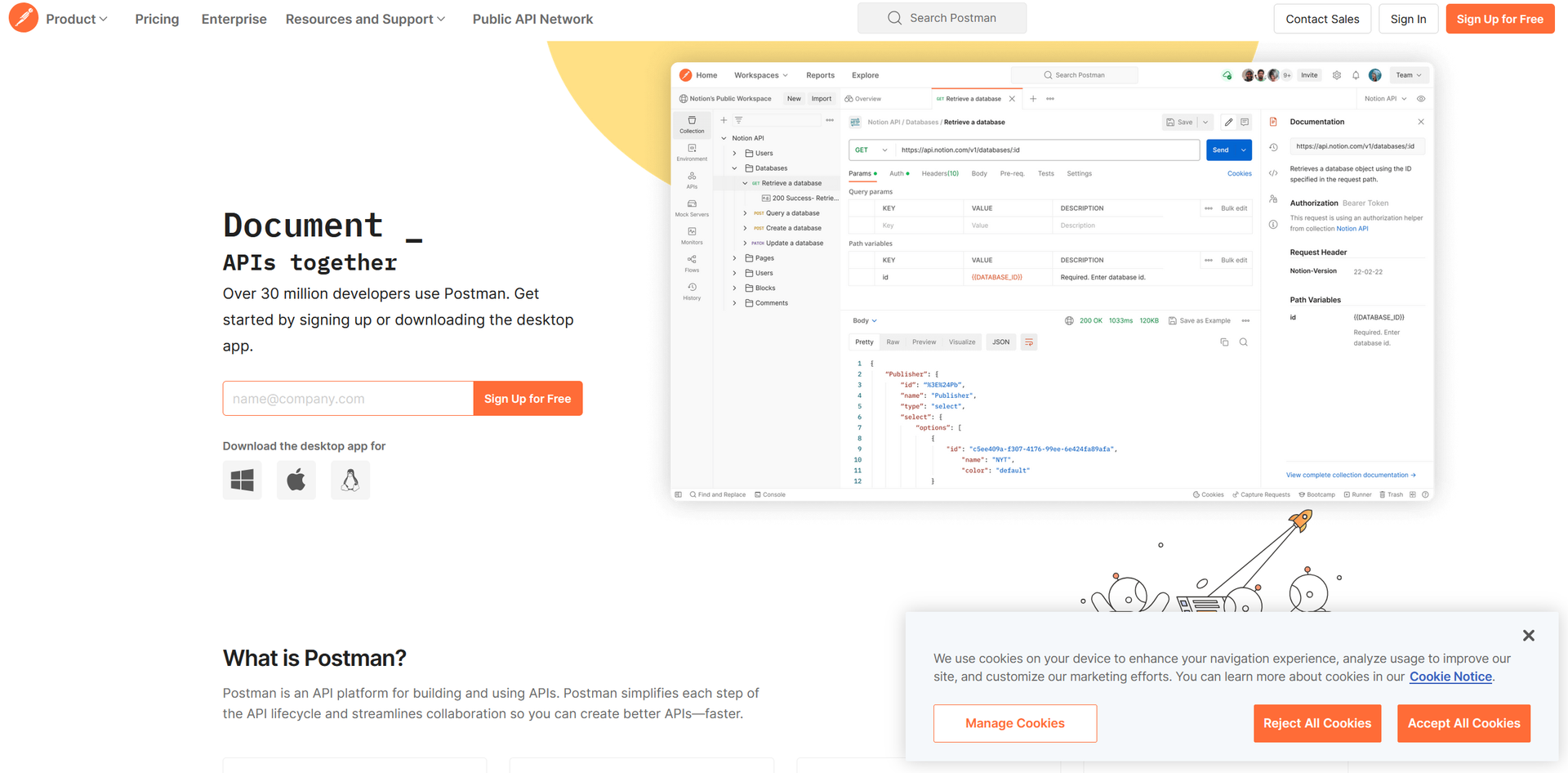
Strengths
- Enhanced Productivity: Automation features and request chaining help accelerate development cycles and minimize manual efforts.
- Ease of Use: Its user-friendly interface is accessible to newcomers while offering powerful features for experienced developers.
- Extensive Community and Resources: Supported by a large community and a wealth of tutorials and documentation for learning and troubleshooting.
- Flexible Environment Management: Simplifies configuration and management of different environments, aiding in the simulation of various development and testing stages.
Limitations
- Resource Intensity: Can be demanding on system resources, especially when handling large data sets or complex API scenarios.
- Complexity for Beginners: While user-friendly, the broad range of features might be overwhelming for beginners without proper guidance.
- Subscription Cost: Advanced features are available through paid subscriptions, which may be a barrier for individual users or small startups.
What You Get
Key Features
- Robust API Testing: Offers extensive support for various types of API requests and responses, allowing users to thoroughly test API functionality and reliability.
- Automation Tools: Includes scripting capabilities to automate repetitive tasks, saving time and reducing errors during testing phases.
- Collaboration Features: Facilitates team collaboration by enabling the sharing of collections and environments, which improves productivity and communication within teams.
- Extensive Integration Options: Connects with popular tools and services such as Git and Slack, supporting a more integrated and efficient workflow.
- API Documentation: Automatically generates and maintains API documentation, which can be shared with stakeholders to ensure alignment and clarity.
- ProsEnhanced Productivity: Automation features and request chaining help accelerate development cycles and minimize manual efforts.Ease of Use: Its user-friendly interface is accessible to newcomers while offering powerful features for experienced developers.Extensive Community and Resources: Supported by a large community and a wealth of tutorials and documentation for learning and troubleshooting.Flexible Environment Management: Simplifies configuration and management of different environments, aiding in the simulation of various development and testing stages.ConsResource Intensity: Can be demanding on system resources, especially when handling large data sets or complex API scenarios.Complexity for Beginners: While user-friendly, the broad range of features might be overwhelming for beginners without proper guidance.Subscription Cost: Advanced features are available through paid subscriptions, which may be a barrier for individual users or small startups.
Best For
- Software Developers: Use Postman for building and testing APIs throughout various development stages.
- QA Engineers: Employ the platform for automating tests and ensuring API performance and reliability.
- Product Managers: Leverage Postman to track project progress and verify that APIs meet business requirements.
- Educational Institutions: Utilize Postman as a teaching tool in computer science and software engineering courses.
- Uncommon Use Cases: Non-profits manage volunteer databases via custom APIs; event organizers streamline event management and ticketing systems.
Integrations
CI/CD Tools Integration: Works with continuous integration and continuous deployment tools, improving DevOps pipelines. Version Control Systems: Integrates with version control systems like Git to manage API collection versions. Cloud Services: Compatible with major cloud providers like AWS, Azure, and Google Cloud for API testing and deployment. API Gateway Compatibility: Interfaces with popular API gateways to manage API deployment and scaling.
Similar Tools



Weekly Issue
⚡
Project Management tools · weekly digest
The AI Weekly — free in your inbox
New AI tools, pricing changes, expert picks, and hidden gems — curated by Mr. Spark every week. Join 5,000+ readers who stay ahead of the AI curve.
No spam, ever
Unsubscribe anytime
100% free