
Pricing Details
Free Tier: Roboflow offers a free tier with limited features, suitable for getting started. Pro Tier: For advanced features and capabilities, users can opt for the Pro Tier, which starts at a competitive price point. Disclaimer: Please refer to Roboflow's official website for the most accurate and current pricing details.
Product Visuals (1 images)
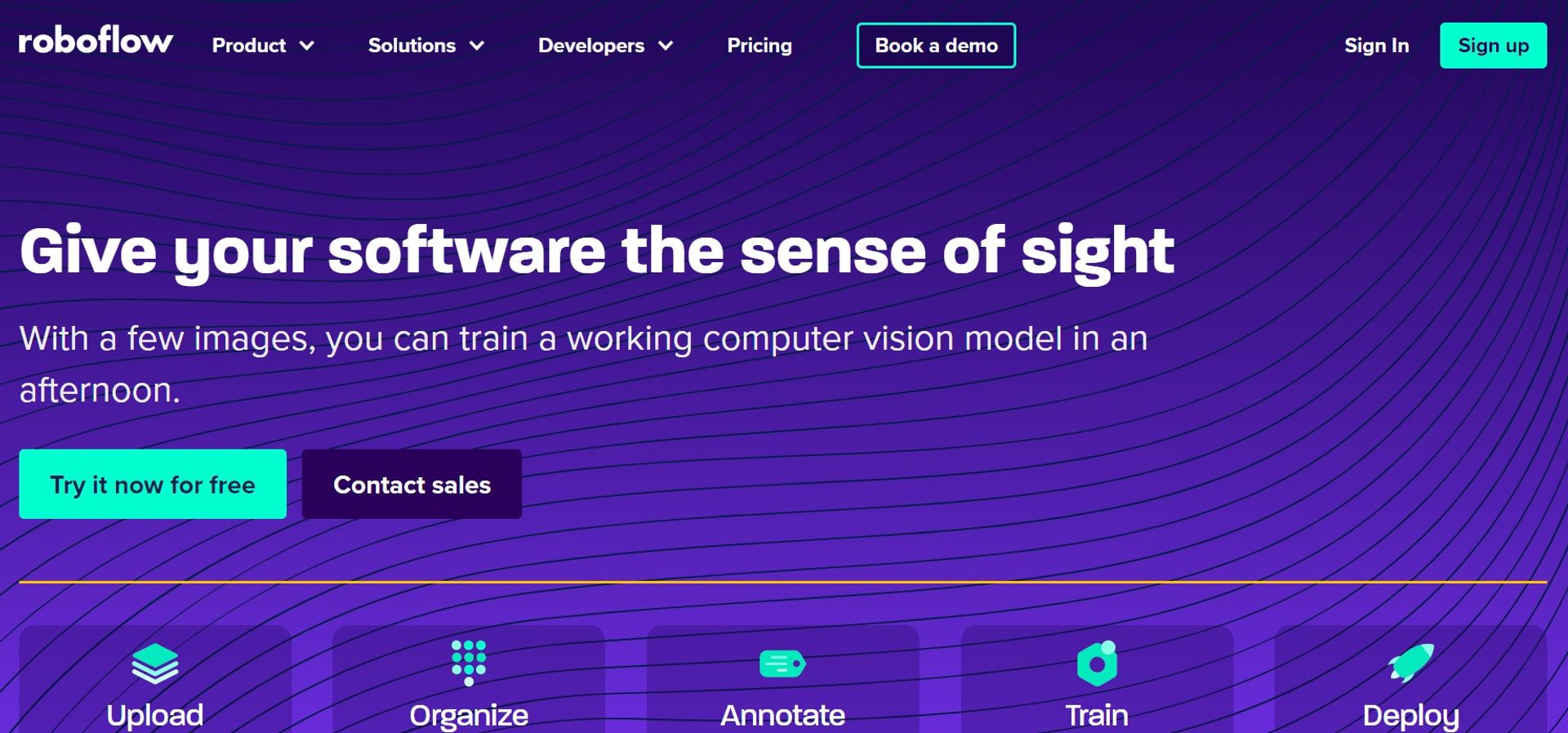
Strengths
- Intuitive User Interface: Roboflow's design facilitates a seamless user experience, making complex tasks more manageable.
- Time and Cost Savings: The hosted GPUs and pre-trained models save users time and financial resources.
- Wide Range of Integrations: Compatibility with various platforms and annotation formats enhances its versatility.
- Community and Support: With an active user forum and responsive support team, users can get help when needed.
Limitations
- Learning Curve for Beginners: New users may need time to get accustomed to the platform's extensive features.
- Dependence on External Data: The tool's efficacy relies on having access to quality datasets.
- Potential Overhead for Small Projects: Smaller projects might not require the full breadth of features offered, leading to underutilization.
What You Get
Key Features
- Versatile Dataset Management: Roboflow enables users to search, curate, and manage visual data effectively.
- Advanced Annotation Tools: Offers ultra-fast labeling in the browser with AI-assisted labeling and an auto-annotate API.
- Model Training and Improvement: Users can train custom models using hosted GPUs or leverage pre-trained models from Roboflow Universe.
- Scalable Deployment Options: Roboflow supports deployment across various platforms, including edge devices and cloud infrastructure.
- Collaborative Project Management: The platform provides tools for managing annotation projects with role-based access for data security.
- ProsIntuitive User Interface: Roboflow's design facilitates a seamless user experience, making complex tasks more manageable.Time and Cost Savings: The hosted GPUs and pre-trained models save users time and financial resources.Wide Range of Integrations: Compatibility with various platforms and annotation formats enhances its versatility.Community and Support: With an active user forum and responsive support team, users can get help when needed.ConsLearning Curve for Beginners: New users may need time to get accustomed to the platform's extensive features.Dependence on External Data: The tool's efficacy relies on having access to quality datasets.Potential Overhead for Small Projects: Smaller projects might not require the full breadth of features offered, leading to underutilization.
Best For
- Roboflow is utilized by a diverse range of users, from individual developers to large enterprises. Here are some of the primary user categories:
- Software Developers: Incorporating computer vision capabilities into applications.
- Data Scientists: Streamlining the creation and management of machine learning models.
- Academic Researchers: Conducting studies and experiments in computer vision.
- Tech Startups: Innovating new products and services utilizing image recognition.
- Uncommon Use Cases: Artists employing computer vision for interactive installations; Urban planners for analyzing satellite imagery.
Integrations
Multiple Deployment Platforms: Supports NVIDIA Jetson, Raspberry Pi, and other edge devices. Cloud Infrastructure: Integrates with AWS, GCP, and Azure for cloud deployments. Annotation Formats: Compatible with various annotation tools like LabelBox and CVAT. Training Frameworks: Works with TensorFlow, PyTorch, and other popular training frameworks.
Similar Tools



Weekly Issue
⚡
Project Management tools · weekly digest
The AI Weekly — free in your inbox
New AI tools, pricing changes, expert picks, and hidden gems — curated by Mr. Spark every week. Join 5,000+ readers who stay ahead of the AI curve.
No spam, ever
Unsubscribe anytime
100% free