
Pricing Details
Hobby: Free. Includes 50 credits per month (plus 50 bonus credits during beta), limited AI execution credits, and community support. Pro: $20 per month. Includes 500 credits per month, unlimited code completions, and priority support. Disclaimer: Please note that pricing information may not be up to date. For the most accurate and current pricing details, refer to the official Runcell website.
Product Visuals (1 images)
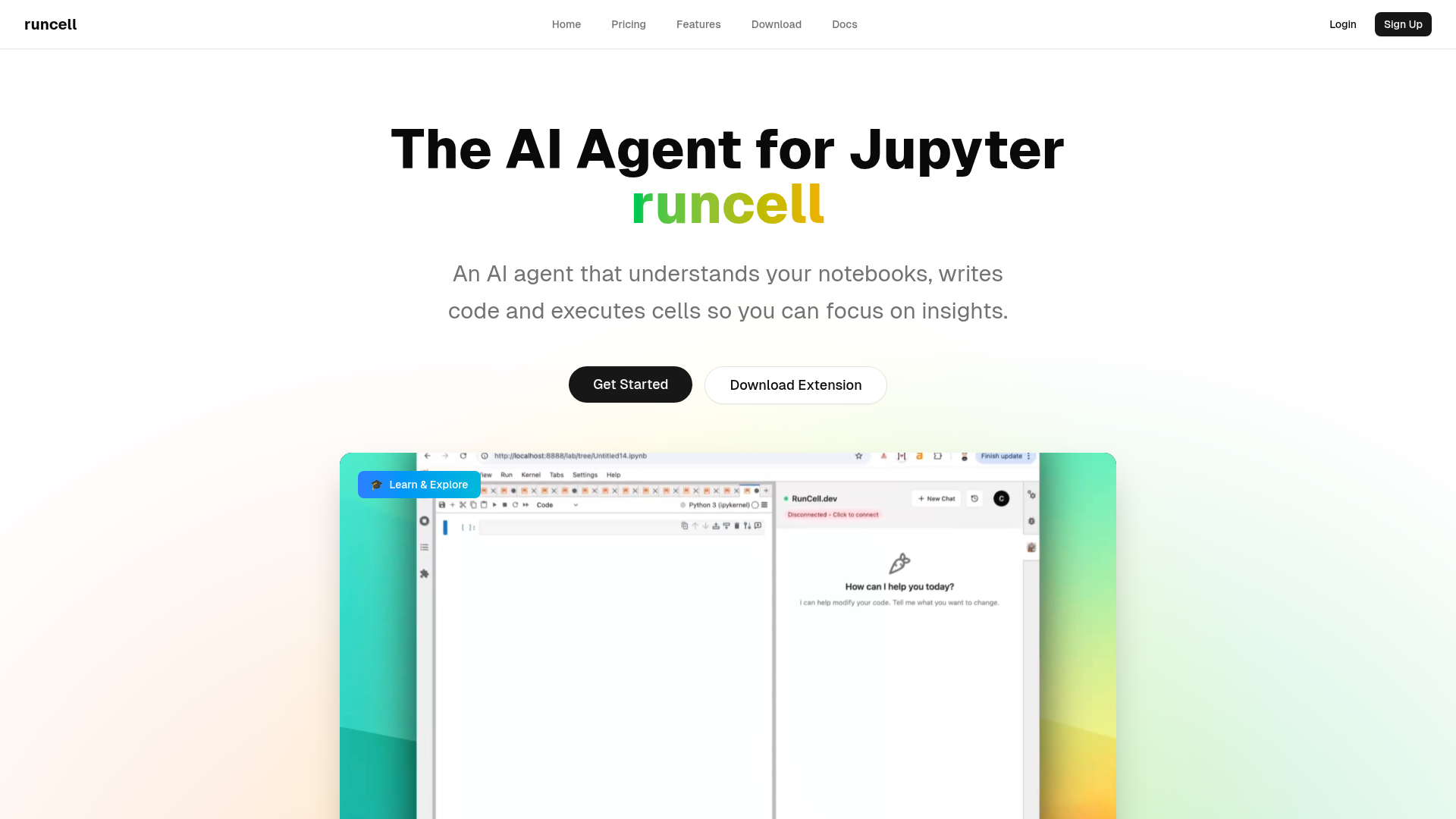
Strengths
- Time Efficiency: Automates repetitive tasks, allowing users to focus on more critical aspects of their projects.
- Enhanced Learning: The interactive learning mode provides a hands-on approach to understanding complex algorithms.
- User-Friendly: The integration with Jupyter notebooks makes it easy for users to adopt without a steep learning curve.
- Improved Code Quality: Smart editing features help in refining and optimizing code.
Limitations
- Initial Setup: Some users might find the initial setup process slightly challenging.
- Limited to Jupyter: Currently, Runcell is only compatible with Jupyter notebooks, which might limit its use for non-Jupyter users.
What You Get
Key Features
- Interactive Learning Mode: Runcell acts as an AI teacher, explaining complex concepts with live examples. This feature is particularly beneficial for learning the differences between algorithms like K-means and DBSCAN.
- Autonomous Agent Mode: Allows for full notebook automation, executing cells and completing workflows automatically, which significantly boosts productivity.
- Smart Edit Mode: Offers intelligent suggestions and code modifications, helping users enhance their notebooks with ease.
- AI-Enhanced Jupyter: Provides AI-generated solutions and smart recommendations, making it easier to troubleshoot and optimize code.
- ProsTime Efficiency: Automates repetitive tasks, allowing users to focus on more critical aspects of their projects.Enhanced Learning: The interactive learning mode provides a hands-on approach to understanding complex algorithms.User-Friendly: The integration with Jupyter notebooks makes it easy for users to adopt without a steep learning curve.Improved Code Quality: Smart editing features help in refining and optimizing code.ConsInitial Setup: Some users might find the initial setup process slightly challenging.Limited to Jupyter: Currently, Runcell is only compatible with Jupyter notebooks, which might limit its use for non-Jupyter users.
Best For
- Data Scientists: Leveraging Runcell to automate data analysis processes and enhance their understanding of different algorithms.
- Academic Researchers: Utilizing the interactive learning mode for teaching and explaining complex concepts to students.
- Software Developers: Employing Runcell to streamline workflow automation and improve code efficiency.
- Machine Learning Engineers: Using it to execute and optimize machine learning models within Jupyter.
- Uncommon Use Cases: Adopted by educational institutions for interactive teaching of data science courses; utilized by freelance data analysts to enhance their project workflows.
Similar Tools


Weekly Issue
⚡
Workflows tools · weekly digest
The AI Weekly — free in your inbox
New AI tools, pricing changes, expert picks, and hidden gems — curated by Mr. Spark every week. Join 5,000+ readers who stay ahead of the AI curve.
No spam, ever
Unsubscribe anytime
100% free