
Pricing Details
Scribe offers various pricing options to accommodate different needs and budgets. However, specific pricing details are subject to change, and users are encouraged to visit the Scribe website for the most current information. Free Tier: A robust free version is available, allowing teams to explore the core functionalities of Scribe. Pro Tier: For advanced features and capabilities, Scribe offers a Pro version. Pricing details are available upon request. Disclaimer: For the most accurate and current pricing details, refer to the official Scribe website.
Product Visuals (1 images)
Strengths
- Time Efficiency: Dramatically reduces the time required to document processes, making your team more productive.
- Ease of Use: Intuitive design and AI integration make it simple for anyone to create detailed guides, regardless of technical skill.
- Data Privacy: The automatic redaction of sensitive information ensures that your documentation complies with privacy regulations.
- Versatility: Suitable for a wide range of functions and industries, from HR to IT and beyond.
Limitations
- Learning Curve: New users may need time to fully explore and utilize all features effectively.
- Dependency on Tech: As a web and desktop-based tool, its effectiveness is contingent on the stability of your tech environment.
- Limited Offline Functionality: Primarily designed for online use, which could be a limitation in environments with poor internet connectivity.
What You Get
Key Features
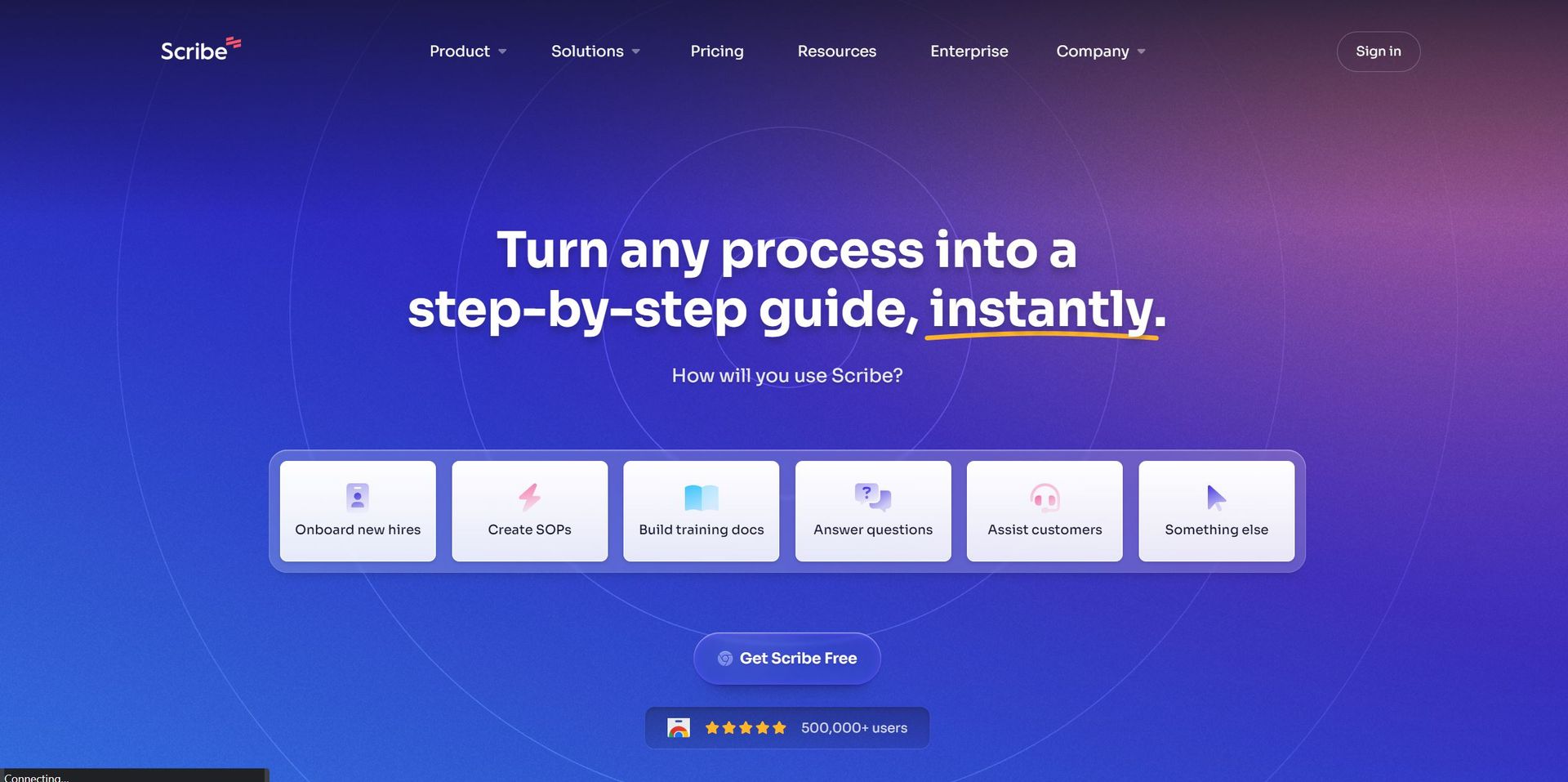
- Web & Desktop Process Capture: Scribe can capture any web or desktop-based process, automatically creating step-by-step guides.
- Automatic Step Instructions: Say goodbye to manually typing out instructions. Scribe does it for you, saving precious time and effort.
- AI-generated Process Documents: Utilize AI to effortlessly generate SOPs, training manuals, and process overviews.
- Sensitive Data Redaction: Automatically redacts sensitive employee or customer data from screenshots, ensuring compliance and privacy.
- Shareable Links & PDF Export: Easily share guides via email, embed them in wikis or Learning Management Systems (LMS), or export them as PDFs.
- Custom Branding: Add your company logo and colors to guides, creating professional-looking, on-brand documentation.
- ProsTime Efficiency: Dramatically reduces the time required to document processes, making your team more productive.Ease of Use: Intuitive design and AI integration make it simple for anyone to create detailed guides, regardless of technical skill.Data Privacy: The automatic redaction of sensitive information ensures that your documentation complies with privacy regulations.Versatility: Suitable for a wide range of functions and industries, from HR to IT and beyond.ConsLearning Curve: New users may need time to fully explore and utilize all features effectively.Dependency on Tech: As a web and desktop-based tool, its effectiveness is contingent on the stability of your tech environment.Limited Offline Functionality: Primarily designed for online use, which could be a limitation in environments with poor internet connectivity.
Best For
- Scribe is leveraged by a diverse array of sectors and professionals, demonstrating its versatility and widespread appeal.
- Operations Teams: For streamlining workflow and process documentation.
- Customer-Facing Teams: To create customer training materials and support documentation.
- Sales Ops & Enablement: For crafting step-by-step sales process guides.
- HR & L&D: Utilized for onboarding new hires and creating training materials.
- IT Teams: To document IT processes and troubleshoot guides.
- Uncommon Use Cases: Educational institutions use it for creating course materials, while freelancers adopt it to streamline their workflows.
Integrations
Scribe boasts a range of compatibilities and integrations designed to enhance its utility and ease of use. Browser Extensions: Available for Chrome, facilitating easy capture of web-based processes. Desktop App: Ensures that desktop processes can be captured with the same ease as web-based ones. Integration with LMS and Wikis: Allows for seamless embedding and sharing of guides in educational and knowledge base platforms. PDF Export: Guides can be exported as PDFs for offline access or distribution.
Similar Tools
Weekly Issue
⚡
Workflows tools · weekly digest
The AI Weekly — free in your inbox
New AI tools, pricing changes, expert picks, and hidden gems — curated by Mr. Spark every week. Join 5,000+ readers who stay ahead of the AI curve.
No spam, ever
Unsubscribe anytime
100% free