
Pricing Details
Free Trial: Smartsheet offers a free trial which provides a good opportunity to test its features before committing to a subscription. Standard Plans: Pricing starts at a competitive rate, though specific figures are better obtained directly from the Smartsheet website to ensure accuracy. Disclaimer: Please note that pricing information may not be up to date. For the most accurate and current pricing details, refer to the official Smartsheet website.
Product Visuals (1 images)
Strengths
- Enhanced Productivity: Automates repetitive tasks and streamlines project management processes.
- Scalability: Adapts to a wide range of business sizes and types, from small teams to large enterprises.
- User-Friendly Interface: Despite its extensive functionalities, Smartsheet maintains an intuitive interface that is easy to navigate.
- Strong Security Measures: Offers robust security features, ensuring data integrity and compliance with industry standards.
Limitations
- Learning Curve: New users may require some time to fully leverage the extensive features offered by the platform.
- Cost Implication: While offering significant value, Smartsheet can be considered pricey for smaller businesses or startups.
- Heavy Reliance on Internet: Being a cloud-based platform, a stable internet connection is crucial for uninterrupted access.
Building your AI toolkit?
Save Smartsheet and 1,000+ tools — free with Google, no spam
What You Get
Key Features
- Automation: Smartsheet's powerful automation capabilities allow for the creation of intelligent workflows that reduce manual tasks and improve efficiency.
- Team Collaboration: The platform fosters team collaboration by providing shared views, updates, and real-time editing.
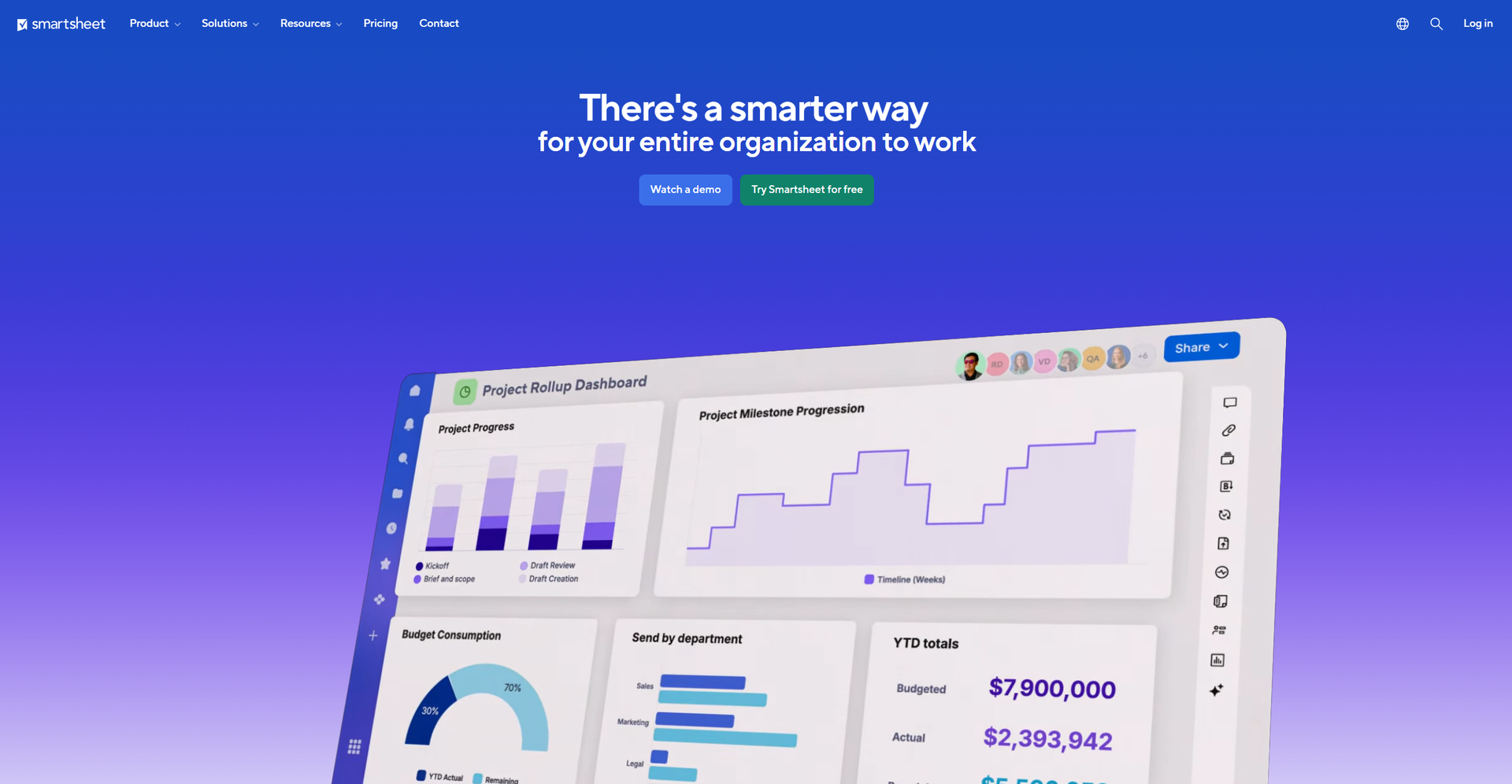
- Dashboards and Reporting: With customizable dashboards and reporting tools, users can gain insights into project performance and make data-driven decisions.
- Integration Capabilities: Smartsheet boasts extensive integration options with popular tools like Microsoft Teams, Google Workspace, and more, ensuring seamless workflow across various platforms.
- No Code Work Apps: The tool includes features for building custom applications without the need for coding, making it accessible to users without technical expertise.
- ProsEnhanced Productivity: Automates repetitive tasks and streamlines project management processes.Scalability: Adapts to a wide range of business sizes and types, from small teams to large enterprises.User-Friendly Interface: Despite its extensive functionalities, Smartsheet maintains an intuitive interface that is easy to navigate.Strong Security Measures: Offers robust security features, ensuring data integrity and compliance with industry standards.ConsLearning Curve: New users may require some time to fully leverage the extensive features offered by the platform.Cost Implication: While offering significant value, Smartsheet can be considered pricey for smaller businesses or startups.Heavy Reliance on Internet: Being a cloud-based platform, a stable internet connection is crucial for uninterrupted access.
Best For
- Enterprise-Level Companies: Utilizing the platform for managing large-scale projects and operations.
- Marketing Agencies: Employing Smartsheet for campaign management and client collaboration.
- Nonprofits: Leveraging the tool for organizing fundraising events and volunteer coordination.
- Educational Institutions: Using Smartsheet for administrative management and student projects.
- Uncommon Use Cases: Used by event planners for seamless event management; adopted by healthcare providers for managing patient care coordination.
Integrations
Similar Tools



Project Management tools · weekly digest
The AI Weekly — free in your inbox
New AI tools, pricing changes, expert picks, and hidden gems — curated by Mr. Spark every week. Join 5,000+ readers who stay ahead of the AI curve.