
Pricing Details
Enterprise Subscription: Custom pricing based on specific business needs and usage. Professional Services: Available to assist with implementation and optimization. Disclaimer: Please note that pricing information may not be up to date. For the most accurate and current pricing details, refer to the official SnapLogic website.
Product Visuals (1 images)
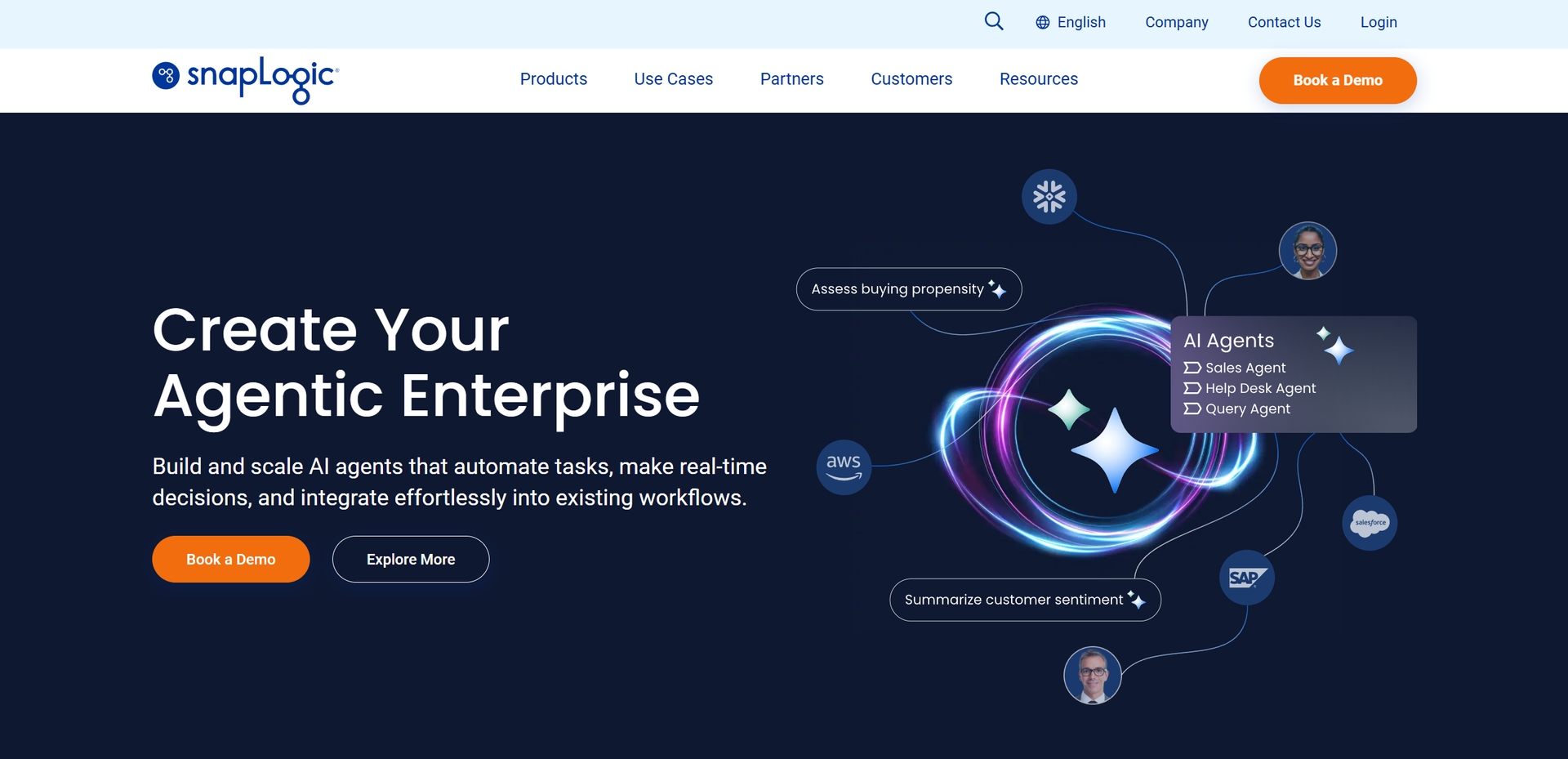
Strengths
- Scalability: Easily scales to accommodate growing data and integration needs.
- User-Friendly Experience: The visual interface simplifies complex integrations for users of varying technical expertise.
- Robust Security: Offers comprehensive security features to protect sensitive data during integration processes.
- Comprehensive Support: Provides extensive documentation and support resources to assist users at every step.
Limitations
- Initial Learning Curve: While user-friendly, mastering all features may take some time for beginners.
- Pricing Complexity: The pricing structure can be complex and may require consultation for full clarity.
- Limited Offline Capabilities: Primarily cloud-based, which may not suit organizations with offline needs.
Building your AI toolkit?
Save SnapLogic and 1,000+ tools — free with Google, no spam
What You Get
Key Features
- AI-Powered Integration: SnapLogic leverages machine learning to automate routine tasks, reducing the need for manual intervention and enhancing efficiency.
- Visual Designer: The intuitive drag-and-drop interface allows users to design integration workflows without extensive coding knowledge.
- Pre-built Connectors: With a vast library of pre-configured connectors, SnapLogic facilitates seamless integration with popular applications and services.
- Real-Time Data Processing: Enables real-time data movement and transformation, ensuring up-to-date information is always available for business operations.
- ProsScalability: Easily scales to accommodate growing data and integration needs.User-Friendly Experience: The visual interface simplifies complex integrations for users of varying technical expertise.Robust Security: Offers comprehensive security features to protect sensitive data during integration processes.Comprehensive Support: Provides extensive documentation and support resources to assist users at every step.ConsInitial Learning Curve: While user-friendly, mastering all features may take some time for beginners.Pricing Complexity: The pricing structure can be complex and may require consultation for full clarity.Limited Offline Capabilities: Primarily cloud-based, which may not suit organizations with offline needs.
Best For
- Enterprise IT Departments: Utilizing SnapLogic to streamline data integration and improve operational efficiency.
- Business Analysts: Employing the tool to automate and analyze data workflows.
- Data Scientists: Leveraging its capabilities for data preparation and real-time analytics.
- Software Developers: Using SnapLogic to integrate various applications and services seamlessly.
- Uncommon Use Cases:
- Utilized by healthcare organizations for patient data integration.
- Adopted by logistics companies to optimize supply chain operations.
Similar Tools
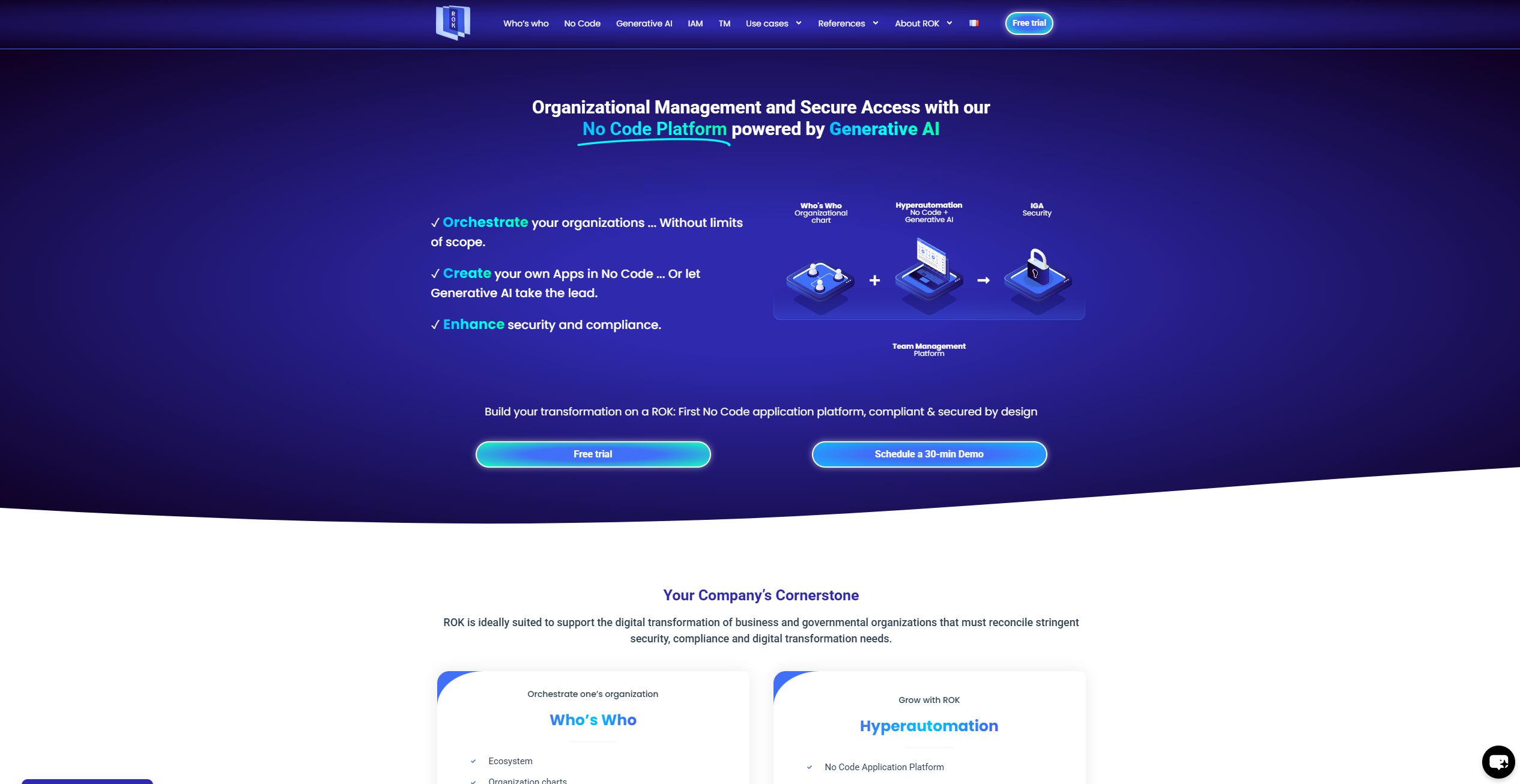
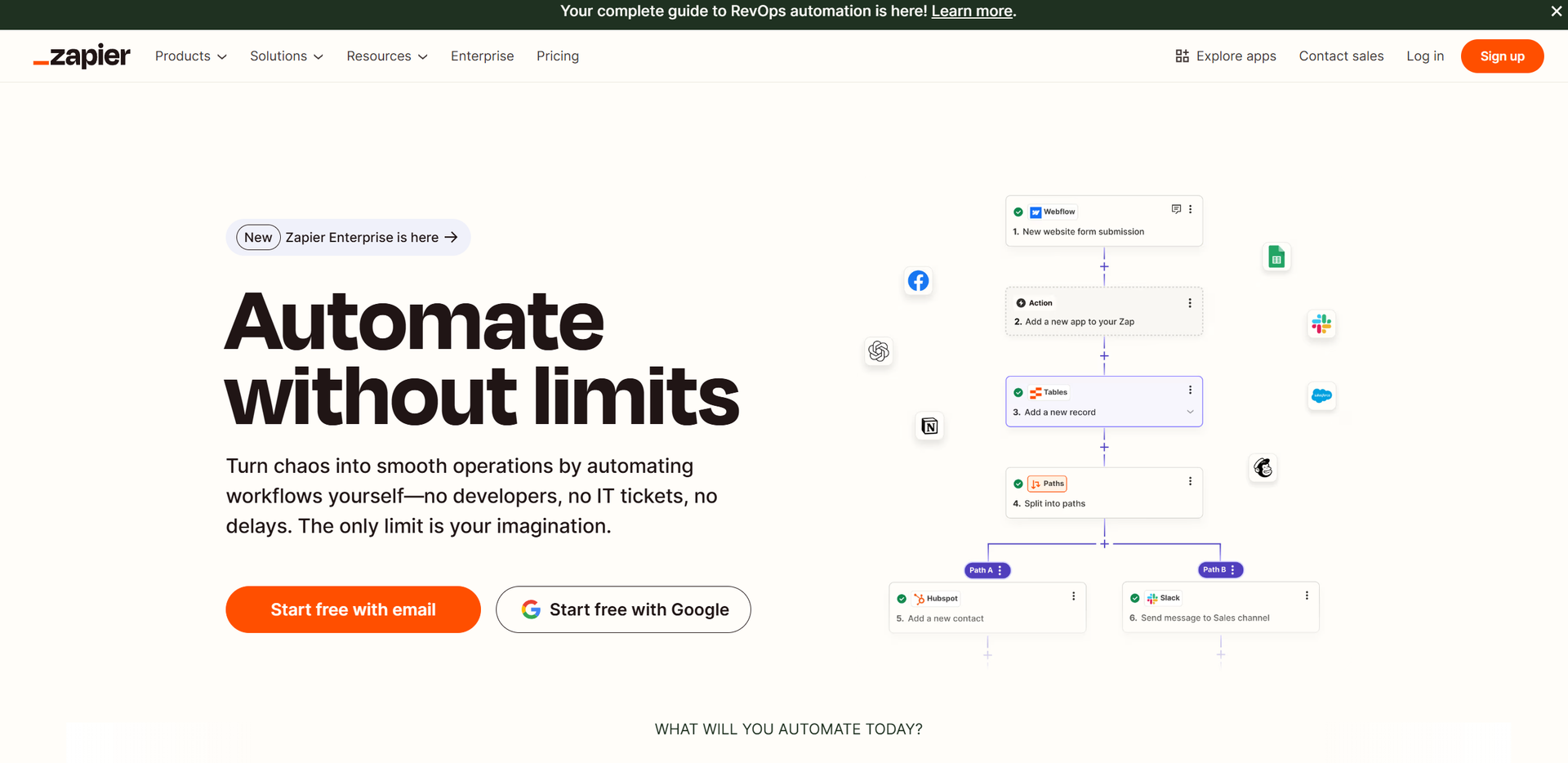
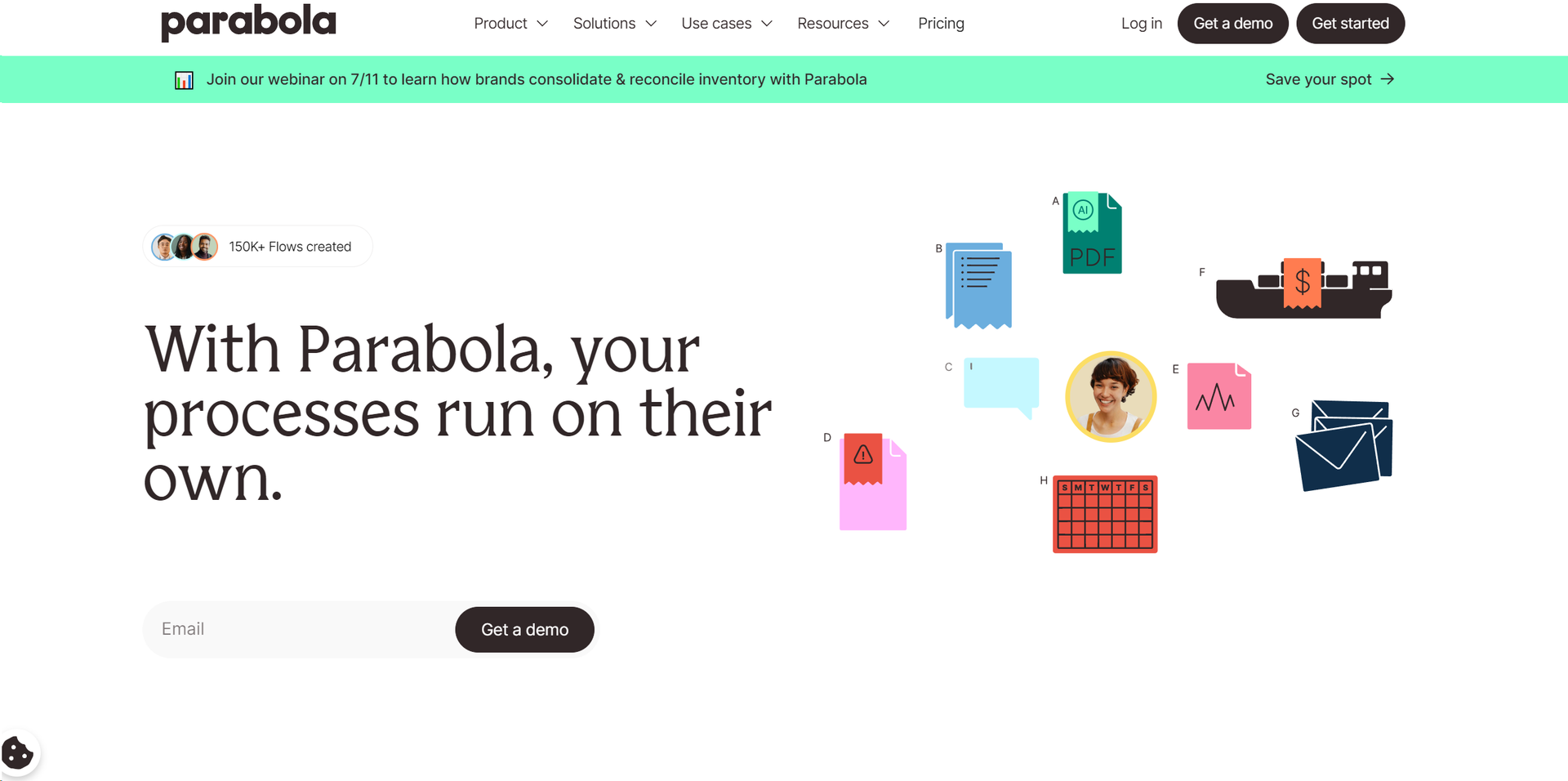
Weekly Issue
⚡
Workflows tools · weekly digest
The AI Weekly — free in your inbox
New AI tools, pricing changes, expert picks, and hidden gems — curated by Mr. Spark every week. Join 5,000+ readers who stay ahead of the AI curve.
No spam, ever
Unsubscribe anytime
100% free