
Pricing Details
Free Tier: Get started with SYNQ with a basic set of features at no cost. Premium Tier: For advanced features and enhanced support, the Premium tier starts at $10 per month. Disclaimer: For the most accurate and current pricing details, refer to the official SYNQ website.
Product Visuals (1 images)
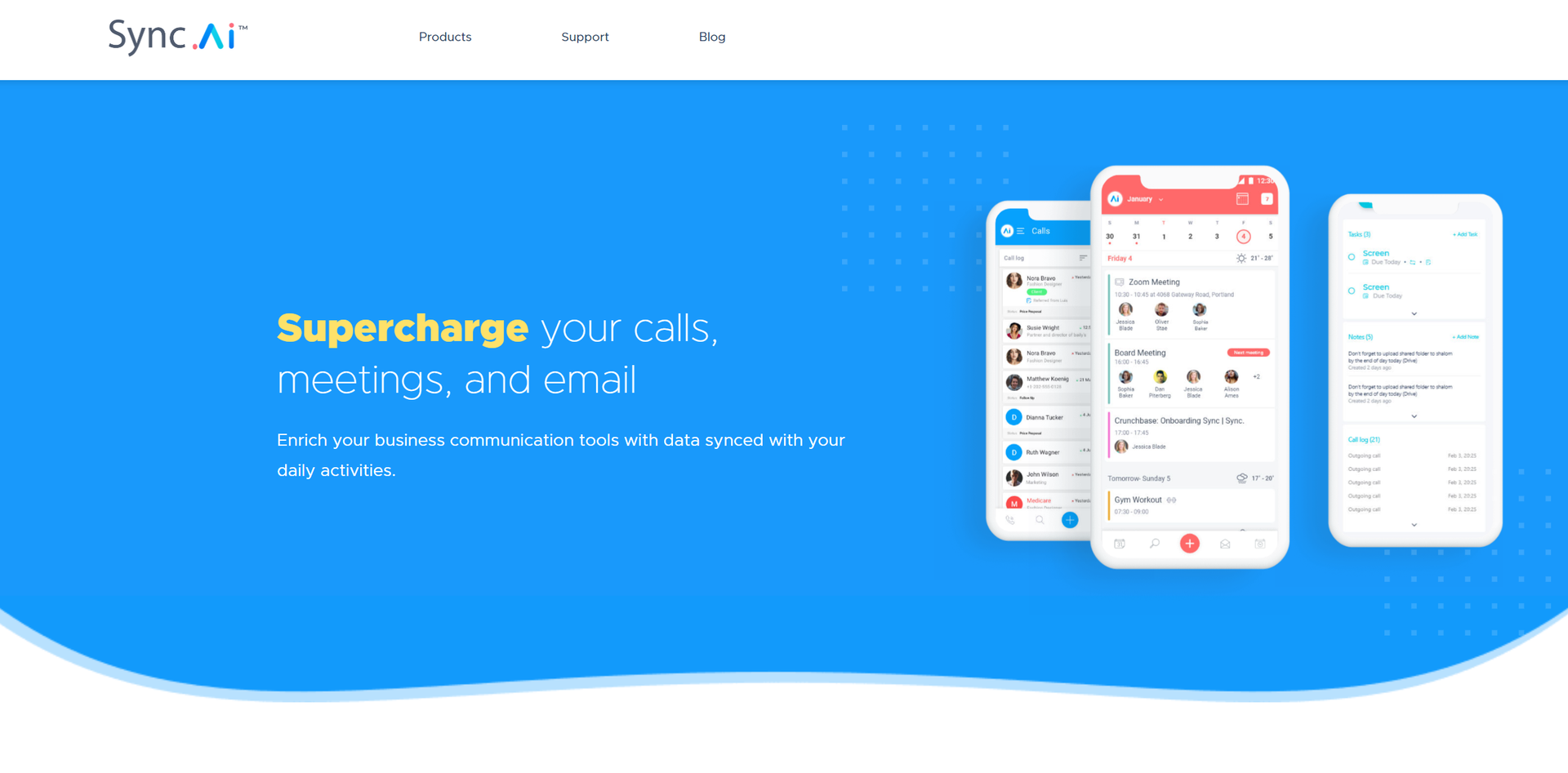
What You Get
Key Features
- Calendar.AI Integration: Synchronizes your calendar with communication tools to optimize scheduling and provide timely reminders.
- Calls.AI Functionality: Transforms your dialer into a smart CRM, enabling effective management of calls and task prioritization.
- Sync.AI Mail: Integrates critical information from emails, offering insights about contacts’ online presence and company data.
- Data Enrichment: Displays third-party business data about leads, customers, and companies directly in your communication tools.
- Smart Scheduling: Uses intelligent algorithms to suggest optimal meeting times, reducing the hassle of back-and-forth scheduling.
- Pros
- Enhanced Productivity: Automates and synchronizes tasks to reduce time spent on manual data entry and scheduling.
- Data Accessibility: Provides immediate access to essential business data during calls or before meetings.
- Seamless Integration: Works cohesively with existing business tools, enhancing functionality without disrupting existing workflows.
- User-Friendly Interface: Offers an intuitive interface that eases the adoption and maximizes the utility of new features.
- Cons
- Initial Setup Complexity: Requires initial time investment to integrate and customize according to specific business needs.
- Overwhelming Features: For smaller teams, the wide array of features might be overwhelming at first.
- Dependency on Internet Connectivity: Performance is heavily reliant on stable internet connection.
Best For
- Sales Professionals: Utilize SYNQ to keep track of customer interactions and optimize their sales processes.
- Project Managers: Leverage the tool to maintain oversight of project timelines and team communications.
- HR Managers: Employ SYNQ for scheduling interviews and managing communications with potential candidates.
- Marketing Teams: Use SYNQ to coordinate campaign launches and integrate customer feedback into marketing strategies.
- Uncommon Use Cases: Non-profits use SYNQ to coordinate volunteer events and donor communications; Educational institutions apply it to manage faculty and student interactions.
Integrations
CRM Integration: Easily connects with popular CRM systems to enhance customer relationship management. API Access: Offers developers the ability to create custom integrations and extensions. Cloud-Based: Fully cloud-based, allowing for access from any device, anywhere. Email Platforms: Integrates with major email platforms to streamline communication workflows.
Similar Tools



Weekly Issue
⚡
Project Management tools · weekly digest
The AI Weekly — free in your inbox
New AI tools, pricing changes, expert picks, and hidden gems — curated by Mr. Spark every week. Join 5,000+ readers who stay ahead of the AI curve.
No spam, ever
Unsubscribe anytime
100% free