
Pricing Details
Free Plan: A no-cost option that provides core functionalities of Tabnine. Pro Plan: Advanced features and extended capabilities for professional developers. Disclaimer: For the most up-to-date pricing, please visit the Tabnine website.
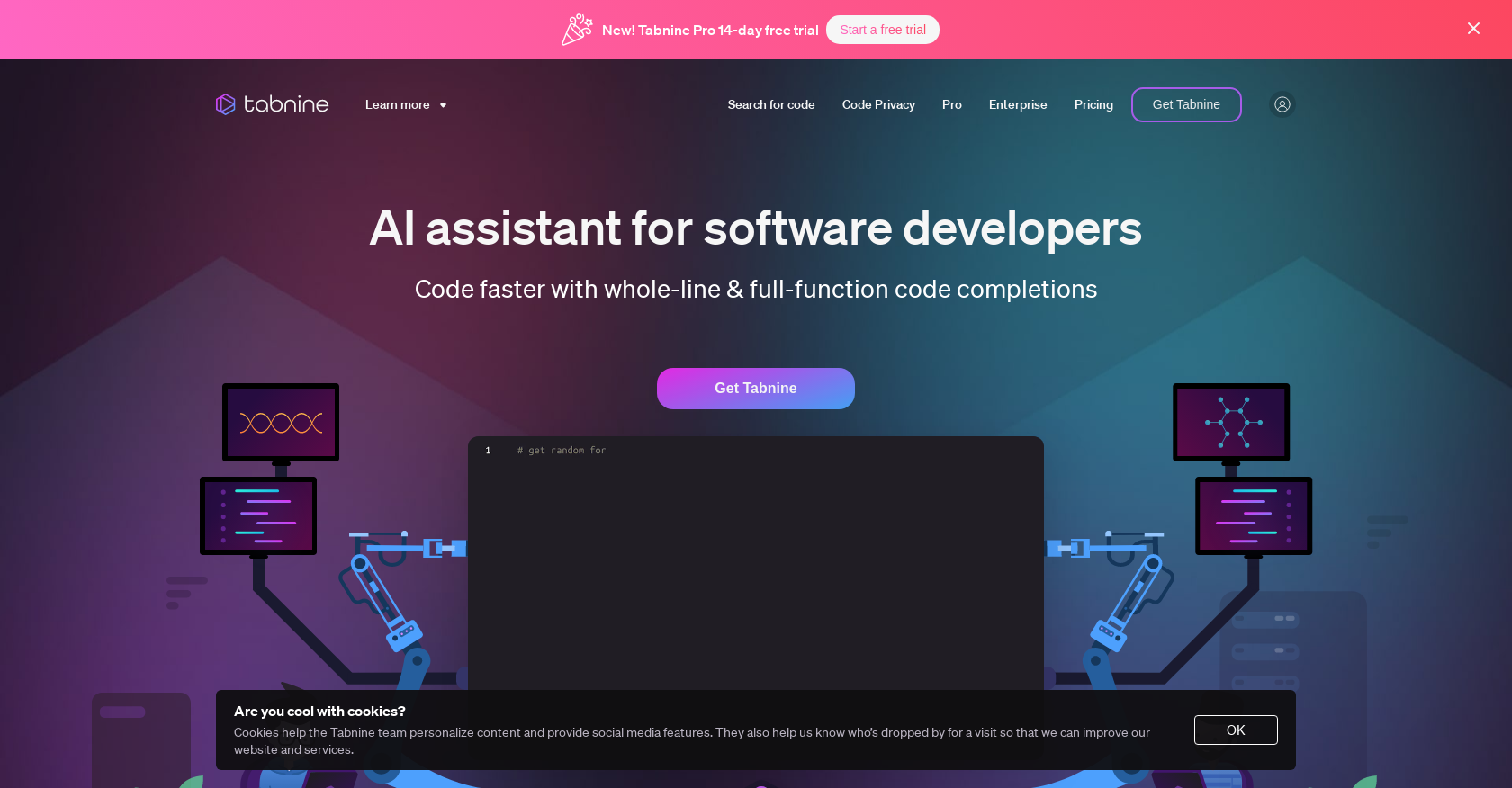
Product Visuals (1 images)
Strengths
- Enhanced Productivity: With Tabnine, I've noticed a significant reduction in the time it takes to write code, thanks to its intelligent suggestions.
- Ease of Use: The tool is user-friendly and integrates effortlessly into the coding workflow.
- Privacy and Security: Tabnine's commitment to privacy means you don't have to worry about sensitive code being exposed.
- Customization: The ability to tailor the AI to your specific coding standards is a huge plus.
Limitations
- Learning Curve: New users may need time to get accustomed to the AI's suggestions and integrate them into their coding process.
- Dependence on Internet: For the best performance, a stable internet connection is required, which might be a limitation in some scenarios.
- Resource Usage: Depending on the complexity of the project, Tabnine could potentially use a significant amount of system resources.
What You Get
Key Features
- AI-Powered Code Completions: Tabnine uses machine learning algorithms to provide smart code suggestions, helping you code faster and more efficiently.
- Personalized Experience: The tool adapts to your coding style and preferences to offer tailored recommendations.
- Privacy-Focused: Tabnine emphasizes the importance of keeping your codebase private and secure, ensuring that your intellectual property is protected.
- Broad IDE Compatibility: Whether you use VSCode, IntelliJ, or any other popular IDE, Tabnine is designed to work smoothly with your development environment.
- ProsEnhanced Productivity: With Tabnine, I've noticed a significant reduction in the time it takes to write code, thanks to its intelligent suggestions.Ease of Use: The tool is user-friendly and integrates effortlessly into the coding workflow.Privacy and Security: Tabnine's commitment to privacy means you don't have to worry about sensitive code being exposed.Customization: The ability to tailor the AI to your specific coding standards is a huge plus.ConsLearning Curve: New users may need time to get accustomed to the AI's suggestions and integrate them into their coding process.Dependence on Internet: For the best performance, a stable internet connection is required, which might be a limitation in some scenarios.Resource Usage: Depending on the complexity of the project, Tabnine could potentially use a significant amount of system resources.
Best For
- Software Development Companies: Streamlining the coding process for faster project turnaround.
- Freelance Developers: Enhancing productivity when working on diverse projects.
- Educational Institutions: Assisting students in learning coding practices and standards.
- AI Research Teams: Incorporating Tabnine for developing cutting-edge software applications.
- Uncommon Use Cases: Non-profit organizations using Tabnine to maintain their websites; bloggers integrating Tabnine to develop custom plugins for their platforms.
Integrations
IDE Support: Works with Visual Studio Code, IntelliJ, WebStorm, PyCharm, and more. Enterprise-Grade Security: SOC 2 and GDPR compliance assure users of the highest security standards. Private Cloud Options: Offers the choice of on-premises or virtual private cloud deployments for full control over data. Custom AI Models: The ability to develop bespoke models based on your codebase.
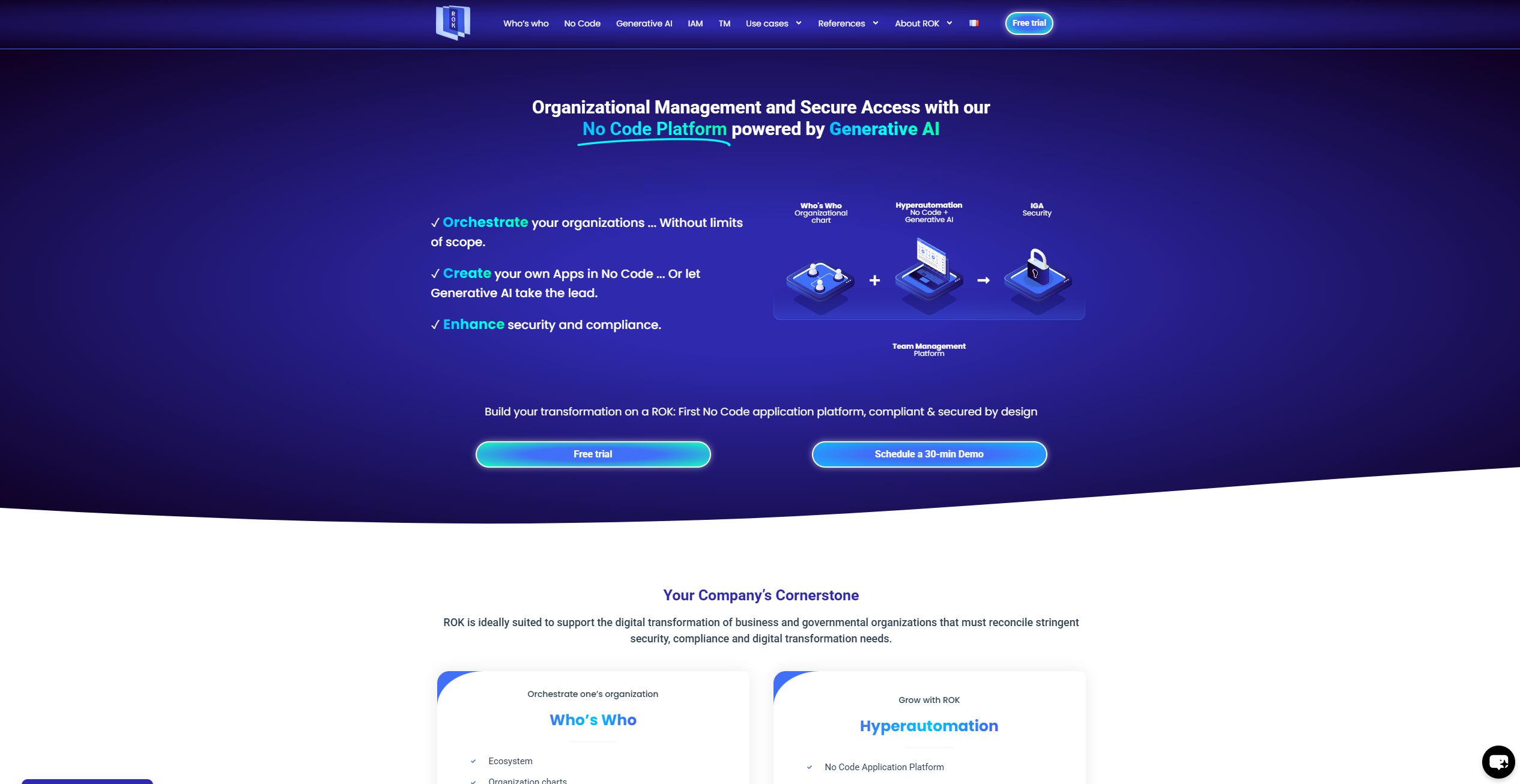
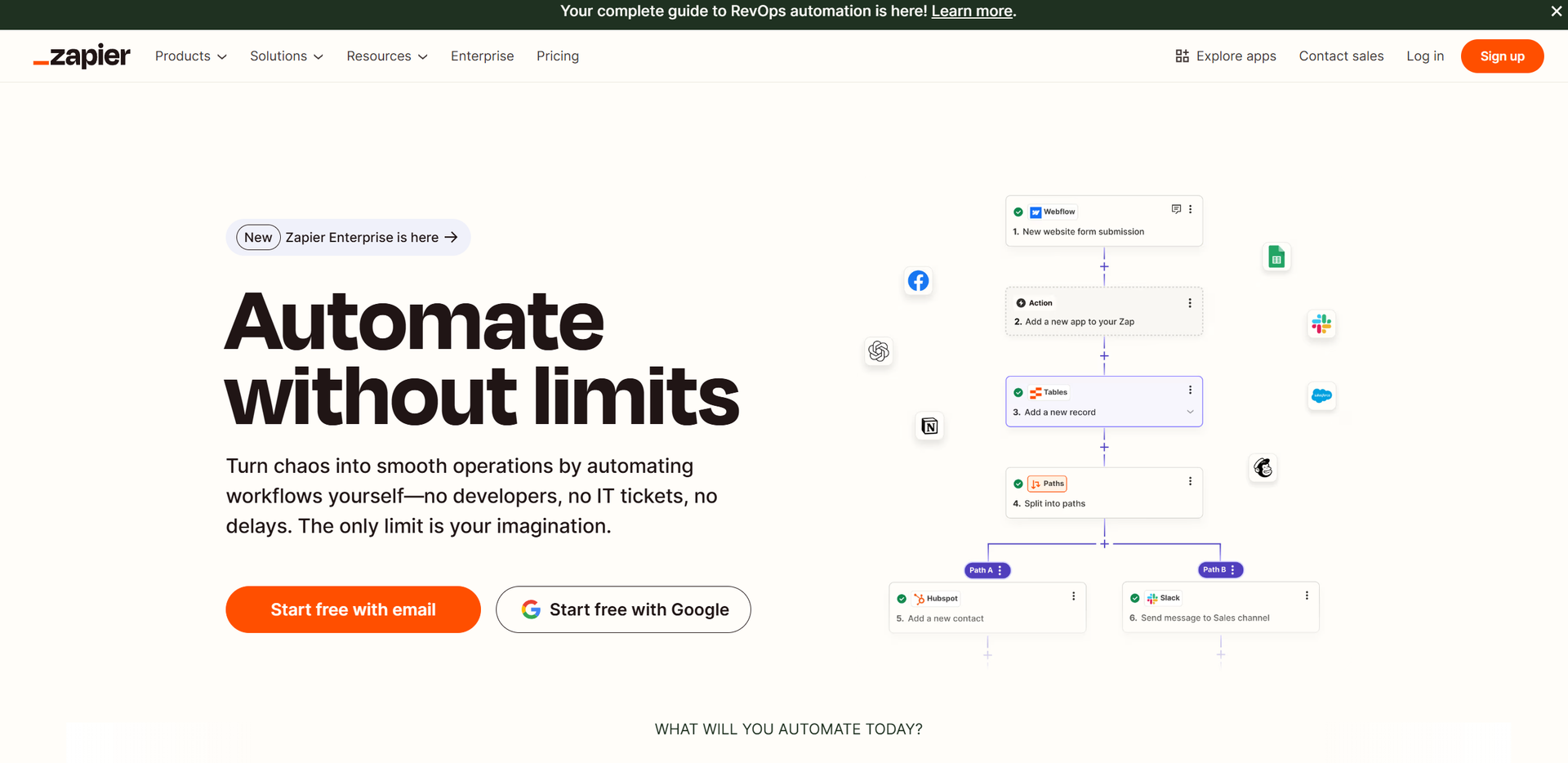
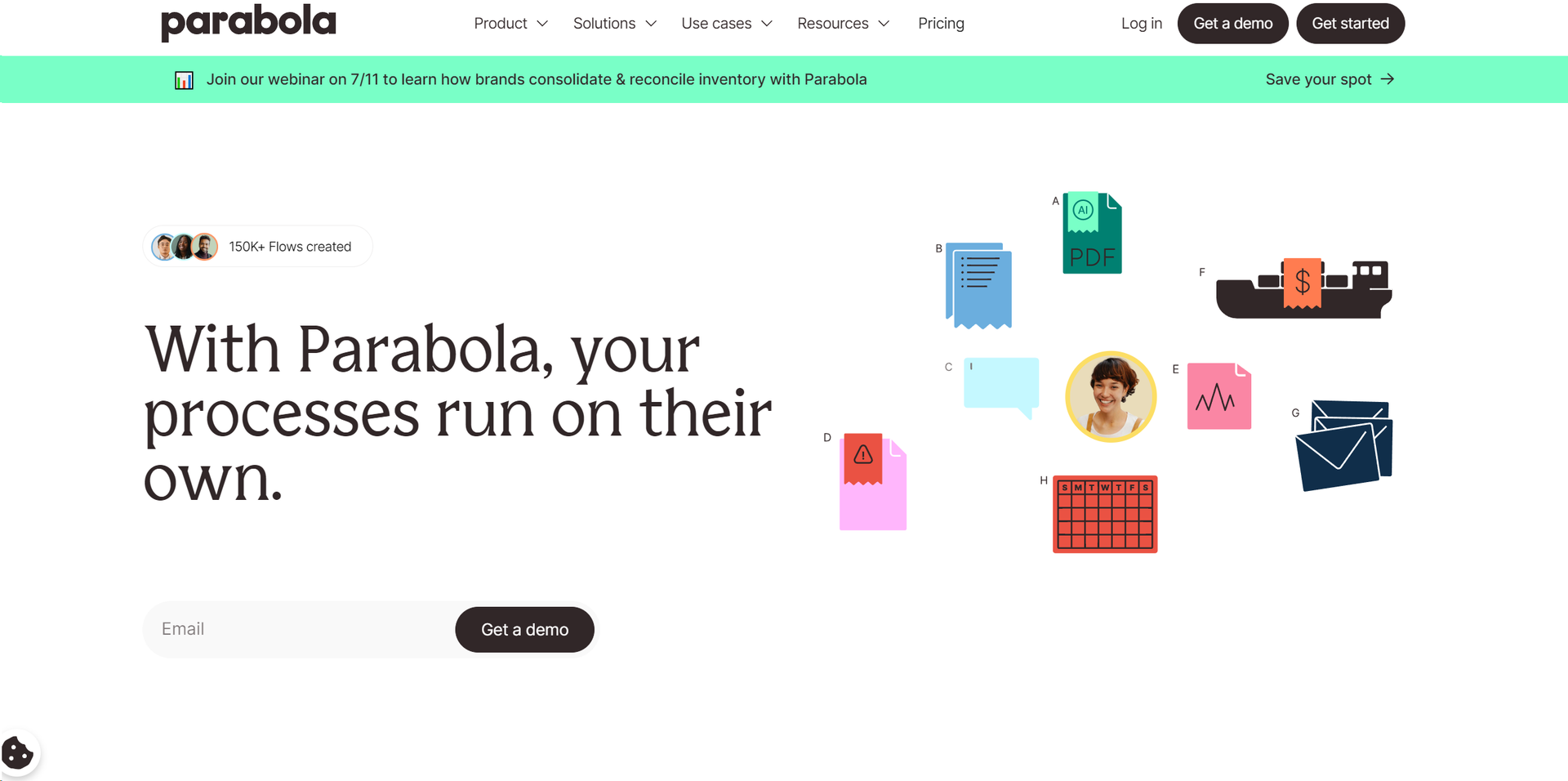
Similar Tools
Weekly Issue
⚡
Workflows tools · weekly digest
The AI Weekly — free in your inbox
New AI tools, pricing changes, expert picks, and hidden gems — curated by Mr. Spark every week. Join 5,000+ readers who stay ahead of the AI curve.
No spam, ever
Unsubscribe anytime
100% free