
Pricing Details
Free Plan: $0 per month. Includes 50 credits daily, 1 GB file storage, and access to top-up packages. For 1 user. Start Plan: $8 per month. Offers 1,500 credits and 3 GB of file storage monthly. Ideal for small tasks. Pro Plan: $18 per month. Includes 4,000 credits and 10 GB of storage per month. Recommended for active users. Premium Plan: $45 per month. Provides 10,000 monthly credits and 100 GB file storage for maximum usage needs. Disclaimer: Please note that pricing information may not be up to date. For the most accurate and current pricing details, refer to the official Tila website.
Product Visuals (1 images)
Strengths
- User-Friendly Interface: The visual workspace is intuitive, making it easy for users to manage and execute complex tasks without technical expertise.
- Versatility in Content Creation: Supports a wide array of content formats, including text, image, video, and audio, catering to various creative needs.
- Access to Leading AI Models: Instant access to top AI models ensures high-quality outputs across different tasks.
- Integration Capabilities: Supports integration with external services via HTTP API, enhancing its adaptability to existing workflows.
Limitations
- Initial Learning Curve: While the interface is user-friendly, new users may need time to explore and fully utilize the platform's extensive features.
- Credit-Based Usage: The free version operates on a credit system, which may limit usage for extensive tasks without a paid plan.
What You Get
Key Features
- Multi-Agent AI Platform: Tila integrates multiple AI models like GPT-4o and Claude, allowing for a diverse range of AI-powered tasks.
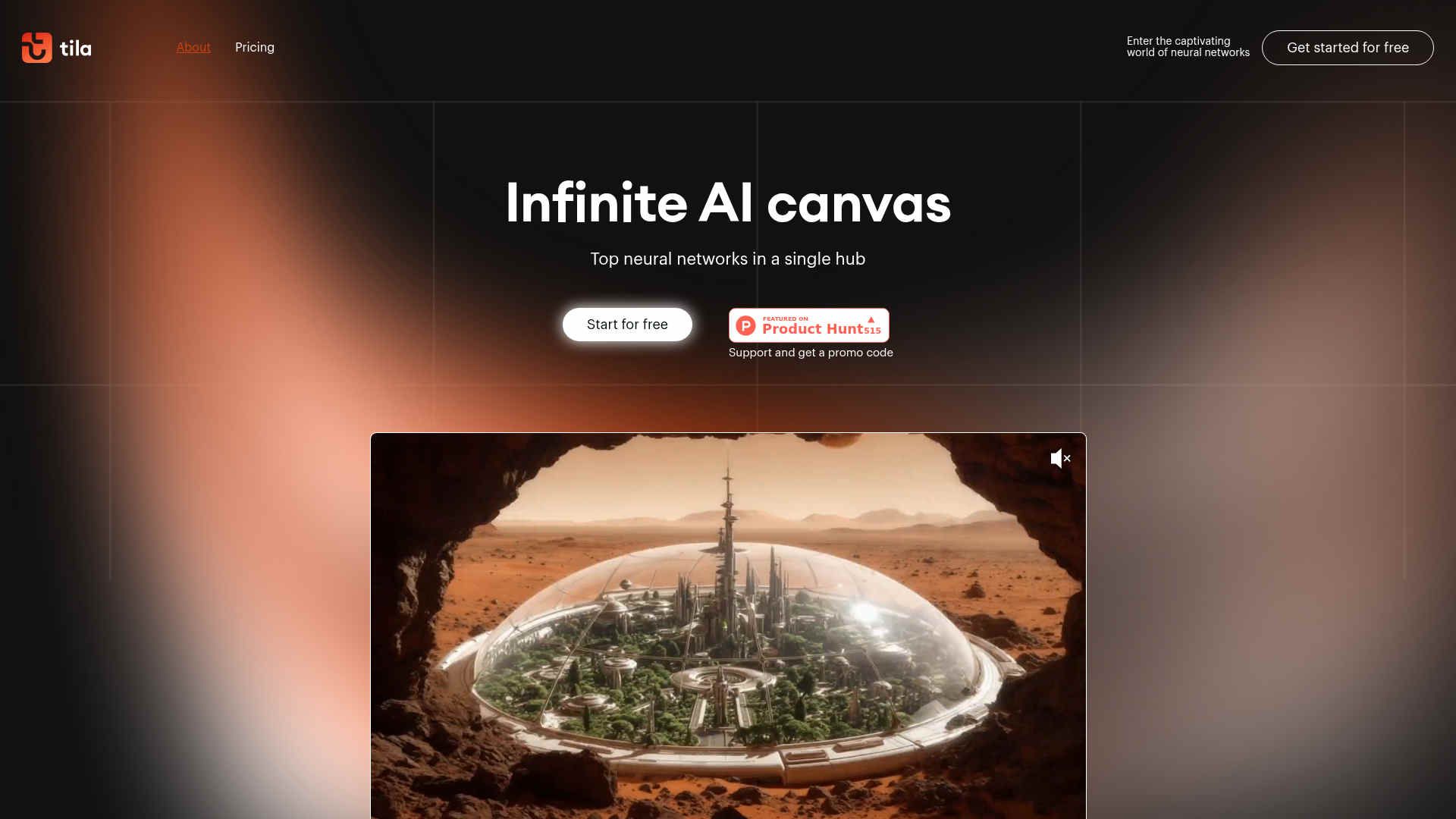
- Infinite AI Canvas: Users can visually connect AI agents and tools on an expansive canvas, facilitating seamless task management and creative workflows.
- Content Creation Tools: From image and video generation to text editing and audio transcription, Tila offers comprehensive tools for diverse content needs.
- Smart Multi-Agent Technology: AI agents act as personal assistants, orchestrating workflows and generating optimal prompts for efficient task automation.
- ProsUser-Friendly Interface: The visual workspace is intuitive, making it easy for users to manage and execute complex tasks without technical expertise.Versatility in Content Creation: Supports a wide array of content formats, including text, image, video, and audio, catering to various creative needs.Access to Leading AI Models: Instant access to top AI models ensures high-quality outputs across different tasks.Integration Capabilities: Supports integration with external services via HTTP API, enhancing its adaptability to existing workflows.ConsInitial Learning Curve: While the interface is user-friendly, new users may need time to explore and fully utilize the platform's extensive features.Credit-Based Usage: The free version operates on a credit system, which may limit usage for extensive tasks without a paid plan.
Best For
- Marketing Professionals: Utilizing Tila for campaign content creation and automation.
- App Developers: Leveraging AI tools for app design and development.
- Content Creators: Employing Tila for generating and editing multimedia content.
- Data Analysts: Using Tila's data search and analysis features for insightful reporting.
- Uncommon Use Cases: Adopted by educational institutions for teaching AI and automation; Used by event planners for creating promotional materials.
Similar Tools



Project Management tools · weekly digest
The AI Weekly — free in your inbox
New AI tools, pricing changes, expert picks, and hidden gems — curated by Mr. Spark every week. Join 5,000+ readers who stay ahead of the AI curve.